Data & docs2 min read
How to Convert XML to JSON Without Losing Attributes
Turn XML feeds, SOAP responses and exports into JSON. Attributes are kept with an @_ prefix, so no information is lost.
By the ZapMorph team
On this page
Just want it done?
Open the XML to JSON Converter — it runs in your browser and nothing is uploaded.
XML is still everywhere in enterprise systems, banking, government data, RSS feeds and older APIs. Most modern code prefers JSON. Converting lets you work with that data in JavaScript, Python or any JSON tool.
Example
<products>
  <product id="101" currency="EUR">
    <name>Ceramic mug</name>
    <price>12.50</price>
  </product>
  <product id="102" currency="EUR">
    <name>Linen towel</name>
    <price>18.00</price>
  </product>
</products>
becomes (abbreviated):
{
  "products": {
    "product": [
      { "@_id": 101, "@_currency": "EUR", "name": "Ceramic mug", "price": 12.5 },
      { "@_id": 102, "@_currency": "EUR", "name": "Linen towel", "price": 18 }
    ]
  }
}
How to convert XML to JSON with ZapMorph
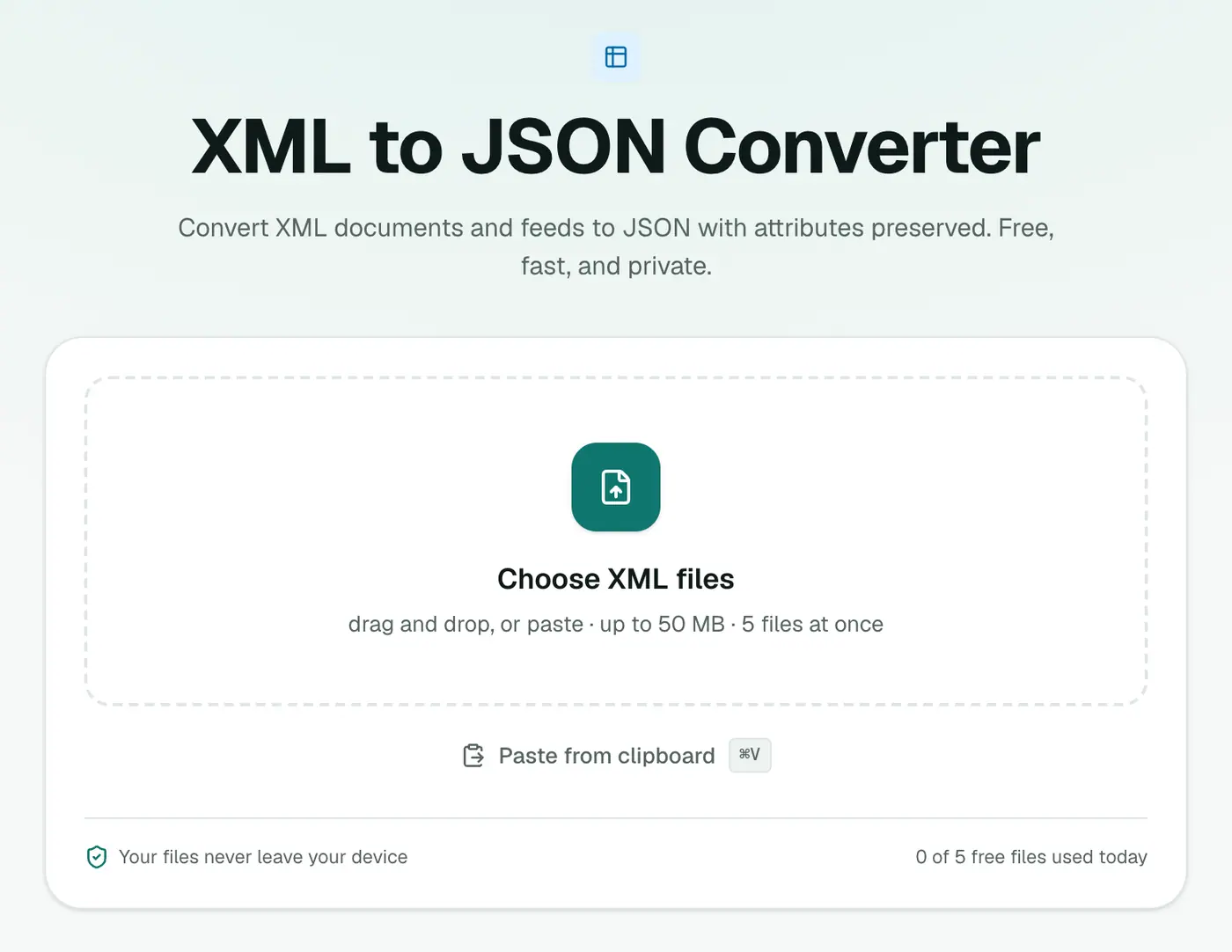
1. Open the converter
Go to the XML to JSON converter.
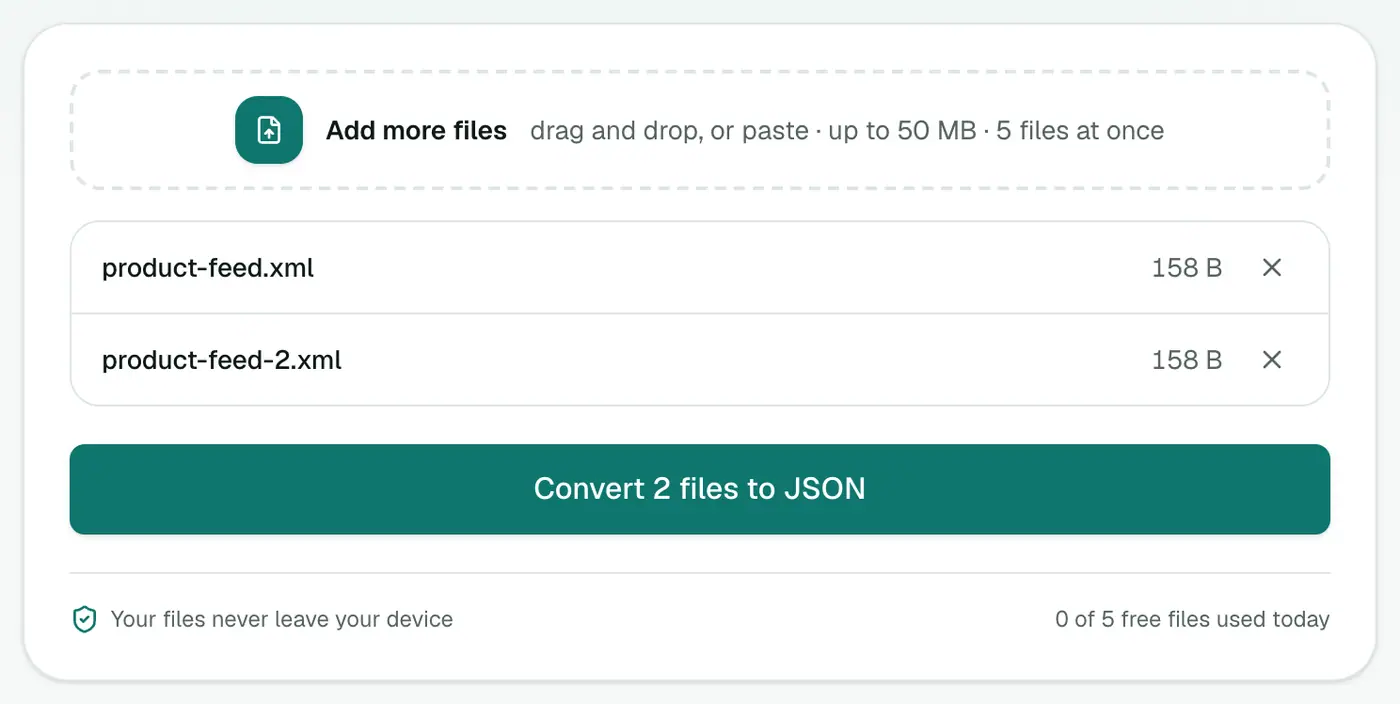
2. Add your XML
Drop in .xml files or paste XML text.
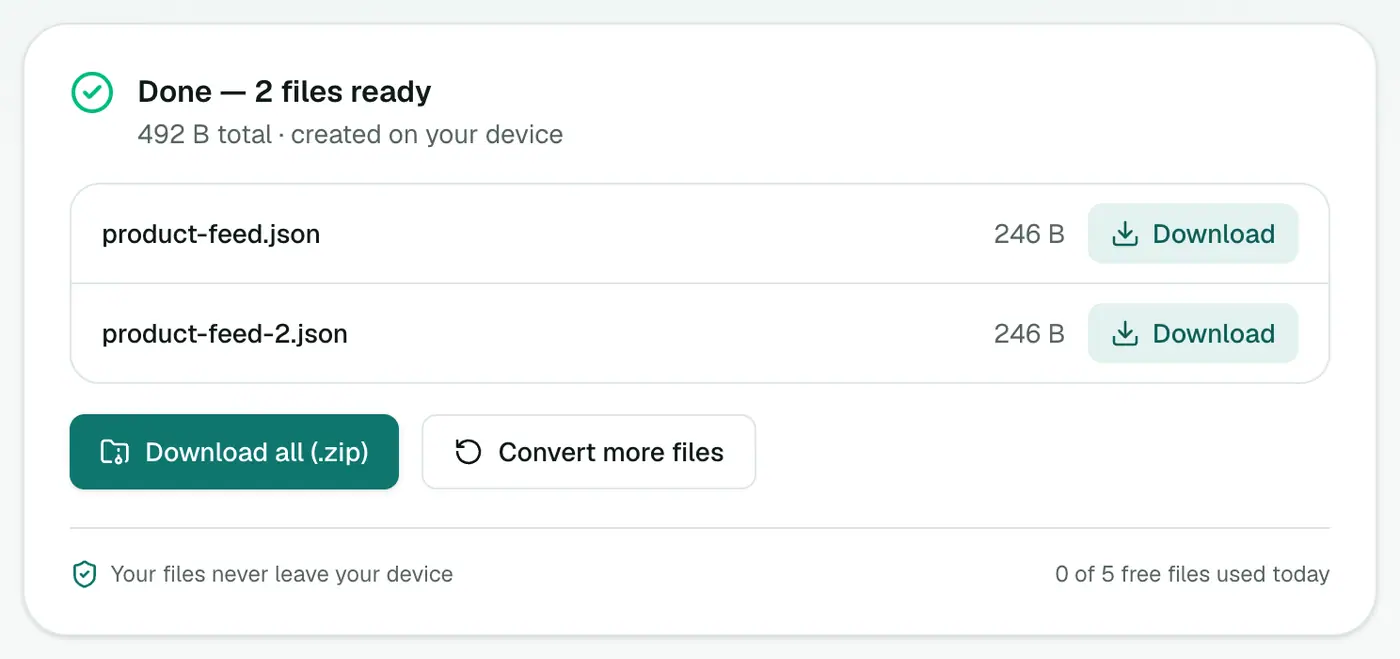
3. Convert and download
Click Convert to JSON.
Tips
- One vs many: if an element appears once in one file and several times in another, it may be an object in one and an array in the other. Handle both in your code.
- Numbers: numeric-looking text becomes a number. Product codes with leading zeros may need checking.
- Want a spreadsheet? XML to CSV turns repeating elements into rows.
- Just exploring? The XML viewer shows the tree without converting.
Example
<book id="42"><title>Dune</title></book>
{ "book": { "@_id": "42", "title": "Dune" } }
When XML to JSON helps
- Modernising SOAP or legacy integrations.
- Front-end apps that work much more easily with JSON.
- Exploring feeds with JSON tools like jq.
Tips
- One item vs many: a single repeated element may appear as an object, several as an array. Handle both in your code.
- Numbers and true/false inside tags and attributes become real JSON numbers and booleans. Codes with leading zeros (like
007) may lose them, so check IDs. - Explore the result in the JSON viewer.
Summary
The XML to JSON converter keeps attributes and handles repeated elements, giving you JSON that's faithful to the original.
FAQs
How are XML attributes represented?
As keys prefixed with @_, so <item id="5"> becomes { "item": { "@_id": 5 } }.
What about repeated elements?
Repeated elements with the same name become an array.
Can I convert RSS feeds?
Yes. Save the feed as an .xml file and convert it.
Is my file uploaded?
No. It's converted in your browser.
How do attributes appear in the JSON?
With an @_ prefix, so <price currency="EUR"> gives a key @_currency next to the value.
Try the XML to JSON Converter
Free to start, no install, and your files never leave your device.