Data & docs2 min read
How to Extract Plain Text From a Word Document
Pull the words out of DOCX files with no formatting, for a CMS, translation tool, AI prompt or plain-text archive. Batch convert without Office.
By the ZapMorph team
On this page
Just want it done?
Open the Word to Text Converter — it runs in your browser and nothing is uploaded.
Copy-pasting from Word drags hidden formatting along: weird fonts in your CMS, smart quotes that break code, styles that fight with your website's CSS. Sometimes you just want the words.
Good uses
- Pasting into a CMS without bringing Word's formatting with you.
- Translation tools and AI prompts, which work best with clean text.
- Word counts and comparisons with the word counter or text diff.
- Plain-text archives that will open in fifty years.
How to convert Word to text with ZapMorph
1. Open the converter
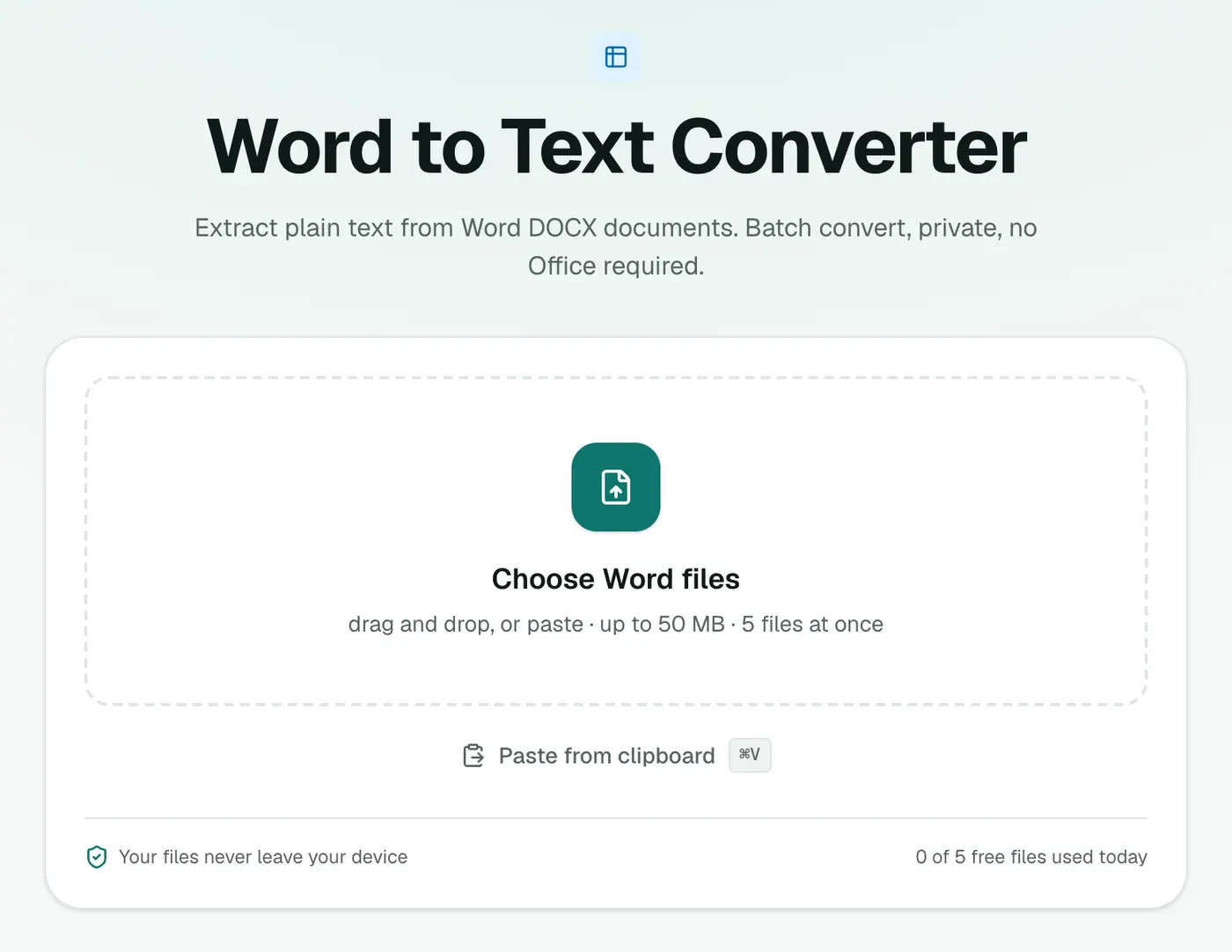
Go to the Word to Text converter.
2. Add your DOCX files
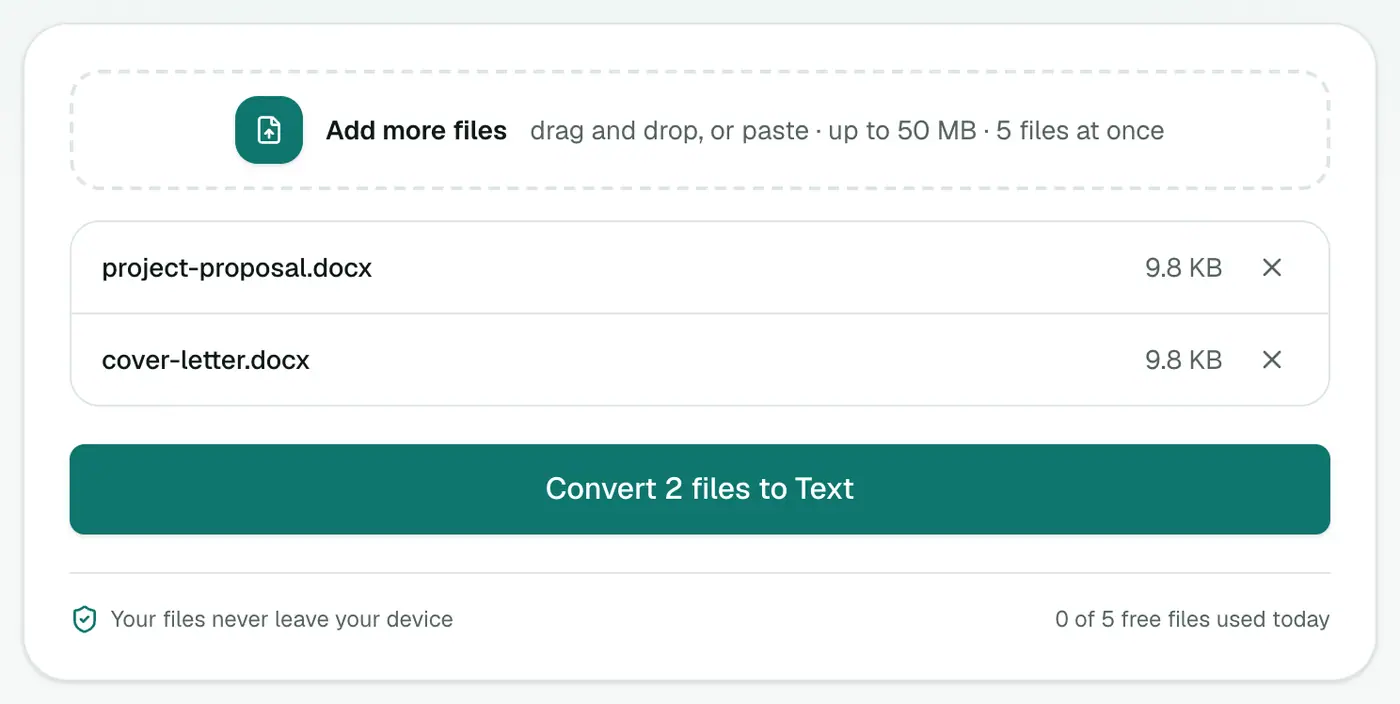
Drop in one or many .docx files.
3. Convert and download
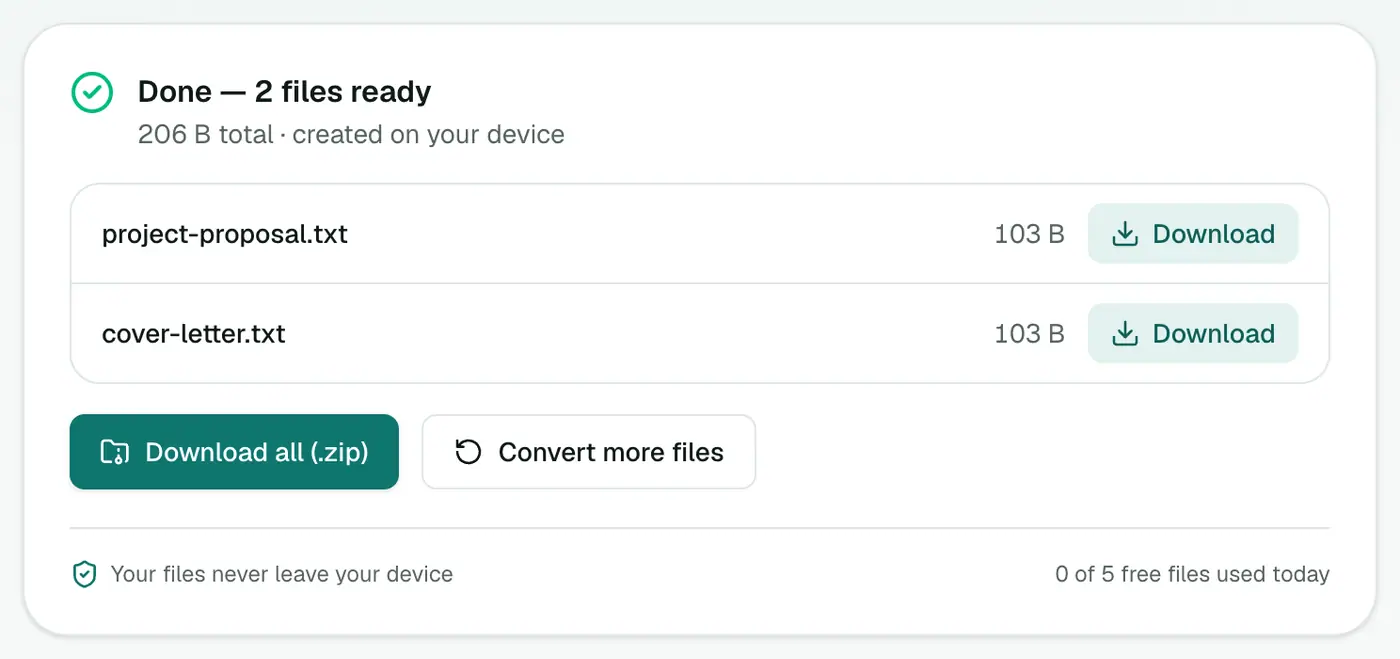
Click Convert to Text.
Other ways
- Word: File → Save As → Plain Text (.txt).
- Paste special: in most apps, Ctrl+Shift+V (Cmd+Shift+Option+V on Mac) pastes without formatting.
Related
- Keep headings and lists? Word to Markdown.
- Need HTML for a website? Word to HTML.
Why plain text?
| Use | Why text beats DOCX |
|---|---|
| Pasting into a CMS | No hidden Word formatting comes along |
| AI tools and prompts | Clean input, fewer wasted tokens |
| Translation tools | Many prefer plain text |
| Searching archives | Text files are indexed instantly by every OS |
| Version control (Git) | Text diffs are readable |
What's kept and what's dropped
- Kept: every word, paragraph breaks, list items and the text inside tables.
- Dropped: fonts, colours, images, comments and page layout.
Want to keep headings and links in a lightweight form? Word to Markdown keeps structure while staying plain text.
Batch tip
Add several documents at once and download all the .txt files together. Handy for feeding a whole folder of reports into a search tool or an AI assistant.
Summary
For clean, formatting-free text from DOCX files, especially a batch of them, the Word to Text converter is the quickest route.
FAQs
What's removed?
All formatting: fonts, colors, styles, images and layout. You get the text in reading order.
Do I need Word installed?
No. Everything runs in your browser.
Can I convert many documents at once?
Yes. Add several DOCX files and download the text files individually or as a ZIP.
Is my document uploaded?
No. The text is extracted in your browser.
Can I convert old .doc files?
Only .docx is supported. Open a .doc in Word, LibreOffice or Google Docs and save it as .docx first.
Try the Word to Text Converter
Free to start, no install, and your files never leave your device.