Data & docs2 min read
How to Convert Markdown (or a ChatGPT Answer) to a Word Document
Turn Markdown notes, READMEs or AI-generated drafts into an editable DOCX with real Word headings, lists and tables, so the navigation pane and TOC work.
By the ZapMorph team
On this page
Just want it done?
Open the Markdown to Word Converter — it runs in your browser and nothing is uploaded.
You wrote it in Markdown, or an AI tool did, and now it needs to go to someone who lives in Word: a manager, a client, an editor who wants to use Track Changes. Pasting Markdown into Word leaves you with ## and ** everywhere.
How to convert Markdown to Word with ZapMorph
1. Open the converter
Go to the Markdown to Word converter.
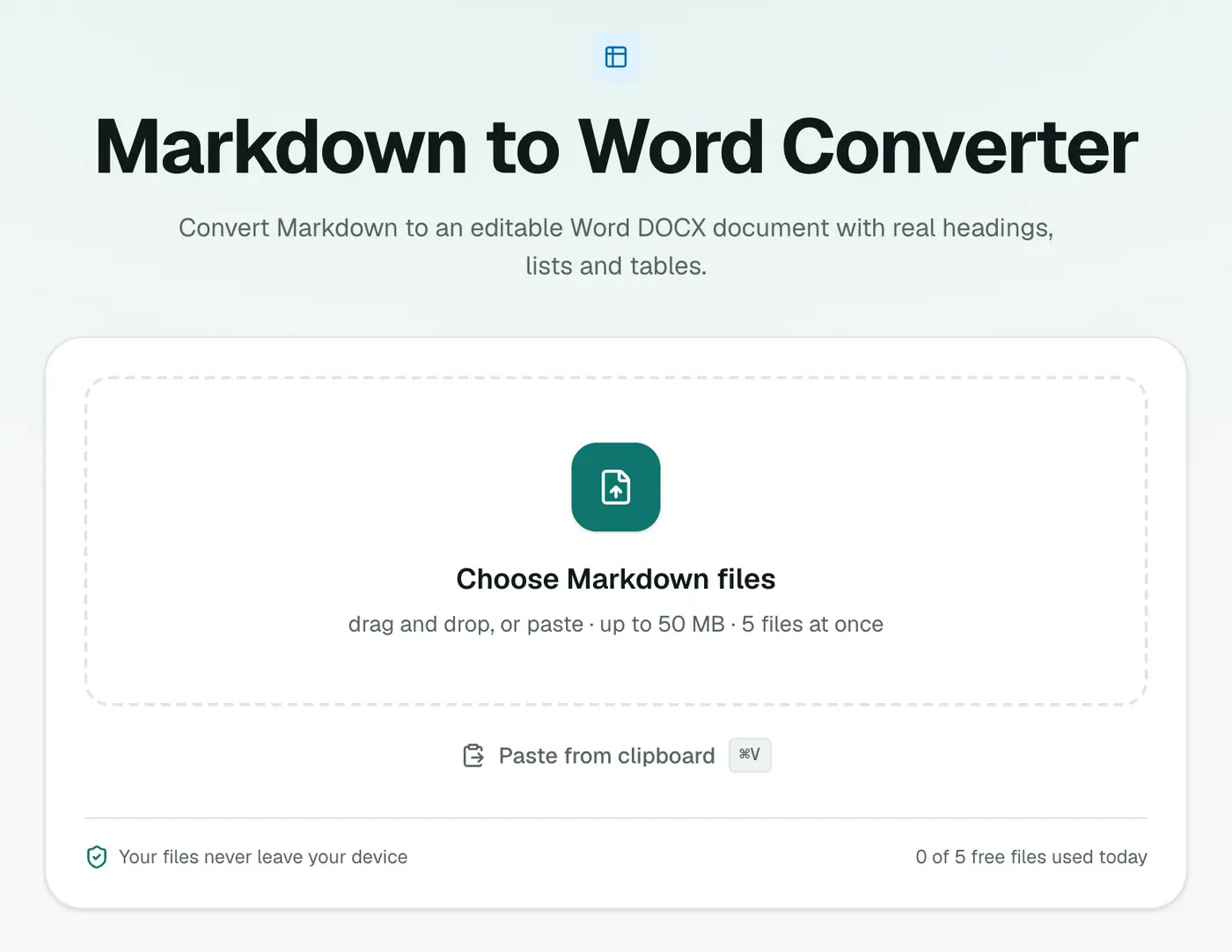
2. Add your Markdown files
Drop in .md files.
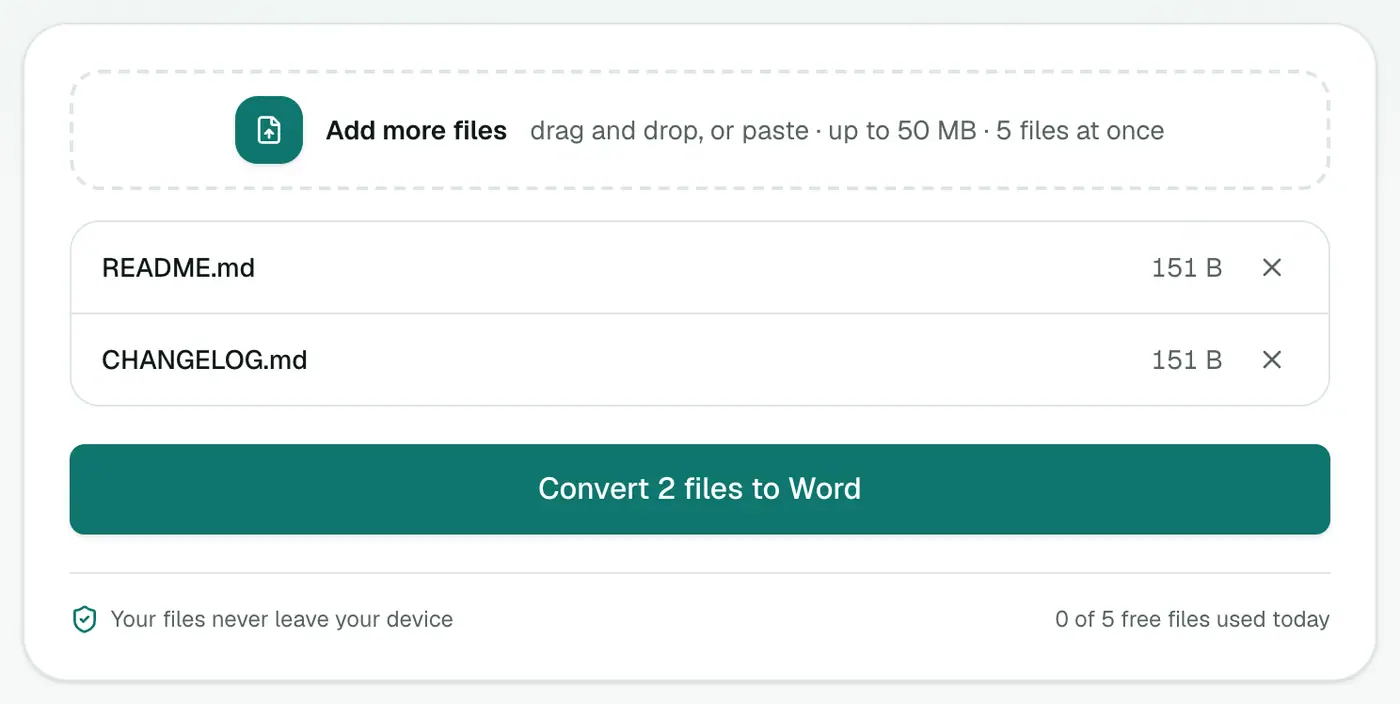
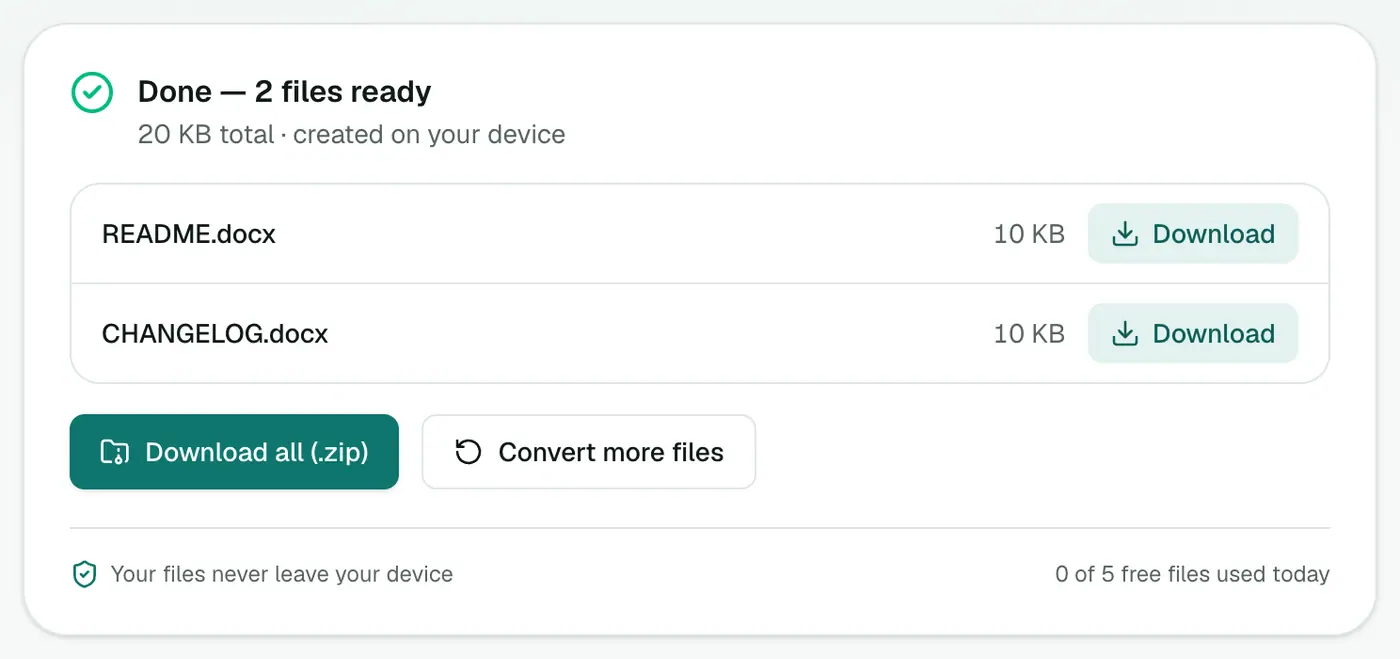
3. Convert and download
Click Convert to Word and open the DOCX in Word, Google Docs or Pages.
Turning an AI answer into a Word document
- In ChatGPT, Claude or Gemini, click Copy on the answer. It copies as Markdown.
- Paste into a plain text editor (Notepad, TextEdit in plain-text mode, VS Code).
- Save as
answer.md. - Convert it here.
Headings, bullet points and tables come through as proper Word formatting.
Why real heading styles matter
Because Markdown headings become Word's Heading 1/2/3 styles, you can:
- Use the Navigation Pane to jump between sections.
- Insert an automatic Table of Contents (References → Table of Contents).
- Restyle every heading at once by changing the style.
Related
- Markdown to PDF for a finished, read-only document.
- Word to Markdown to go back.
What becomes what
| Markdown | Word |
|---|---|
#, ##, ### | Heading 1, 2, 3 styles |
**bold** | Bold |
- item | Bulleted list |
| Tables | Word tables |
| Code blocks | Monospaced text |
Because headings become real Word styles, the navigation pane and automatic table of contents work straight away.
Common uses
- AI drafts to hand to colleagues for editing.
- README or docs for clients who need Word.
- Meeting notes from Obsidian or Notion.
Prefer PDF?
Markdown to PDF gives a fixed, print-ready document instead.
Summary
The Markdown to Word converter gives you a properly structured DOCX, which is ideal for handing Markdown or AI drafts to Word users.
FAQs
Will headings become real Word headings?
Yes. Markdown headings become Word's Heading styles, so the navigation pane and automatic table of contents work.
How do I convert a ChatGPT or Claude answer?
Use the copy button on the answer (it copies Markdown), paste it into a text file saved as .md, and convert.
Are tables supported?
Yes. Markdown pipe tables become Word tables.
Is my text uploaded?
No. The Word document is created in your browser.
Can I convert AI-generated answers?
Yes. Paste the Markdown from ChatGPT, Claude or Gemini into a .md file and convert it to a properly formatted Word document.
Try the Markdown to Word Converter
Free to start, no install, and your files never leave your device.