Data & docs2 min read
How to Convert Word Documents to Markdown
Move docs, notes and drafts from Word into GitHub, Notion, Obsidian or a static site. Headings, lists, links, tables and emphasis become standard Markdown.
By the ZapMorph team
On this page
Just want it done?
Open the Word to Markdown Converter — it runs in your browser and nothing is uploaded.
Teams moving documentation from Word or SharePoint into a docs-as-code setup, writers switching to Obsidian, developers turning a spec into a README: the first step is getting Word into Markdown without retyping.
How to convert Word to Markdown with ZapMorph
1. Open the converter
Go to the Word to Markdown converter.
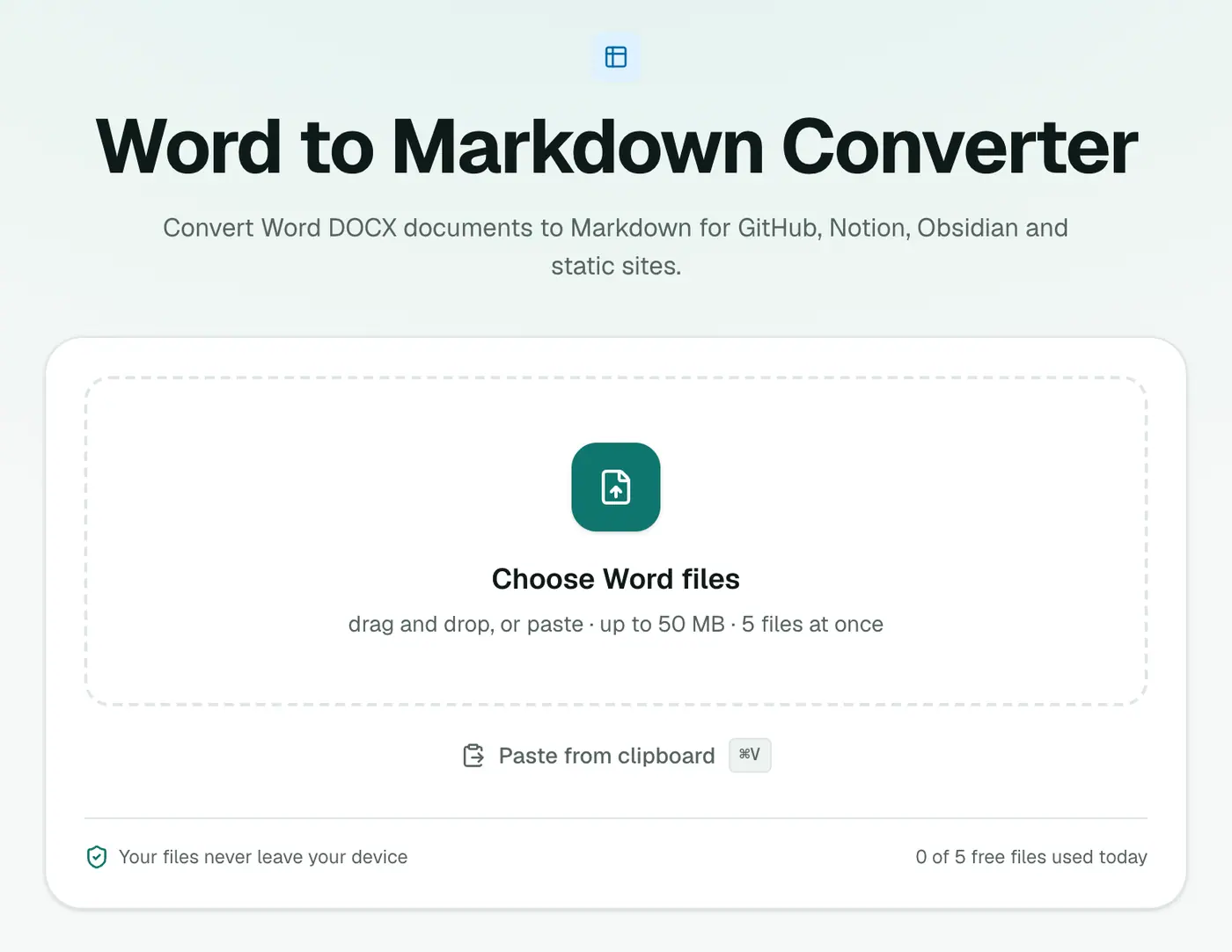
2. Add your DOCX files
Drop in one or many.
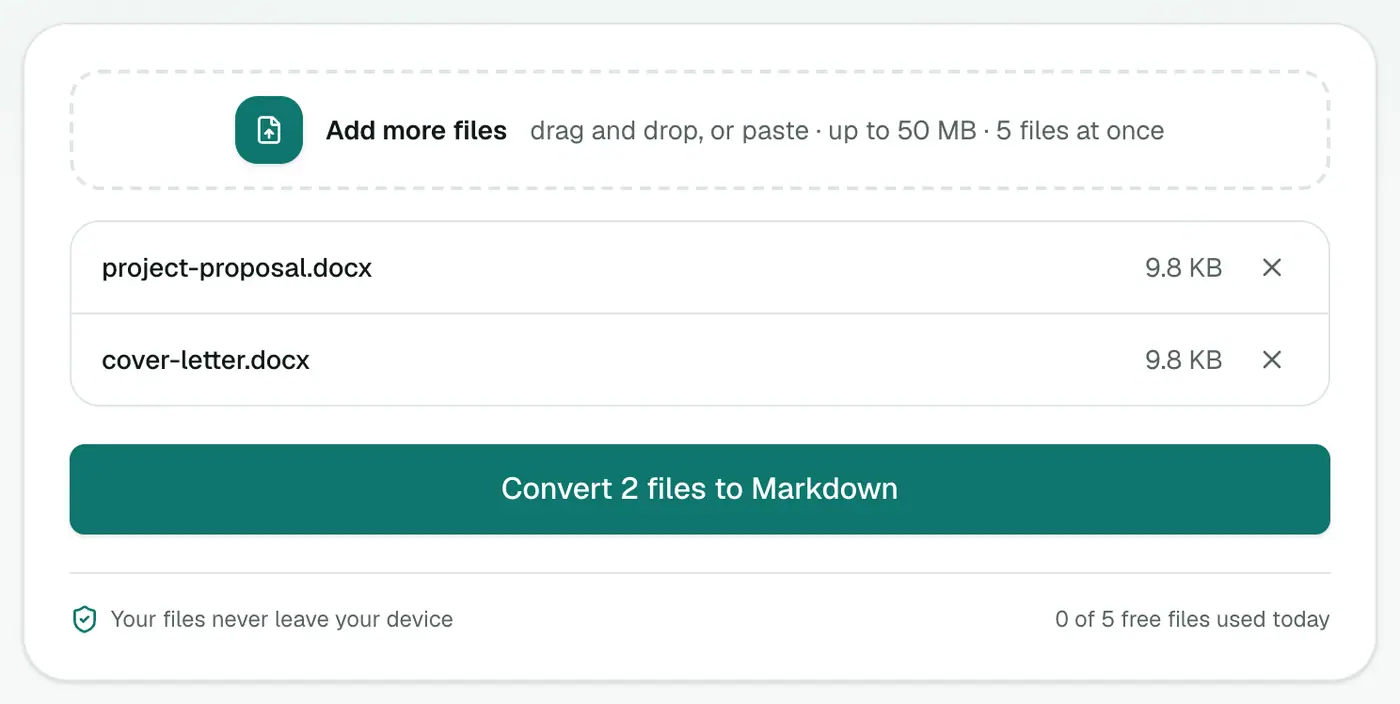
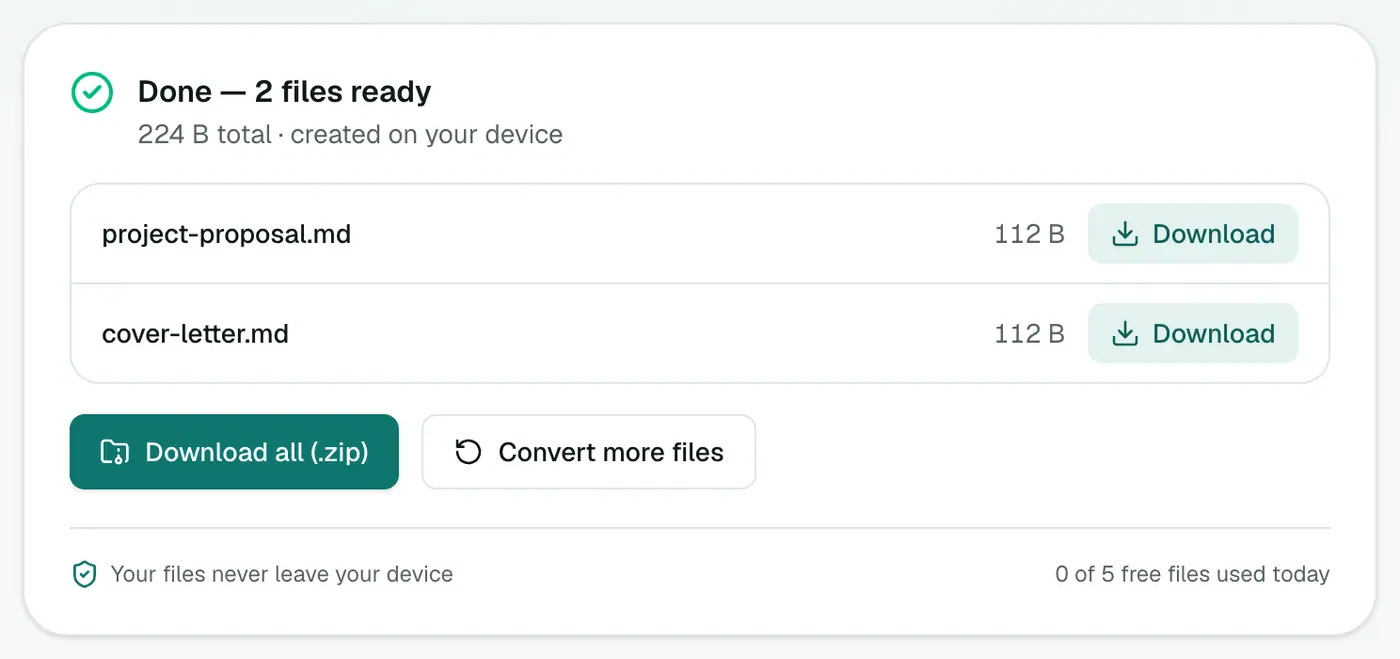
3. Convert and download
Click Convert to Markdown.
How Word maps to Markdown
| In Word | In Markdown |
|---|---|
| Heading 1 / Heading 2 | # / ## |
| Bold / Italic | **bold** / *italic* |
| Bulleted list | - item |
| Numbered list | 1. item |
| Hyperlink | [text](url) |
| Table | pipe table |
Tips
- Use real heading styles in Word. Text that's just big and bold becomes plain bold text.
- Review tables. Merged cells don't exist in Markdown, so complex tables need a quick tidy-up.
- Preview the result in the Markdown viewer.
Related
- Markdown to Word to go back.
- HTML to Markdown for web content.
What converts
| In Word | In Markdown |
|---|---|
| Heading 1, 2, 3 styles | #, ##, ### |
| Bold, italic | **bold**, *italic* |
| Bulleted / numbered lists | - and 1. |
| Hyperlinks | [text](url) |
| Tables | Markdown tables |
Use real heading styles in Word. Text that's just big and bold becomes an ordinary paragraph.
Where the Markdown goes
- GitHub READMEs and wikis.
- Docs sites (Docusaurus, MkDocs, Astro).
- Notion, Obsidian and other note apps.
- AI tools, which handle Markdown structure well.
Preview it in the Markdown viewer.
Summary
The Word to Markdown converter gets your documents into a Markdown workflow with structure intact, in batches if you need.
FAQs
What converts?
Headings, paragraphs, bold and italic, links, lists and tables.
What about images?
Images embedded in the Word file are left out, because Markdown links to image files rather than embedding them. Save the images separately (or use Word to HTML, which embeds them) and add links like .
Can I batch convert a folder of documents?
Yes. Add several DOCX files and download the Markdown files as a ZIP.
Is my document uploaded?
No. It's converted in your browser.
Are images included?
Markdown stores images as separate files linked by path, so check the result and add images where needed.
Try the Word to Markdown Converter
Free to start, no install, and your files never leave your device.