Image3 min read
How to Convert WebP to JPG (So the Image Actually Opens)
Saved an image from a website and got a .webp file that won't open or upload? Here's how to turn WebP into a regular JPG in a few seconds.
By the ZapMorph team
On this page
Just want it done?
Open the WebP to JPG Converter — it runs in your browser and nothing is uploaded.
You right-click an image on a website, hit "Save image as", and end up with a .webp file. Then your photo editor won't open it, or a form rejects it, or your printer software has no idea what it is.
It's one of the more annoying little problems on the internet, and luckily one of the easiest to fix.
What WebP is and why it's everywhere
WebP is an image format Google introduced to make websites faster. A WebP image is typically 25–35% smaller than the same image as a JPG, so lots of sites (and most big CMSs) now serve images as WebP automatically.
All modern browsers display WebP just fine. The problems start once the image leaves the browser:
- Older versions of Photoshop, Word and PowerPoint don't open it.
- Plenty of upload forms only list JPG and PNG.
- Some photo printing services and digital frames reject it.
- Windows' older Photo Viewer can't display it.
JPG is the safe, open-anywhere option.
How to convert WebP to JPG with ZapMorph
1. Open the WebP to JPG converter
Go to the WebP to JPG converter.
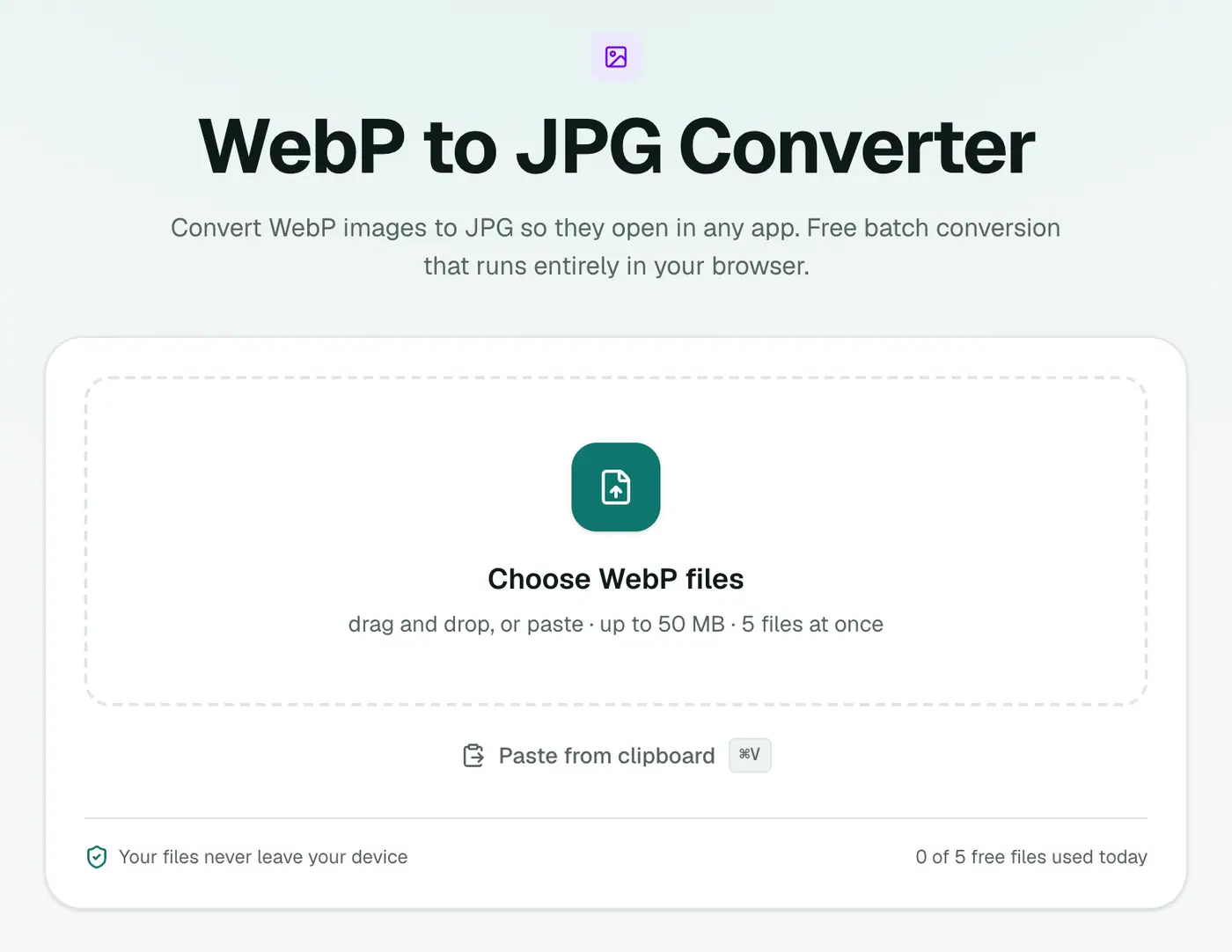
2. Add your WebP files
Drop in one or several. The Quality slider starts at 92%, which is a good default. Lower it if you want smaller files.
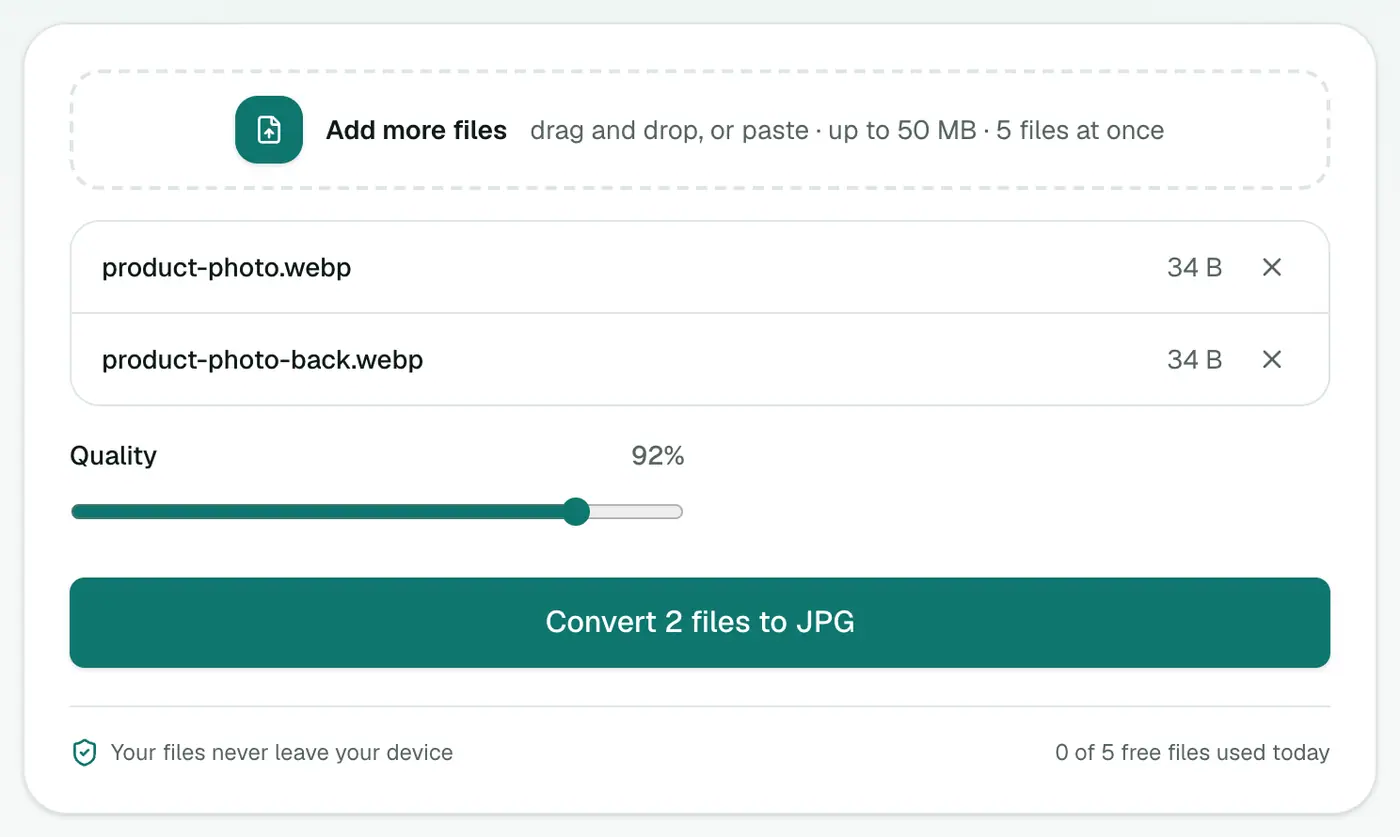
3. Convert and download
Click Convert to JPG, then download each file or the full ZIP.
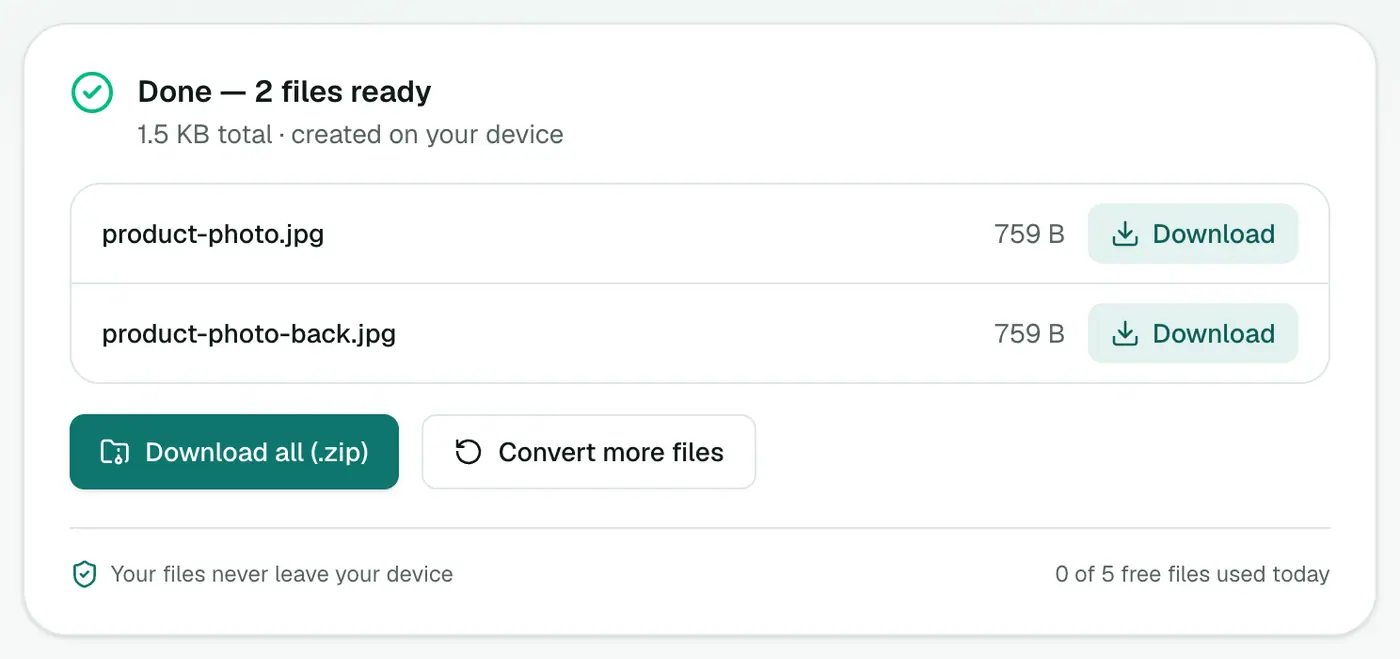
Other ways to do it
Save it as JPG in the first place. Some browser extensions add a "Save image as JPG/PNG" option to the right-click menu. Handy if you do this a lot, but it's another extension with access to every page you visit.
Paint on Windows 10/11 can open WebP and Save as → JPEG picture.
Preview on a Mac opens WebP on recent macOS versions. Use File → Export and pick JPEG.
Take a screenshot. It works in a pinch, but you lose resolution and get a PNG of whatever size the image was on screen. Not ideal.
Little things worth knowing
- Transparent WebP? It'll get a white background as a JPG. Use WebP to PNG to keep transparency.
- Animated WebP (like a sticker) turns into a still JPG of the first frame.
- Don't ping-pong formats. Each WebP → JPG → WebP round trip loses a little quality. Convert once and keep the result.
- Going the other way? To make your own images smaller for a website, use JPG to WebP.
WebP vs JPG at a glance
| WebP | JPG | |
|---|---|---|
| File size | 25–35% smaller | Larger |
| Transparency | ✓ | ✗ (turns white) |
| Animation | ✓ | ✗ |
| Opens in older apps, Office, print shops | Patchy | ✓ |
| Accepted by upload forms | Sometimes | Almost always |
Stop saving WebP in the first place
- Right-click → Copy image, then paste into your editor. Some apps convert it on paste.
- Take a screenshot of the image if quality isn't critical.
- Download the original from the site's own download button where offered, which is often JPG or PNG.
That's all there is to it
WebP is great for websites and awkward everywhere else. When you need a file that just opens, drop it into the WebP to JPG converter and you'll have a normal JPG a few seconds later.
FAQs
Why do images I save from websites end up as WebP?
Many sites serve WebP because the files are smaller and pages load faster. When you right-click and save, you get the format the site sent, which is often WebP.
Will I lose quality converting WebP to JPG?
Very little at the default 92% quality. Both formats are lossy, so for the best result convert once and keep the JPG rather than converting back and forth.
What happens to transparent WebP images?
JPG doesn't support transparency, so transparent areas become white. Use WebP to PNG if you need to keep the transparency.
Do animated WebP files work?
The converter saves the first frame as a still JPG. JPG can't hold animation.
Is it safe to convert personal images here?
Yes. Files are processed in your browser and never uploaded.
Can I convert WebP to JPG on my phone?
Yes. Open the converter in your phone's browser, choose the images and download the JPGs.
Try the WebP to JPG Converter
Free to start, no install, and your files never leave your device.