Audio & video2 min read
How to Convert WAV to OGG (Game Audio and Smaller Files)
Compress WAV recordings and game music to OGG Vorbis, perfect for Godot, Unity and web games, with a choice of quality. Batch, private, in your browser.
By the ZapMorph team
On this page
Just want it done?
Open the WAV to OGG Converter — it runs in your browser and nothing is uploaded.
WAV is what you record and mix in; OGG Vorbis is what you ship in a game or on the web. Starting from WAV is ideal because there's only one round of compression, so the OGG sounds as good as it can.
How to convert WAV to OGG with ZapMorph
1. Open the converter
Go to the WAV to OGG converter.
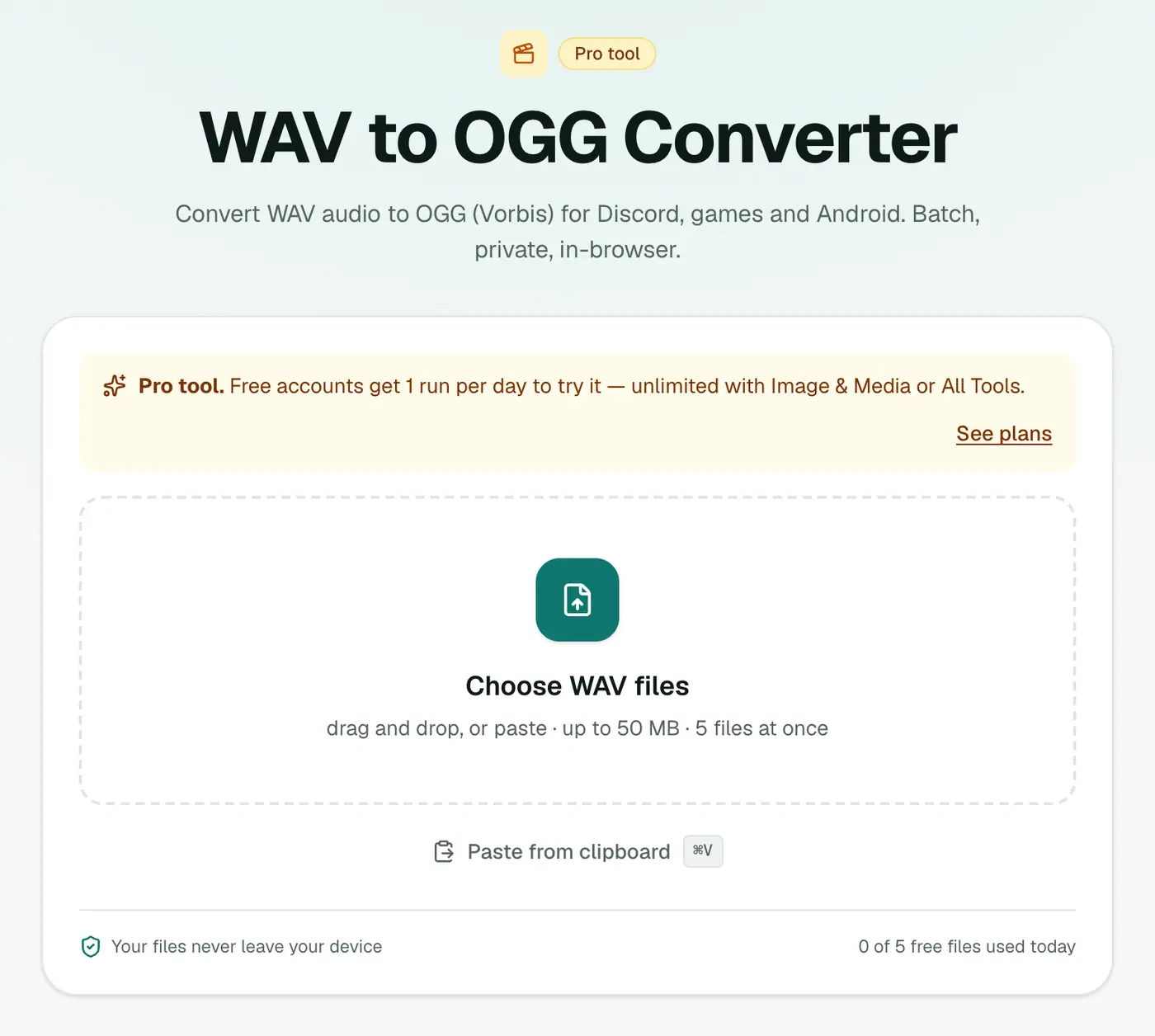
2. Add files and pick the quality
Drop in your .wav files and choose 96 kbps (voice), 160 kbps (recommended) or 256 kbps (best).
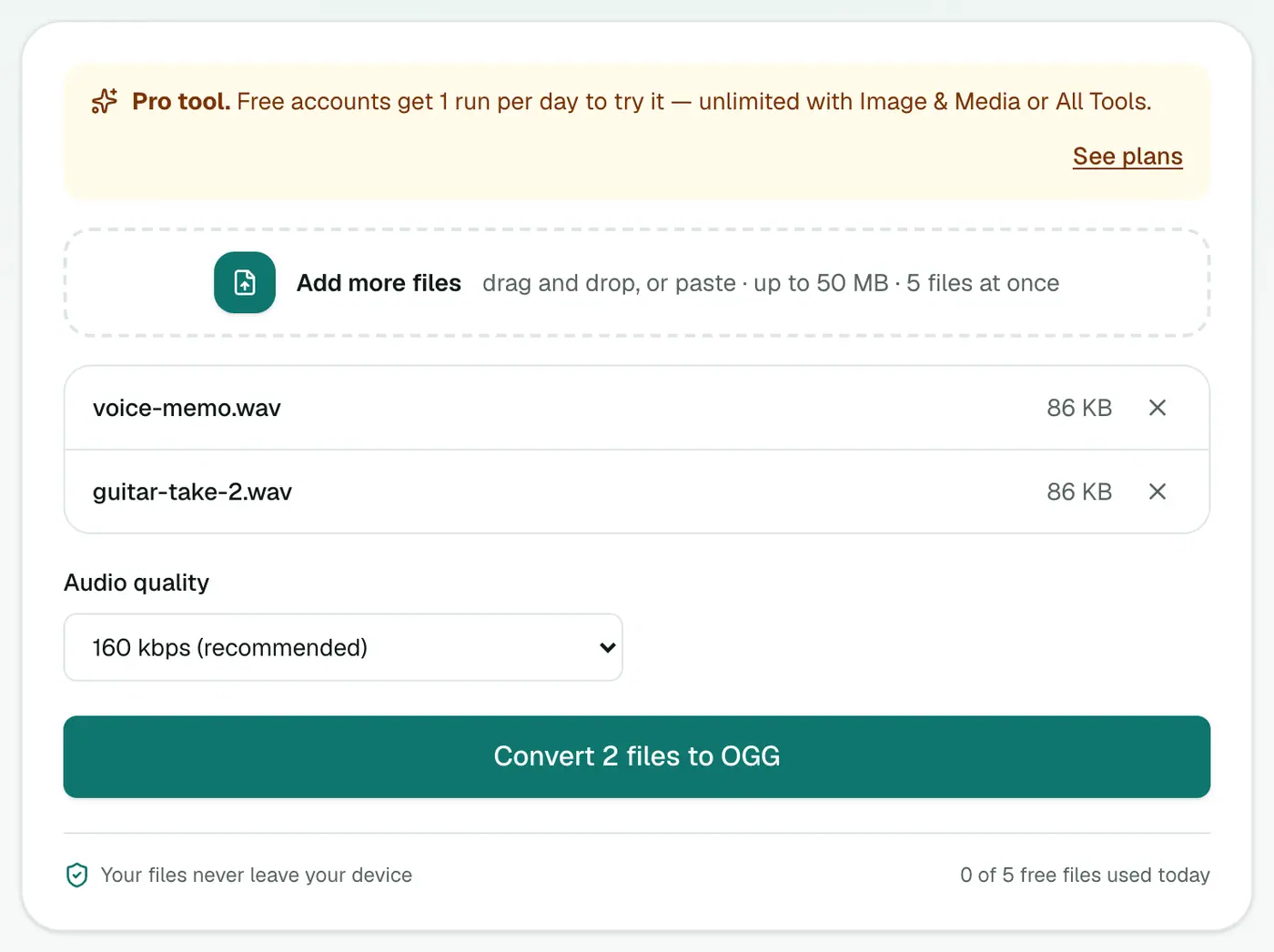
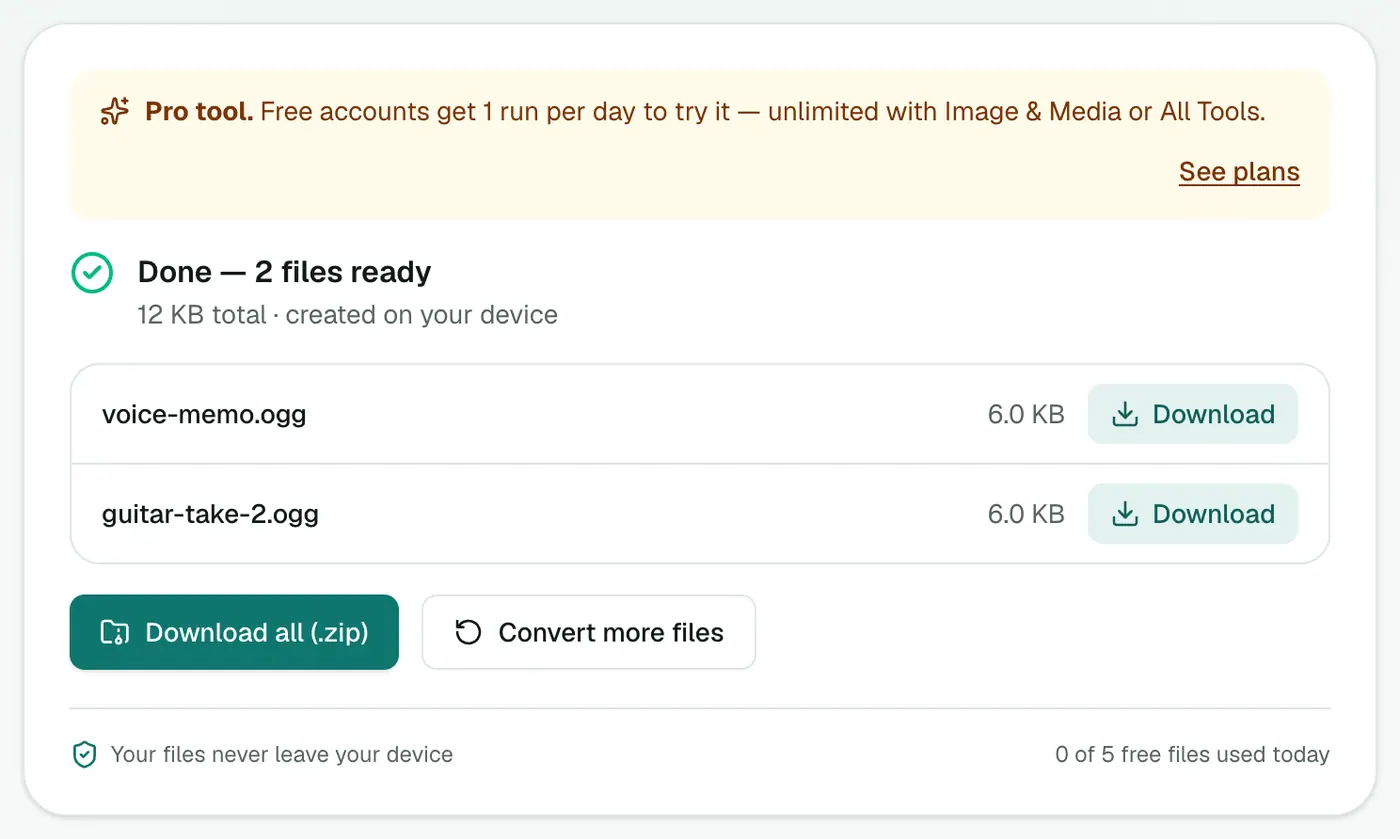
3. Convert and download
Click Convert to OGG.
A quick game-audio workflow
- Export each track from your DAW as WAV.
- Convert the batch here at 160 kbps.
- Import the OGGs into your engine and enable looping on music tracks.
- Keep the WAVs in your project's source folder for future edits.
Engine notes
| Engine | OGG Vorbis | Notes |
|---|---|---|
| Godot | ✓ | Preferred for music; set Loop in the import settings |
| Unity | ✓ | Unity re-compresses on import; set the format per platform |
| GameMaker | ✓ | Use for streamed music |
| Web (HTML5 Audio, Howler.js) | ✓ most browsers | Older Safari versions don't play OGG, so provide an MP3 fallback |
Size comparison (3-minute track)
| Format | Size |
|---|---|
| WAV, 16-bit 44.1 kHz stereo | ~30 MB |
| OGG at 256 kbps | ~6 MB |
| OGG at 160 kbps | ~3.5 MB |
| OGG at 96 kbps | ~2 MB |
Tips
- Seamless loops: cut the loop at a zero crossing in your DAW before exporting.
- Consistent loudness: normalise all tracks to the same level, so players don't reach for the volume.
- Dialogue: 96 kbps is clear for speech and keeps builds small.
Troubleshooting
Music loops with a click. The loop point isn't at a zero crossing, or the track has silence at the start. Trim in your DAW and convert again.
Conversion takes a while. Encoding happens on your device. Long tracks at 256 kbps take longest; leave the tab open.
Summary
The WAV to OGG converter produces compact, high-quality OGG files from your masters, ready for games and the web.
FAQs
How much smaller is OGG than WAV?
At 160 kbps, roughly 85–90% smaller than CD-quality WAV.
Which quality for game music?
160 kbps (recommended) for most music; 256 kbps for music that's a centrepiece of the game; 96 kbps for voice and ambience.
Should sound effects be OGG?
Short effects are often kept as WAV for instant playback. Use OGG for music, dialogue and long ambient loops.
Is it free?
Yes, once a day: one file up to 25 MB with no account. A free account gets one Pro tool run a day, and paid plans are unlimited.
Is OGG royalty-free?
Yes. OGG Vorbis is an open format with no licence fees, which is why games and open-source projects like it.
Are my files uploaded?
No. Encoding runs in your browser.
Try the WAV to OGG Converter
Free to start, no install, and your files never leave your device.