Audio & video2 min read
How to Convert WAV to M4A (AAC) for Apple Devices
Compress WAV recordings to M4A (AAC): great quality at small sizes, and native on iPhone, iPad, Mac and in Apple Music. Batch, private, in your browser.
By the ZapMorph team
On this page
Just want it done?
Open the WAV to M4A Converter — it runs in your browser and nothing is uploaded.
If you record or produce on a Mac, or your listeners are mostly on iPhones, M4A is a natural delivery format: small, great-sounding and native everywhere in Apple's ecosystem.
How to convert WAV to M4A with ZapMorph
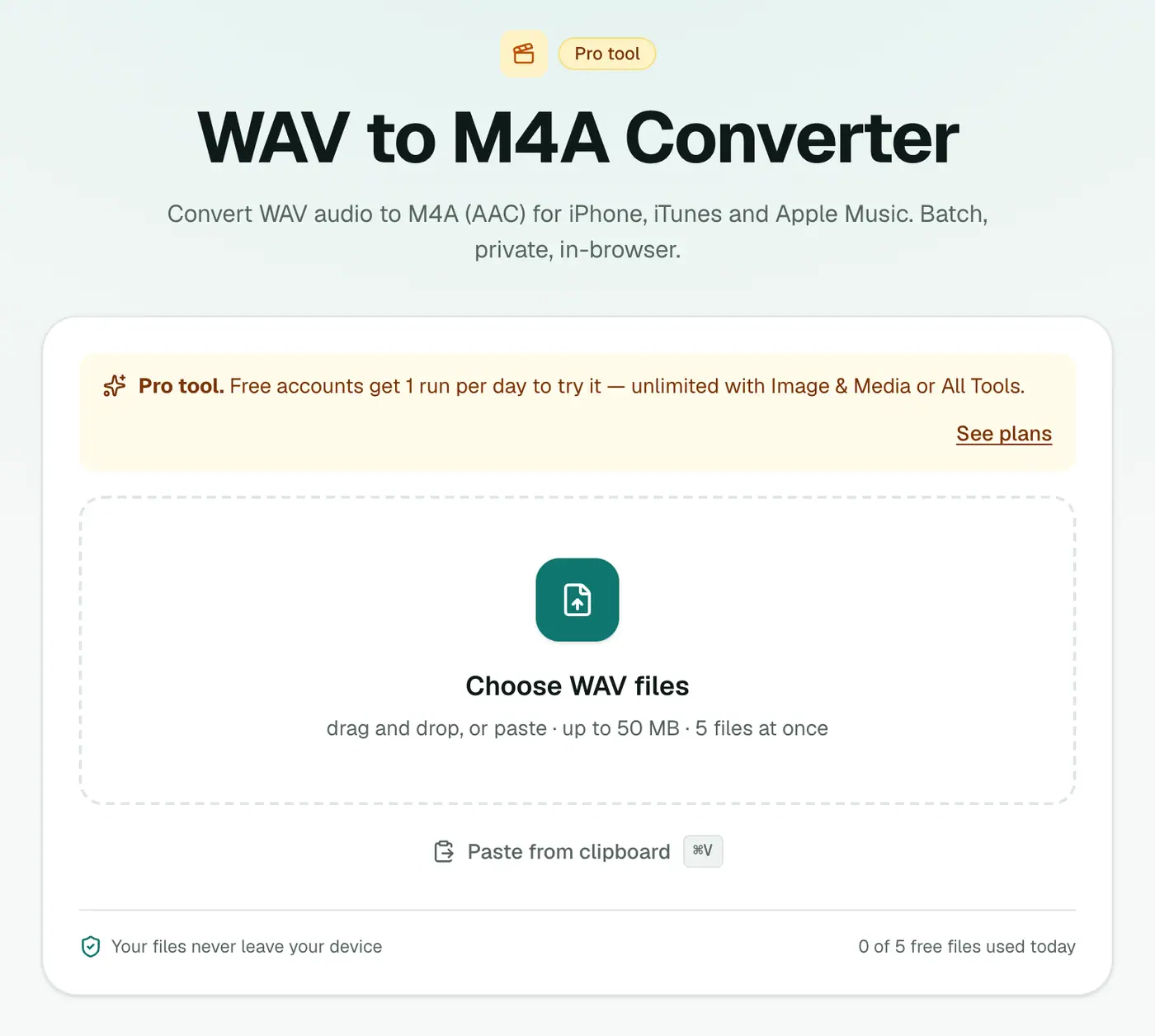
1. Open the converter
Go to the WAV to M4A converter.
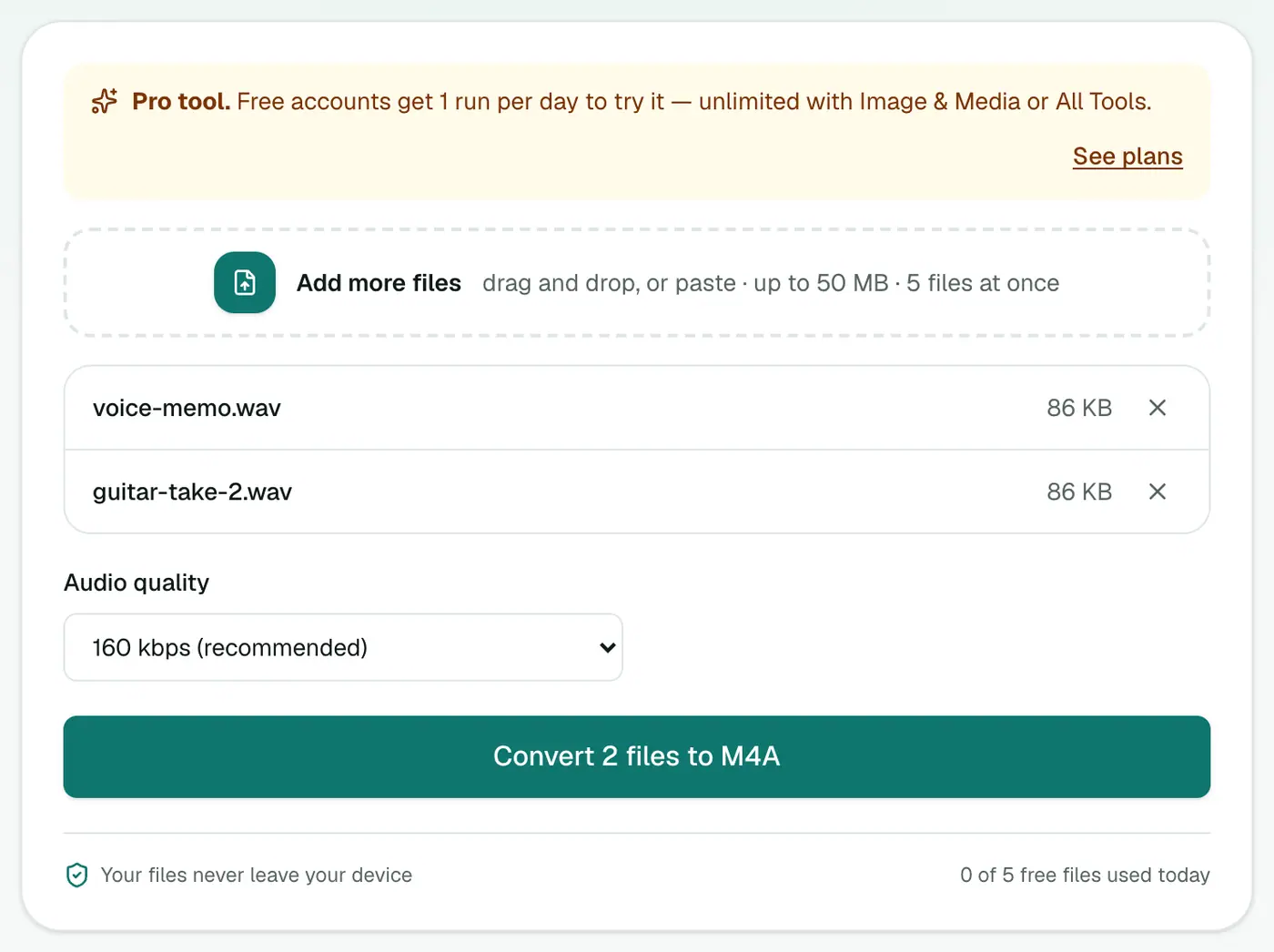
2. Add files and choose the quality
Drop in your .wav files and pick a quality.
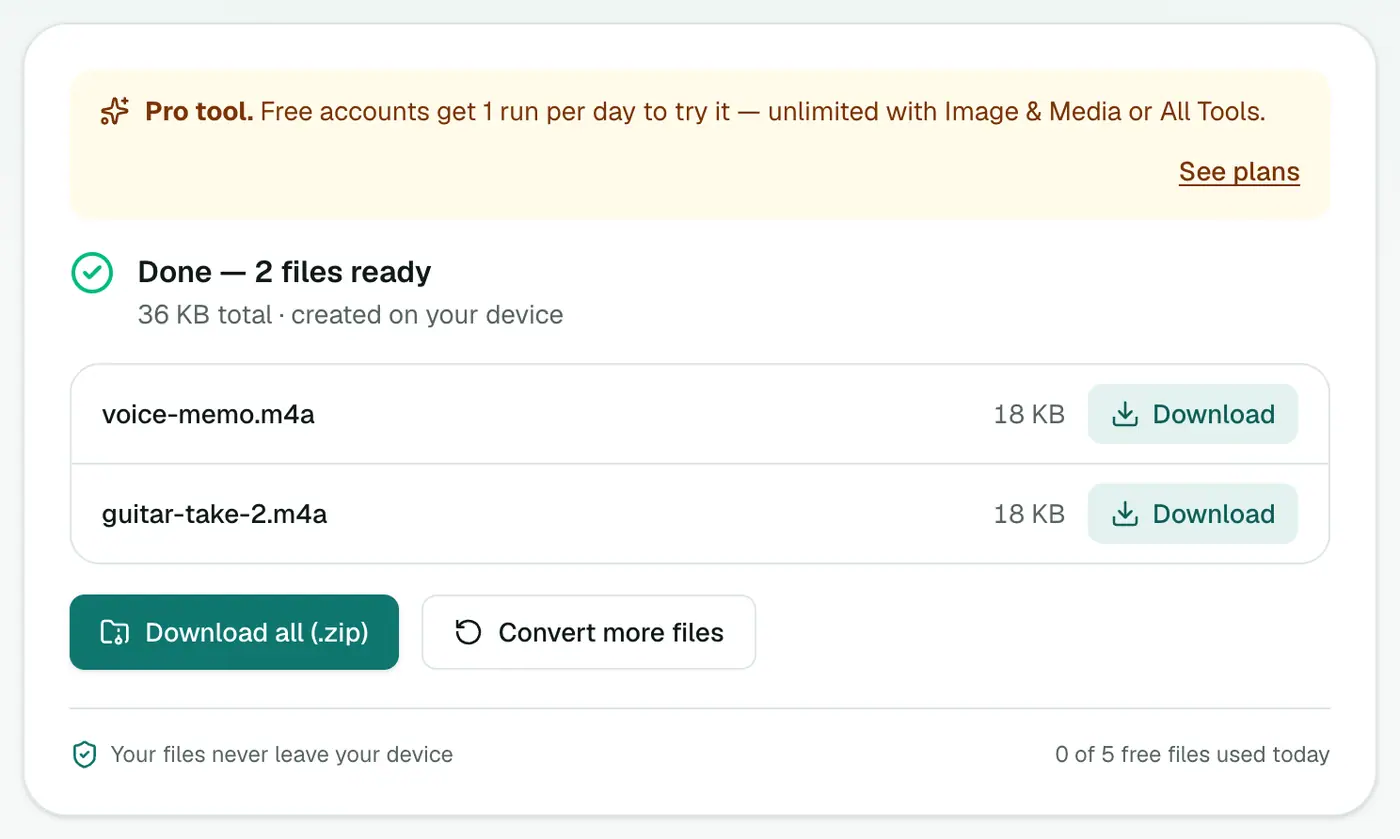
3. Convert and download
Click Convert to M4A.
Which quality for which job?
| Content | Suggested setting | 10 minutes ≈ |
|---|---|---|
| Speech, lectures, podcasts | 96 kbps | 7 MB |
| Music, general listening | 160 kbps | 12 MB |
| Music masters, demos to clients | 256 kbps | 19 MB |
| Original WAV (CD quality) | — | 100 MB |
When to choose something else
- Sharing with everyone, on anything: WAV to MP3.
- Archiving without any loss: WAV to FLAC.
- Games and open-source apps: WAV to OGG.
Common uses
- Podcast or audiobook drafts to send to a client's iPhone.
- Field recordings you want to keep on your phone without filling it up.
- Demo mixes to share in iMessage or AirDrop.
- Voice-overs for Keynote or iMovie projects.
Tips
- Keep the WAVs as your masters. Re-export from them if you need a different quality later.
- Normalise volume in your editor before converting, so every file plays at a similar level.
- Ringtones: an M4A under 40 seconds can be renamed to
.m4rand added as an iPhone ringtone via Finder or iTunes.
Troubleshooting
The file won't convert. Some recorders write unusual WAV variants (e.g. 32-bit float or broadcast WAV with extra data). If one fails, try the audio converter, or re-export from your editor as standard PCM.
Summary
The WAV to M4A converter gives you small, high-quality AAC files that feel right at home on Apple devices.
FAQs
Is M4A better than MP3?
At the same bitrate, AAC (in M4A) usually sounds a little better than MP3. Compatibility is very good too, though MP3 still wins on very old devices.
Which quality should I choose?
160 kbps (recommended) for music and general use; 96 kbps for spoken word; 256 kbps for the best quality.
Is it free?
Yes, once a day: one file up to 25 MB with no account. A free account gets one Pro tool run a day, and paid plans are unlimited.
How much smaller is M4A than WAV?
About 9 times smaller at 160 kbps for CD-quality audio. A 50 MB WAV becomes roughly 5–6 MB.
Does the M4A start playing quickly online?
Yes. Files are written so players can start before the whole file has downloaded.
Are my files uploaded?
No. They're converted in your browser.
Try the WAV to M4A Converter
Free to start, no install, and your files never leave your device.