Audio & video2 min read
How to Convert WAV to MP3 (and Shrink Files by 90%)
Turn big WAV recordings, voice memos, podcast takes and bounces from your DAW, into MP3s that are easy to share. Choose 128 to 320 kbps. Private, batch.
By the ZapMorph team
On this page
Just want it done?
Open the WAV to MP3 Converter — it runs in your browser and nothing is uploaded.
WAV is what recorders, DAWs and audio interfaces produce: uncompressed and huge. About 10 MB per minute of CD-quality stereo, and more at higher sample rates. Fine on your hard drive. Not fine as an email attachment or a WhatsApp voice message.
How to convert WAV to MP3 with ZapMorph
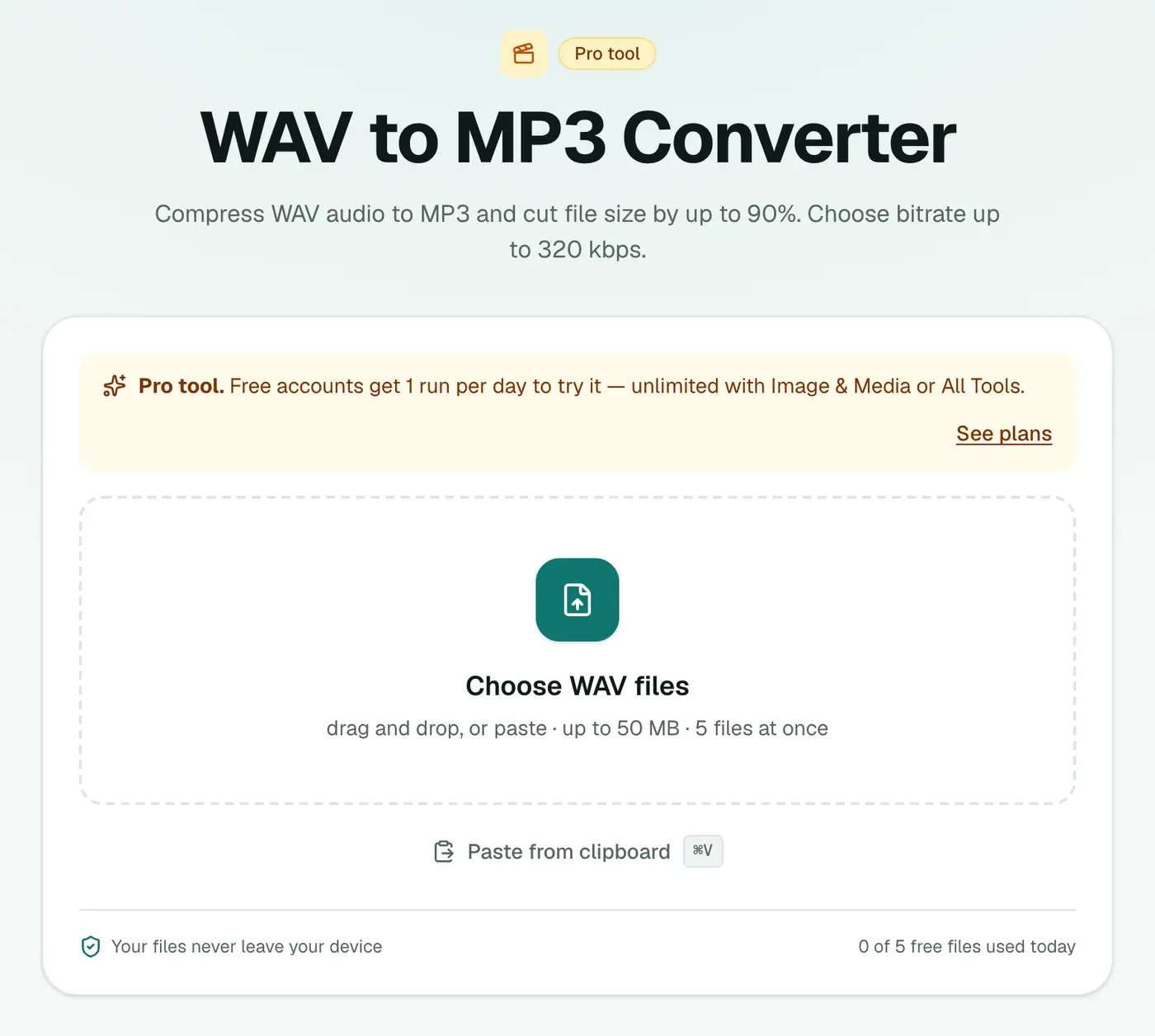
1. Open the converter
Go to the WAV to MP3 converter.
2. Add files and pick a bitrate
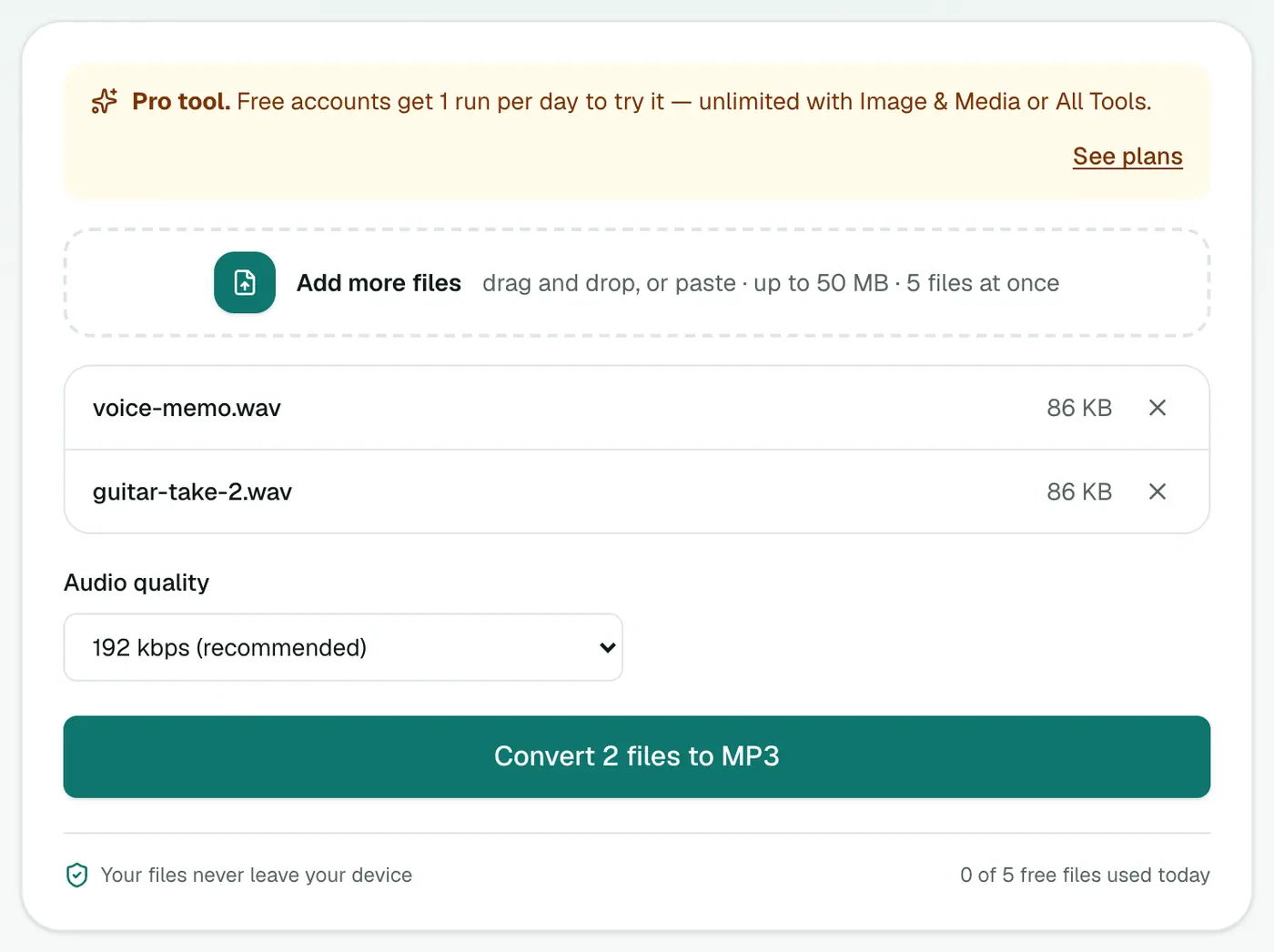
Drop in your .wav files and choose 128, 192 (recommended), 256 or 320 kbps.
3. Convert and download
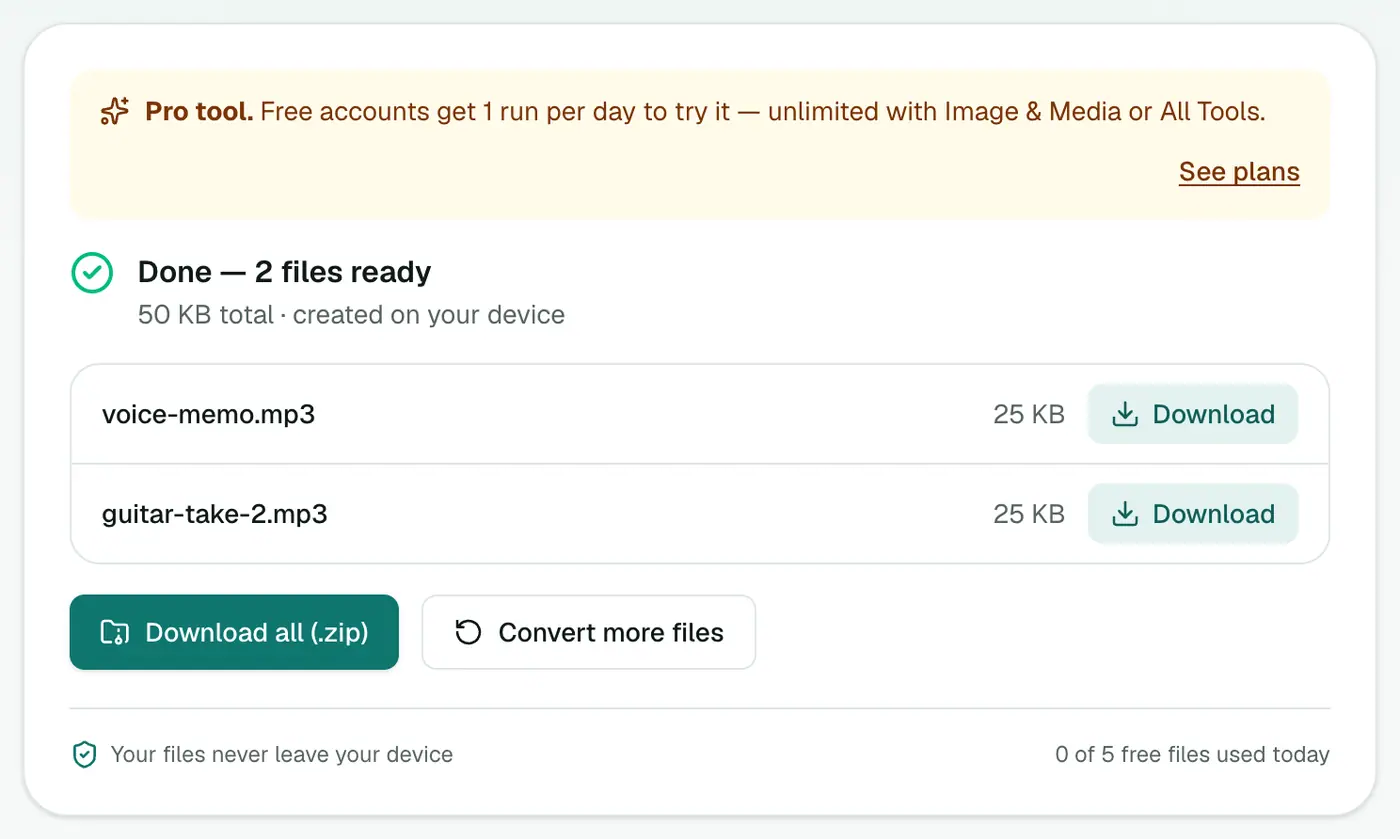
Click Convert to MP3.
Choosing a bitrate
| Content | Bitrate | 1 hour ≈ |
|---|---|---|
| Voice memos, interviews, podcasts | 128 kbps | 58 MB |
| General music sharing | 192 kbps | 86 MB |
| Demos for clients, music you care about | 256–320 kbps | 115–144 MB |
| Original WAV (16-bit 44.1 kHz stereo) | — | ~635 MB |
Common uses
- Podcasts: most hosts want MP3. 128 kbps keeps downloads small for listeners.
- Sharing demos with bandmates or clients by email or messaging.
- Uploading to sites with file size limits.
- Field recordings and lectures you want on your phone.
Tips
- Keep the WAV. MP3 is for sharing. Always master and edit from the WAV.
- Better quality per MB? WAV to M4A (AAC) sounds a little better than MP3 at the same size, and plays on all Apple devices.
- Archiving without loss? WAV to FLAC halves the size with zero quality loss.
- Normalise first. Level out volume in your editor so listeners don't have to ride the volume knob.
Email size limits
Most email services cap attachments at around 20–25 MB. That's about 2 minutes of WAV, or roughly 15–20 minutes of MP3 at 192 kbps.
Troubleshooting
A WAV won't convert. Some recorders write unusual WAV variants. Re-export as standard PCM from your editor, or try the audio converter.
Long files take a while. Encoding happens on your device. Keep the tab open until it finishes.
Summary
The WAV to MP3 converter turns heavy recordings into easy-to-share files, privately on your device.
FAQs
How much smaller is MP3 than WAV?
At 192 kbps an MP3 is roughly 85–90% smaller than a CD-quality WAV.
Will I hear the difference?
At 192 kbps and above, most people can't tell on normal speakers or headphones. Keep the WAV as your master anyway.
Which bitrate for podcasts?
128 kbps is plenty for speech. For music-heavy shows, 192 kbps.
Is it free?
Yes, once a day: one file up to 25 MB with no account. A free account gets one Pro tool run a day, and paid plans are unlimited.
Is the bitrate constant?
Yes. Files are encoded at a constant bitrate, which every player, podcast host and editor handles reliably.
Are my recordings uploaded?
No. They're encoded in your browser.
Try the WAV to MP3 Converter
Free to start, no install, and your files never leave your device.