Audio & video2 min read
How to Convert FLAC to M4A for iPhone and Apple Music
Get your FLAC music onto an iPhone or into Apple Music by converting to M4A (AAC). Great quality at a fraction of the size. Batch, private, in your browser.
By the ZapMorph team
On this page
Just want it done?
Open the FLAC to M4A Converter — it runs in your browser and nothing is uploaded.
Bought lossless albums from Bandcamp or ripped your CDs to FLAC, and want them in the Music app on your iPhone? The Music app doesn't take FLAC. Converting to M4A at 256 kbps gives you the same quality Apple sells, in a format that syncs perfectly.
How to convert FLAC to M4A with ZapMorph
1. Open the converter
Go to the FLAC to M4A converter.
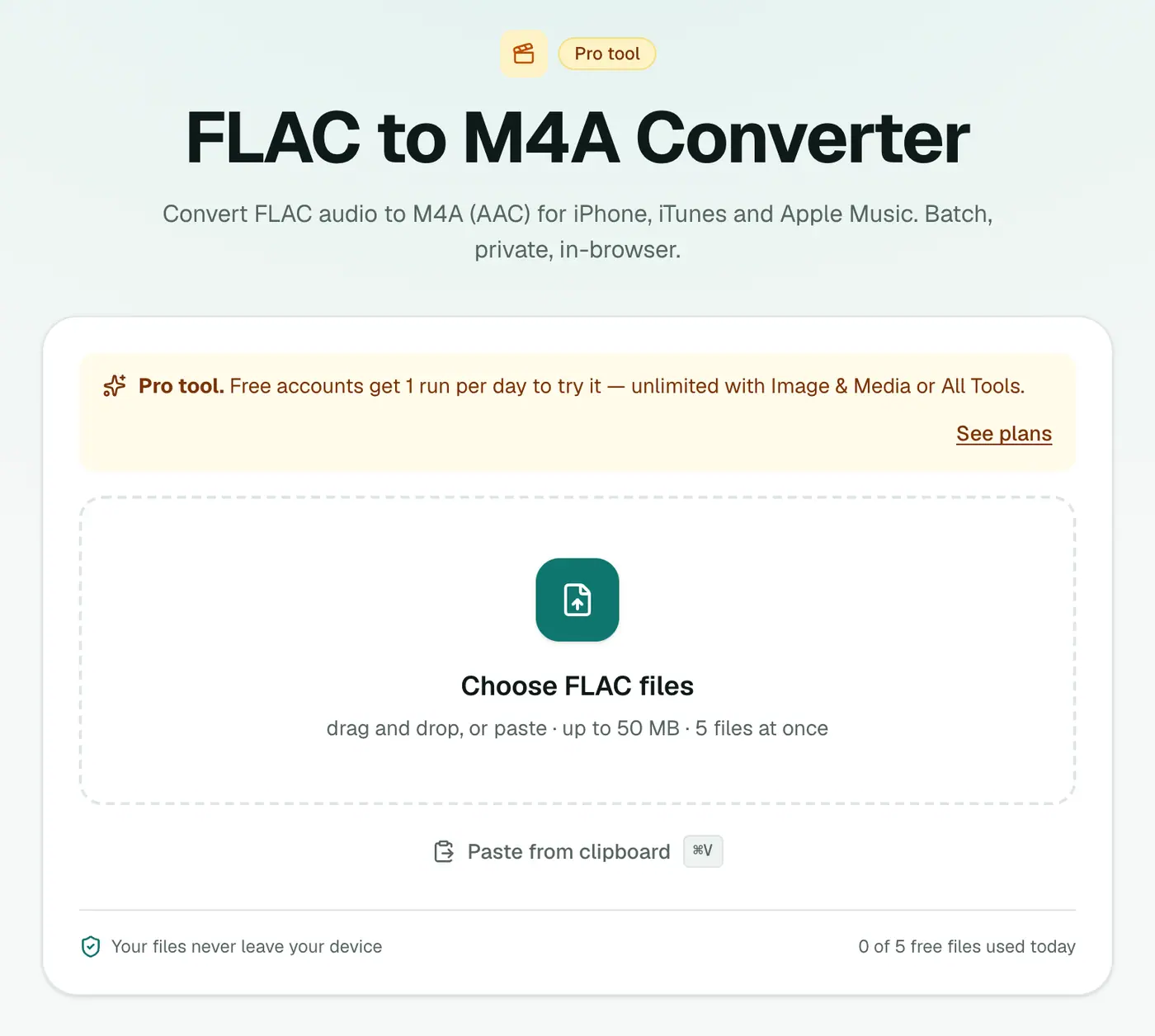
2. Add tracks and pick the quality
Drop in the album's .flac files and choose 256 kbps (best) for music.
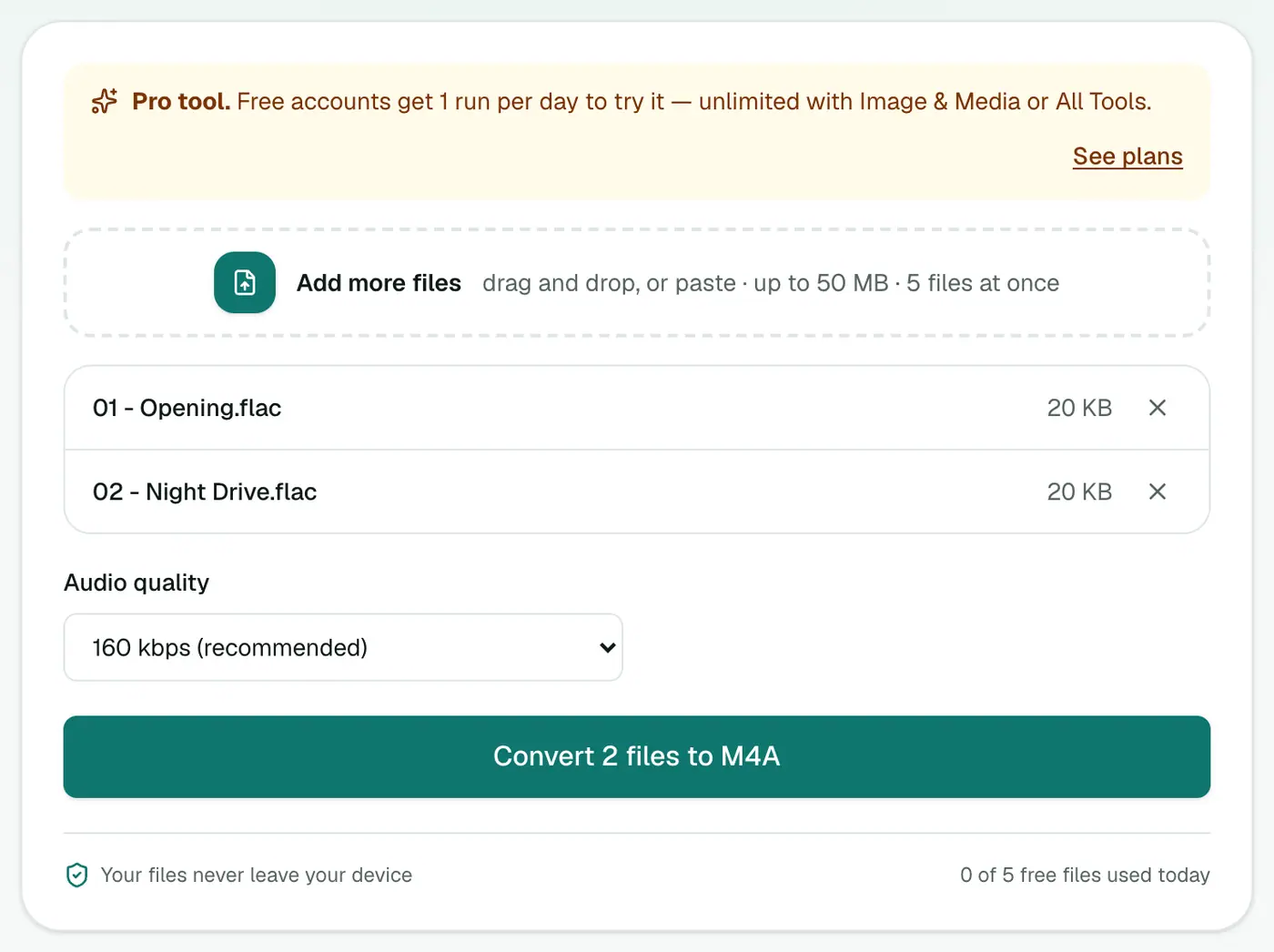
3. Convert and download
Click Convert to M4A and download the ZIP.
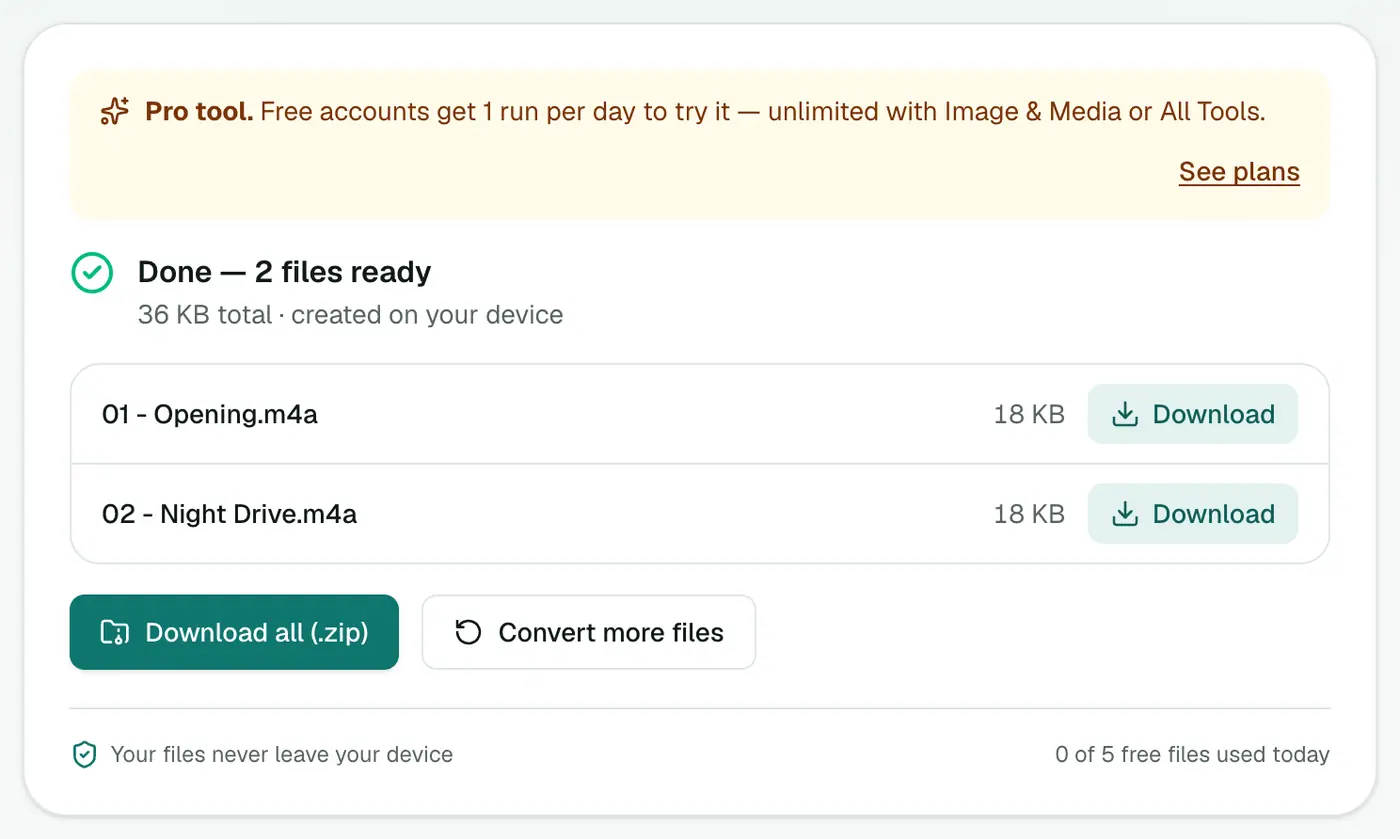
Getting them onto your iPhone
- On a Mac, open the Music app and drag the M4As in (File → Import).
- Connect your iPhone, select it in Finder, and sync music. Or turn on Sync Library to use iCloud.
- On Windows, use the Apple Music app or iTunes the same way.
Quality and size
| Setting | 4-minute track | 1,000 songs |
|---|---|---|
| FLAC (original) | ~30 MB | ~30 GB |
| M4A 256 kbps | ~8 MB | ~8 GB |
| M4A 160 kbps | ~5 MB | ~5 GB |
Tips
- Album art: add it in the Music app (Get Info → Artwork) or let Apple Music find it.
- Gapless albums: live albums and mixes may get tiny gaps between tracks. Set Part of a gapless album in Get Info → Options.
- Android or car stereo too? FLAC to MP3 is the most compatible choice.
- Keep the FLACs on a backup drive. You can always make new copies at any quality.
Alternative: Apple Lossless
If you have lots of storage and want to keep it lossless, Apple's Music app can convert to Apple Lossless on a Mac (Music → Settings → Files → Import Settings). It's lossless but around 4 times bigger than 256 kbps M4A.
Summary
The FLAC to M4A converter is the simplest way to bring a lossless library into Apple Music without losing audible quality.
FAQs
Doesn't the iPhone play FLAC?
The Files app can play FLAC, but the Music app and iTunes/Finder sync don't accept it. M4A works everywhere in Apple's ecosystem.
Which quality?
256 kbps (best) matches what Apple sells on iTunes. 160 kbps is fine if storage is tight.
Are album and artist tags kept?
Basic tags are usually carried over. Check in the Music app after importing and re-tag if needed. Album art isn't included.
Is it free?
Yes, once a day: one file up to 25 MB with no account. A free account gets one Pro tool run a day, and paid plans are unlimited.
Is the M4A lossless?
No. It's AAC, which is lossy but very good at 256 kbps. Keep your FLACs as the lossless masters.
Are my files uploaded?
No. The conversion runs in your browser.
Try the FLAC to M4A Converter
Free to start, no install, and your files never leave your device.