Audio & video2 min read
How to Convert WAV to FLAC (Half the Size, Zero Quality Loss)
Archive recordings and music losslessly: FLAC is roughly half the size of WAV with exactly the same audio. A simple guide for musicians and archivists.
By the ZapMorph team
On this page
Just want it done?
Open the WAV to FLAC Converter — it runs in your browser and nothing is uploaded.
If you've got a drive full of WAV recordings (band rehearsals, field recordings, years of voice-overs), you're probably using twice the storage you need. FLAC compresses audio like a ZIP file compresses documents: smaller on disk, identical when you open it.
Why FLAC for archives
- Lossless: every sample preserved.
- About half the size of WAV.
- Supports tags (artist, title, album) better than WAV.
- Built-in checksum: FLAC files store a fingerprint of the audio, so damage can be detected.
- Widely supported: VLC, foobar2000, most DAWs, Android, and recent macOS and iOS.
How to convert WAV to FLAC with ZapMorph
1. Open the converter
Go to the WAV to FLAC converter.
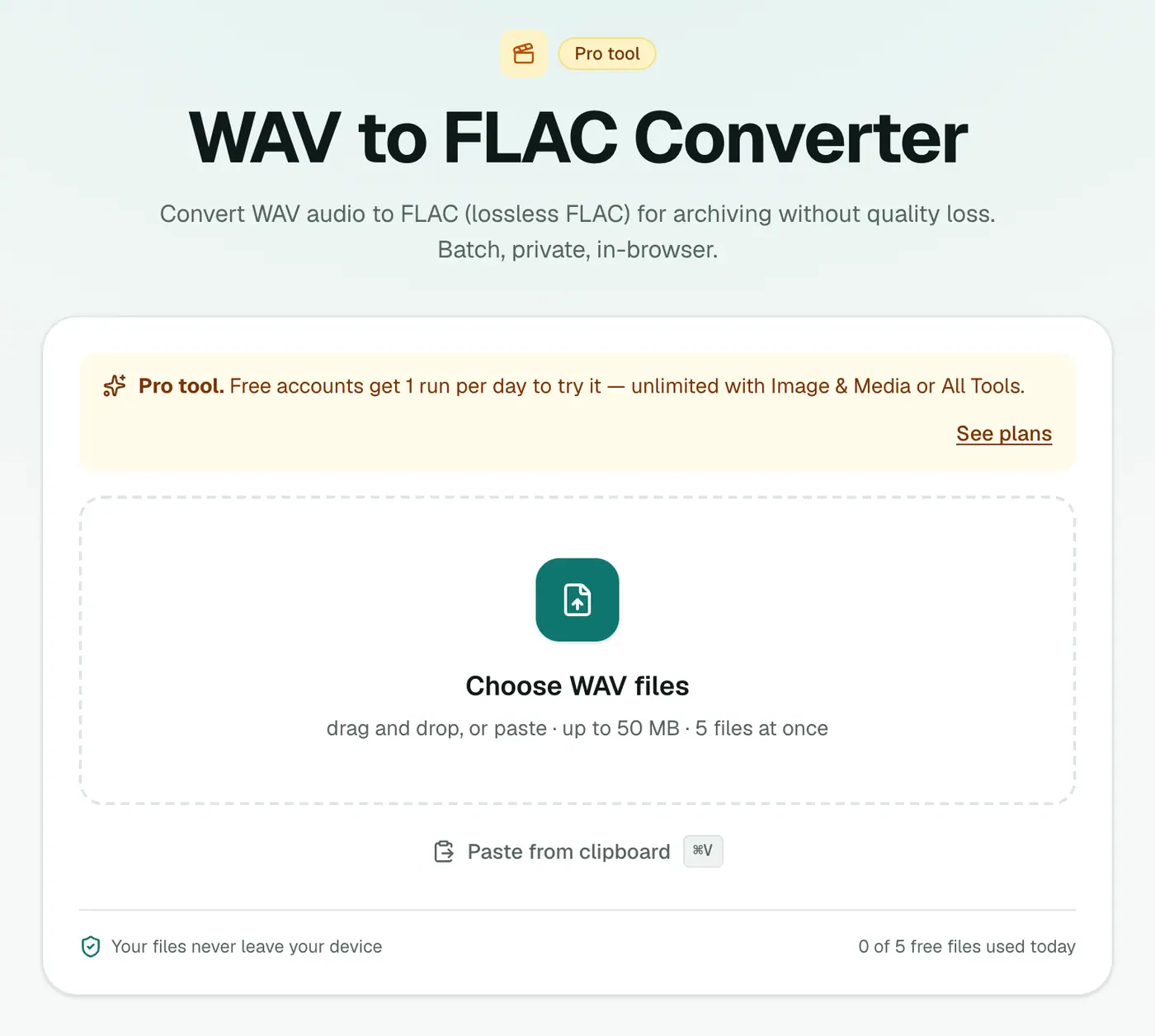
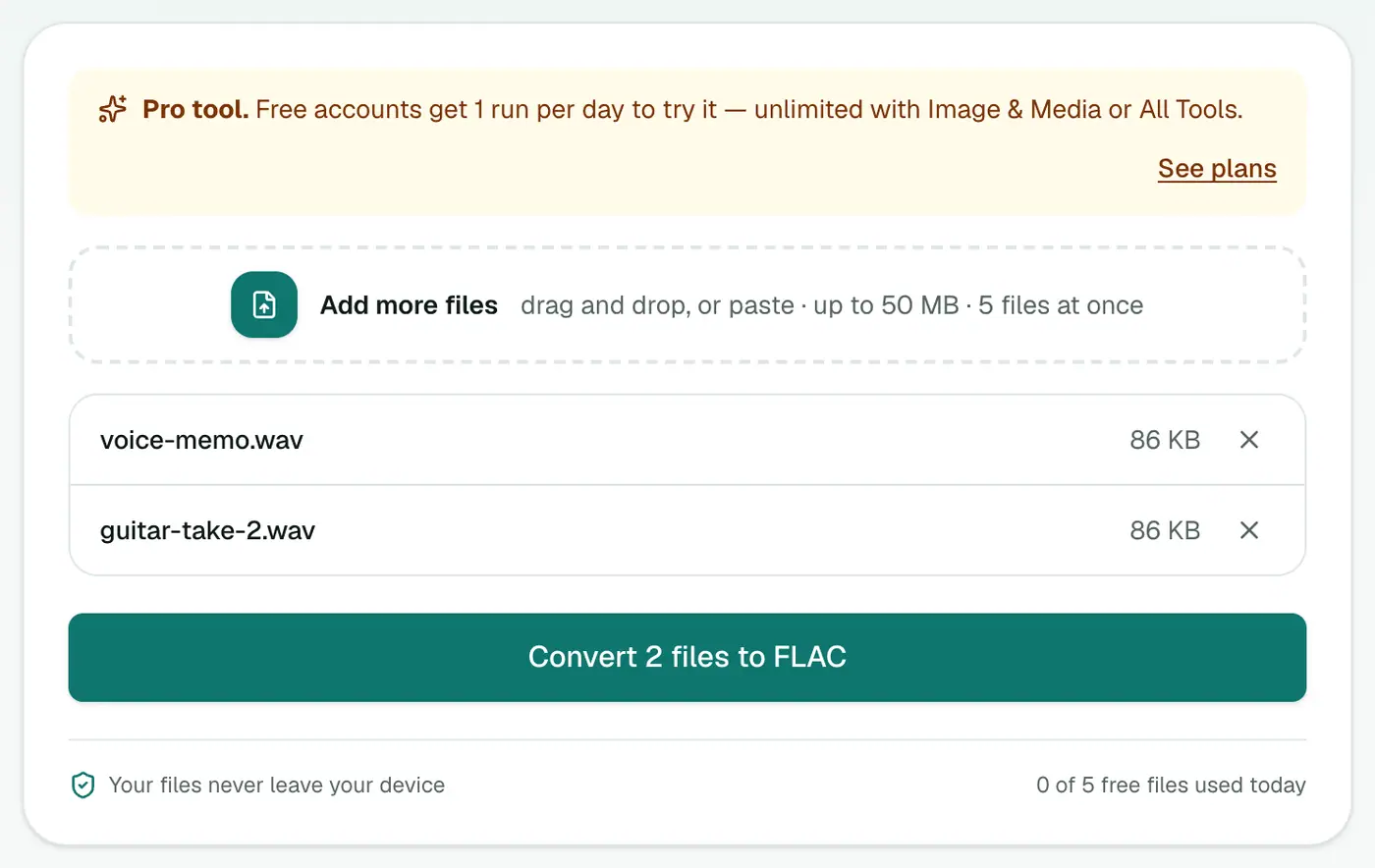
2. Add your WAVs
Drop in your .wav files.
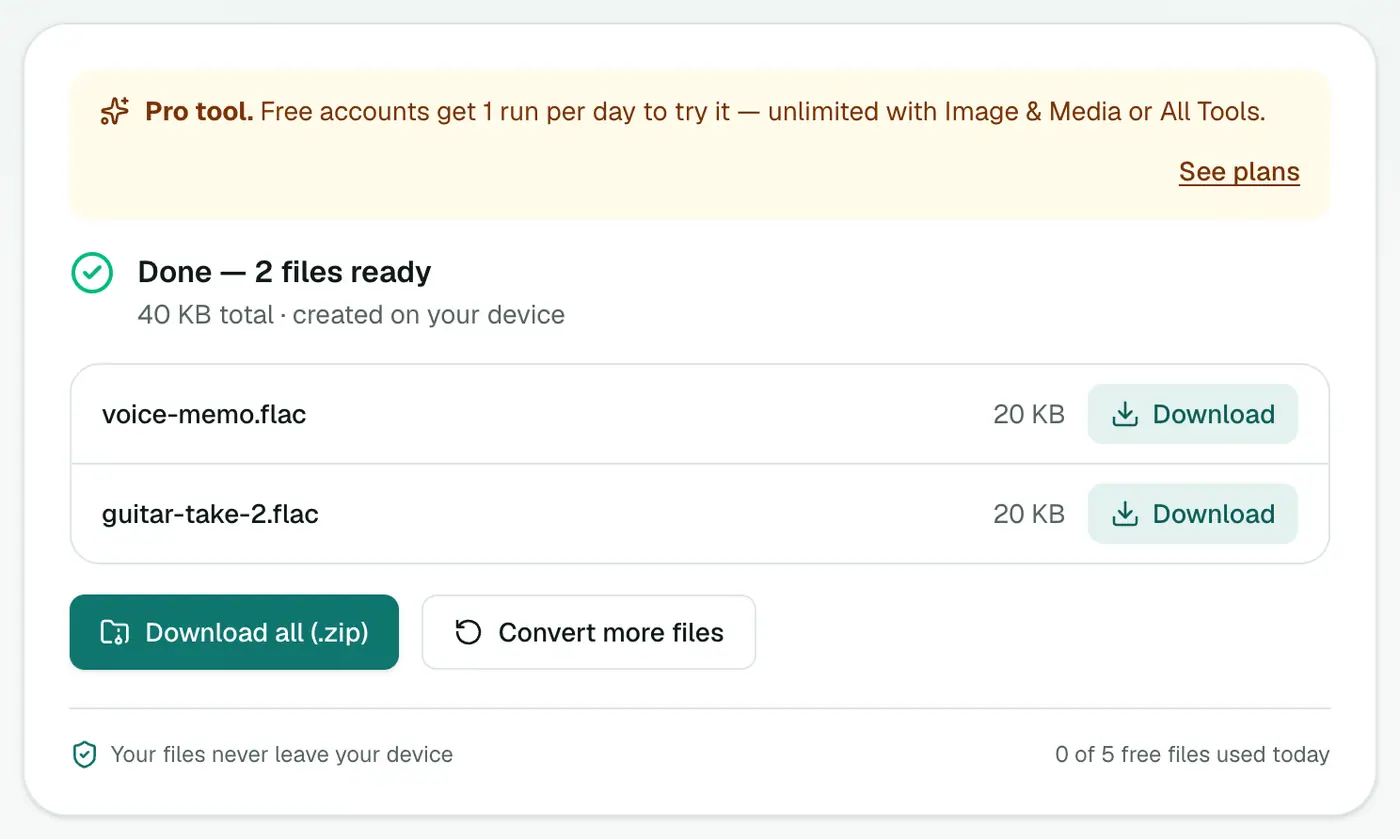
3. Convert and download
Click Convert to FLAC.
How much you'll save
| Recording | WAV | FLAC (typical) |
|---|---|---|
| 1 hour stereo, 16-bit 44.1 kHz | ~635 MB | ~300–400 MB |
| 1 hour stereo, 24-bit 48 kHz | ~1 GB | ~500–700 MB |
| 1 hour spoken word, mono | ~320 MB | ~120–180 MB |
Before deleting the WAVs
Spot-check a few FLACs: play them, check the length matches, maybe open one in your DAW. Then delete the WAVs (or keep one backup copy somewhere else).
An archiving routine
- Name files clearly before converting:
2026-03-14_rehearsal_take3.wav. - Convert to FLAC in batches.
- Spot-check, then store in two places (an external drive and cloud storage).
- Keep a simple spreadsheet listing what's in the archive.
When to keep WAV instead
- Active projects in a DAW that handles WAV better.
- Broadcast deliveries that specify WAV.
- Sample libraries for hardware that doesn't read FLAC.
Summary
The WAV to FLAC converter halves your audio storage without losing a single sample.
FAQs
Is FLAC really lossless?
Yes. Decoding a FLAC gives back exactly the same audio data as the original WAV, bit for bit.
How much space will I save?
Typically 40–60%, depending on the audio. Quiet or simple recordings compress more.
Can I convert back to WAV?
Yes, with FLAC to WAV. Note that the WAV it writes is 16-bit, so for 24-bit masters keep a copy of the original WAVs or decode with a desktop tool.
Is it free?
Yes, once a day: one file up to 25 MB with no account. A free account gets one Pro tool run a day, and paid plans are unlimited.
Are 24-bit recordings kept at 24-bit?
Yes. FLAC supports 16- and 24-bit audio, and the bit depth and sample rate of standard PCM WAVs are kept.
Are my recordings uploaded?
No. They're compressed in your browser.
Try the WAV to FLAC Converter
Free to start, no install, and your files never leave your device.