Dev tools2 min read
How to Convert a Unix Timestamp to a Date (and Back)
Translate epoch timestamps from logs, databases and APIs into readable dates in UTC and your time zone, or get the timestamp for any date. Seconds or ms.
By the ZapMorph team
On this page
Just want it done?
Open the Unix Timestamp Converter — it runs in your browser and nothing is uploaded.
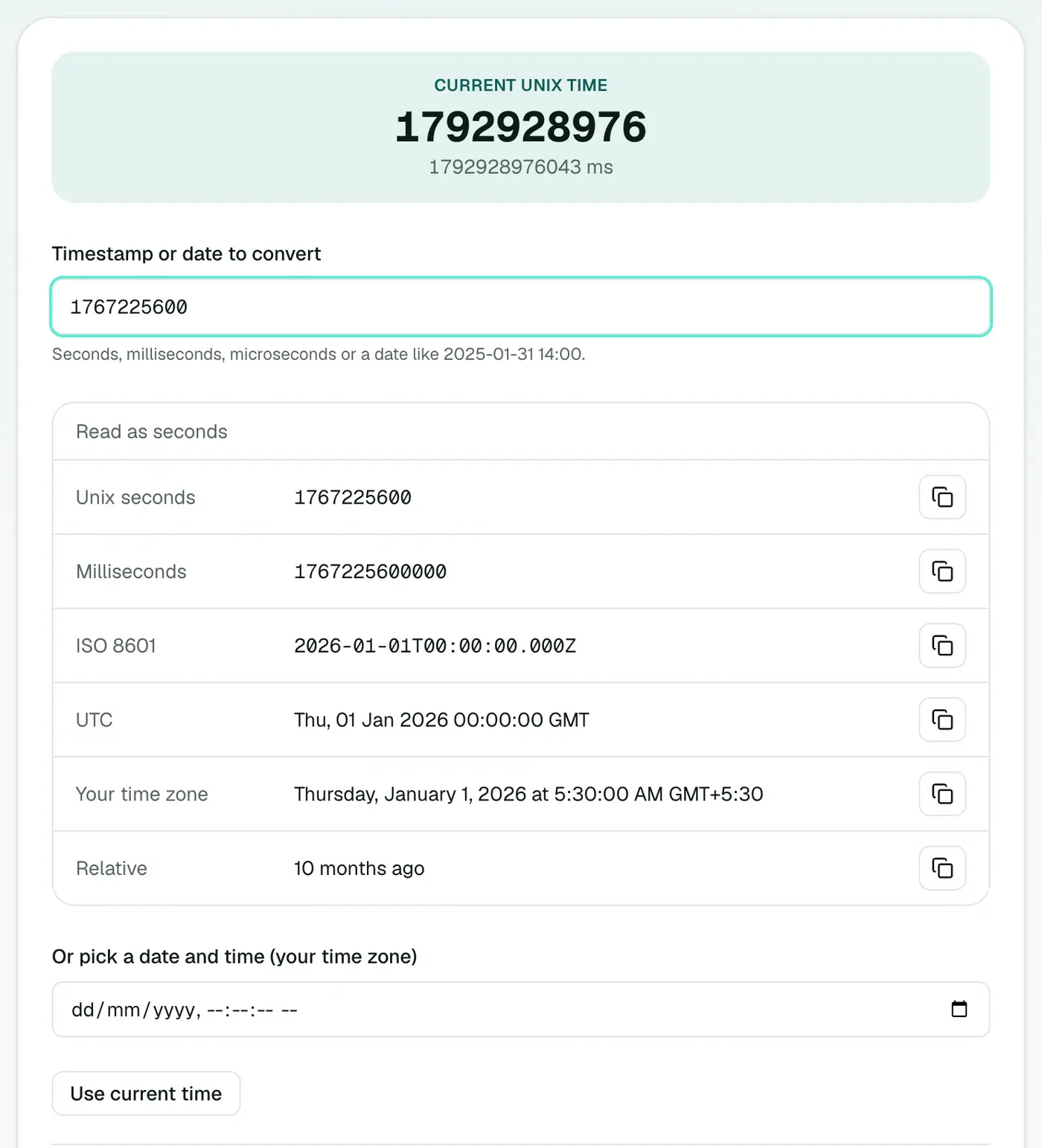
1767225600. Is that last week or next year? Logs, databases, JWTs and APIs are full of epoch timestamps, and doing the maths in your head isn't an option. (It's 1 January 2026, midnight UTC.)
How to convert timestamps with ZapMorph
1. Open the timestamp converter
Go to the Unix timestamp converter. The current timestamp ticks at the top.
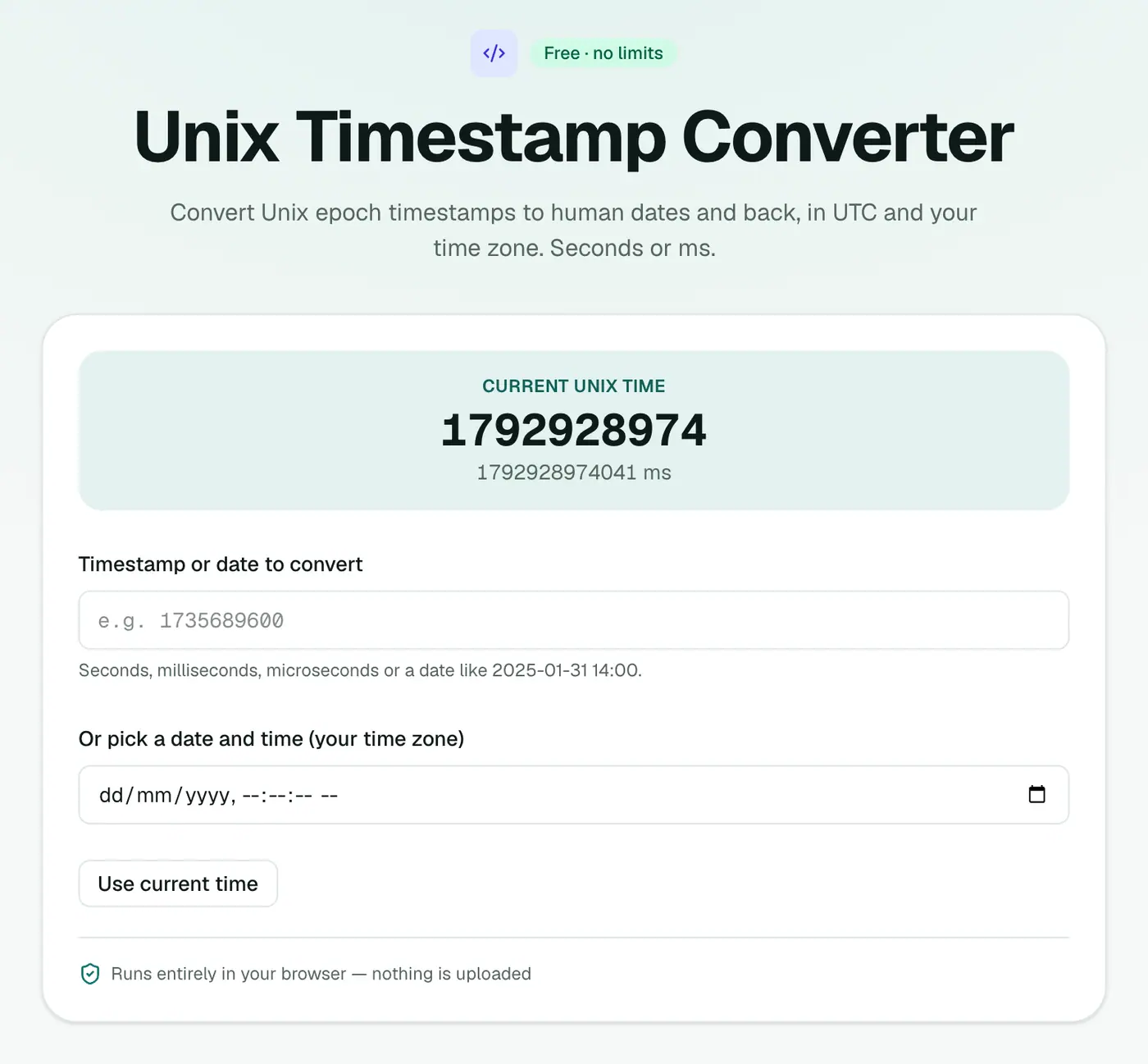
2. Paste a timestamp or pick a date
Paste a timestamp (seconds, milliseconds or microseconds) or choose a date. You'll see ISO 8601, UTC, local and relative time, each with a copy button.
Quick reference
- 10 digits → seconds (e.g.
1767225600). - 13 digits → milliseconds (JavaScript's
Date.now()). - 16 digits → microseconds.
- 0 → 1 January 1970, 00:00:00 UTC.
Useful durations in seconds
| Period | Seconds |
|---|---|
| 1 minute | 60 |
| 1 hour | 3,600 |
| 1 day | 86,400 |
| 1 week | 604,800 |
| 30 days | 2,592,000 |
| 365 days | 31,536,000 |
Getting the current timestamp
| Where | Code |
|---|---|
| JavaScript | Math.floor(Date.now() / 1000) |
| Python | int(time.time()) |
| macOS / Linux | date +%s |
| PostgreSQL | extract(epoch from now()) |
| MySQL | UNIX_TIMESTAMP() |
| Excel (from a timestamp in A1) | =A1/86400+DATE(1970,1,1) |
Tips
- Debugging tokens? The JWT decoder converts
iatandexpto dates for you. - Time zones: store and compare in UTC, and convert to local time only for display.
- Off by a factor of 1,000? You've mixed up seconds and milliseconds. A date in 1970 or the year 50,000 is the giveaway.
Summary
The Unix timestamp converter turns epoch numbers into dates (and back) in every format you need.
FAQs
Seconds or milliseconds?
Both, plus microseconds. The unit is detected automatically from the number of digits.
Which formats are shown?
ISO 8601, UTC, your local time and relative time (like '3 days ago'), each with a copy button.
What is a Unix timestamp?
The number of seconds since 1 January 1970, 00:00 UTC. It's how most systems store time internally.
Do Unix timestamps include time zones?
No. A timestamp is always UTC-based. The time zone only matters when you display it.
What is the year 2038 problem?
Systems that store timestamps as signed 32-bit numbers overflow on 19 January 2038. Modern systems use 64-bit numbers and aren't affected.
Do leap seconds count?
No. Unix time ignores leap seconds; every day is exactly 86,400 seconds.
Try the Unix Timestamp Converter
Free to start, no install, and your files never leave your device.