Data & docs2 min read
How to Convert a TXT File to a Word Document
Turn notes, logs, transcripts and exported text into an editable DOCX you can format, comment on and share. One paragraph per line.
By the ZapMorph team
On this page
Just want it done?
Open the TXT to Word Converter — it runs in your browser and nothing is uploaded.
Plain text is easy to produce and hard to collaborate on. You can't comment on a .txt, track changes or add a heading. When notes, transcripts or exported text need to go through a review, a Word document is what people expect.
Good candidates
- Meeting and interview transcripts from Zoom, Teams or a transcription app.
- Notes from a plain-text notes app.
- Exported text from older systems.
- Drafts written in a distraction-free editor.
How to convert TXT to Word with ZapMorph
1. Open the converter
Go to the TXT to Word converter.
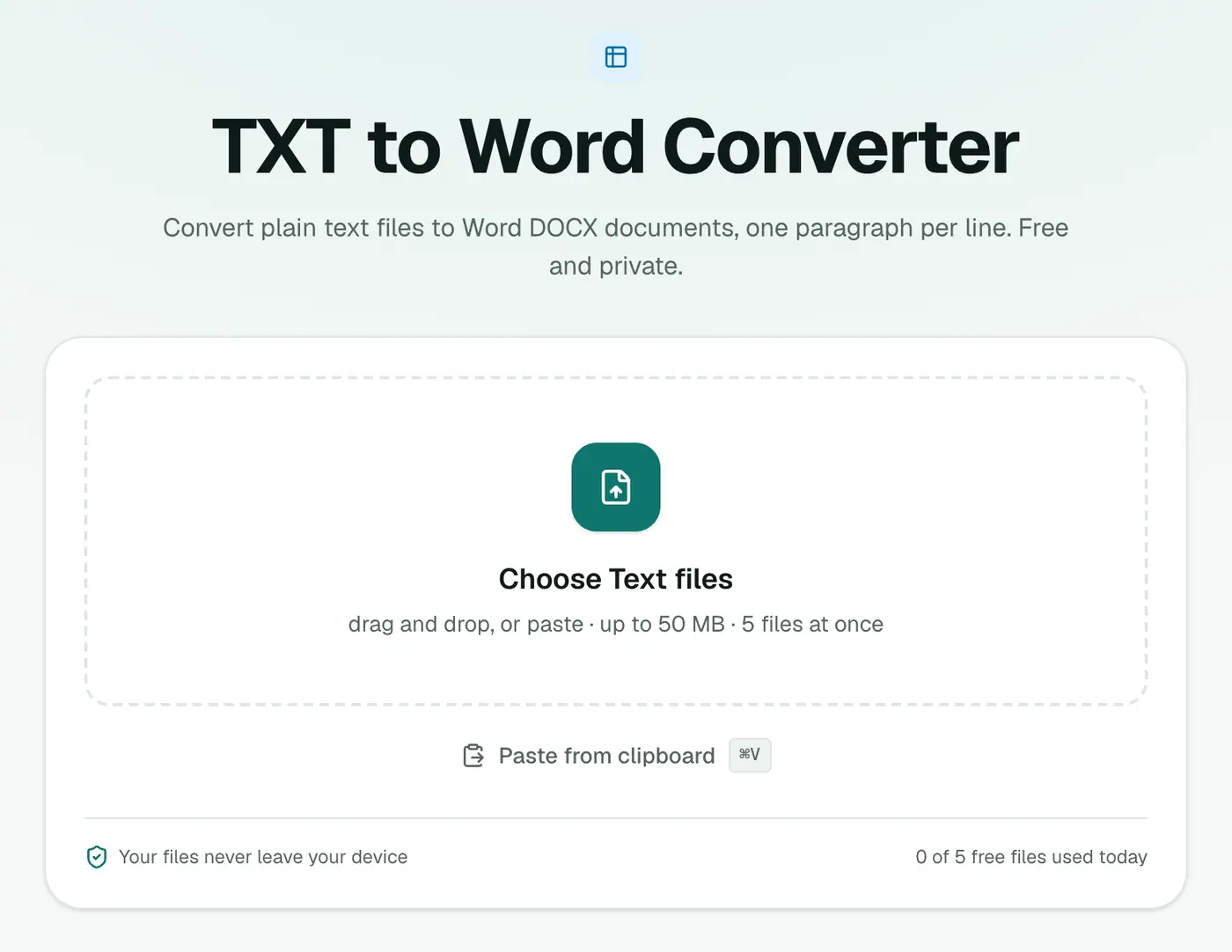
2. Add your text files
Drop in .txt files.
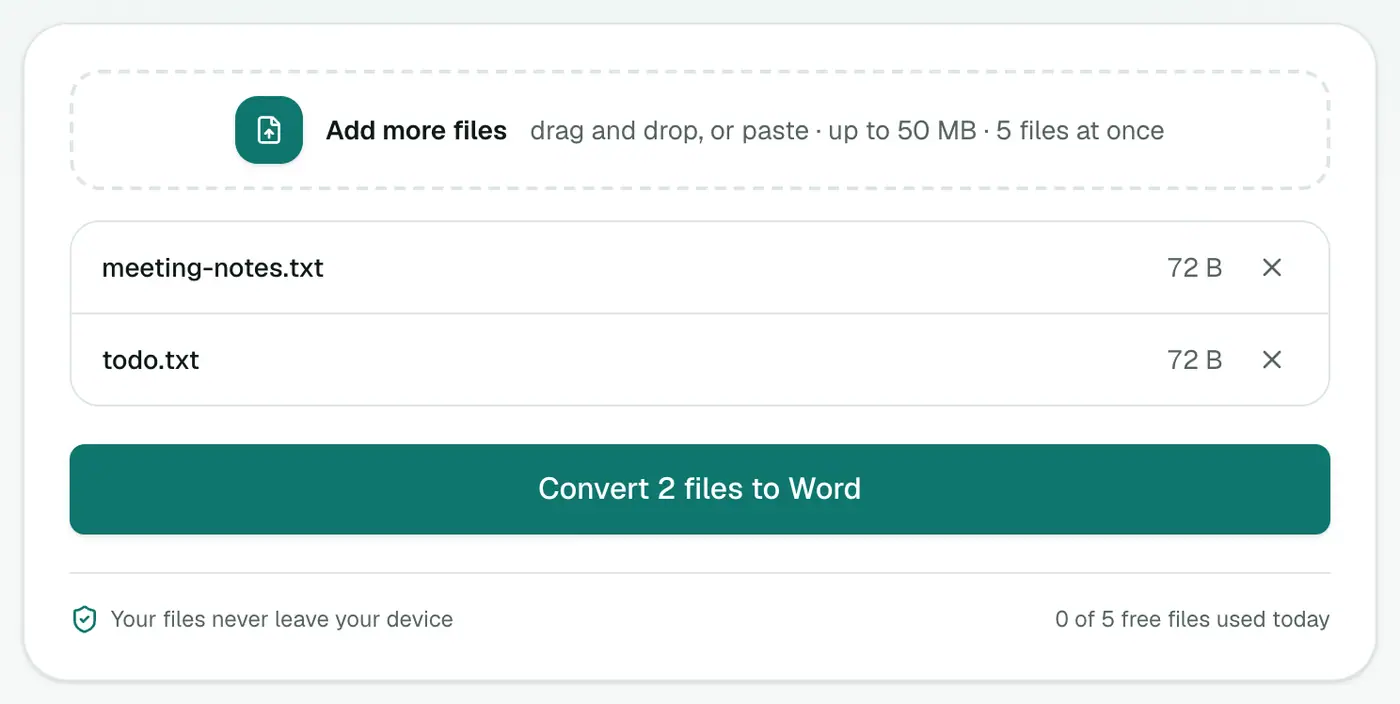
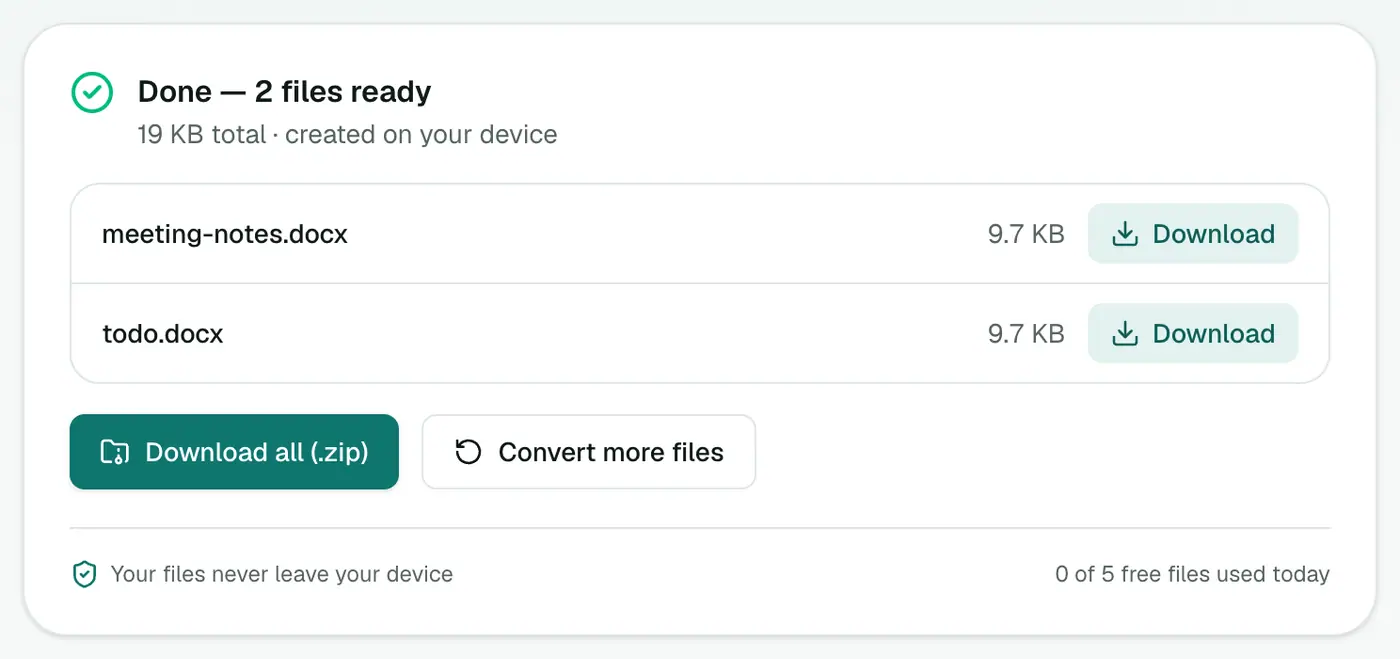
3. Convert and download
Click Convert to Word.
After converting
- Apply Heading styles to section titles, so the navigation pane works.
- Use Find & Replace to clean up repeated timestamps in transcripts.
- Turn on Track Changes before sending it for review.
Related
- Need it read-only? TXT to PDF.
- Written in Markdown? Markdown to Word keeps the formatting.
Good uses
- Meeting transcripts from Zoom, Teams or a subtitle tool, ready for comments and tracked changes.
- Notes from a phone or a plain-text app, to share with colleagues.
- Logs and exports that need to go into a report.
- AI-generated text you want to edit in Word.
After converting
- Apply Heading 1 and Heading 2 styles to section titles. Word's navigation pane and table of contents depend on them.
- Use Find and Replace to tidy double spaces or stray characters.
- Turn on Track Changes if others will review it.
Text with Markdown?
If your text uses # headings and **bold**, Markdown to Word turns them into real Word formatting instead of leaving the symbols in.
Summary
The TXT to Word converter turns plain text into a document people can edit, comment on and review.
FAQs
How are lines handled?
Each line of the text file becomes its own paragraph in the Word document.
Can I convert transcripts from Zoom or Teams?
Yes. Export the transcript as .txt and convert it. You can then add headings, comments and track changes in Word.
Do I need Word installed?
No, the DOCX is created in your browser. You can open it in Word, Google Docs, Pages or LibreOffice.
Is the text uploaded?
No. The Word document is created in your browser.
Will my line breaks be kept?
Yes. Paragraphs and line breaks from the text file carry over into the document.
Try the TXT to Word Converter
Free to start, no install, and your files never leave your device.