PDF2 min read
How to Convert TIFF Scans and Faxes to PDF
Turn single or multi-page TIFF files from scanners and fax software into one PDF anyone can open. Every page is kept, in order.
By the ZapMorph team
On this page
Just want it done?
Open the TIFF to PDF Converter — it runs in your browser and nothing is uploaded.
Fax software, old document management systems and many office scanners still produce TIFF files. They're often multi-page, which is handy, but almost nobody outside that office can open them. PDF is what everyone expects.
How to convert TIFF to PDF with ZapMorph
1. Open the converter
Go to the TIFF to PDF converter.
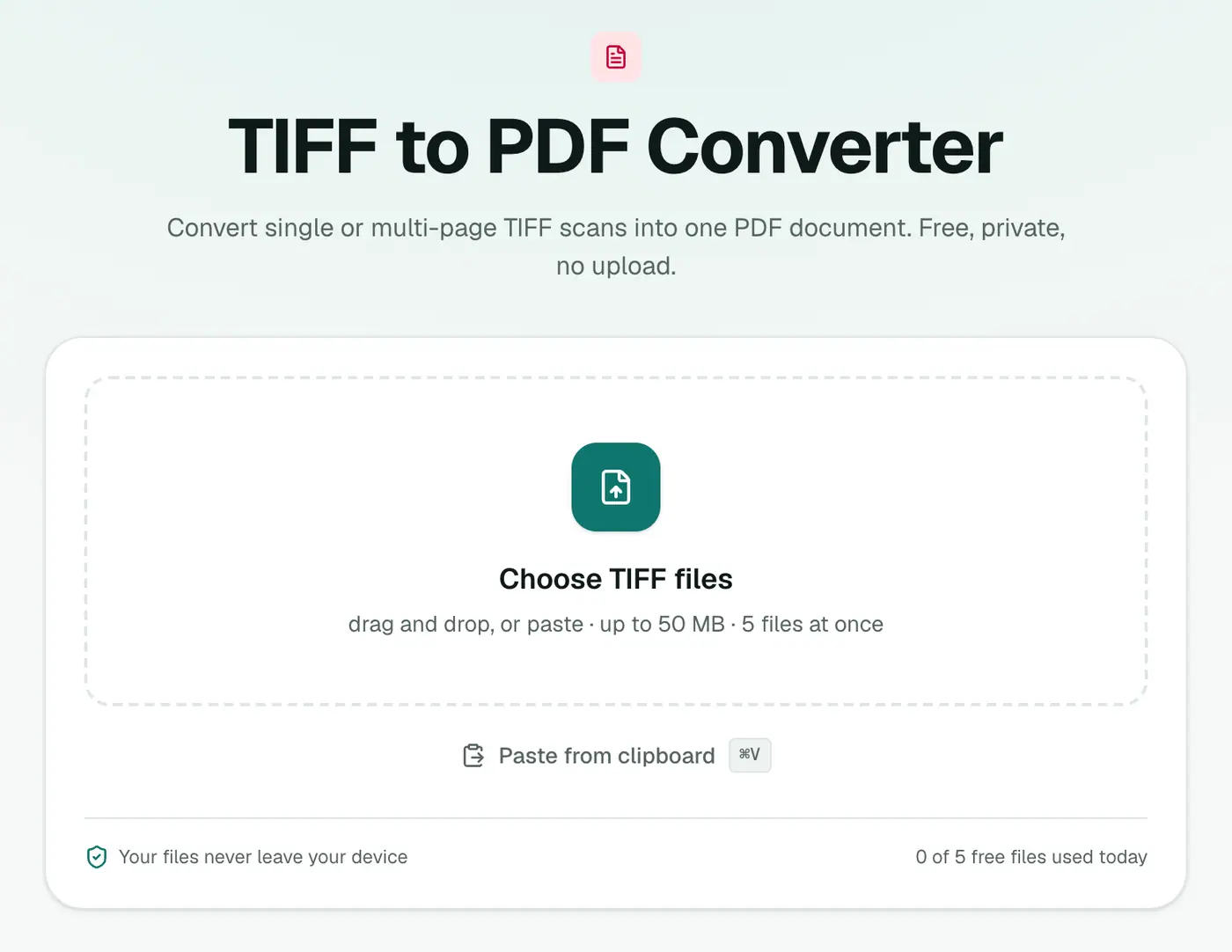
2. Add your TIFFs
Select one or more .tif / .tiff files and order them with the arrows. Choose a Page size (A4 and Letter suit scanned documents) and a Margin.
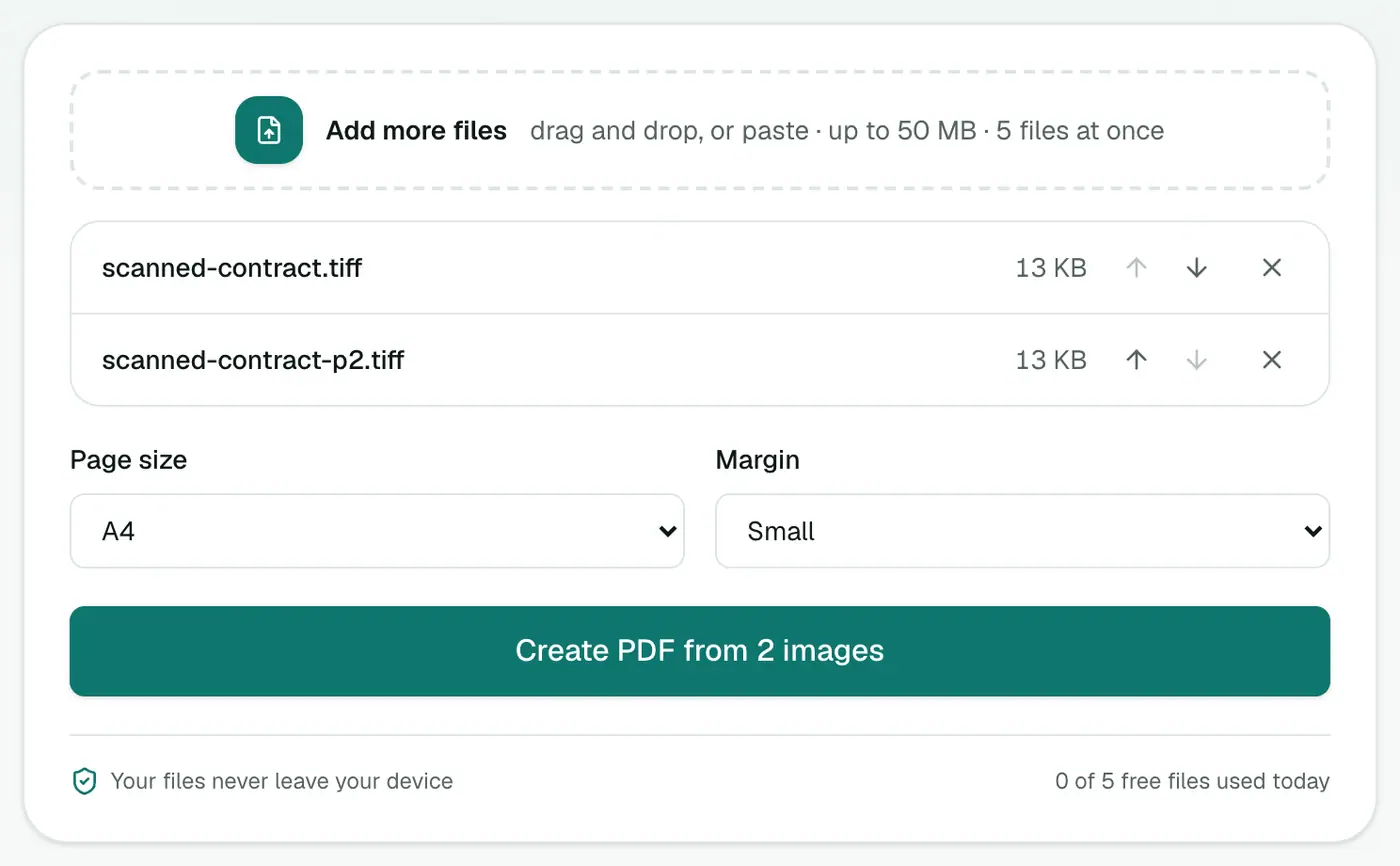
3. Create the PDF
Click Create PDF. All pages of all files end up in one document.
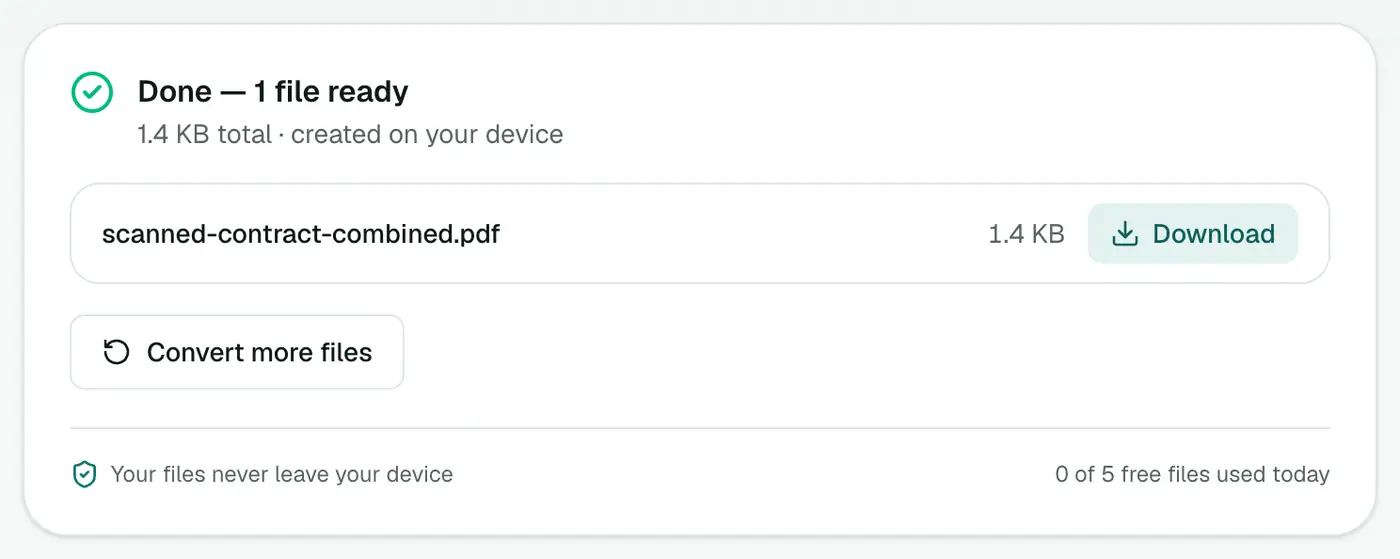
Why not just send the TIFF?
- Many email clients and phones can't preview TIFF.
- Upload portals rarely accept it.
- PDF readers are everywhere, and PDFs are easy to sign, annotate and print.
Tips
- Make it searchable: scans are pictures of text. Make PDF Searchable adds an invisible text layer so you can search and copy.
- Shrink it: TIFF scans can be large. Try Compress PDF.
- Need single pages as images instead? Use TIFF to JPG.
- Just want to look? The TIFF viewer opens it in the browser.
Page size and margin
| Setting | Choose when |
|---|---|
| A4 | Printing or submitting outside the US and Canada |
| US Letter | Printing in the US and Canada |
| Same as image | Keeping each scan at its own size |
| No margin | Scans already include page edges |
| Small / Large margin | Adding white space for printing or binding |
Why PDF for scans?
- One file instead of a folder of TIFFs.
- Opens everywhere, including phones and browsers that can't show TIFF.
- Accepted by courts, government portals and HR systems.
Next steps
- Make it searchable: OCR PDF.
- Shrink it: Compress PDF.
- Fix sideways pages: Rotate PDF.
Summary
The TIFF to PDF converter turns scanner and fax output into a PDF that works everywhere, combining multiple files and pages into one tidy document.
FAQs
Does it keep every page of a multi-page TIFF?
Yes. Every page of every TIFF is added in order.
Can I combine several TIFF files into one PDF?
Yes. Add them all, arrange the order, and they'll be merged into a single PDF.
Will the text be searchable?
Not automatically, because TIFF scans are images. Run the PDF through Make PDF Searchable to add a text layer.
Is my scan uploaded?
No. The PDF is built in your browser.
Can I make the PDF searchable afterwards?
Yes. Run it through OCR PDF to add a text layer so you can search and copy the text.
Try the TIFF to PDF Converter
Free to start, no install, and your files never leave your device.