Email2 min read
How to Extract Plain Text From an Outlook PST Archive
Pull the sender, date, subject and body of every email in a PST into one plain text file for search, review or AI tools. No Outlook needed.
By the ZapMorph team
On this page
Just want it done?
Open the PST to Text Converter — it runs in your browser and nothing is uploaded.
When you're looking for "the email where the supplier agreed to the discount" in a 5,000-message archive, a single searchable text file beats clicking through Outlook folders.
What you get
One .txt file. Each email has a short header followed by its body:
From: Jordan Reyes <jordan@supplier.com>
To: Sam Lee <sam@example.com>
Date: Tuesday, May 9, 2023 at 11:02 AM
Subject: Re: Pricing for Q3
Attachments: price-list.xlsx (48 KB)

Happy to confirm the 8% discount for orders over 500 units…
A line of = characters separates each email from the next.
How to convert PST to text with ZapMorph
1. Open the converter
Go to the PST to Text converter.
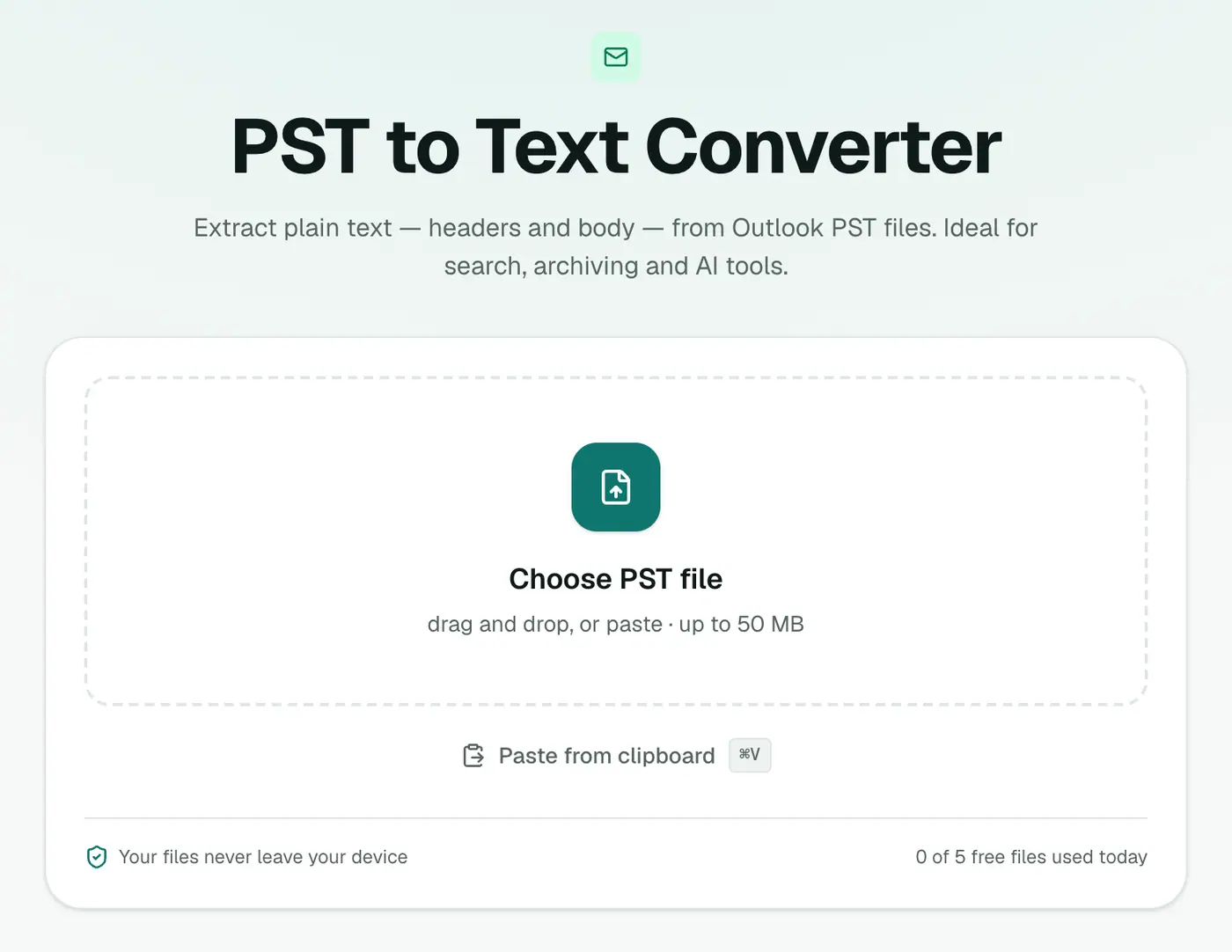
2. Add your PST
Drop in the .pst file. Close Outlook first if the PST is currently open in it.
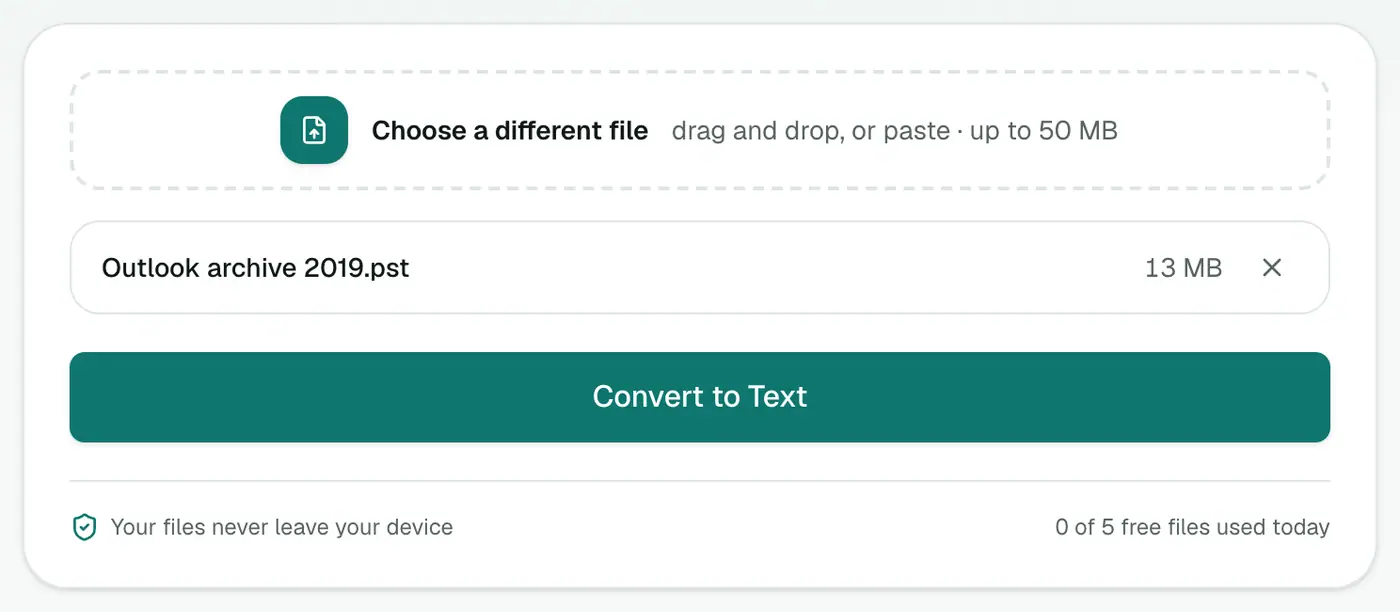
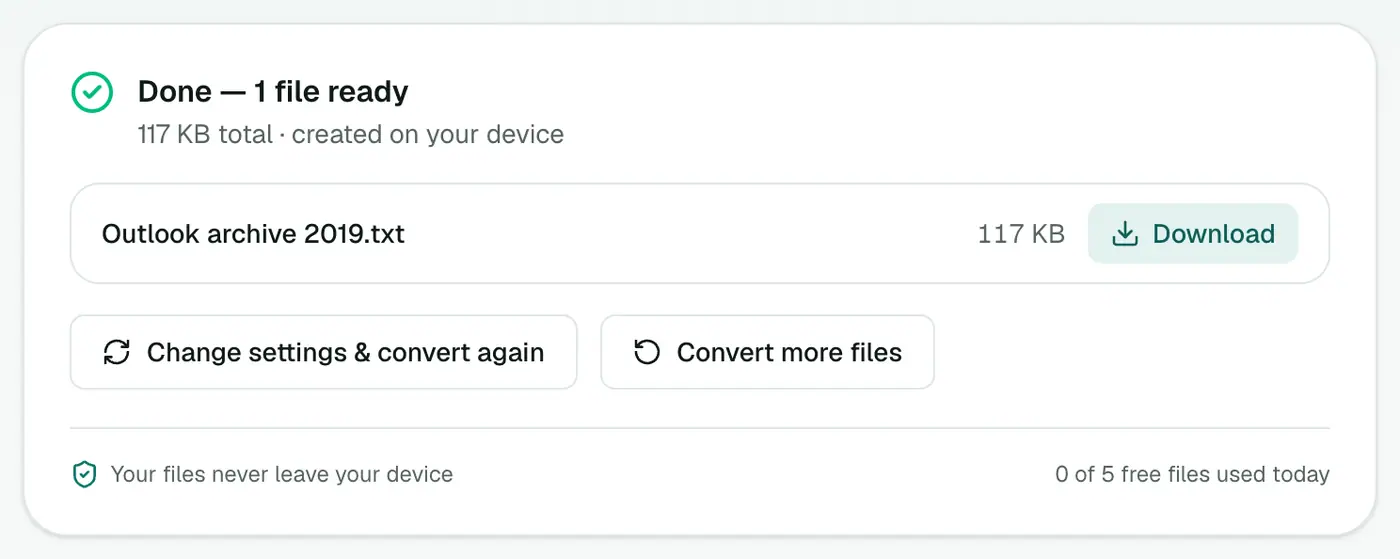
3. Convert and download
Click Convert to Text.
Good uses
- Keyword searches across years of email.
- Long-term archiving in a format that will always open.
- Summaries with AI tools. Mind your company's policy before pasting work email into online services.
- Quick review of a mailbox before deciding what to export properly.
Search tips
- Big files: Notepad struggles past a few hundred MB. VS Code, Notepad++ or Sublime Text cope fine.
- Regular expressions find patterns like invoice numbers (
INV-\d+) or amounts (\$\d[\d,]*). Try them in the regex tester. - Terminal:
grep -i -n "discount" archive.txt(Mac/Linux) orfindstr /i /n "discount" archive.txt(Windows). - Show context:
grep -i -B5 -A20 "discount" archive.txtprints the lines around each match, usually enough to see the sender and date.
Text vs other formats
| You need | Format |
|---|---|
| Search and keyword review | Text |
| Filter by date and sender in Excel | PST to CSV |
| A formal record | PST to PDF |
| Original emails with attachments | PST to EML |
Troubleshooting
"Password-protected." Remove the PST password in Outlook (Account Settings → Data Files → Settings → Change Password).
"Isn't a readable Outlook data file." Run scanpst.exe (Microsoft's Inbox Repair Tool) on a copy of the PST and try again.
Summary
The PST to Text converter turns an Outlook archive into one plain, searchable text file, privately and without Outlook.
FAQs
How is the text organised?
All emails go into one text file, each with its headers, separated by a line of = characters.
Are attachments included?
Each email's attachment names and sizes are listed in its header, but the files themselves aren't. Use PST to EML to keep the files.
Can I search it quickly?
Yes. Open it in any text editor and use Find, or search it with command-line tools.
Are HTML emails converted properly?
Yes. Emails that only have an HTML version are turned into clean text without tags or styles.
Do I need Outlook installed?
No. The PST is read directly in your browser, on Windows, Mac or Linux.
Is the PST uploaded?
No. Everything runs on your device.
Try the PST to Text Converter
Free to start, no install, and your files never leave your device.