Email2 min read
How to Convert PST Emails to MHT Web Archives
Save every email in an Outlook PST as a self-contained .mht file that keeps formatting and inline images, and opens in browsers and Word. No Outlook needed.
By the ZapMorph team
On this page
Just want it done?
Open the PST to MHT Converter — it runs in your browser and nothing is uploaded.
PDFs flatten an email. HTML can lose inline images. MHT keeps the whole thing (formatting, embedded logos, inline photos) in one self-contained file per email. It's a good choice for archiving correspondence where the look matters: marketing approvals, signed-off designs, formatted reports sent by email.
How to convert PST to MHT with ZapMorph
1. Open the converter
Go to the PST to MHT converter.
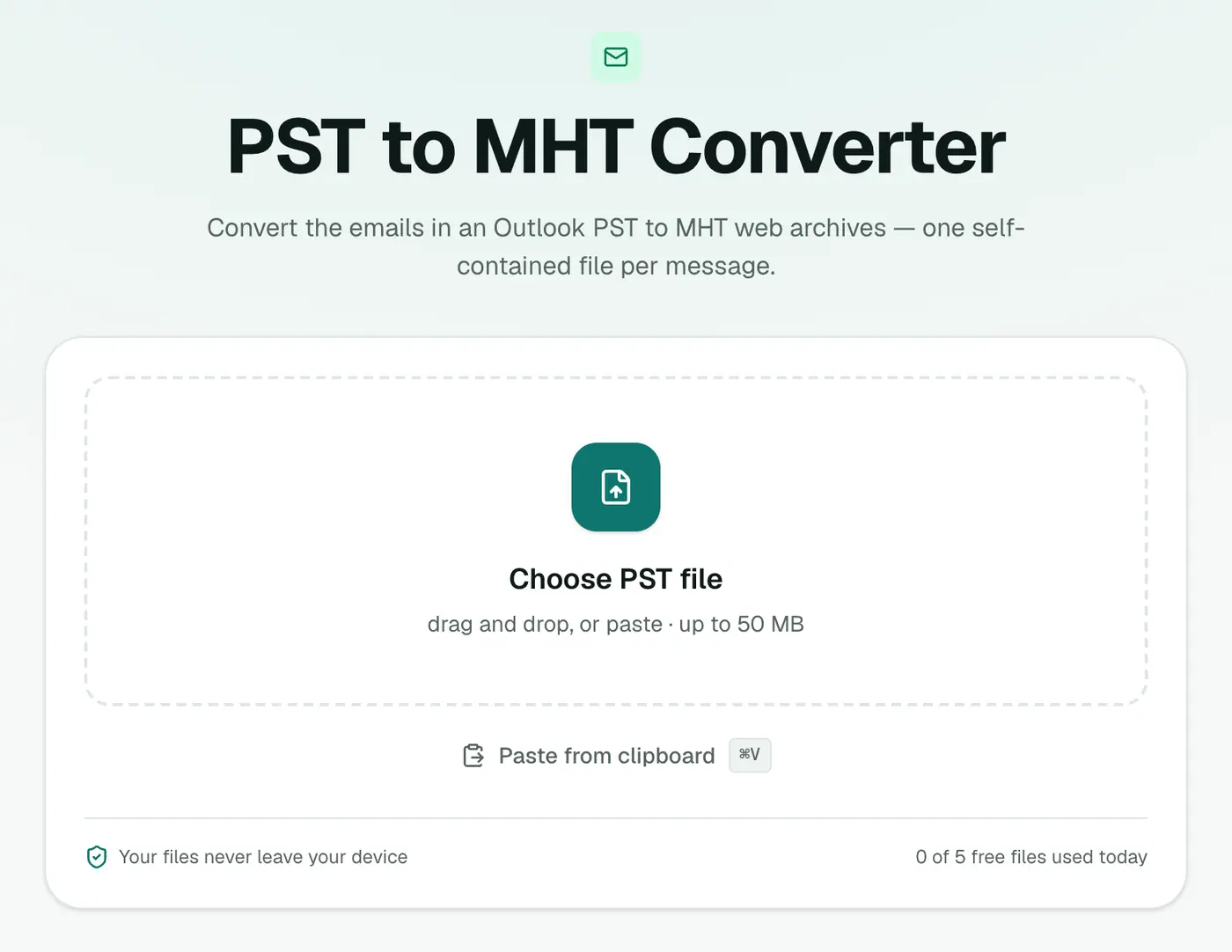
2. Add your PST
Drop in the .pst file. Close Outlook first if it has the PST open.
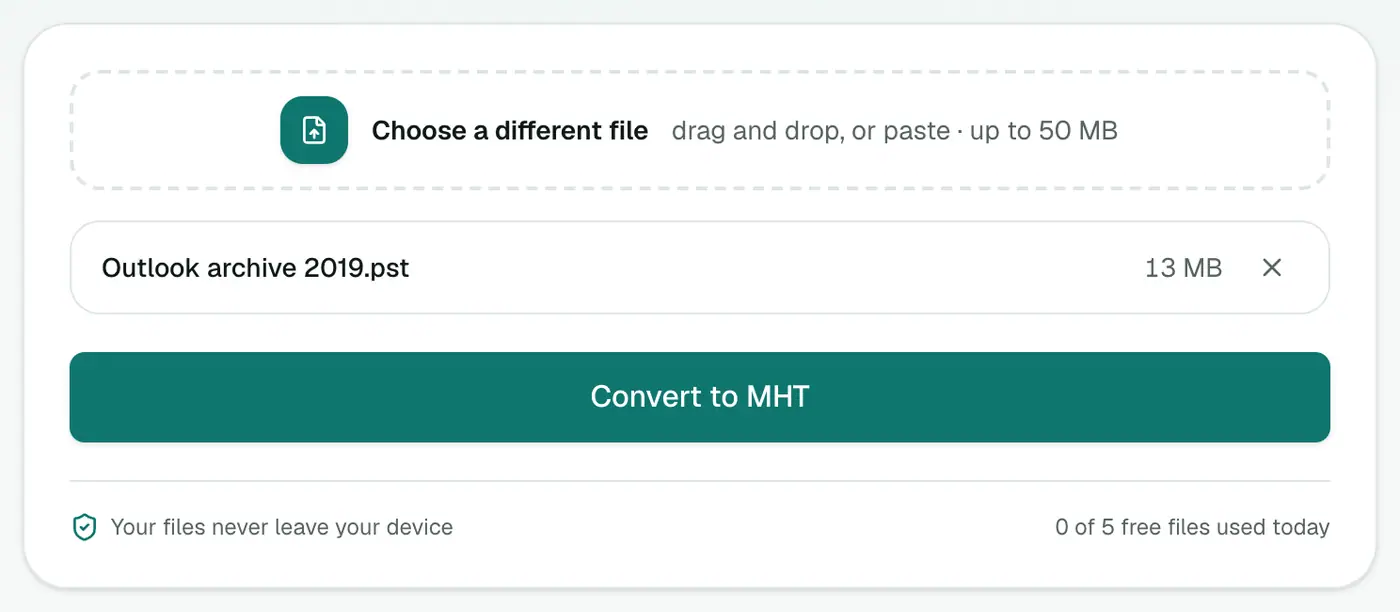
3. Convert and download
Click Convert to MHT and download the ZIP of message files.
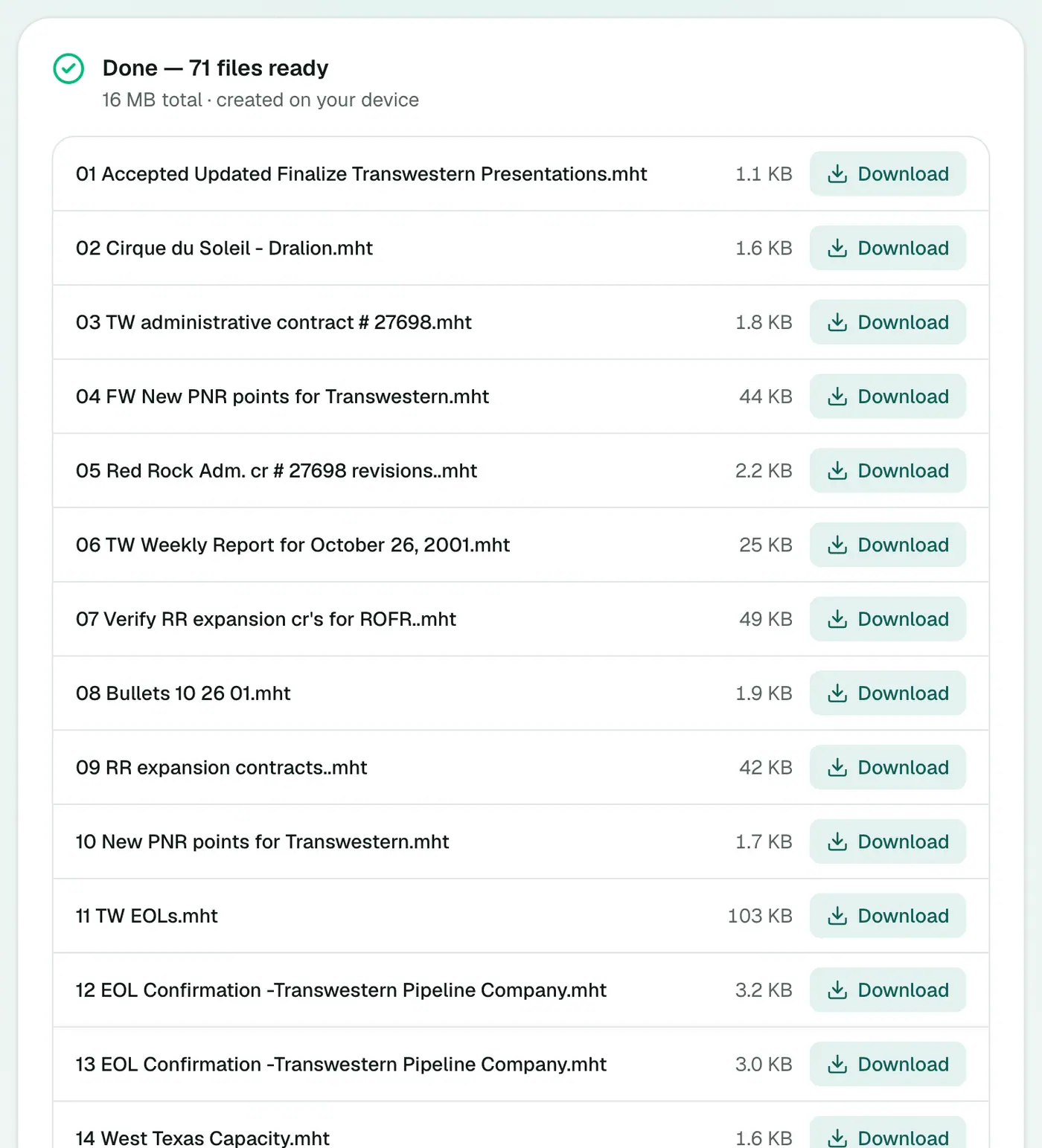
Opening MHT files
- Microsoft Word opens MHT files directly. Handy for editing or re-saving as PDF.
- Chromium browsers (Chrome, Edge) can display most MHT files. Drag one into a browser window.
- Firefox and Safari don't open MHT natively. Use Word or a Chromium browser instead.
- Mail apps can open them too if you rename the file to
.eml.
Which archive format?
| Need | Best choice |
|---|---|
| Exact look with inline images, per email | MHT |
| One printable document | PST to PDF |
| Import into another mail app | PST to MBOX |
| Individual standard emails | PST to EML |
| Everything in one web page | PST to HTML |
Organising the files
- Sort by name to keep the original order.
- Search by subject with File Explorer or Finder's search box.
- Need sender and date at a glance? Export a PST to CSV index alongside the MHT files. The rows follow the same order.
Troubleshooting
Windows asks which app to use. Choose Microsoft Edge or Word, and tick Always use this app.
"Password-protected." Remove the PST password in Outlook (Account Settings → Data Files → Settings → Change Password).
"Isn't a readable Outlook data file." Repair a copy with scanpst.exe and try again.
Summary
For a faithful, per-email archive with images intact, the PST to MHT converter is the right tool.
FAQs
What is an MHT file?
A web archive: a page and its images bundled into one file. It's ideal for emails with inline images and rich formatting.
What opens MHT files?
Microsoft Word opens them, and so do Chromium-based browsers like Edge and Chrome in most cases.
Do I get one file per email?
Yes, one .mht per message. Download them all as a ZIP.
How are the files named?
With a sequence number and the subject, for example "0042 Brand guidelines approval.mht".
What's the difference between MHT and EML?
Inside, they're very similar. The .mht extension tells Windows to open the file in a browser or Word rather than a mail app.
Is the PST uploaded?
No. Everything happens in your browser.
Try the PST to MHT Converter
Free to start, no install, and your files never leave your device.