Email2 min read
How to Convert an Outlook PST to JSON for Scripts and Analysis
Parse a PST archive into a JSON array, one object per email with folder, headers, recipients, bodies and attachment details. No PST library needed.
By the ZapMorph team
On this page
Just want it done?
Open the PST to JSON Converter — it runs in your browser and nothing is uploaded.
PST is one of the gnarliest file formats around: a binary database with its own B-tree structures. Parsing it yourself means finding a library for your language and hoping it handles Unicode and odd edge cases. If you just need the data, JSON is quicker.
The output
An array with one object per email:
{
  "folder": "Inbox/Suppliers",
  "subject": "Re: Pricing for Q3",
  "from": [{ "name": "Jordan Reyes", "address": "jordan@supplier.com" }],
  "to": [{ "name": "Sam Lee", "address": "sam@example.com" }],
  "cc": [],
  "date": "2023-05-09T09:02:00.000Z",
  "text": "Happy to confirm the 8% discount…",
  "html": null,
  "attachments": [{ "name": "price-list.xlsx", "type": "application/vnd.openxmlformats-officedocument.spreadsheetml.sheet", "size": 49152 }]
}
textis always filled in, converted from HTML when that's all there is.htmlisnullfor plain-text emails.- Attachment contents aren't included, only their metadata.
How to convert PST to JSON with ZapMorph
1. Open the converter
Go to the PST to JSON converter.
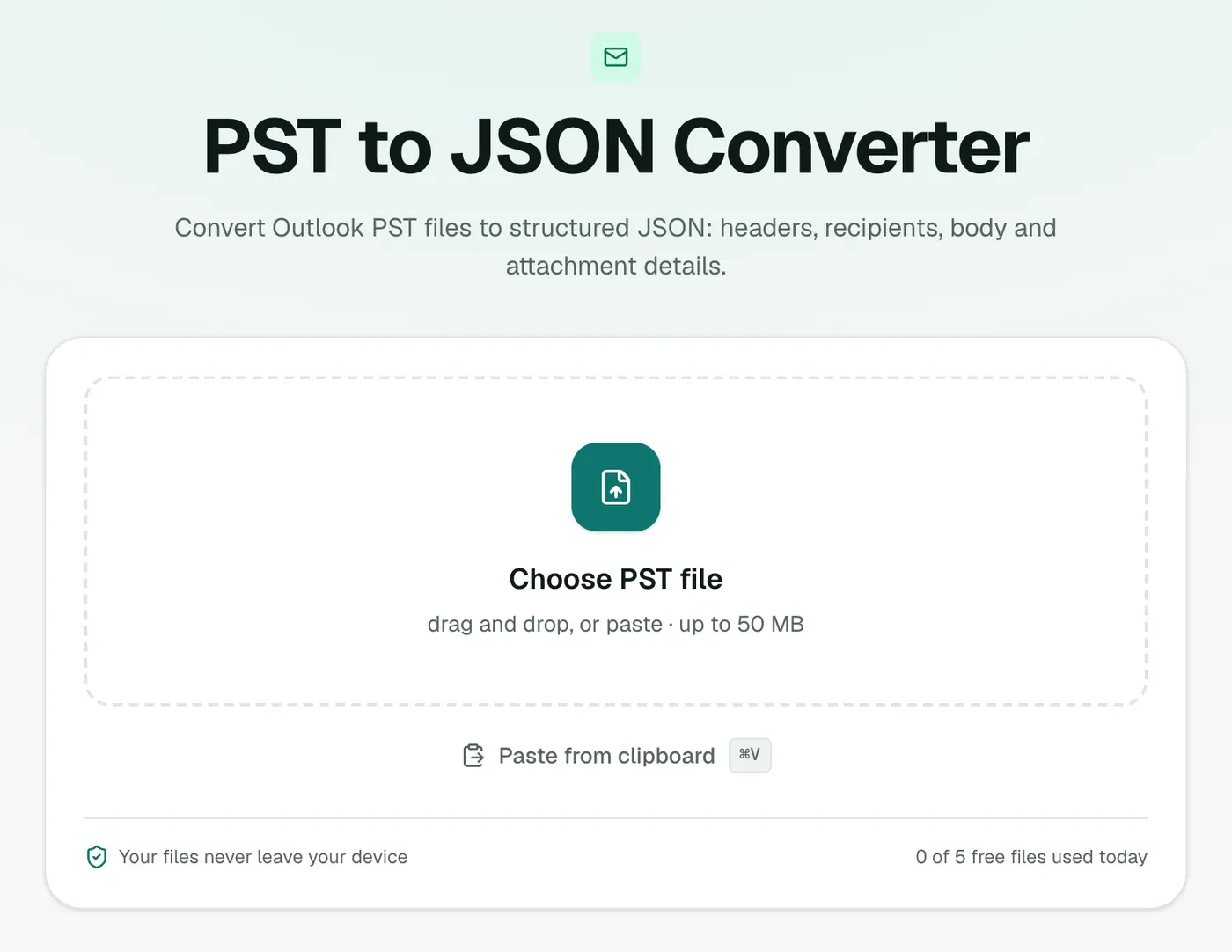
2. Add your PST
Drop in the .pst file.
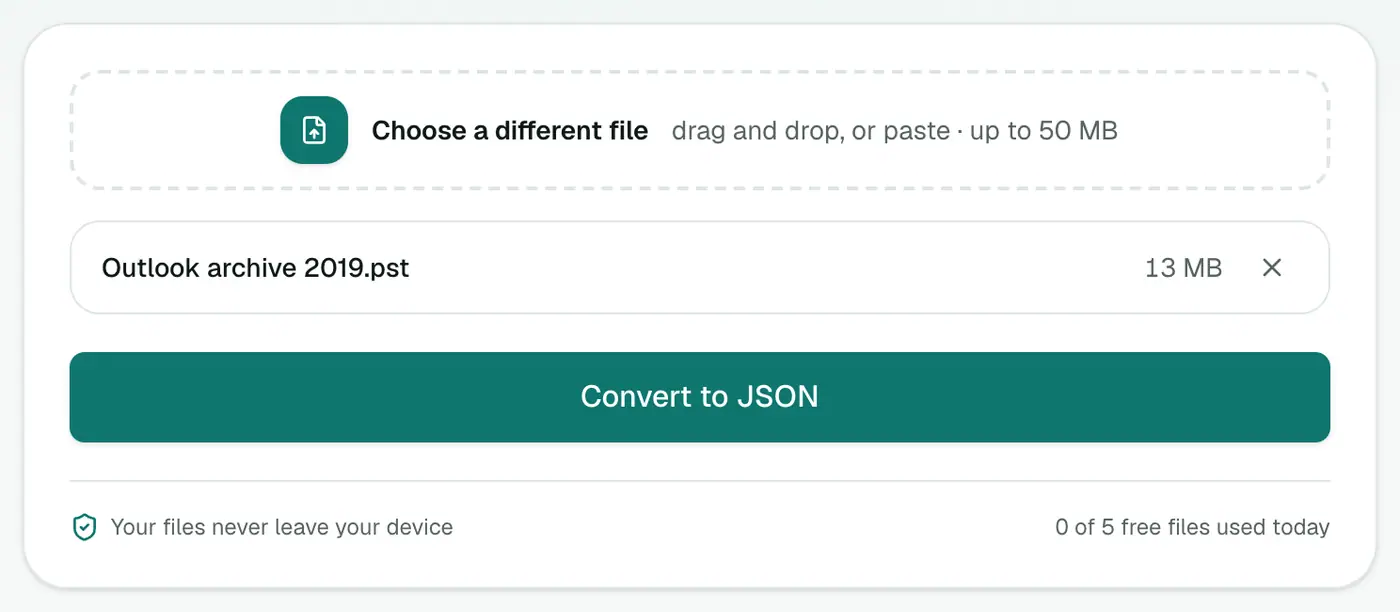
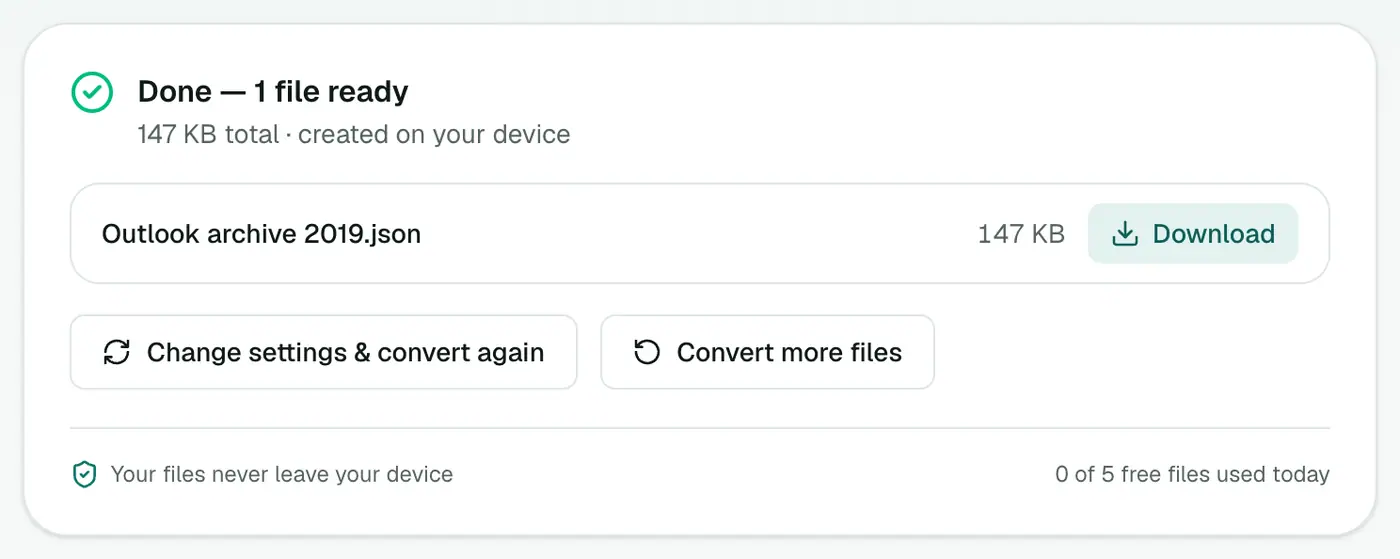
3. Convert and download
Click Convert to JSON.
Example: emails per folder
const emails = JSON.parse(await fs.readFile('archive.json', 'utf8'));
const perFolder = Object.groupBy(emails, (e) => e.folder ?? 'unknown');
console.table(Object.fromEntries(Object.entries(perFolder).map(([k, v]) => [k, v.length])));
Example: load into pandas
import pandas as pd

df = pd.read_json("archive.json")
df["date"] = pd.to_datetime(df["date"])
df["sender"] = df["from"].map(lambda f: f[0]["address"] if f else None)
print(df.groupby(df["date"].dt.year).size())        # emails per year
print(df["sender"].value_counts().head(10))          # top senders
Example: jq one-liners
jq 'length' archive.json                                       # total emails
jq '[.[] | select(.attachments | length > 0)] | length' archive.json  # with attachments
jq -r '.[] | select(.subject | test("invoice"; "i")) | .date + "  " + .subject' archive.json
Ideas
- eDiscovery: filter by custodian, date range and keywords, then export matches with PST to PDF.
- CRM import: map senders and dates into contact activity history.
- Search index: load
textinto Elasticsearch, SQLite FTS or a vector database.
Related
- PST analyzer for counts without writing code.
- PST to CSV for a spreadsheet.
- JSON viewer to browse the result.
Summary
The PST to JSON converter gives you an Outlook archive as clean JSON, folder names included, without touching a PST library.
FAQs
Is the Outlook folder included?
Yes. Each message object includes the folder it came from.
What other fields are there?
subject, from, to, cc, date, text, html and attachments (name, type, size).
Why not use a PST library?
PST is a complex binary format and libraries vary in quality across languages. For a one-off analysis, converting to JSON is much faster.
What date format is used?
ISO 8601 in UTC (for example 2023-05-09T09:02:00.000Z), which every language parses natively.
Are contacts and calendar items in the JSON?
No, only messages. Use PST to vCard for contacts and PST to ICS for the calendar.
Is the PST uploaded?
No. It's parsed in your browser.
Try the PST to JSON Converter
Free to start, no install, and your files never leave your device.