Email2 min read
How to Open a PST File in a Browser (PST to HTML)
Read the emails in an Outlook PST without Outlook by converting it to an HTML file that opens in Chrome, Safari or Edge, with formatting kept.
By the ZapMorph team
On this page
Just want it done?
Open the PST to HTML Converter — it runs in your browser and nothing is uploaded.
Outlook for Mac can't open a PST. Neither can Apple Mail, Thunderbird (without add-ons) or your phone. If you just need to read what's in an old Outlook archive, converting to HTML is the lightest option. You get one file that opens in any browser and can be searched with Ctrl+F.
How to convert PST to HTML with ZapMorph
1. Open the converter
Go to the PST to HTML converter.
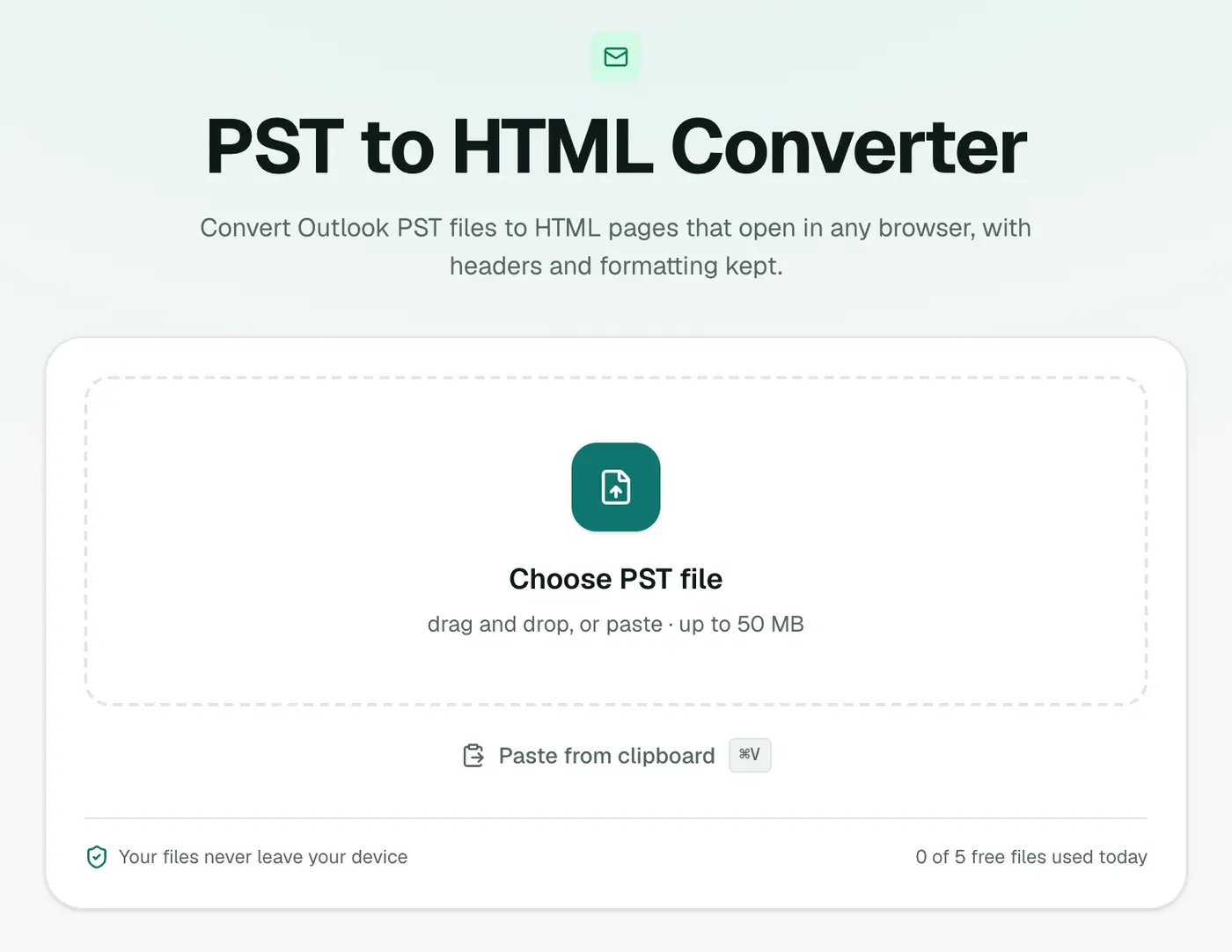
2. Add your PST
Drop in the .pst file. Close Outlook first if the PST is open in it.
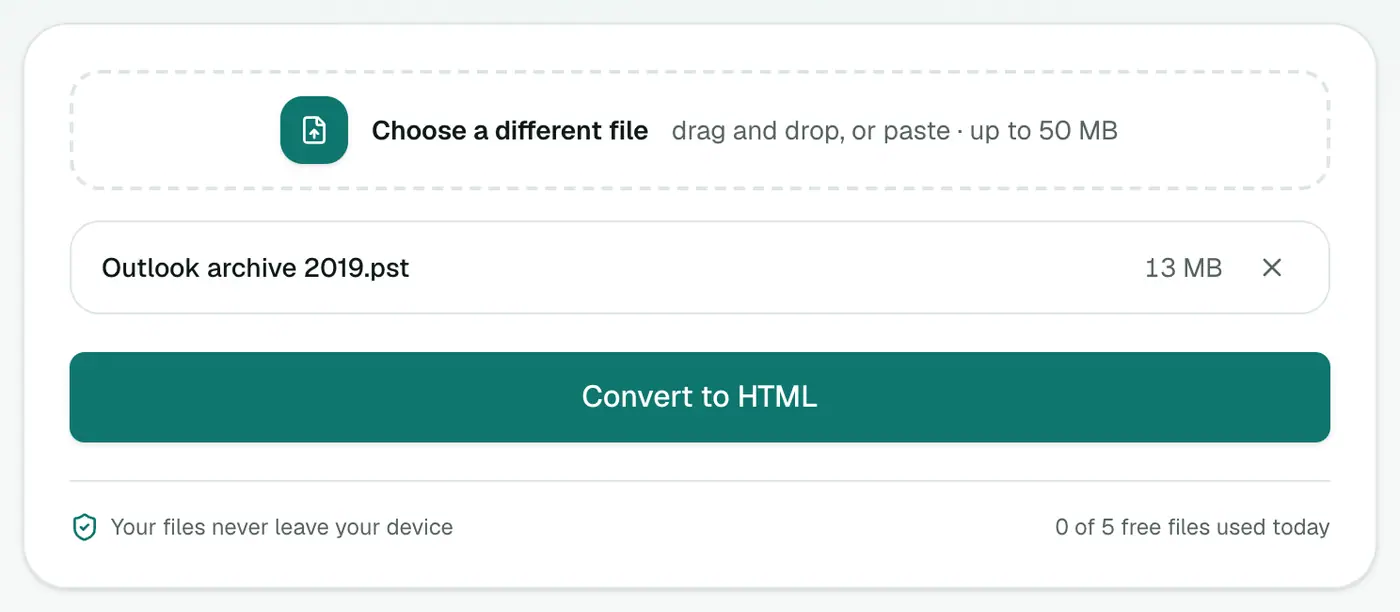
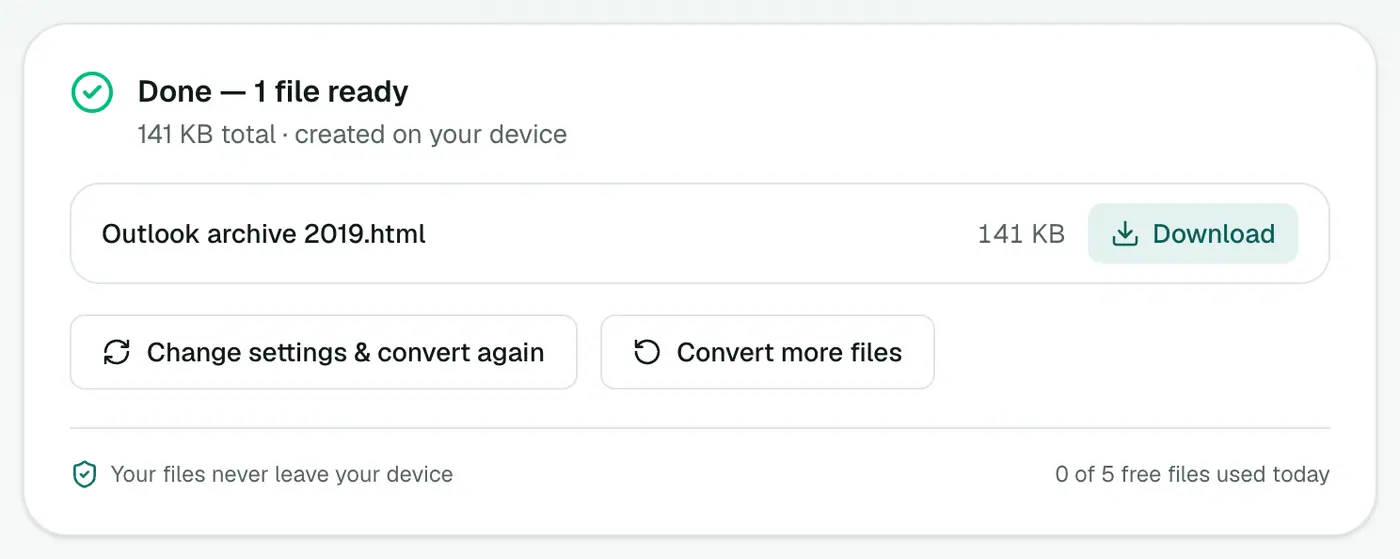
3. Convert and download
Click Convert to HTML and open it in your browser.
What the page looks like
Each email appears as its own section:
- Subject as a heading.
- A header table: From, To, Cc, Date, Attachments.
- The body, with the original fonts, colours, tables and signatures.
Plain-text emails are wrapped so long lines stay readable.
Getting around a long page
- Find anything: Ctrl+F / Cmd+F, then Enter to move between matches.
- Jump to the end: Ctrl+End / Cmd+↓.
- Print a single email: select it, press Ctrl+P / Cmd+P, and choose to print the selection (in Chrome, under More settings).
- Save a single email as PDF: print as above and pick Save as PDF.
Choosing the right format
- Browse by folder: PST viewer.
- Read and search in one file: HTML (this).
- Keep formatting and inline images per message: PST to MHT.
- Print or file as a record: PST to PDF.
- Find emails by sender or date in Excel: PST to CSV.
Troubleshooting
The page is slow. Big archives make long pages. Browse with the PST viewer instead, or convert to PDF.
Some pictures are broken. They were linked from a website that's gone. The text is unaffected.
"Password-protected." Remove the PST password in Outlook first.
Summary
The PST to HTML converter lets you read an Outlook archive in any browser, on any computer, with the original formatting intact.
FAQs
What does the HTML show?
Every email in the PST with a header block and its original formatting, one after another in a single page.
Is there a way to browse folders instead?
Yes. The PST viewer shows the folder tree and lets you click through messages without converting.
Does it work on a Mac?
Yes. Outlook for Mac can't open PST files directly, but this runs in any browser.
Do images in emails show up?
Embedded images like logos and pasted screenshots are built into the HTML file and show offline. Images linked from websites need an internet connection.
Is it safe to open?
Scripts, forms and embedded frames are removed from every email, so nothing in an old message can run.
Is the PST uploaded?
No. The conversion happens in your browser.
Try the PST to HTML Converter
Free to start, no install, and your files never leave your device.