Email2 min read
How to Convert PST to EML (Split an Outlook Archive Into Emails)
Extract every email in an Outlook PST as a standard .eml file, named by folder and subject, ready for Thunderbird, Apple Mail or any mail app. Attachments kept.
By the ZapMorph team
On this page
Just want it done?
Open the PST to EML Converter — it runs in your browser and nothing is uploaded.
Sometimes you need individual emails out of a PST, not the whole thing: to forward one to a lawyer, attach a few to a support ticket, or import a subset into another mail app. EML is the universal single-email format.
Why EML?
An EML file is one complete email: headers, body and attachments, in the same standard format mail servers use. It's readable by Apple Mail, Thunderbird, Outlook, many email clients on Linux, and even some text editors.
- Portable: no Outlook, no account.
- Complete: attachments stay with their message.
- Easy to share: attach the file and the recipient sees the original email.
- Good evidence: the original date, sender and recipients are kept.
How to convert PST to EML with ZapMorph
1. Open the converter
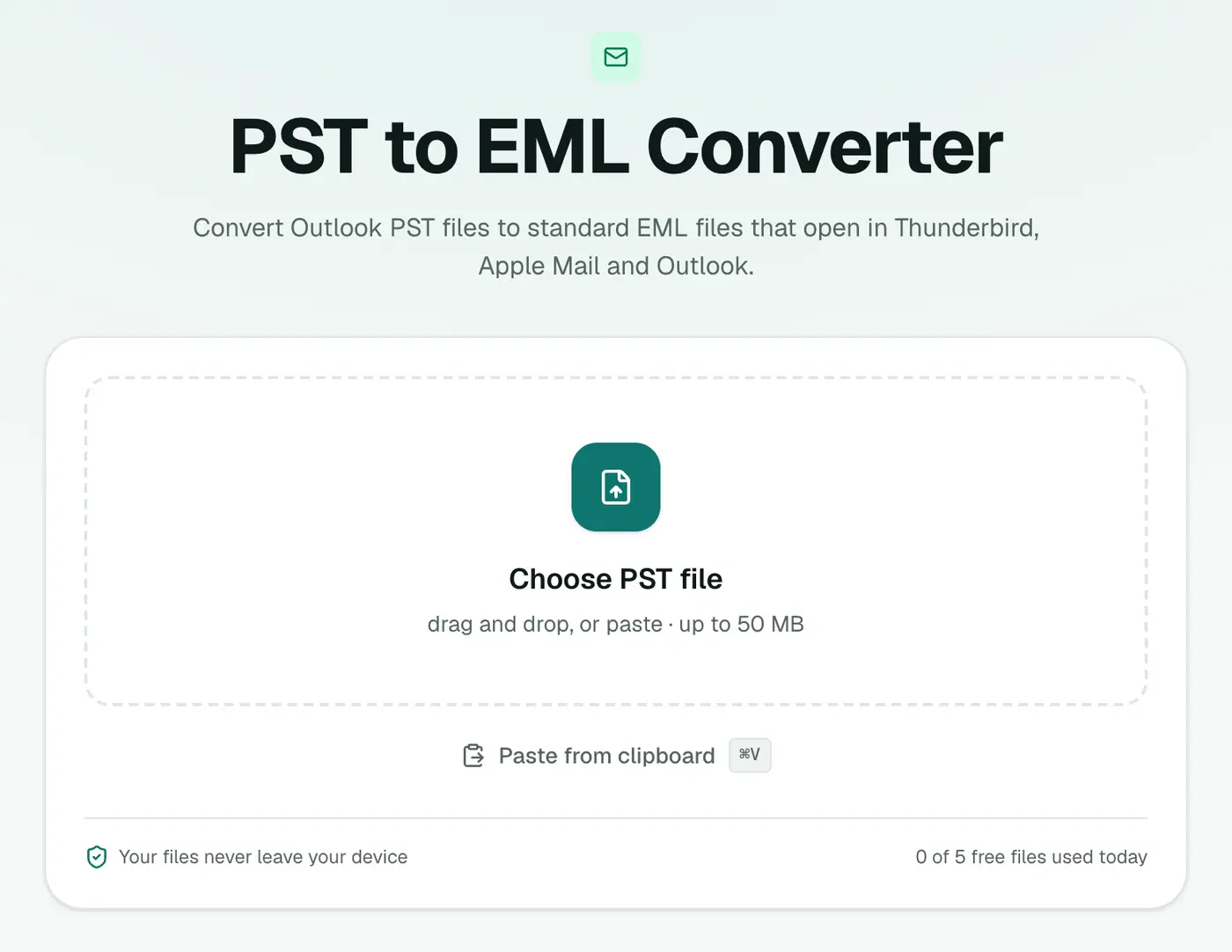
Go to the PST to EML converter.
2. Add your PST
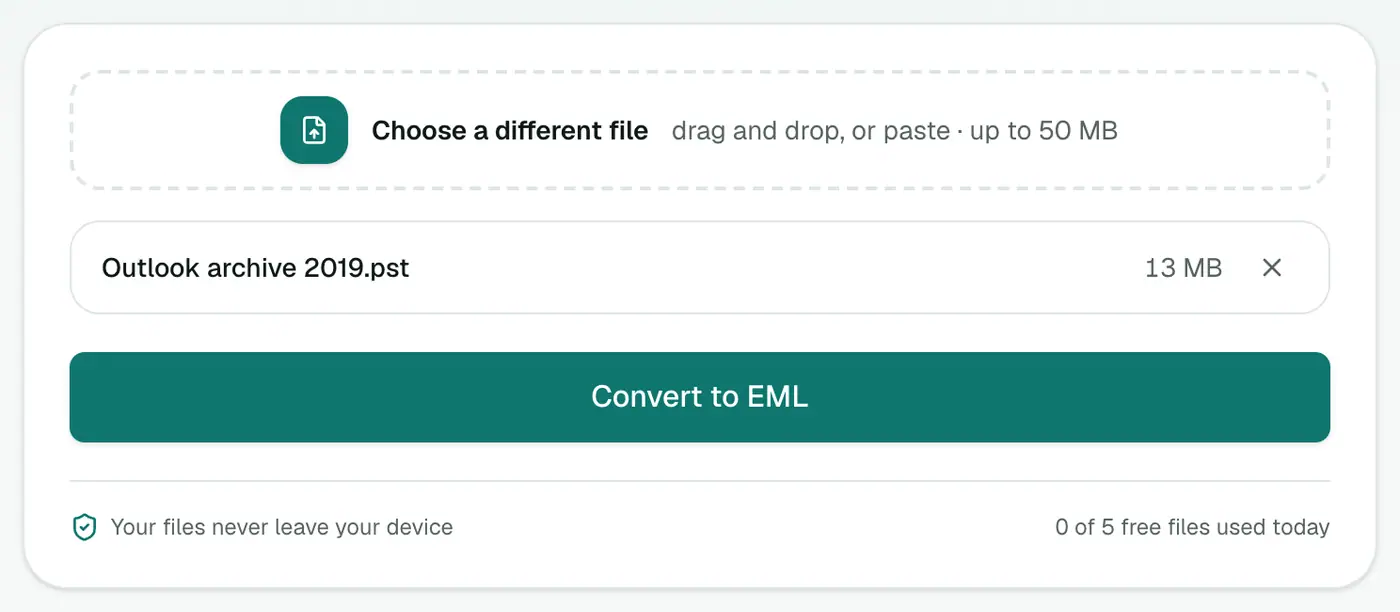
Drop in the .pst file. Close Outlook first if the PST is open in it.
3. Convert and download
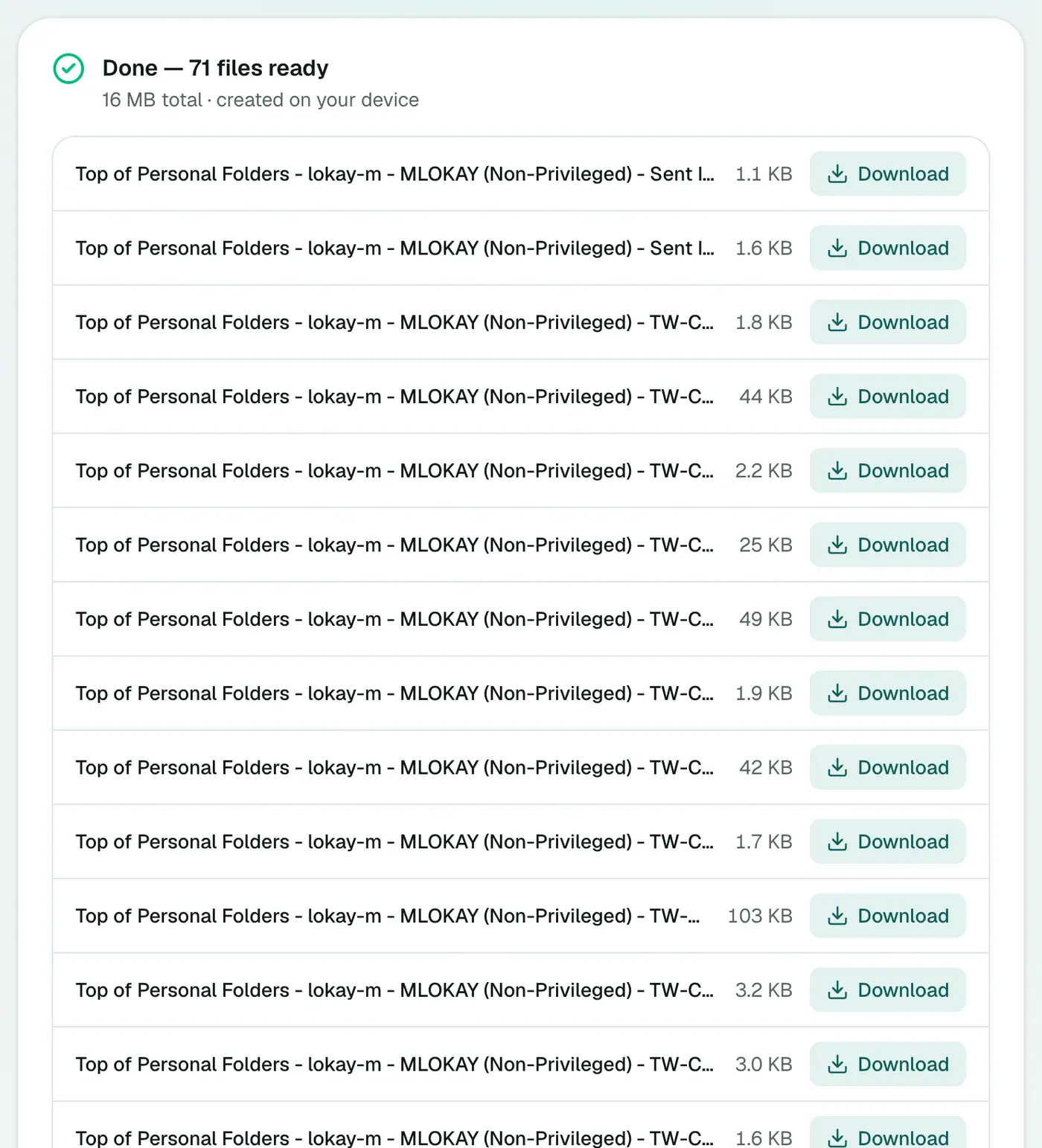
Click Convert to EML. You'll get one EML per email, named by folder and subject. Use Download all for a ZIP.
What next?
- Open any EML by double-clicking: it opens in your default mail app.
- Print a selection to one PDF with EML Merge.
- Import everything into Thunderbird or Apple Mail? PST to MBOX is simpler.
- Pull out just the attachments from a batch of EMLs with the attachment extractor.
Finding the emails you need
A big PST can produce thousands of EML files. Narrow things down first:
- Search the archive in the PST viewer, or filter a PST to CSV export in Excel.
- Note the folder and subject of the emails you want.
- In the unzipped folder, sort by name or search by subject to find them.
EML vs MBOX vs PDF
| Goal | Format |
|---|---|
| Individual emails, attachments included | EML |
| Move the whole archive into another mail app | MBOX |
| A printable, readable record |
Troubleshooting
Windows opens EMLs in the wrong app. Right-click → Open with → Choose another app, select your mail app and tick Always.
"Password-protected." Remove the PST password in Outlook first.
"Isn't a readable Outlook data file." Repair a copy with scanpst.exe (Microsoft's Inbox Repair Tool) and retry.
Summary
The PST to EML converter splits an Outlook archive into standard, portable emails, attachments and all.
FAQs
How are the EML files named?
By Outlook folder, a sequence number and the subject, like "Inbox - 042 Contract renewal.eml".
Are attachments kept?
Yes. Each EML is a complete email with its attachments and inline images.
How do I get them all?
Click Download all to save them as one ZIP.
Can I open EML files on a Mac?
Yes. Apple Mail opens EML files with a double-click.
Can I forward an extracted email?
Yes. Open it in your mail app and forward it, or attach the .eml file itself so the recipient gets the original.
Do I need Outlook?
No. The PST is read in your browser.
Try the PST to EML Converter
Free to start, no install, and your files never leave your device.