Email2 min read
How to Export a PST File to Excel (PST to CSV)
Turn an Outlook PST archive into a spreadsheet: one row per email with date, sender, recipients, subject, attachment names and body. No Outlook needed.
By the ZapMorph team
On this page
Just want it done?
Open the PST to CSV Converter — it runs in your browser and nothing is uploaded.
A PST is a black box until you load it into Outlook. A CSV is a list you can scan, sort and filter in seconds. For reviewing an old archive (who was talking to whom, and when), a spreadsheet is often all you need.
What the spreadsheet looks like
| Date | From | To | Cc | Subject | Attachments | Body |
|---|---|---|---|---|---|---|
| 2023-05-09 11:02 | Jordan Reyes <jordan@…> | Sam Lee <sam@…> | Re: Pricing for Q3 | price-list.xlsx | Happy to confirm… |
- Dates are
YYYY-MM-DD HH:MM, so they sort correctly and Excel recognises them. - Several recipients are separated by commas, several attachments by semicolons.
How to convert PST to CSV with ZapMorph
1. Open the converter
Go to the PST to CSV converter.
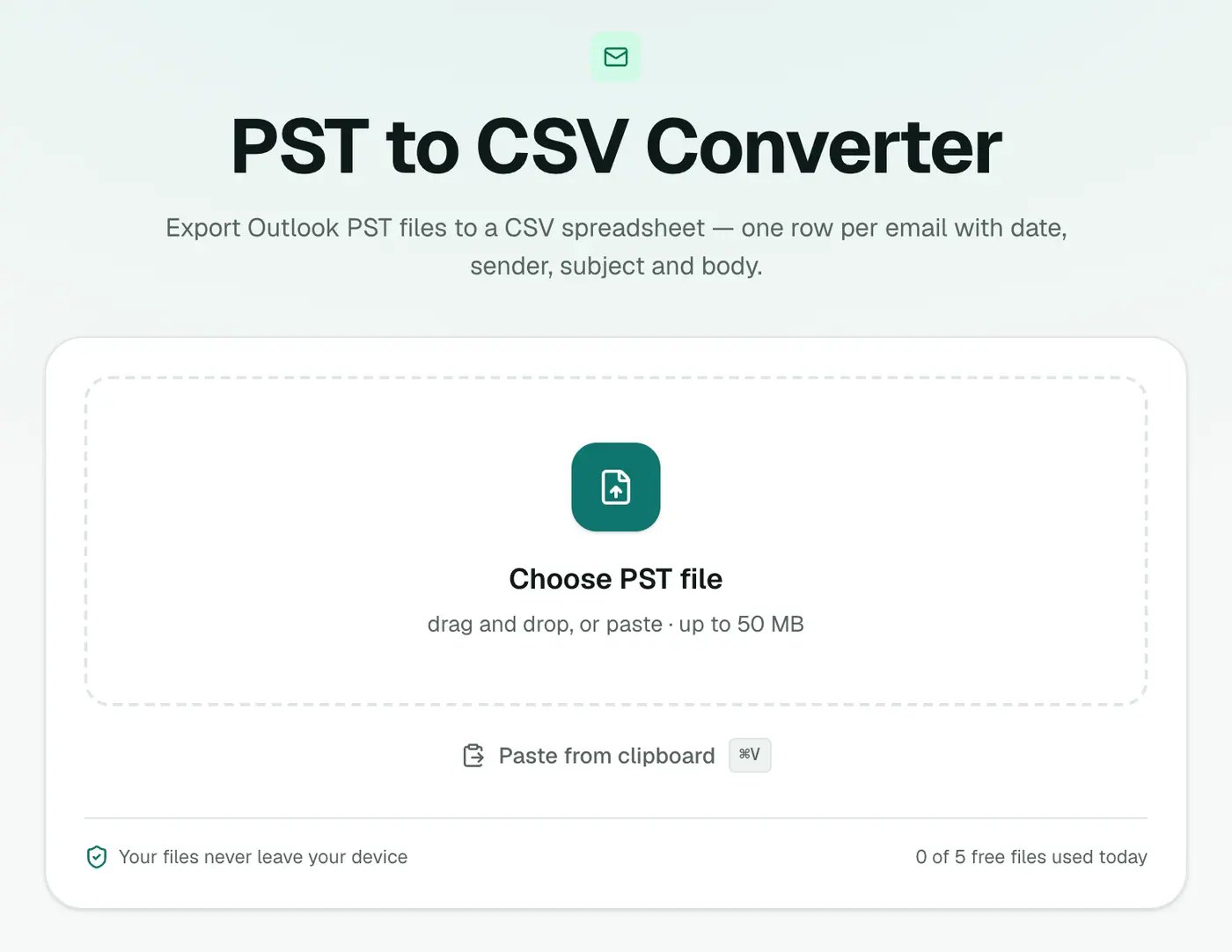
2. Add your PST
Drop in the .pst file. It's read in your browser, not uploaded.
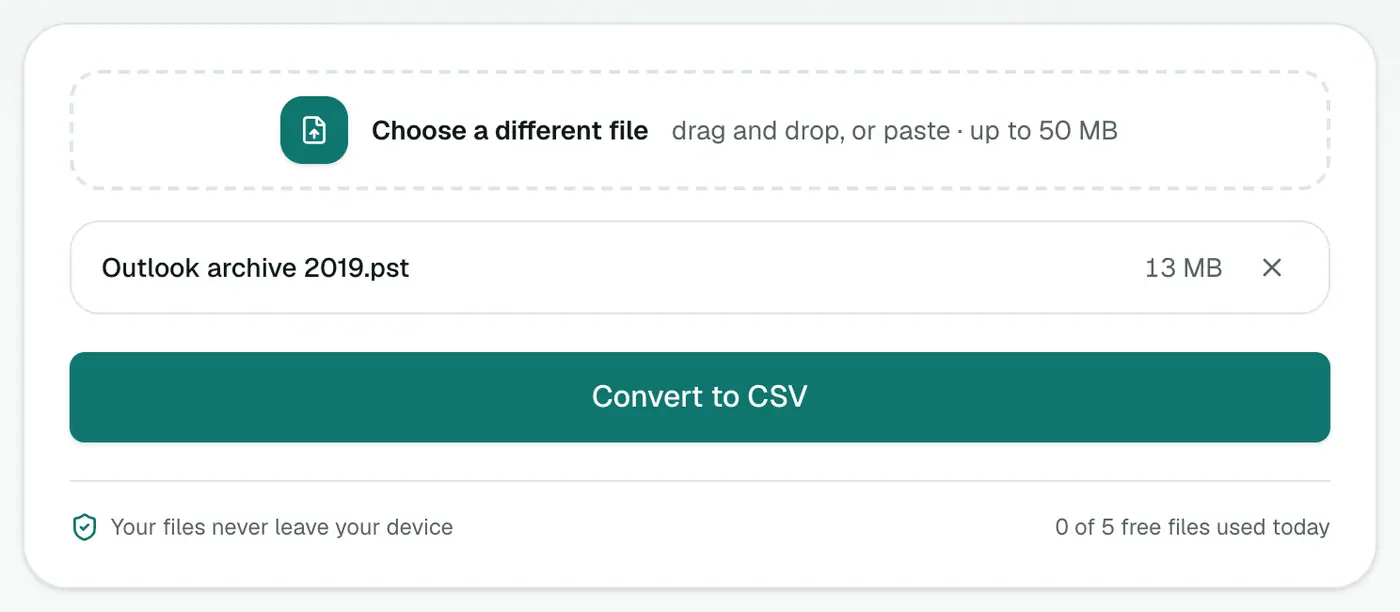
3. Convert and download
Click Convert to CSV and open it in Excel.
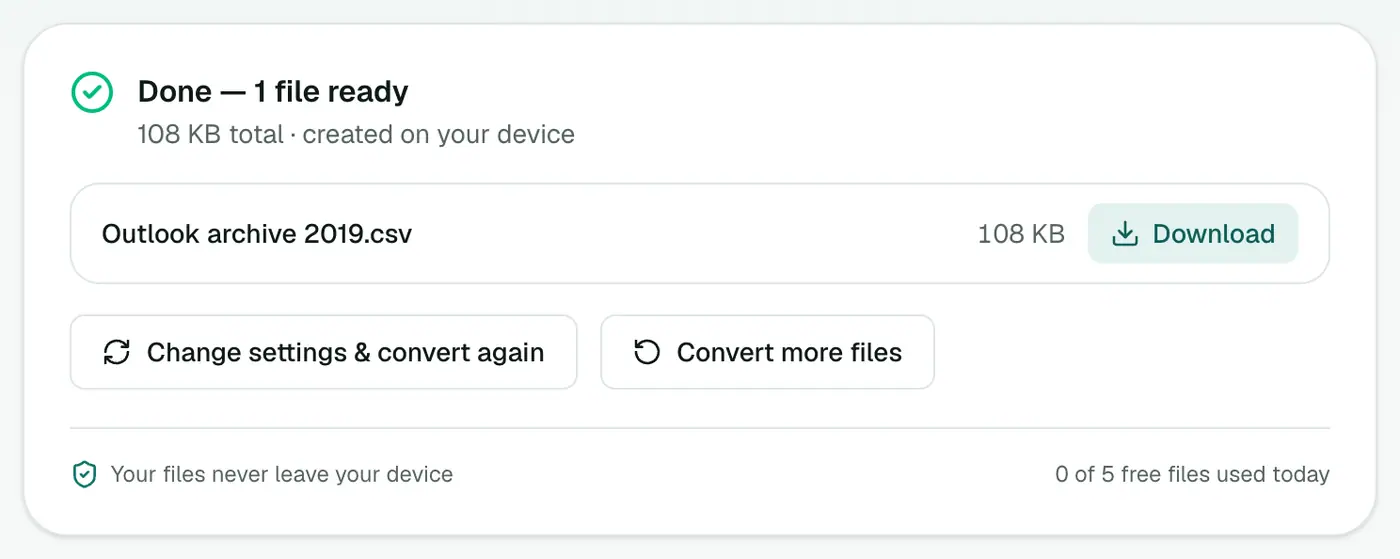
Review workflow
- Sort by Date to see the timeline.
- Filter From for the people that matter.
- Search Subject and Body for keywords.
- Add a "Relevant?" column for your notes.
- Convert just the relevant messages with PST to PDF or PST to EML.
Handy Excel formulas
- Emails per sender: a PivotTable with From in Rows and Count of Subject in Values.
- Emails mentioning a word:
=COUNTIF(G:G,"*invoice*"). - Sender's domain:
=MID(B2,FIND("@",B2)+1,FIND(">",B2&">")-FIND("@",B2)-1). - Make it a table: Ctrl+T gives you filters and banded rows instantly.
This tool vs Outlook's own CSV export
| ZapMorph | Outlook Import/Export | |
|---|---|---|
| Needs Outlook | No | Yes, Windows only |
| All folders at once | Yes | One folder per export |
| Attachment names | Yes | No |
| Works on Mac | Yes | No |
Troubleshooting
Characters look garbled. In an old Excel, open it via Data → From Text/CSV and choose 65001: Unicode (UTF-8).
"Password-protected." Remove the PST password in Outlook (Account Settings → Data Files → Settings → Change Password).
"Isn't a readable Outlook data file." Repair a copy with scanpst.exe and try again.
Summary
The PST to CSV converter turns an Outlook archive into a spreadsheet index, without Outlook and without uploading anything.
FAQs
What columns does it produce?
Date, From, To, Cc, Subject, Attachments and Body.
Can Outlook do this itself?
Outlook for Windows can export a folder to CSV through the Import/Export wizard, but only with Outlook installed and the PST loaded, and one folder at a time.
What's this useful for?
Building an index of correspondence, finding emails by sender or date, counting messages, or reviewing a departed employee's mailbox.
Does it include every folder?
Yes. Every email from every folder goes into the one spreadsheet.
Will special characters display properly in Excel?
Yes. The CSV is UTF-8 with a marker that Excel recognises, so accents and non-Latin names display correctly.
Why are some email bodies cut off?
Excel can't store more than 32,767 characters in a cell, so bodies are trimmed to 32,000. Use PST to Text for full bodies.
Try the PST to CSV Converter
Free to start, no install, and your files never leave your device.