Image2 min read
How to Convert PNG to ICO for Windows Icons and Favicons
Turn a PNG, JPG or WebP into a proper multi-size .ico file for a website favicon, desktop shortcut or app. A quick guide with the sizes that matter.
By the ZapMorph team
On this page
Just want it done?
Open the PNG to ICO Converter — it runs in your browser and nothing is uploaded.
An ICO file isn't just a renamed PNG. It's a little container that holds the same icon at several sizes, so Windows can show a crisp 16-pixel version in a title bar and a 256-pixel version on a big desktop. That's why "just rename it to .ico" sometimes works and sometimes looks awful.
Where you'd use an ICO
- Website favicon (
favicon.icoin your site root, still used by many browsers and tools). - Windows shortcuts and folders: right-click a shortcut, then Properties → Change Icon expects an .ico.
- Desktop apps built with Electron, .NET and others.
How to convert PNG to ICO with ZapMorph
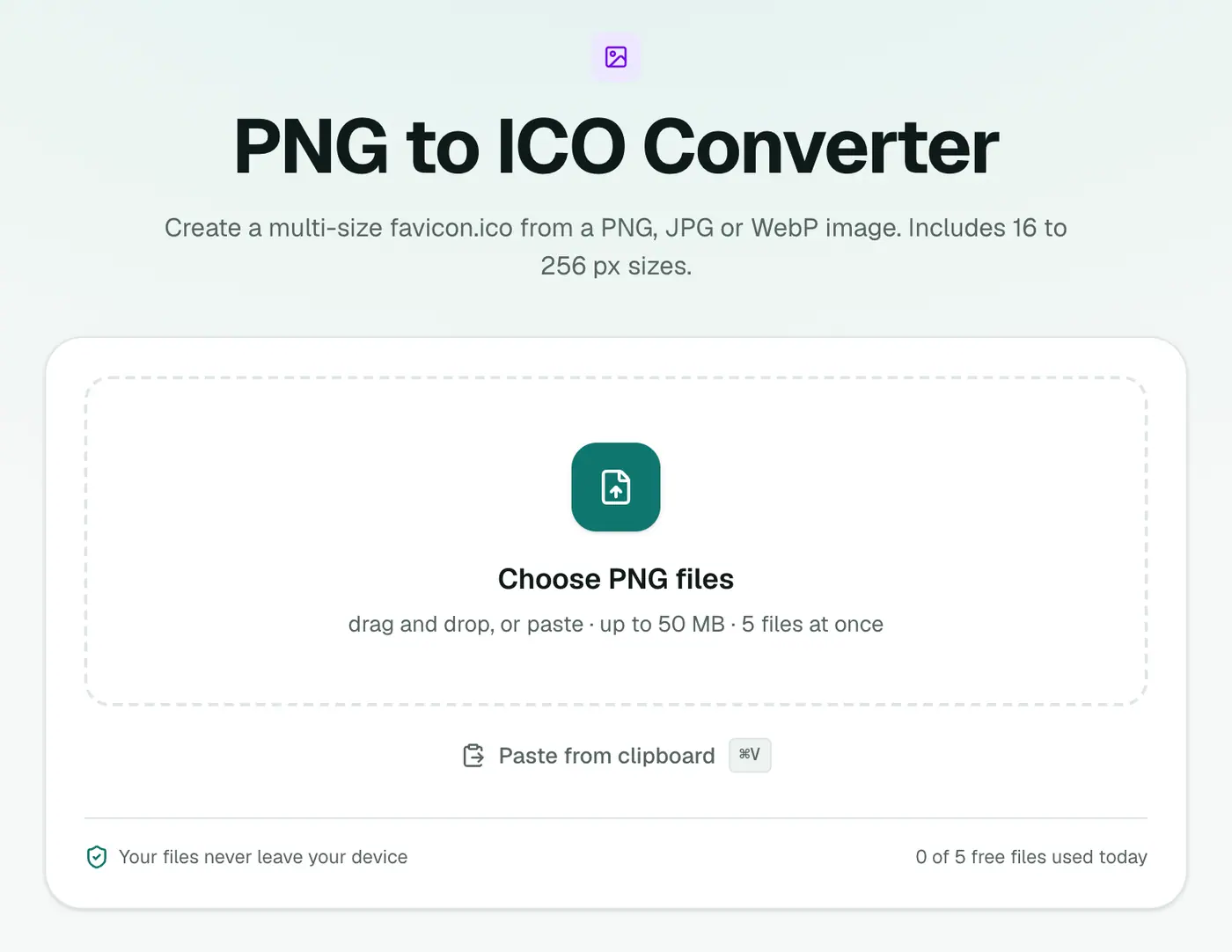
1. Open the converter
Go to the PNG to ICO converter. It accepts PNG, JPG and WebP.
2. Add your image
Use a square image, 256×256 or larger. A logo on a transparent background works best.
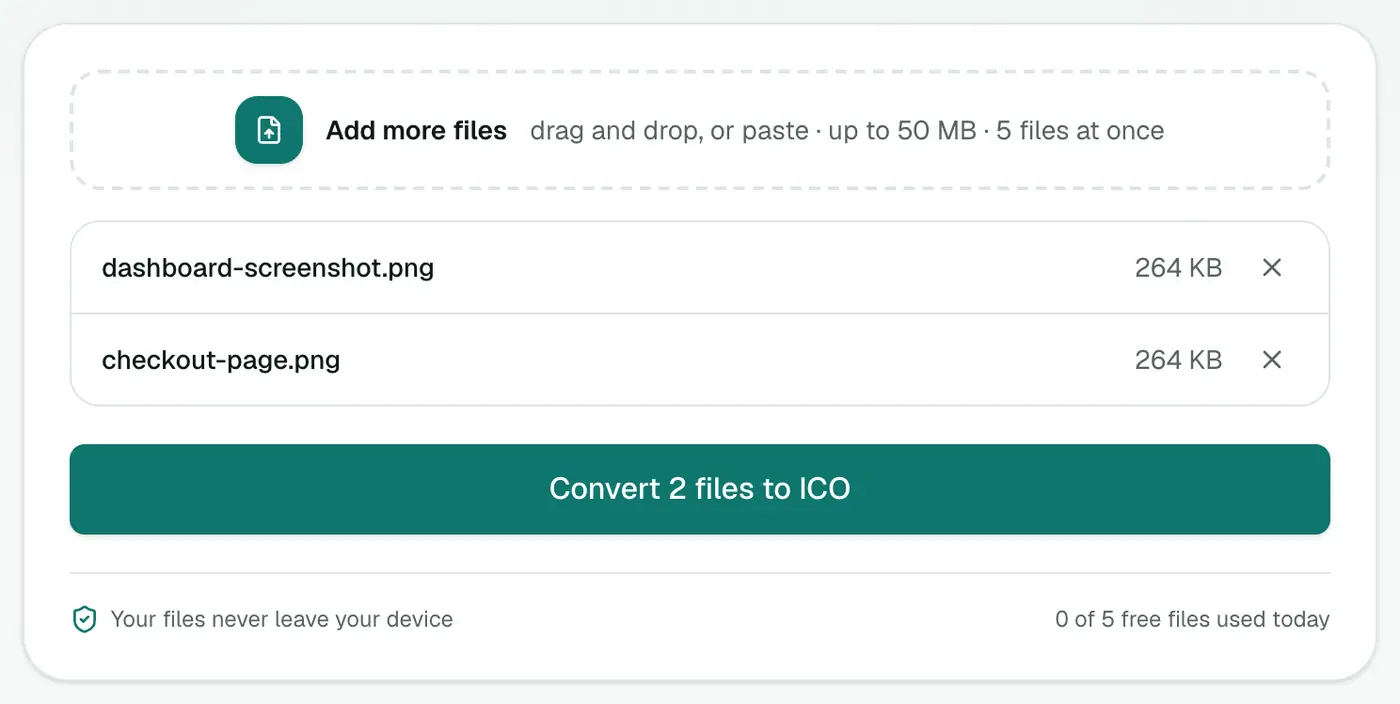
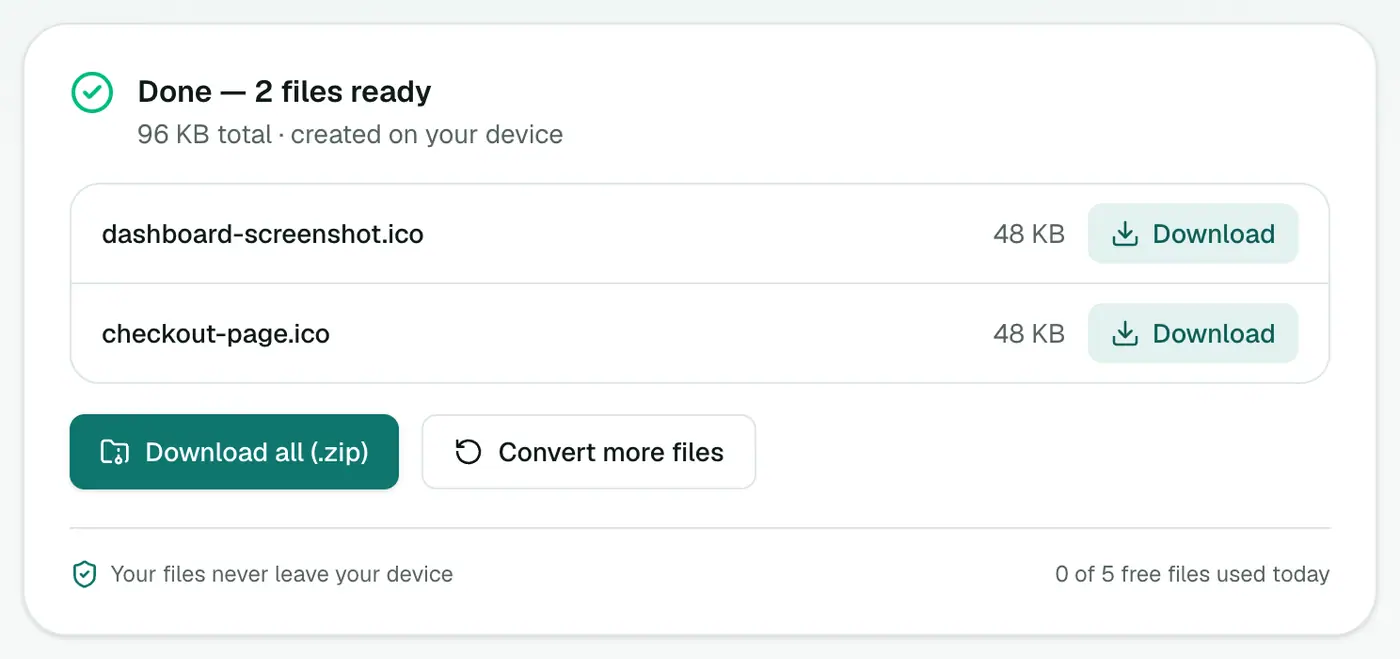
3. Convert and download
Click Convert to ICO. Each image becomes an .ico containing seven sizes, from 16 to 256 pixels.
Designing an icon that survives 16 pixels
This is where most icons go wrong. A detailed logo becomes mush at 16×16.
- Simplify. Use just the symbol, not the full logo with text.
- Go bold. Thin lines vanish at small sizes.
- Fill the square. Lots of empty padding makes the icon look tiny next to others.
- Check contrast on both light and dark browser tabs.
For a website, consider the full set
A single favicon.ico covers the basics. Modern browsers and phones also look for a 180×180 Apple touch icon, PNG favicons and a web manifest. The favicon generator builds all of those from one image and gives you the HTML to paste into your <head>.
Other tools
- GIMP can export ICO and lets you choose which sizes to include.
- IcoFX and similar Windows apps give you pixel-level control per size, which is useful for pro app icons.
For most people, one well-designed square PNG is enough.
Using the ICO on Windows
- Folder icon: right-click a folder → Properties → Customize → Change Icon → Browse, and pick the
.ico. - Shortcut icon: right-click the shortcut → Properties → Change Icon.
- Your own app: point your build tool (Electron, Visual Studio, PyInstaller) at the
.ico.
ICO vs PNG vs SVG icons
| Format | Best for |
|---|---|
| ICO | Windows apps, shortcuts, the classic favicon.ico |
| PNG | Modern favicons, app stores, social profiles |
| SVG | Scalable icons on websites (supported by most modern browsers as a favicon) |
Wrapping up
Start from a square, simple, high-resolution image, run it through the PNG to ICO converter, and you'll get an icon that looks sharp from the taskbar to the desktop.
FAQs
What sizes are inside the ICO file?
16, 24, 32, 48, 64, 128 and 256 pixels. Windows and browsers pick whichever size fits where the icon is shown.
What size should my source image be?
Square and at least 256×256 pixels. Bigger is fine. Non-square images are centred with transparent padding.
Does it keep transparency?
Yes, transparent areas in a PNG or WebP stay transparent in the icon.
Do I need anything besides favicon.ico for my website?
Modern sites also use PNG favicons and an Apple touch icon. The Favicon Generator creates the whole set plus the HTML tags.
Can I make an ICO from a JPG?
Yes, but JPG has no transparency, so the icon will have a solid background. A PNG with a transparent background looks better.
Is the image uploaded?
No. The ICO is built in your browser.
Try the PNG to ICO Converter
Free to start, no install, and your files never leave your device.