Email2 min read
How to Convert OST to MBOX for Thunderbird or Apple Mail
Turn an Outlook offline mailbox (.ost) into one MBOX file to import into Thunderbird, Apple Mail and other apps. Attachments kept, no account needed.
By the ZapMorph team
On this page
Just want it done?
Open the OST to MBOX Converter — it runs in your browser and nothing is uploaded.
An OST is tied to Outlook and to an account. An MBOX is tied to nothing, and any mail client can import it. Converting an orphaned OST to MBOX is the cleanest way to preserve a mailbox long term or move it into another app.
OST vs MBOX
| OST | MBOX | |
|---|---|---|
| Opens without the original account | ✗ | ✓ |
| Works in Thunderbird and Apple Mail | ✗ | ✓ |
| Readable decades from now | Uncertain | Very likely, as it's plain text |
| Created by | Outlook, automatically | Many mail apps and exports |
How to convert OST to MBOX with ZapMorph
1. Open the converter
Go to the OST to MBOX converter.
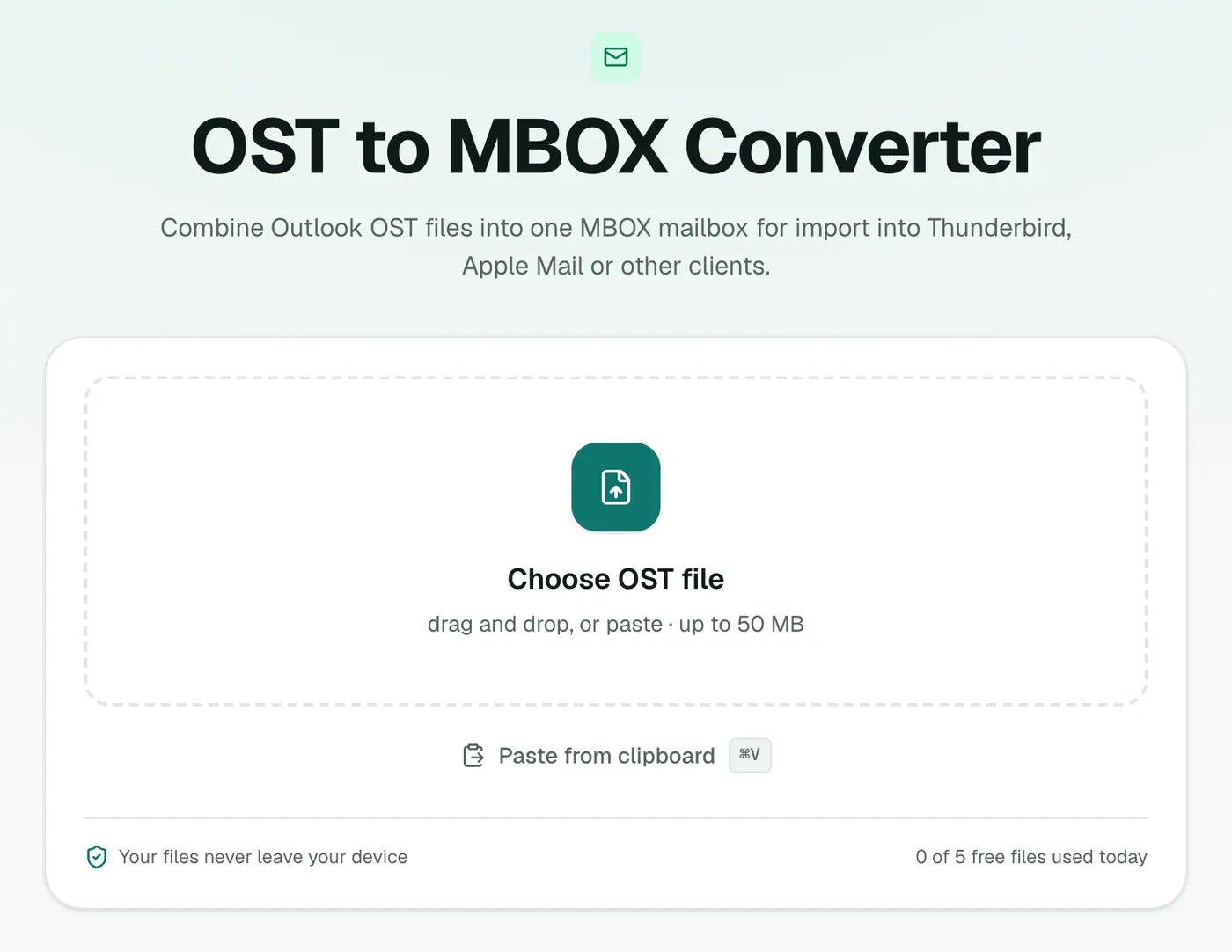
2. Add the OST
Drop in the .ost file. On Windows it's in %localappdata%\Microsoft\Outlook (paste that into File Explorer's address bar). Close Outlook first so the file isn't locked.
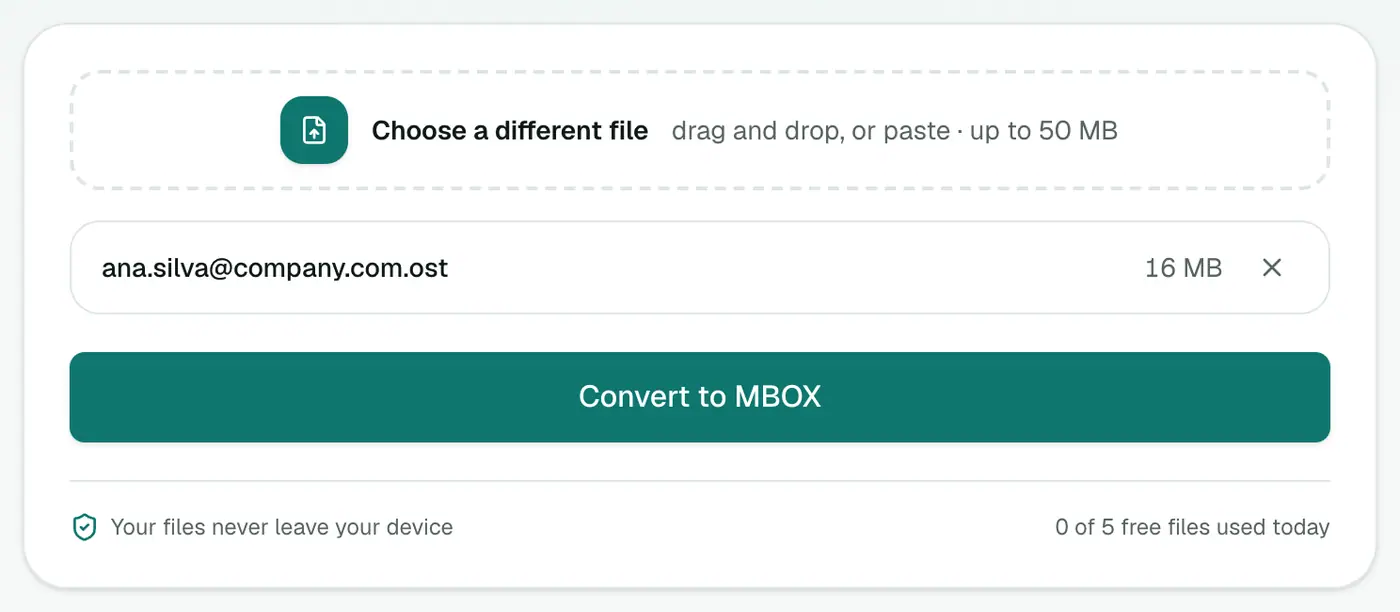
3. Convert and download
Click Convert to MBOX.
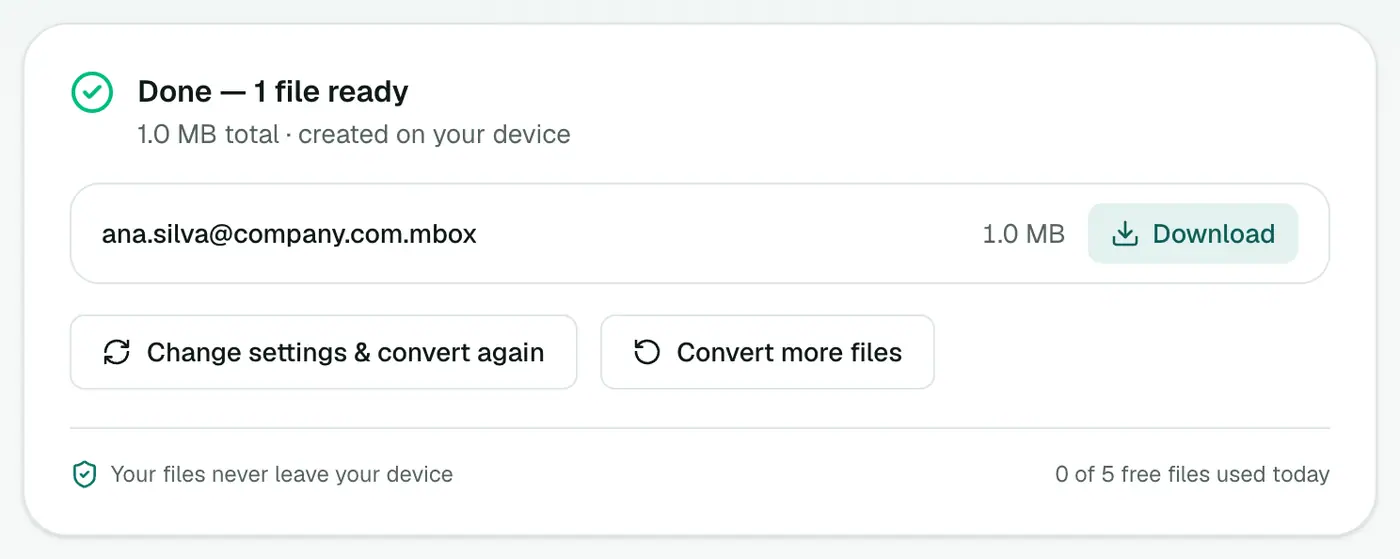
Importing
Thunderbird
- Install the free ImportExportTools NG add-on (Tools → Add-ons and Themes).
- Right-click Local Folders → ImportExportTools NG → Import mbox file.
- Choose the file. A new folder appears with all the emails.
Apple Mail
- File → Import Mailboxes.
- Choose Files in mbox format and select the file.
- The emails appear under On My Mac → Import.
Just reading?
The MBOX viewer opens it in the browser, with search and attachment downloads.
Archiving tips
- Name it clearly, e.g.
ana.silva-mailbox-2019-2024.mbox. - Keep two copies in different places, such as a company drive and cloud storage.
- Large mailbox? MBOX compresses well, so zipping it often saves a lot of space.
Troubleshooting
"Isn't a readable Outlook data file." The OST may be damaged or in a newer Outlook 2013+ internal format that can't be read. If the account still exists, export from Outlook or webmail instead.
"Password-protected." The OST uses encryption that can't be read outside Outlook. If the account still exists, export from Outlook or webmail instead.
Summary
The OST to MBOX converter frees an Outlook offline mailbox into the most portable mailbox format there is, ready for Thunderbird, Apple Mail or a long-term archive.
FAQs
How do I import the MBOX into Thunderbird?
Install ImportExportTools NG, right-click Local Folders and choose Import mbox file.
How do I import it into Apple Mail?
File → Import Mailboxes → Files in mbox format.
Is this a backup?
It's a good archive copy. Store the MBOX somewhere safe and you can import it into almost any mail client later.
Are Outlook folders kept?
All emails go into one MBOX. Sort them into folders after importing, using search and drag and drop.
Can I import the MBOX into Gmail?
Not directly. Add your Gmail account to Thunderbird or Apple Mail, import the MBOX, then drag the emails into a Gmail label.
Is the OST uploaded?
No. It's converted in your browser.
Try the OST to MBOX Converter
Free to start, no install, and your files never leave your device.