Email2 min read
How to Convert an OST Mailbox to JSON
Parse an Outlook offline mailbox (.ost) into JSON: one object per email with folder, headers, recipients, bodies and attachments. For scripts and audits.
By the ZapMorph team
On this page
Just want it done?
Open the OST to JSON Converter — it runs in your browser and nothing is uploaded.
For IT and compliance teams, an orphaned OST is data that needs reviewing: what was sent, to whom, when. JSON lets you load the whole mailbox into a script or database and query it, instead of clicking through emails one at a time.
What the output looks like
One array, one object per email:
{
  "folder": "Sent Items",
  "subject": "Contract signed",
  "from": [{ "name": "Ana Silva", "address": "ana.silva@company.com" }],
  "to": [{ "name": "Legal", "address": "legal@company.com" }],
  "cc": [],
  "date": "2022-11-04T15:30:00.000Z",
  "text": "Please find the signed contract attached.",
  "html": "<p>Please find the signed contract attached.</p>",
  "attachments": [{ "name": "contract.pdf", "type": "application/pdf", "size": 241337 }]
}
text is always present, generated from the HTML if needed. html is null for plain-text emails.
How to convert OST to JSON with ZapMorph
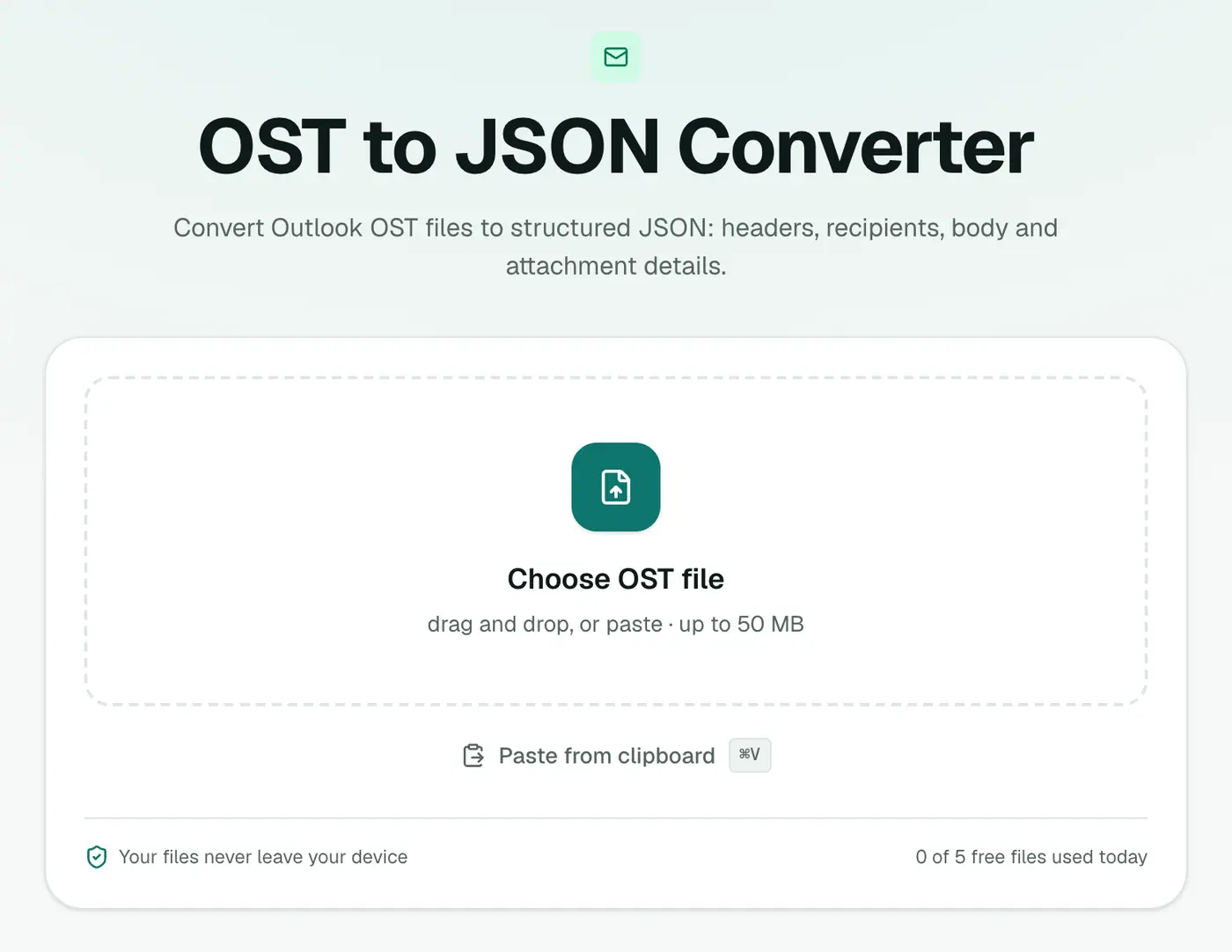
1. Open the converter
Go to the OST to JSON converter.
2. Add the OST
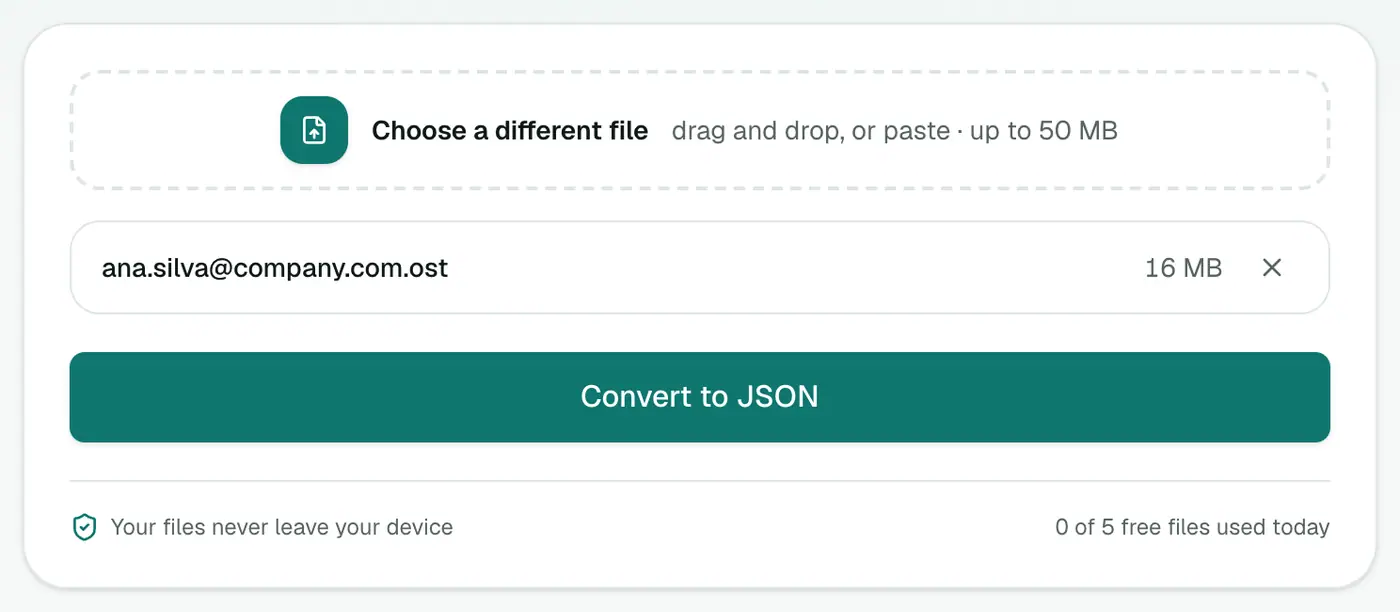
Drop in the .ost file. Close Outlook first if it's running on the same machine.
3. Convert and download
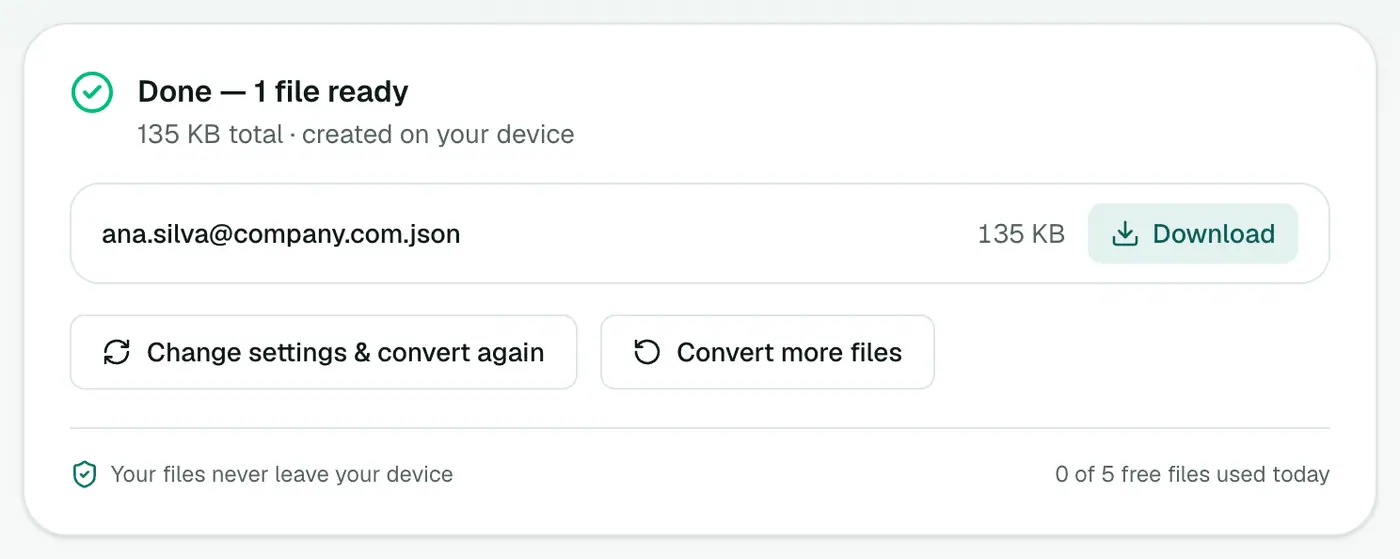
Click Convert to JSON.
Example queries
Emails to external domains (Python):
import json
mail = json.load(open("mailbox.json", encoding="utf-8"))
external = [m for m in mail if any(not r["address"].endswith("@company.com") for r in m["to"])]
print(len(external), "emails sent outside the company")
Emails per month (JavaScript):
const counts = {};
for (const m of mail) if (m.date) counts[m.date.slice(0, 7)] = (counts[m.date.slice(0, 7)] ?? 0) + 1;
console.table(counts);
Command line with jq: jq '[.[] | select(.attachments | length > 0)] | length' mailbox.json counts emails with attachments.
Why JSON over CSV?
| JSON | CSV | |
|---|---|---|
| Folder path | ✓ | ✗ |
| HTML body | ✓ | ✗ |
| Attachment type and size | ✓ | Names only |
| Body length | Full | Trimmed to fit Excel |
| Open in Excel | Needs conversion | Directly |
Troubleshooting
"Isn't a readable Outlook data file." Damaged, or an OST in a newer Outlook 2013+ internal format that can't be read. If the account still exists, export from Outlook or webmail.
"Password-protected." The OST uses encryption that can't be read outside Outlook. If the account still exists, export from Outlook or webmail instead.
Related
- Prefer a spreadsheet? OST to CSV.
- Explore the JSON in the JSON viewer.
- Counts by folder, year and sender without code: PST Analyzer (reads OST too).
Summary
The OST to JSON converter turns an Outlook offline mailbox into structured data for review and analysis, privately in your browser.
FAQs
Which fields are included?
folder, subject, from, to, cc, date, text, html and attachments (name, type, size).
Is this useful for audits?
Yes. JSON is easy to load into scripts, databases or analysis tools for reviewing a mailbox.
What format are dates in?
ISO 8601 in UTC, like 2022-11-04T15:30:00.000Z.
Are attachment files inside the JSON?
No, only their name, type and size, so the file stays manageable. Use OST to EML to get the files themselves.
Are calendar items and contacts included?
Contacts and calendar appointments are left out. Meeting requests and other message-like items are included as emails.
Is the OST uploaded?
No. Parsing happens in your browser, which matters for confidential mailboxes.
Try the OST to JSON Converter
Free to start, no install, and your files never leave your device.