Email2 min read
How to Export an OST File to Excel (OST to CSV)
Turn an Outlook offline mailbox into a spreadsheet, one row per email with date, sender, recipients, subject, attachments and body. No Outlook account needed.
By the ZapMorph team
On this page
Just want it done?
Open the OST to CSV Converter — it runs in your browser and nothing is uploaded.
A spreadsheet index of an old mailbox lets you answer "did we ever get a reply from that supplier?" in seconds. Filter, sort, done. It's also the format auditors, lawyers and finance teams usually ask for when they want a list of everything in a departed employee's mailbox.
What is an OST, and why can't Outlook open it?
An OST is Outlook's offline copy of an Exchange, Microsoft 365 or Outlook.com mailbox. It only works together with the account and Outlook profile that created it. Once the account is deleted or the profile is gone, the OST is "orphaned": the email is still in the file, but Outlook won't show it.
How to convert OST to CSV with ZapMorph
1. Open the converter
Go to the OST to CSV converter.
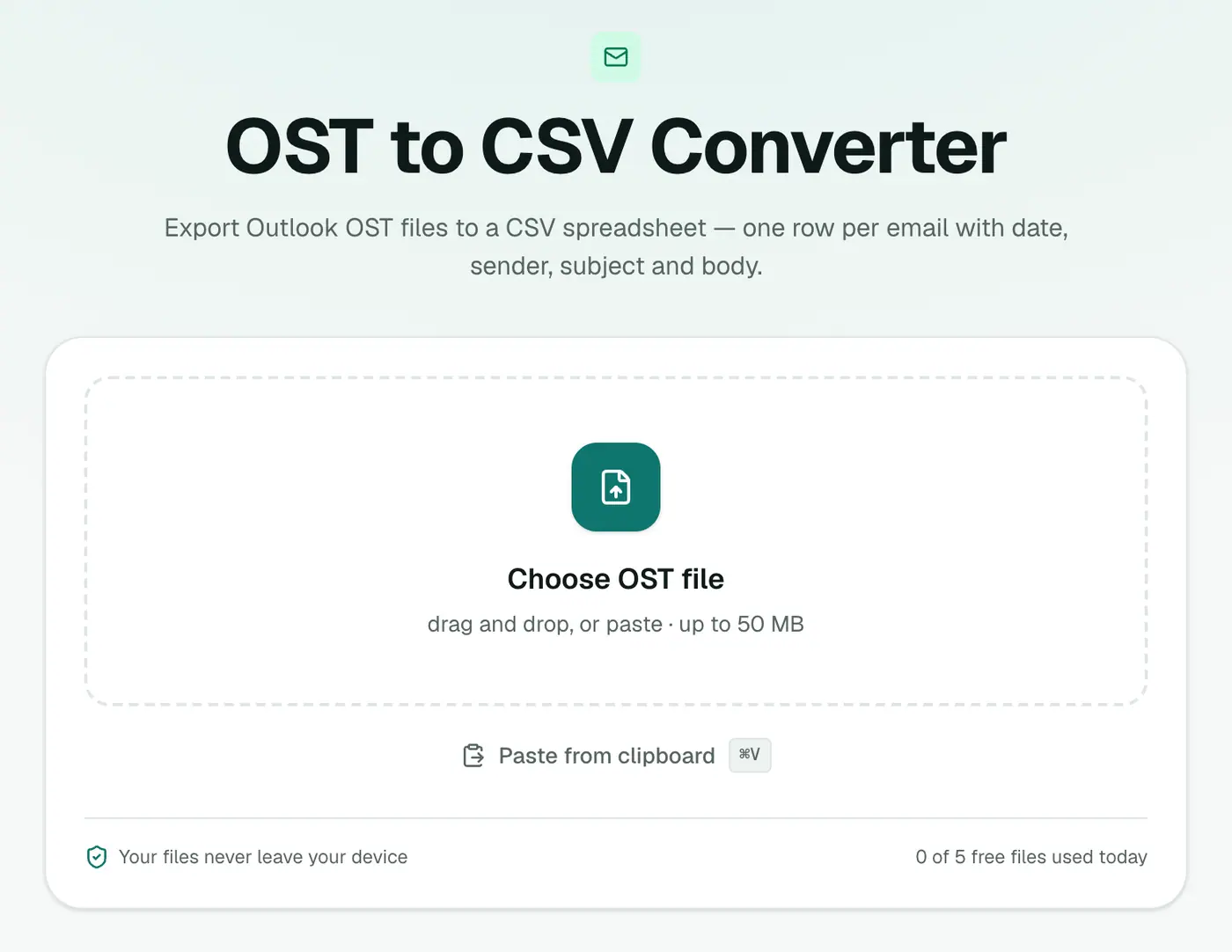
2. Add the OST
Drop in the .ost file. Close Outlook first if it's on the same computer, because Outlook locks the file while it's open.
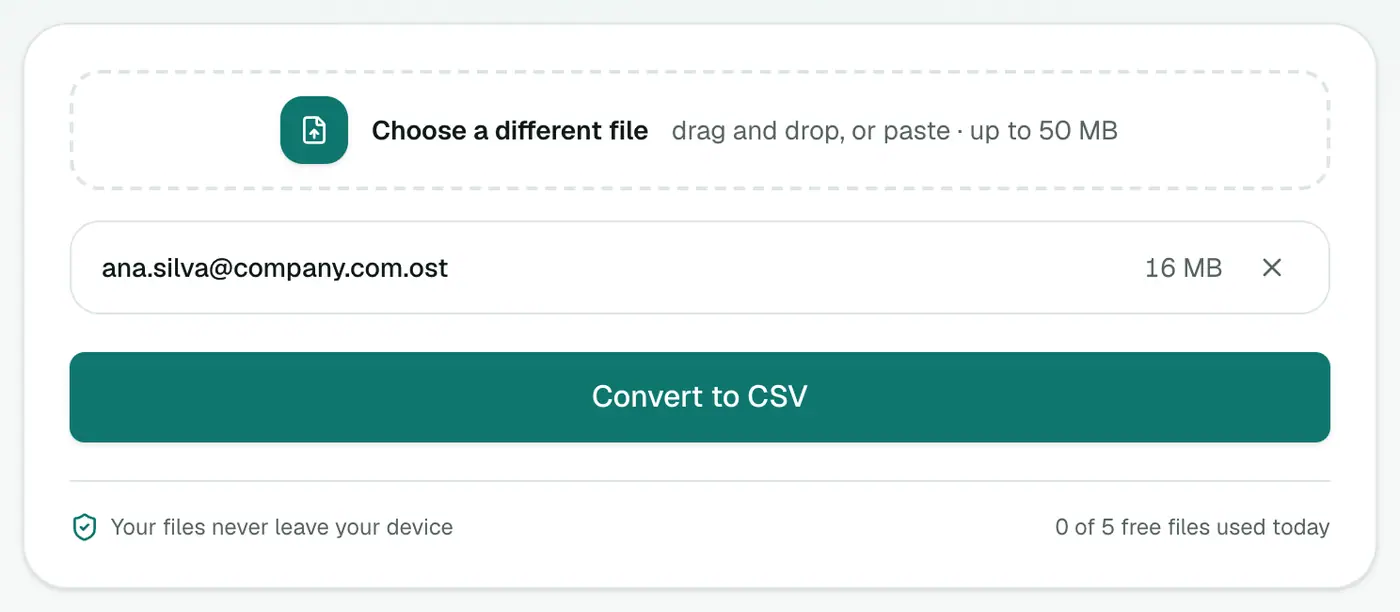
3. Convert and download
Click Convert to CSV and open it in Excel or Google Sheets.
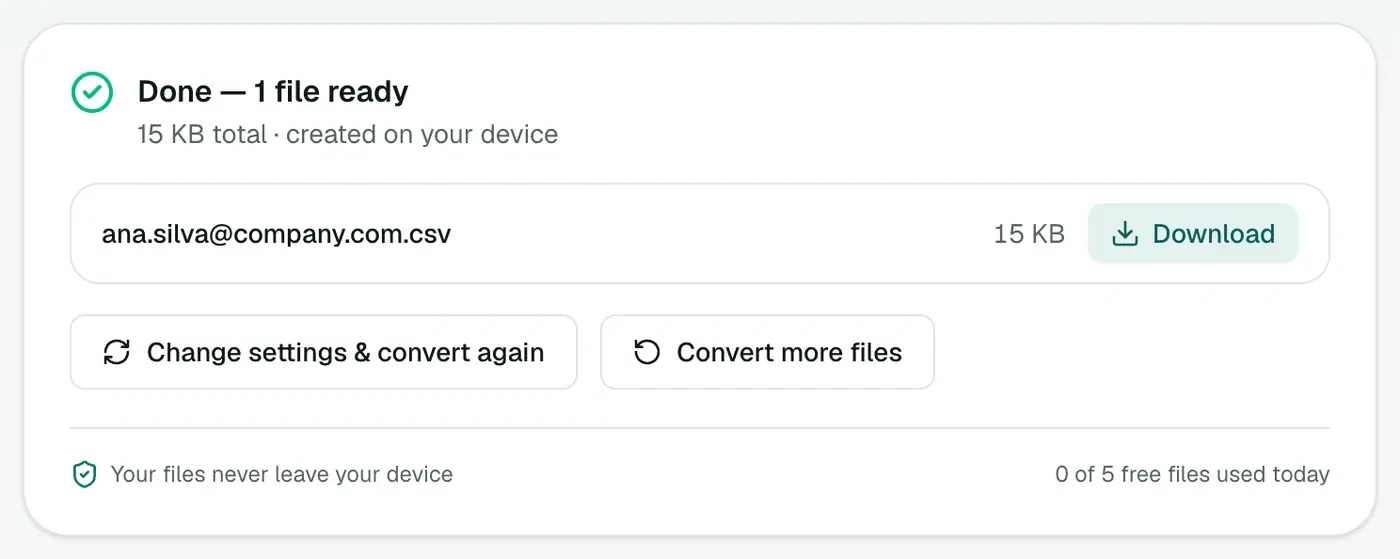
The columns
| Column | What's in it |
|---|---|
| Date | YYYY-MM-DD HH:MM, sorts correctly |
| From / To / Cc | Name and address, comma-separated |
| Subject | As sent |
| Attachments | File names, separated by semicolons |
| Body | Plain text, HTML converted to text |
Getting answers out of it
- One contact's messages: Data → Filter, then filter the From column.
- A timeline: sort by Date.
- Who emailed most: a PivotTable with From in Rows and a count of Subject.
- Anything mentioning a keyword: Ctrl+F searches every cell, including bodies.
- Then export the important ones with OST to PDF or OST to EML.
Finding the OST file
On Windows, press Win+R, type %localappdata%\Microsoft\Outlook and press Enter. OST files are named after the email address, for example ana.silva@company.com.ost.
Troubleshooting
"Isn't a readable Outlook data file." The file may be damaged, or it may be an OST from Outlook 2013 or later in a newer internal format that can't be read. Try the OST viewer to check. If the account still exists, exporting from Outlook or webmail is the reliable route.
"Password-protected." The OST uses encryption that can't be read outside Outlook. If the account still exists, export from Outlook or webmail instead.
The file is several gigabytes. The whole OST is read in your browser, so it depends on your plan's file size limit and your computer's memory. Close other heavy tabs.
Summary
The OST to CSV converter turns an orphaned Outlook mailbox into a spreadsheet you can actually work with, without the account and without uploading anything.
FAQs
What columns are there?
Date, From, To, Cc, Subject, Attachments and Body.
Do I need the original account?
No. The OST file is read directly, so it works even after the Exchange or Microsoft 365 account has been deleted.
Does the spreadsheet include the folder?
No. CSV has one row per email from every folder. If you need folder paths, use OST to JSON.
Will names with accents show correctly in Excel?
Yes. The CSV is UTF-8 with a marker Excel recognises.
Why are some long email bodies cut short?
Excel cells hold at most 32,767 characters, so very long bodies are trimmed to 32,000. OST to Text keeps everything.
Is the OST uploaded?
No. The spreadsheet is built in your browser and the mailbox stays on your computer.
Try the OST to CSV Converter
Free to start, no install, and your files never leave your device.