Email2 min read
How to Open an OLM File on Windows (OLM to HTML)
Read an Outlook for Mac .olm archive on Windows or any computer by converting it to one HTML file that opens in your browser, formatting intact.
By the ZapMorph team
On this page
Just want it done?
Open the OLM to HTML Converter — it runs in your browser and nothing is uploaded.
You switched from a Mac to a Windows laptop and brought your old Outlook export, only to find Windows Outlook doesn't recognise .olm. If you mainly need to read those emails, converting to HTML is the simplest fix. The result is a single web page that opens in Edge, Chrome or any browser, now or in twenty years.
Why HTML?
- Looks like the original. Newsletters, signatures, tables and colours appear as they did in Outlook.
- Opens everywhere. No app, no account, no licence.
- Searchable. Ctrl+F / Cmd+F finds text across every email on the page.
- Easy to keep. One file you can store, back up or send.
How to convert OLM to HTML with ZapMorph
1. Open the converter
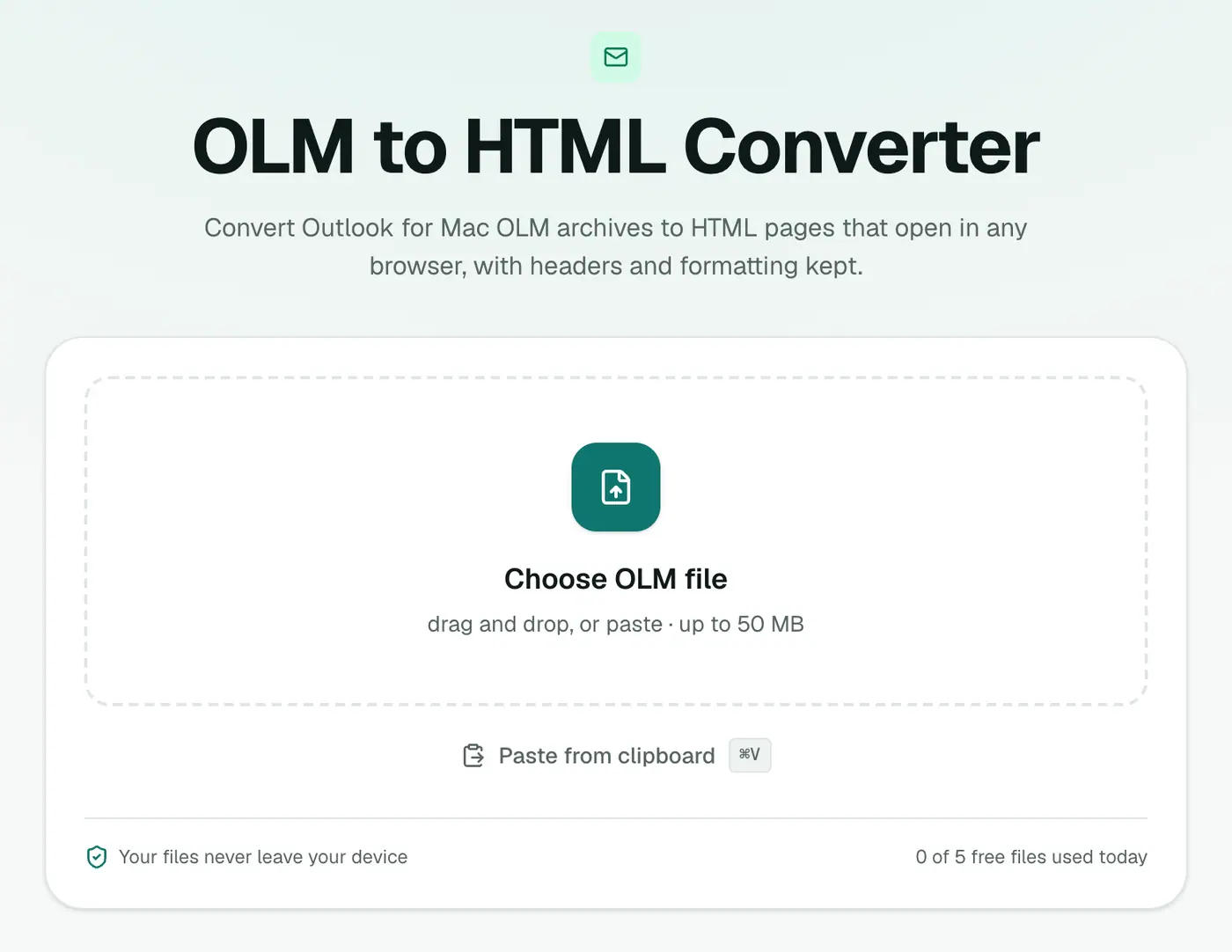
Go to the OLM to HTML converter.
2. Add the OLM
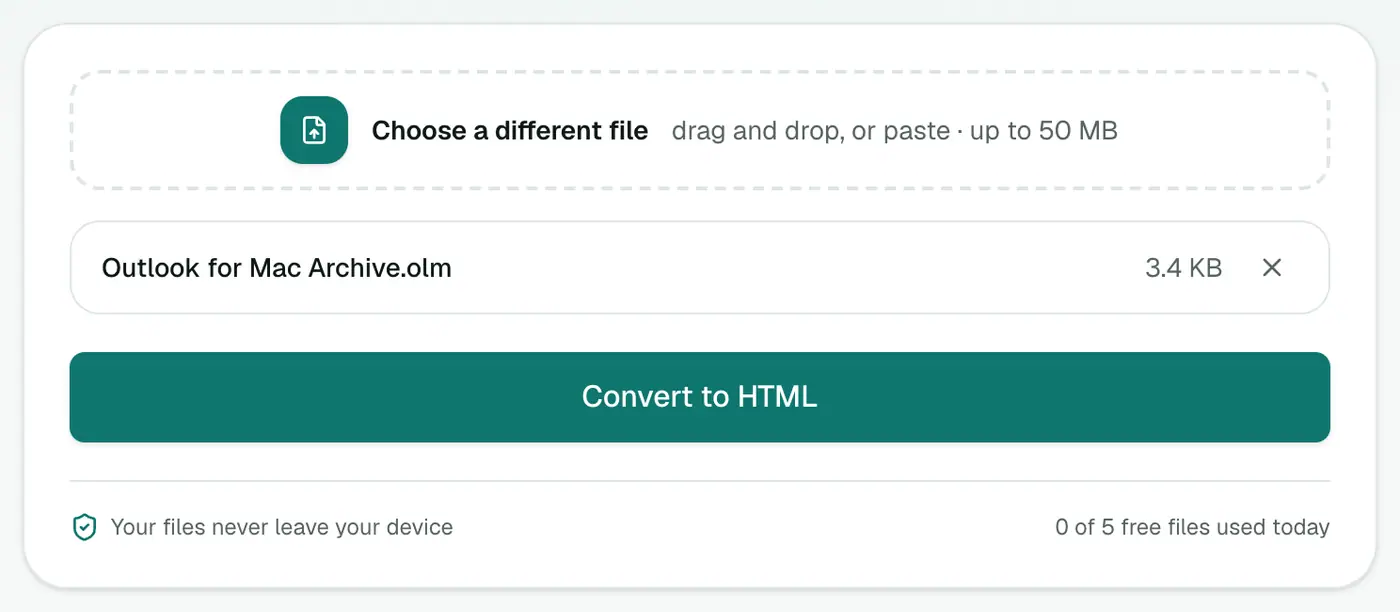
Drop in the .olm file. It's processed on your computer, not uploaded.
3. Convert and download
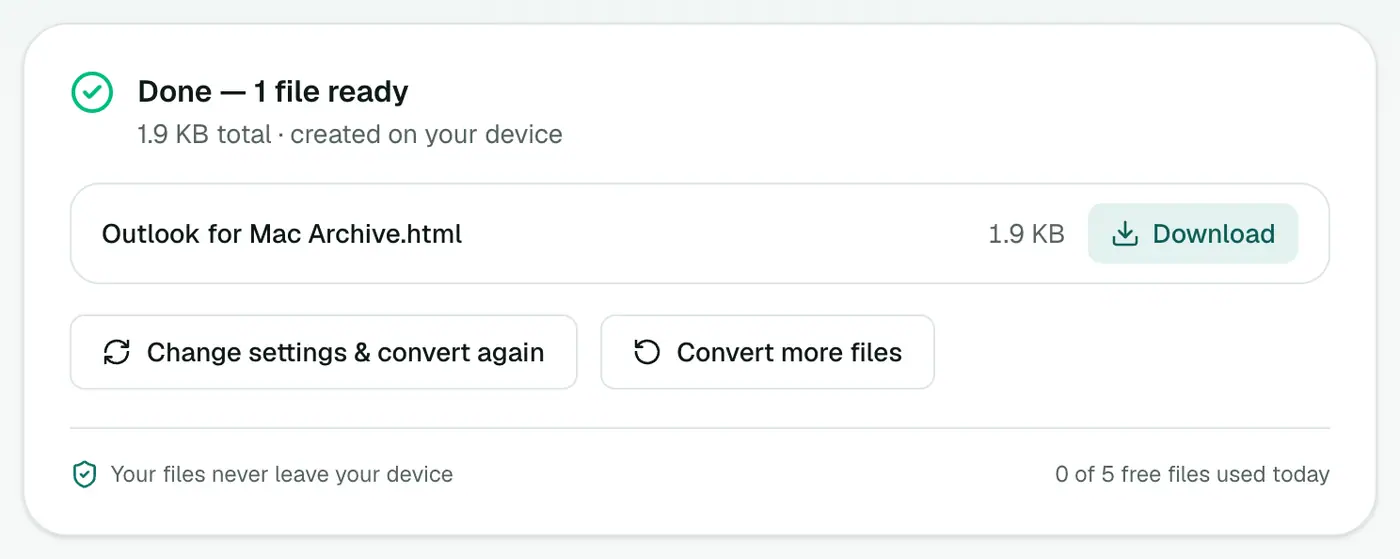
Click Convert to HTML and open the file in your browser. Each email appears with its subject, a header table and the message below, one after another.
Getting the most out of the HTML file
- Find something fast: Ctrl+F / Cmd+F, then press Enter to jump between matches.
- Print or save a single email: select it, press Ctrl+P / Cmd+P and choose Selection (Chrome) or print just the pages you need.
- Share it: the file is self-contained, so you can attach or upload it anywhere.
Other ways to read OLM on Windows
| Option | Good for | Drawback |
|---|---|---|
| OLM to HTML | Reading everything in one place | One long page for big archives |
| OLM viewer | Browsing by folder, searching, saving attachments | Nothing to keep afterwards |
| OLM to PDF | Printing or a formal record | Less like the original layout |
| OLM to EML | Opening single emails in Outlook for Windows | Many files to manage |
| Reinstall Outlook for Mac | Full fidelity | Needs a Mac and a licence |
Troubleshooting
The page is very long and slow. A large archive makes one huge page. For browsing, use the OLM viewer. For records, use OLM to PDF.
Some images are missing. These are images the sender linked from a website that no longer exists. They can't be recovered, but the text is all there.
"No emails were found." The export contains no mail, only contacts or calendar items. Re-export with Mail ticked.
Summary
The OLM to HTML converter makes an Outlook for Mac archive readable on Windows, Linux, or anywhere with a browser, with the original formatting intact.
FAQs
Why can't Windows open OLM files?
OLM is an Outlook for Mac format. Outlook for Windows uses PST and can't import OLM.
Is formatting kept?
Yes. Each email's HTML is kept as sent, with a header block on top showing From, To, Cc, Date and attachments.
Do images show?
Images embedded in the email, such as logos and pasted screenshots, are built into the HTML file so they show even offline. Images linked from the web load only when you're online.
Is the HTML file safe to open?
Scripts, forms and embedded frames are removed from every email during conversion, so the page can't run code from old messages.
Is my archive uploaded?
No. The conversion happens in your browser and the archive stays on your computer.
Try the OLM to HTML Converter
Free to start, no install, and your files never leave your device.