Email2 min read
How to Convert EML Emails to PDF for Records and Evidence
Save .eml emails as PDFs with sender, recipients, date and subject in a clear header. For legal records, HR files and invoices. Private, in your browser.
By the ZapMorph team
On this page
Just want it done?
Open the EML to PDF Converter — it runs in your browser and nothing is uploaded.
An email is a terrible format for a record. It lives in one app, depends on an account, and is hard to hand to a lawyer, an accountant or HR. A PDF of the email, with the sender, date and subject clearly shown, is what people actually ask for.
When you'd want this
- Disputes: keep a record of what a landlord, contractor or employer said, and when.
- Accounts: invoices and receipts that arrived as email body text.
- HR and compliance: archiving important correspondence.
- Printing: a clean printout without the mail app's interface around it.
- Visa and loan applications: proof of an offer, booking or payment confirmation.
Getting the .eml file
- Thunderbird: select the message, then File → Save As → File (saves
.eml), or drag it to your desktop. - Apple Mail: drag the message to Finder, or File → Save As with the format set to Raw Message Source.
- Gmail (web): open the email, click ⋮ → Download message. That gives you an
.eml. - Outlook.com: ⋯ → Download → Download as EML.
How to convert EML to PDF with ZapMorph
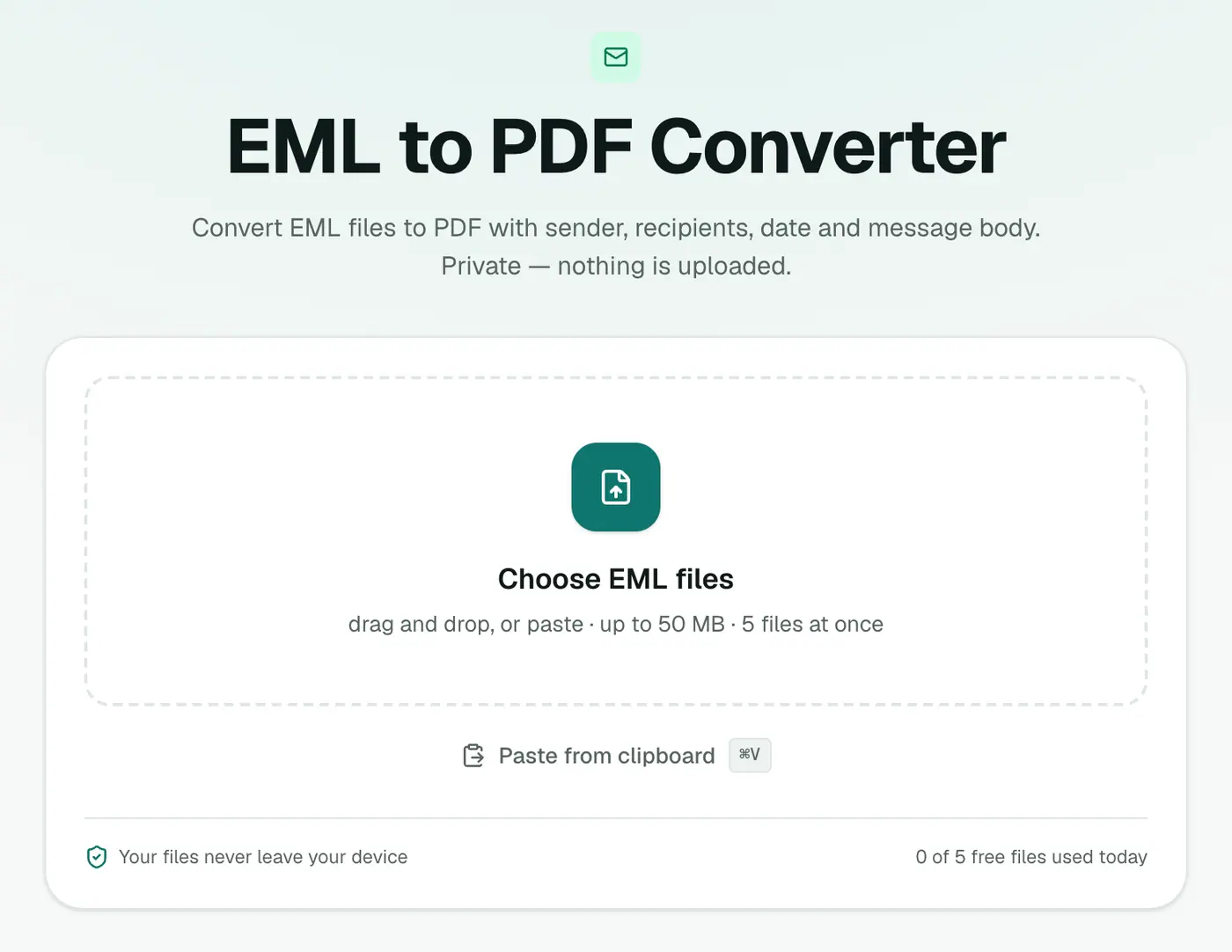
1. Open the converter
Go to the EML to PDF converter.
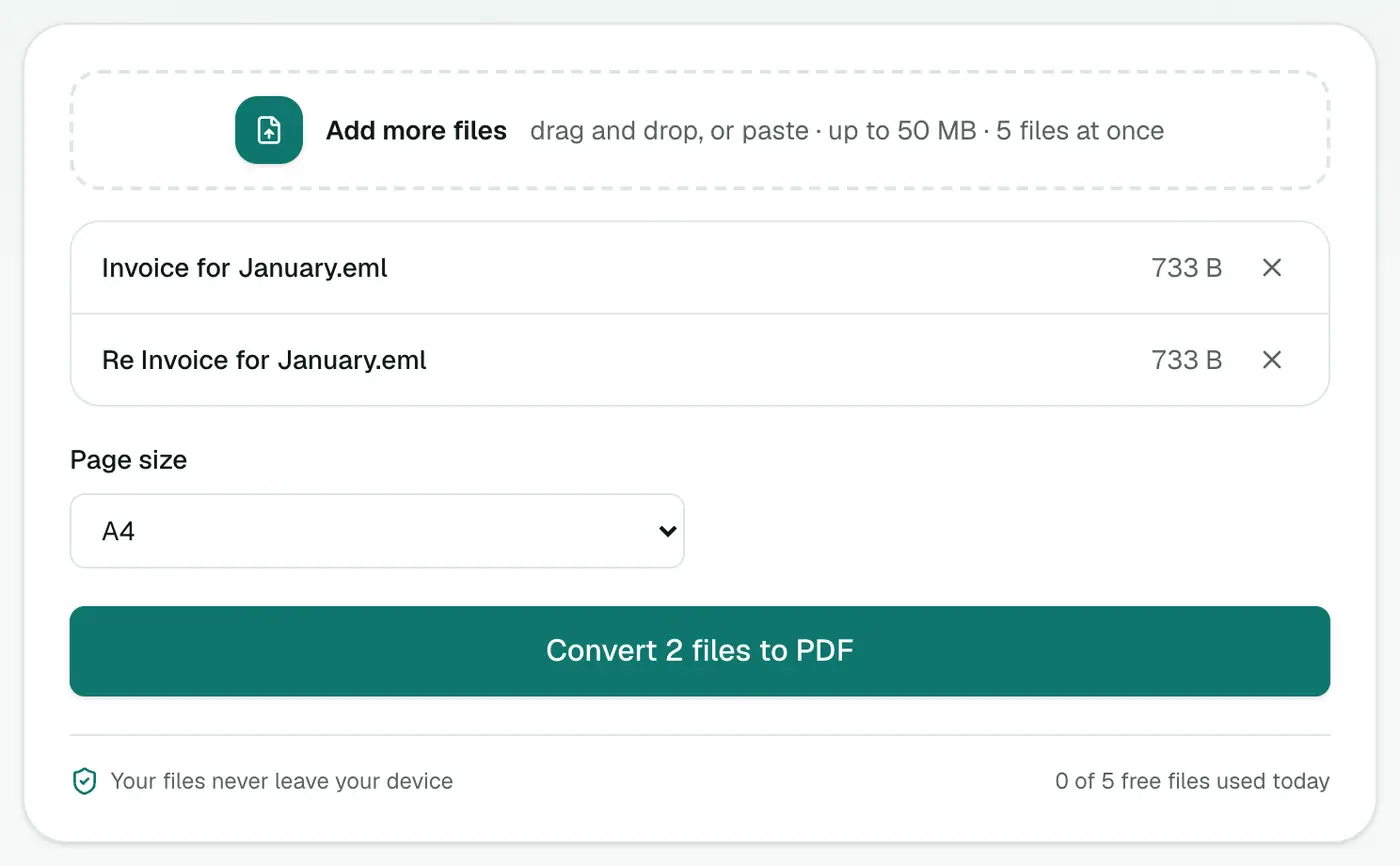
2. Add files and choose the paper size
Drop in your .eml files and choose A4 or US Letter.
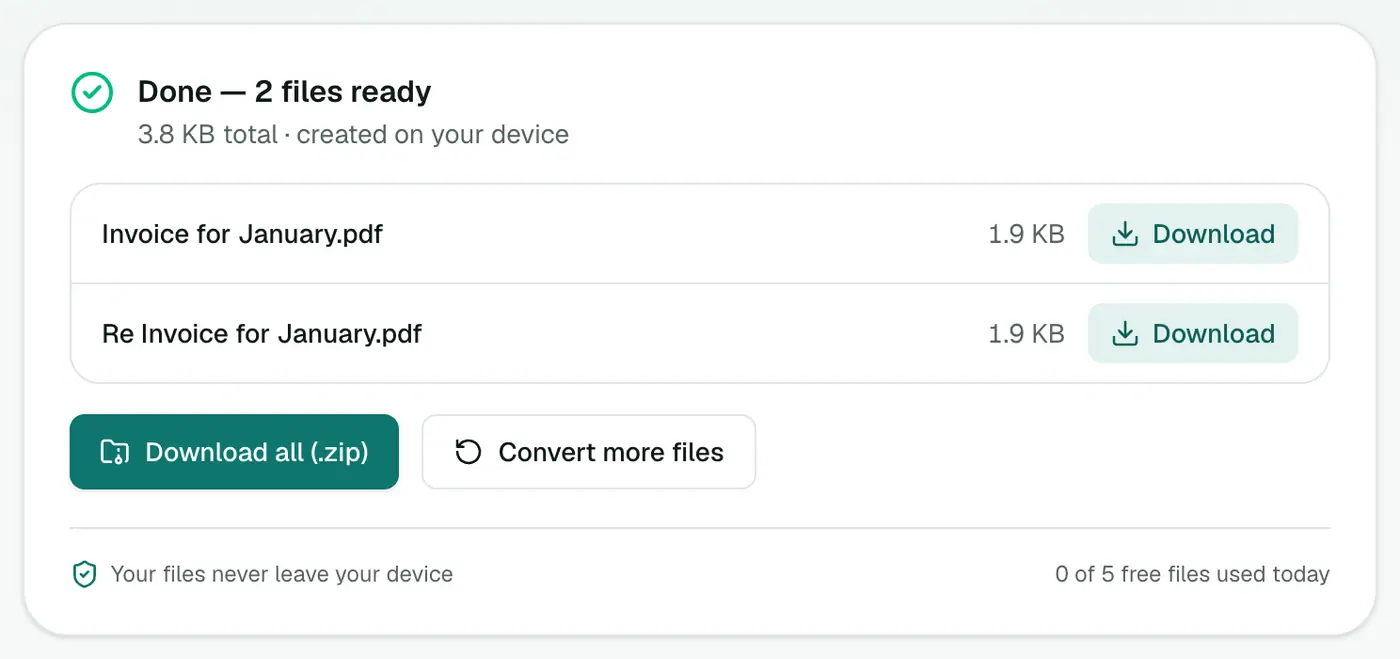
3. Convert and download
Click Convert to PDF. Each email becomes a PDF with a header block on top.
Why not just "Print to PDF" from the mail app?
| Print from mail app | EML to PDF | |
|---|---|---|
| Header (From, To, Date) | Varies by app, sometimes missing | Always included |
| Many emails at once | One at a time | Batch |
| Needs the mail account | Yes | No, just the file |
| App toolbars and clutter | Sometimes printed | Never |
Tips
- A whole thread in one PDF? EML Merge sorts messages by date and puts them into one document.
- Need the attachments too? Extract email attachments.
- Just want to read it? The EML viewer opens it in your browser.
- Evidence: keep the original
.emlas well. It contains full technical headers that a PDF doesn't show. - Hide account numbers before sharing with Redact PDF.
Troubleshooting
"Isn't a readable email message." The file isn't a genuine EML. Some apps use the extension for other formats. Try opening it in the EML viewer.
Layout looks simpler than the original. The PDF keeps the text structure (headings, lists, paragraphs) rather than every design detail. For an exact visual copy, use EML to HTML.
Summary
The EML to PDF converter turns saved emails into clean, shareable records, privately and in batches.
FAQs
What does the PDF include?
A header block with From, To, Cc, Date and Subject, followed by the message body. Attachments are listed by name.
Are attachments included in the PDF?
They're listed, not embedded. To save the attachments themselves, use the Email Attachment Extractor.
Can I convert many emails at once?
Yes. Each EML becomes its own PDF. To combine several emails into one PDF in date order, use EML Merge.
Where do EML files come from?
Thunderbird, Apple Mail and many webmail services save or export messages as .eml. You can also drag an email from many mail apps onto your desktop.
Is the PDF searchable?
Yes. It contains real text, not a screenshot, so you can search it and copy from it.
Are my emails uploaded?
No. The PDF is created in your browser.
Try the EML to PDF Converter
Free to start, no install, and your files never leave your device.