Audio & video2 min read
How to Convert OGG or OPUS Audio to M4A for iPhone
Make OGG and OPUS audio, like Telegram and WhatsApp voice notes or game soundtracks, play in the iPhone's Music app and on Apple devices. Private, batch.
By the ZapMorph team
On this page
Just want it done?
Open the OGG to M4A Converter — it runs in your browser and nothing is uploaded.
OGG and OPUS files come from WhatsApp, Telegram and Signal voice notes, game soundtracks, Discord recordings and Linux apps. On an iPhone or in Apple Music they're a pain. M4A is Apple's native audio format.
How to convert OGG to M4A with ZapMorph
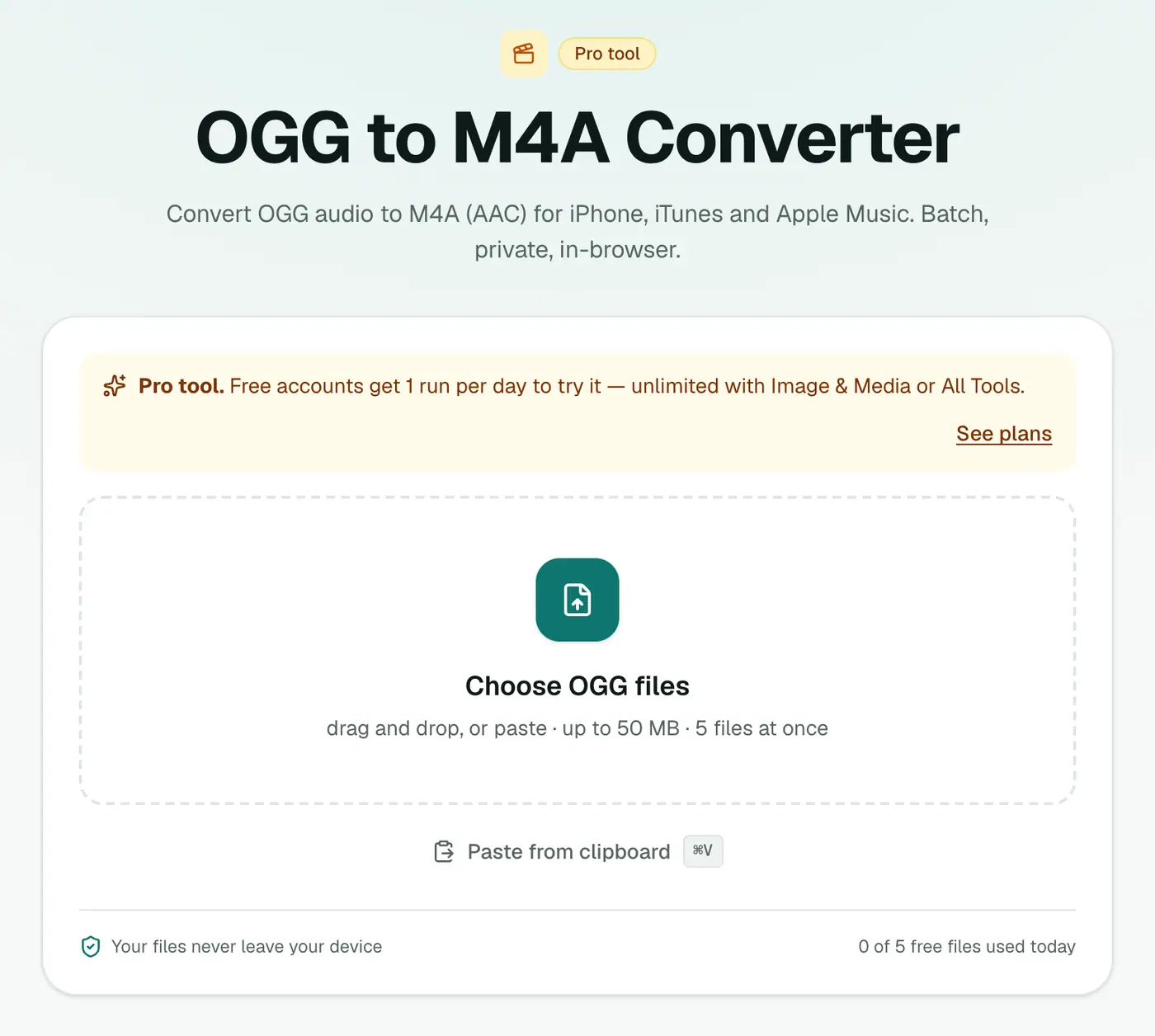
1. Open the converter
Go to the OGG to M4A converter.
2. Add files and choose the quality
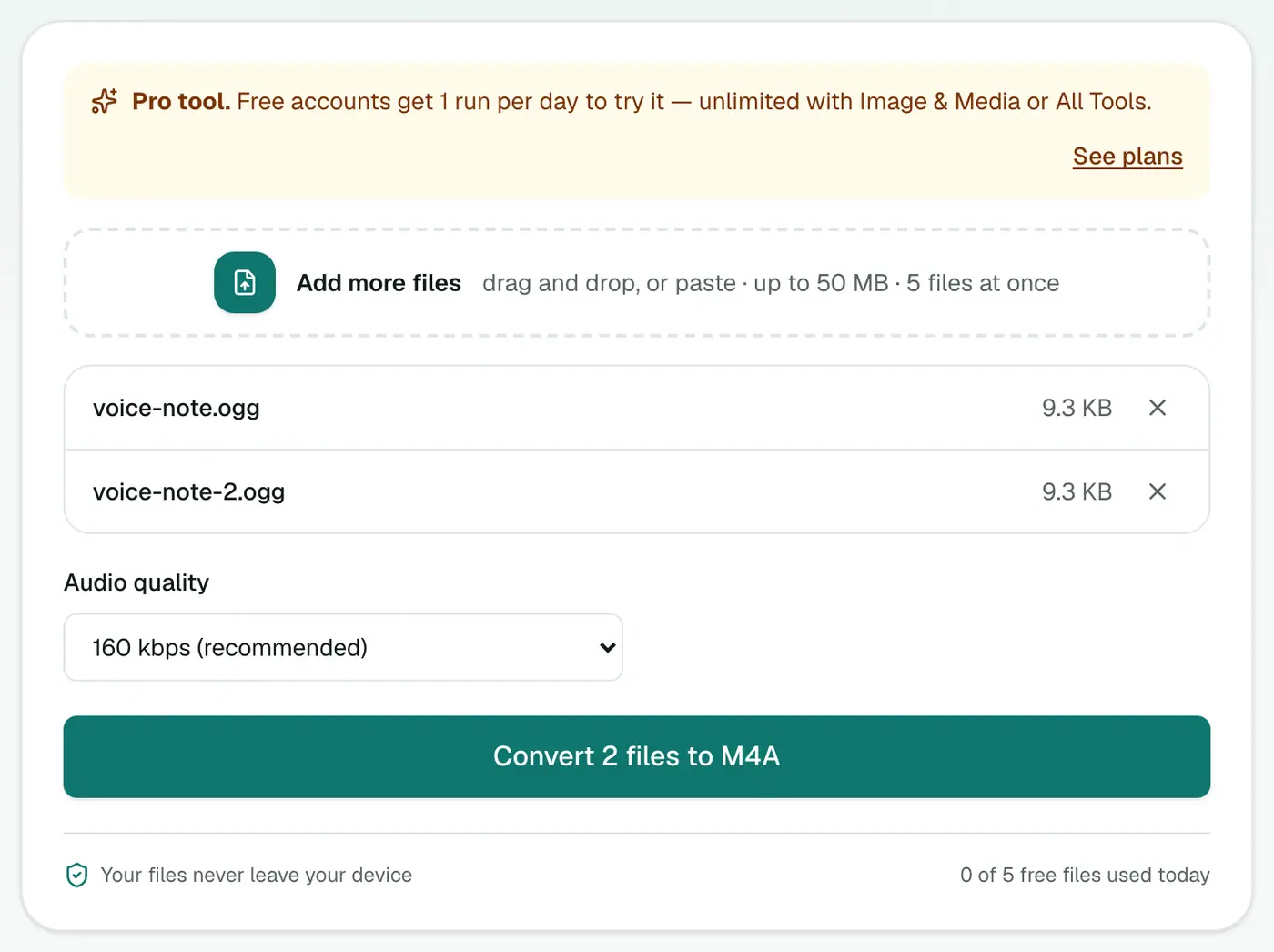
Drop in .ogg, .oga or .opus files and pick a quality:
- 96 kbps (voice): voice notes, podcasts, audiobooks.
- 160 kbps (recommended): music.
- 256 kbps (best): music you care about.
3. Convert and download
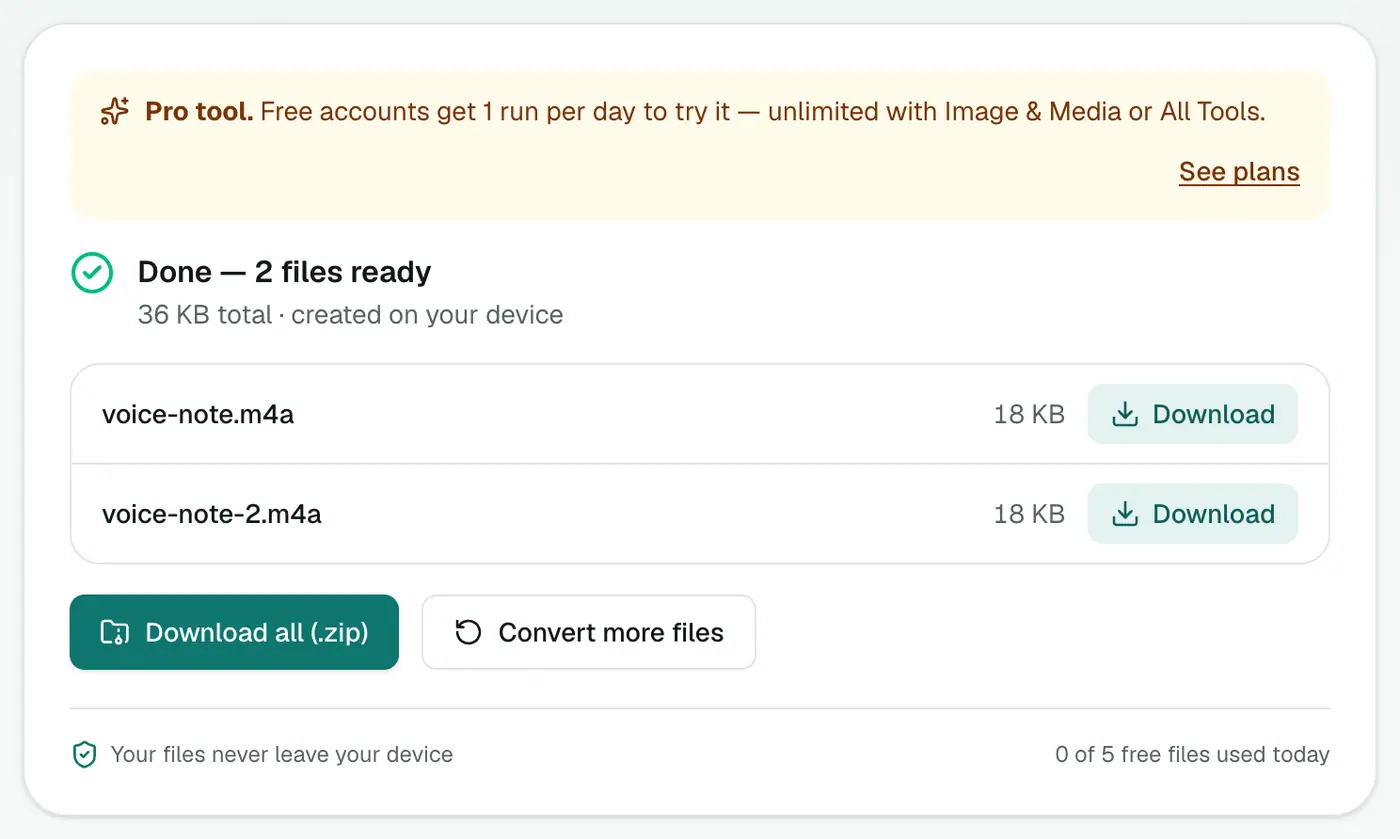
Click Convert to M4A.
Which format for which device?
| Device or app | OGG | M4A | MP3 |
|---|---|---|---|
| iPhone Music app | ✗ | ✓ | ✓ |
| Mac Music / QuickTime | ✗ | ✓ | ✓ |
| Android | ✓ | ✓ | ✓ |
| Windows Media Player | Varies | ✓ | ✓ |
| Car stereos | Rarely | Often | ✓ |
Tips
- Keep the originals until you've checked the M4As play as expected.
- Turning voice notes into a ringtone? iPhone ringtones use M4A too (renamed to
.m4r) and must be 40 seconds or shorter. - Many voice notes? Convert them all at once and listen in the Files app.
Related
- Need maximum compatibility instead? OGG to MP3.
- Editing the audio? OGG to WAV.
- Archiving? OGG to FLAC.
Troubleshooting
Very quiet output. The original was quiet. Raise the volume in an editor like GarageBand or Audacity, then export.
The file is rejected. Check it's really audio. Some apps save voice notes with no extension. Add .ogg to the name and try again.
Summary
The OGG to M4A converter makes OGG and OPUS audio play nicely on iPhone, iPad and Mac.
FAQs
Why won't my iPhone play OGG files?
Apple's apps have limited OGG Vorbis support. M4A (AAC) is native on every Apple device.
Which quality should I pick?
96 kbps for voice notes, 160 kbps for music.
Are .opus files supported?
Yes, .ogg, .oga and .opus are all accepted.
Is it free?
Yes, once a day: one file up to 25 MB with no account. A free account gets one Pro tool run a day, and paid plans are unlimited.
Will the M4A sound better than the OGG?
No. Converting between two compressed formats can't add detail. At 160 kbps the difference from the original is very hard to hear.
How do I get the M4A into Apple Music?
On a Mac, drag it into the Music app. On iPhone, save it to Files and play it there, or sync it from your Mac.
Try the OGG to M4A Converter
Free to start, no install, and your files never leave your device.