Audio & video2 min read
How to Convert OGG to FLAC
Convert OGG or OPUS audio to FLAC when a tool, library or archive requires FLAC. What to expect about quality and file size. Private, in your browser.
By the ZapMorph team
On this page
Just want it done?
Open the OGG to FLAC Converter — it runs in your browser and nothing is uploaded.
Converting a lossy OGG to lossless FLAC doesn't restore detail. It locks in what's there. That's still useful in a few situations: an archive that only accepts FLAC, a sample library standardised on FLAC, or editing you want to do without any further quality loss.
Lossy vs lossless, in one minute
- OGG (Vorbis or Opus) throws away sounds you're unlikely to hear, to make files small.
- FLAC keeps every bit of the audio it's given, like a ZIP file for sound.
- OGG → FLAC gives you a lossless copy of the OGG, not of the original recording.
Think of it like scanning a photocopy: the scan is perfect, but it's a perfect copy of the photocopy.
When it makes sense
- Archives or libraries that only accept FLAC.
- Sample packs where every file must be in one lossless format.
- Editing in stages: save intermediate versions without stacking up compression.
- Hardware samplers that read FLAC but not OGG.
When it doesn't
- To improve sound: it can't.
- To save space: FLAC is bigger.
- For iPhone listening: OGG to M4A is smaller and plays natively.
How to convert OGG to FLAC with ZapMorph
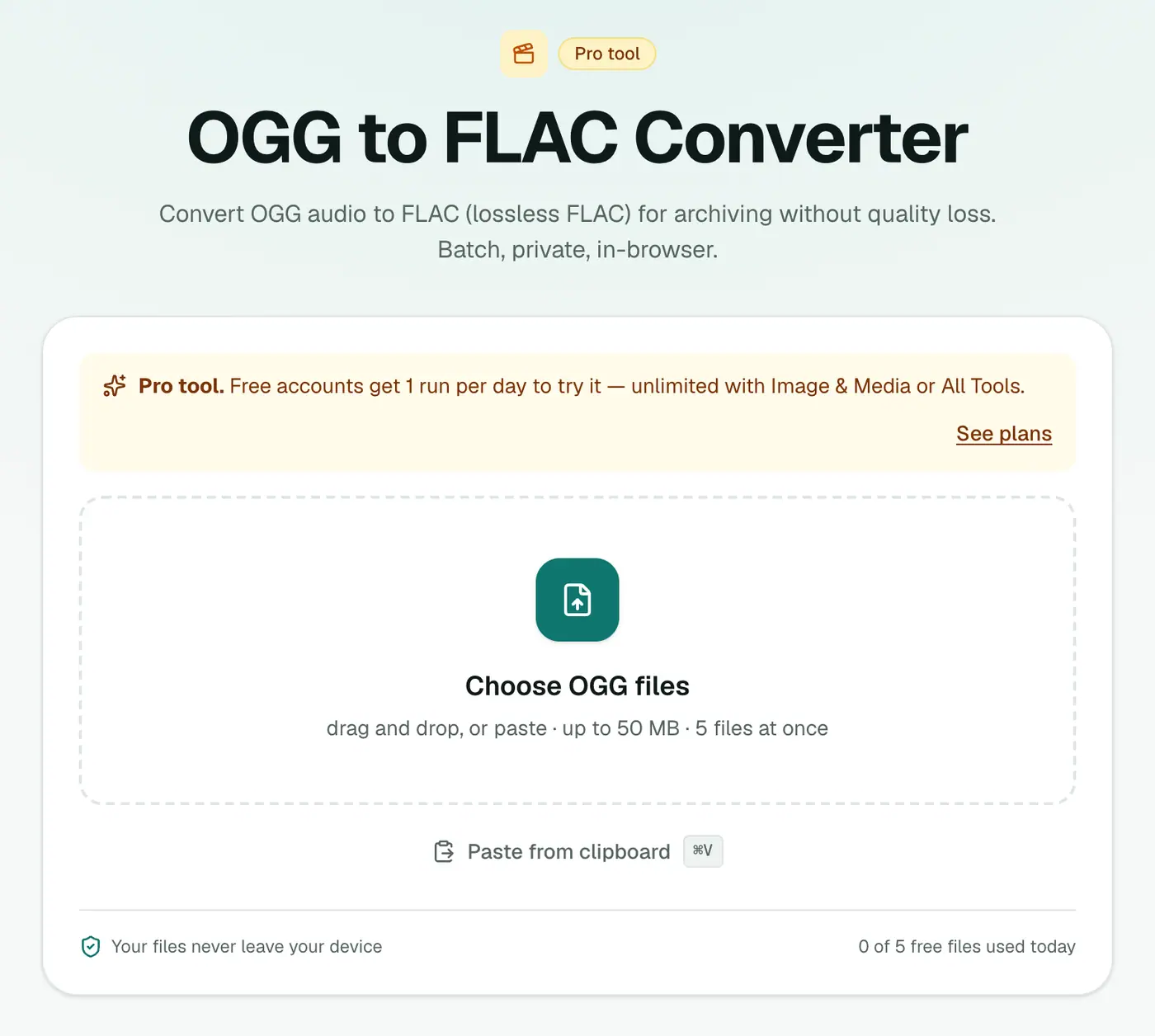
1. Open the converter
Go to the OGG to FLAC converter.
2. Add your files
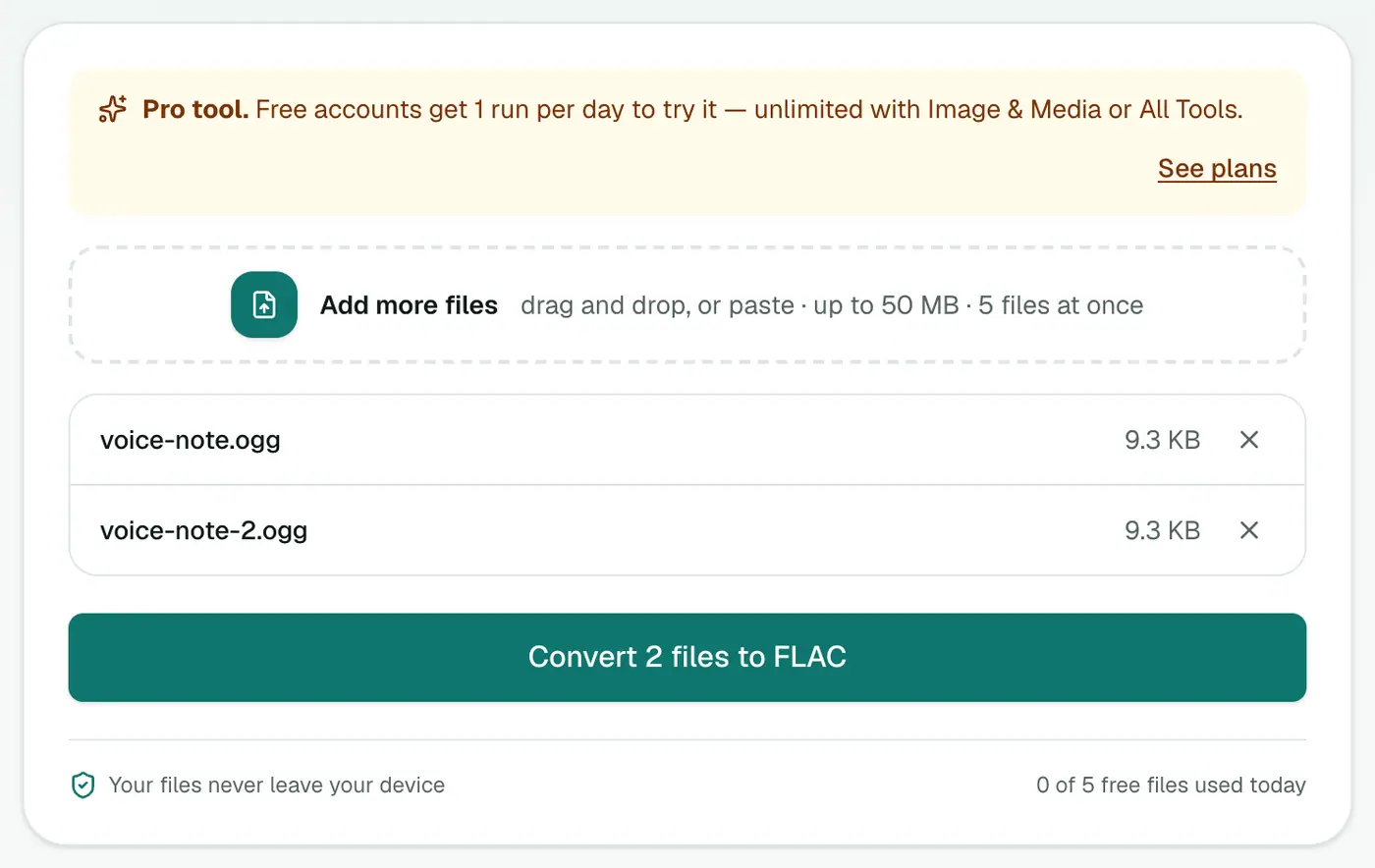
Drop in .ogg, .oga or .opus files.
3. Convert and download
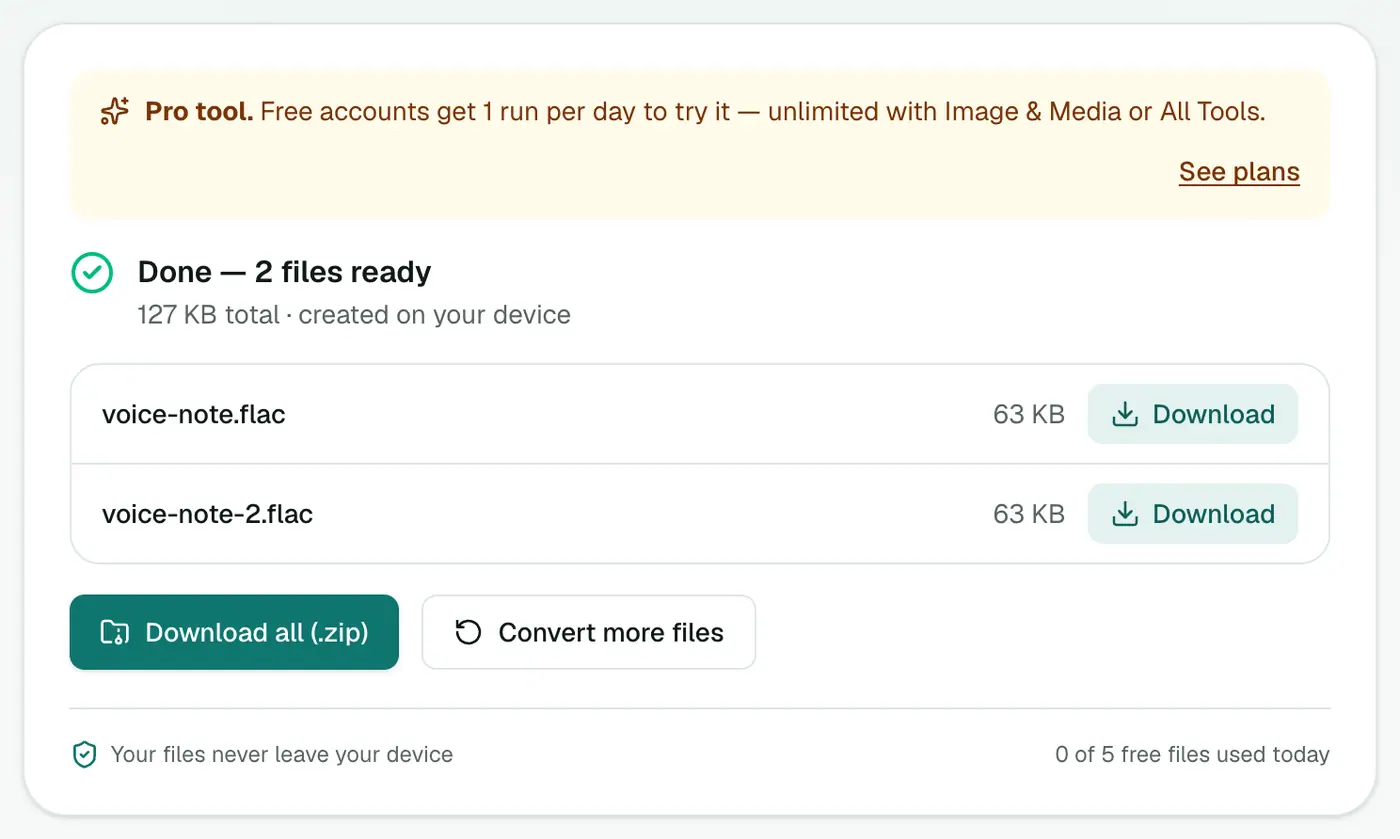
Click Convert to FLAC.
Related
- For editing, OGG to WAV is equally lossless and more widely accepted by editors.
- For listening on Apple devices, OGG to M4A is smaller.
- For everything else, OGG to MP3.
Summary
When FLAC is required, the OGG to FLAC converter makes a faithful lossless copy of your OGG audio.
FAQs
Does OGG to FLAC improve quality?
No. FLAC keeps an exact copy of the OGG's decoded audio, including what OGG compression removed. It sounds the same.
When is it useful?
When a library, archive policy or piece of software requires FLAC, or before heavy editing, to avoid extra compression on re-save.
Is it free?
Yes, once a day: one file up to 25 MB with no account. A free account gets one Pro tool run a day, and paid plans are unlimited.
Why is the FLAC so much bigger?
FLAC stores every sample without lossy compression, so it's typically 4–8 times the size of the OGG, with no audible difference.
Can I convert OPUS voice notes?
Yes. .ogg, .oga and .opus files are all accepted.
Are my files uploaded?
No. They're converted in your browser.
Try the OGG to FLAC Converter
Free to start, no install, and your files never leave your device.