Audio & video2 min read
How to Convert FLAC to WAV (Lossless) for DJ Software, CDs and Editors
Decompress FLAC to WAV for DJ software, CD burning, older audio editors and hardware that doesn't read FLAC. CD-quality 16-bit output, private, batch.
By the ZapMorph team
On this page
Just want it done?
Open the FLAC to WAV Converter — it runs in your browser and nothing is uploaded.
Some DJ controllers and CDJs, older versions of DJ software, CD-burning tools and certain samplers still want WAV. Since FLAC is lossless, converting a CD-quality FLAC to WAV costs nothing in quality, only disk space.
How to convert FLAC to WAV with ZapMorph
1. Open the converter
Go to the FLAC to WAV converter.
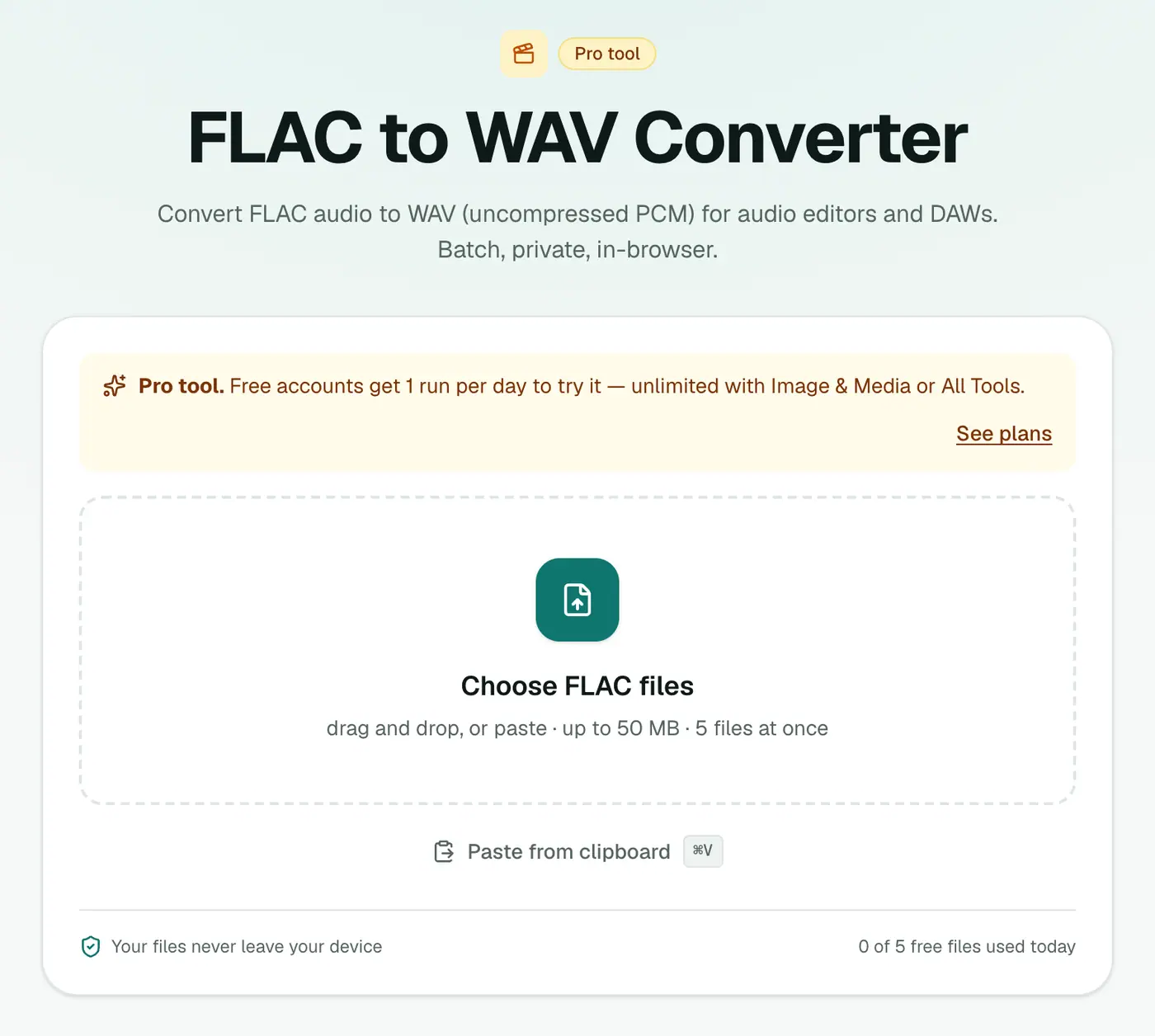
2. Add your FLAC files
Drop in your .flac files. A whole album at once is fine.
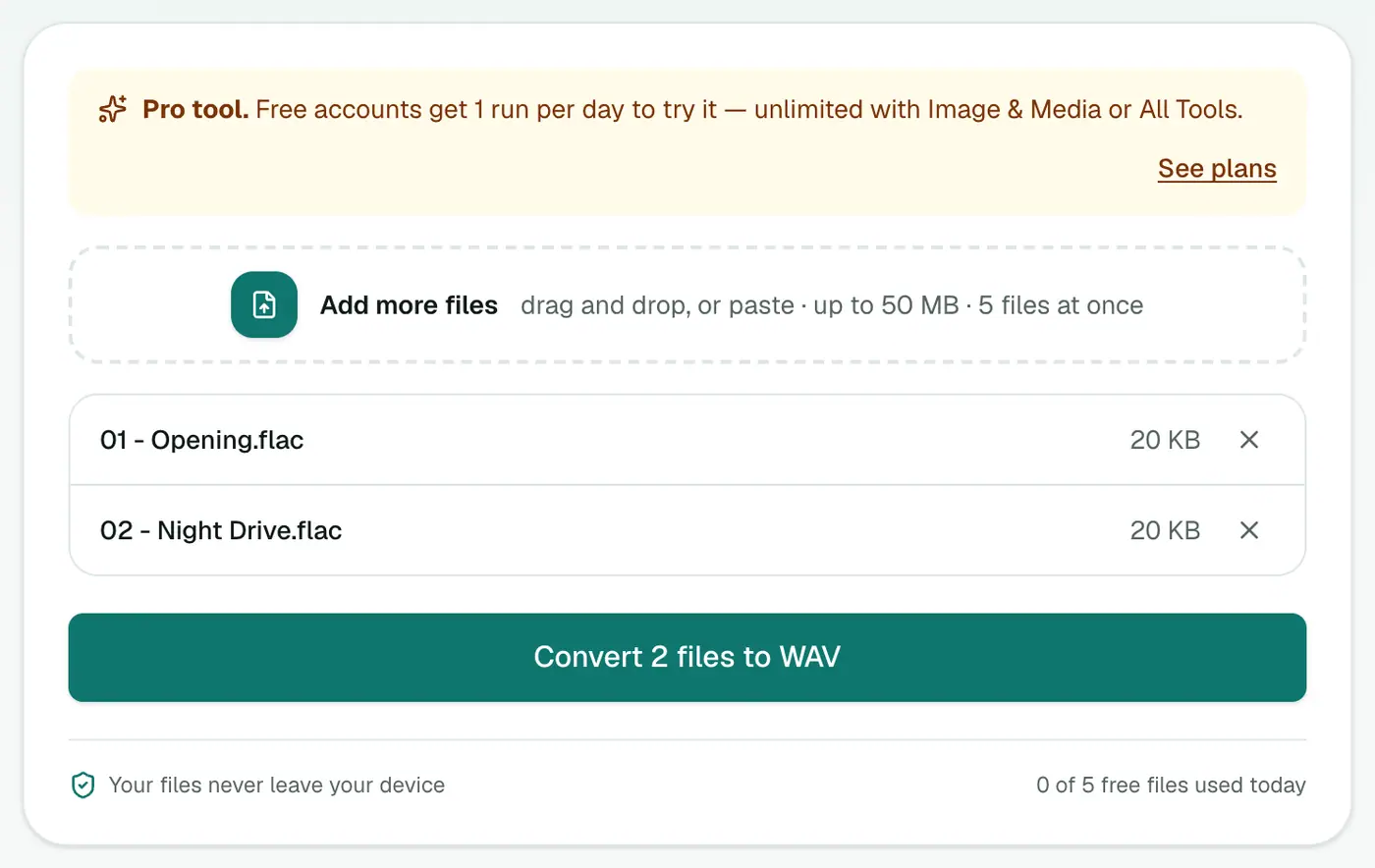
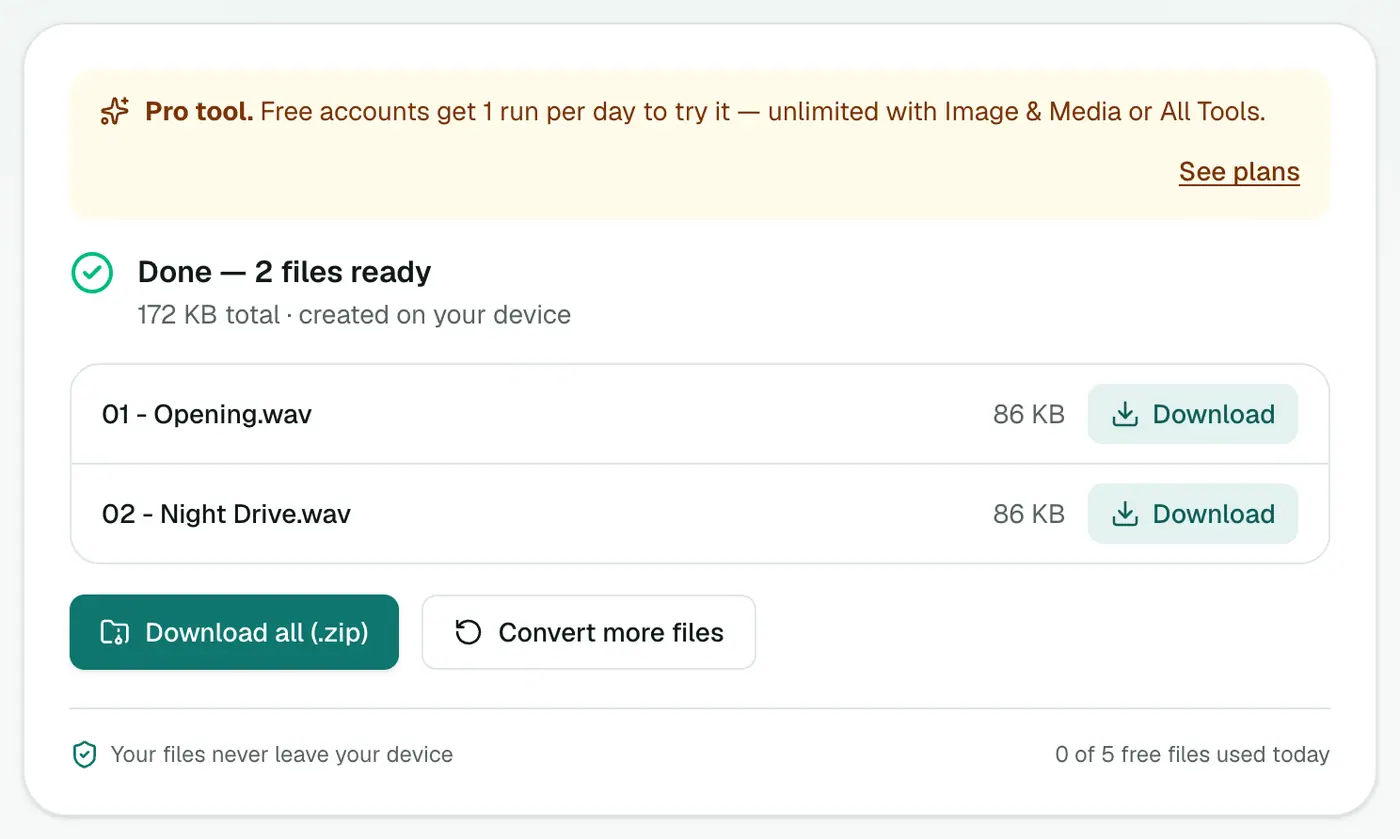
3. Convert and download
Click Convert to WAV.
FLAC vs WAV
| FLAC | WAV | |
|---|---|---|
| Quality | Lossless | Lossless (uncompressed) |
| Size, 4-minute track | ~25–35 MB | ~40 MB |
| Tags and album art | Excellent | Limited |
| CDJs and older DJ gear | Varies | ✓ |
| CD burning software | Varies | ✓ |
| Audio editors and DAWs | Most | All |
About bit depth
The WAV files are written as 16-bit, the CD standard that every device and app supports.
- CD rips and most downloads (16-bit FLAC): converted with no loss at all.
- Hi-res FLAC (24-bit, from Bandcamp, Qobuz and similar): reduced to 16-bit. For DJing, CD burning and listening, that's inaudible. For mastering work, keep the 24-bit originals.
Tips
- DJs: WAV doesn't carry tags as reliably as FLAC, so add track info in your DJ software after importing.
- Burning an audio CD? CD-quality is 16-bit, 44.1 kHz. Files at 48 kHz or higher are usually resampled by the burning software.
- Want the space back later? WAV to FLAC.
- Need MP3 for USB sticks? FLAC to MP3 makes much smaller files most CDJs accept.
Troubleshooting
Album art is gone. WAV has no standard place for artwork. Add it in your DJ library software.
Conversion takes a while. Audio is processed on your device. Long or high-resolution tracks take longer; leave the tab open.
Summary
The FLAC to WAV converter unpacks lossless audio for hardware and software that only speak WAV.
FAQs
Is FLAC to WAV lossless?
For standard CD-quality FLAC (16-bit), yes: the WAV contains exactly the same audio. The WAV is written as 16-bit, so 24-bit hi-res FLACs are reduced to CD quality.
Why is the WAV bigger?
WAV is uncompressed. Expect roughly double the size of the FLAC.
Is it free?
Yes, once a day: one file up to 25 MB with no account. A free account gets one Pro tool run a day, and paid plans are unlimited.
Is the sample rate kept?
Yes. A 44.1 kHz FLAC gives a 44.1 kHz WAV, a 48 kHz FLAC a 48 kHz WAV, and so on.
Are track names and artists kept?
Basic tags are usually carried over, but WAV tag support varies between apps, and album art isn't included. Re-tag in your DJ software if needed.
Are my files uploaded?
No. The conversion runs in your browser.
Try the FLAC to WAV Converter
Free to start, no install, and your files never leave your device.