Email2 min read
How to Extract Text From Outlook MSG Files
Get the sender, recipients, date, subject and body of Outlook .msg emails as clean plain text for searching, archiving or AI tools. Batch and private.
By the ZapMorph team
On this page
Just want it done?
Open the MSG to Text Converter — it runs in your browser and nothing is uploaded.
Shared drives full of .msg files are common in law firms, project teams and finance departments. They're searchable only through Outlook, one at a time. Plain text makes them searchable by anything.
What a converted email looks like
From: Chris Park <chris@client.com>
To: Project Team <team@example.com>
Cc: Dana Wu <dana@example.com>
Date: Monday, February 3, 2025 at 4:45 PM
Subject: Sign-off on phase 2
Attachments: phase2-scope.docx (112 KB)

Confirming we're happy to sign off phase 2 as scoped…
How to convert MSG to text with ZapMorph
1. Open the converter
Go to the MSG to Text converter.
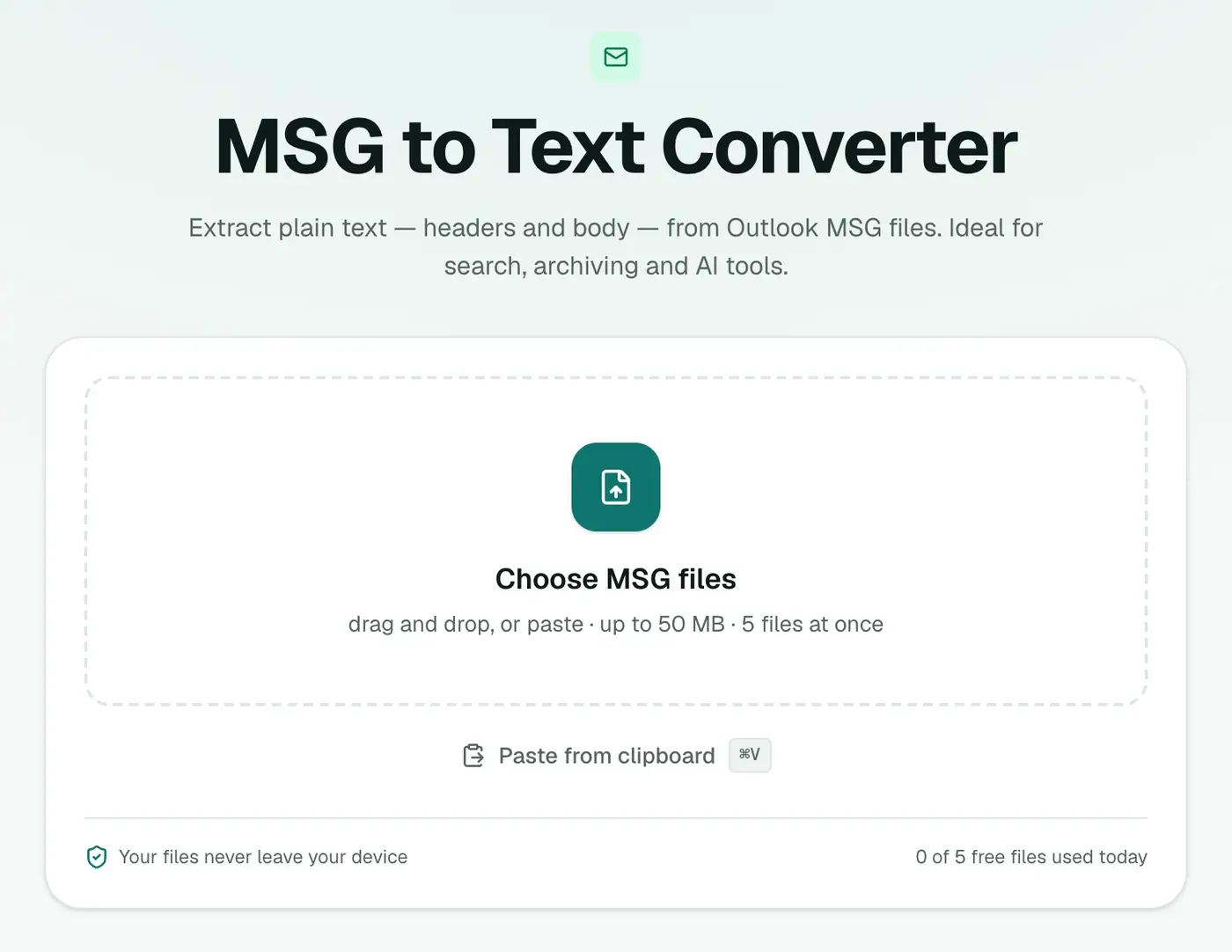
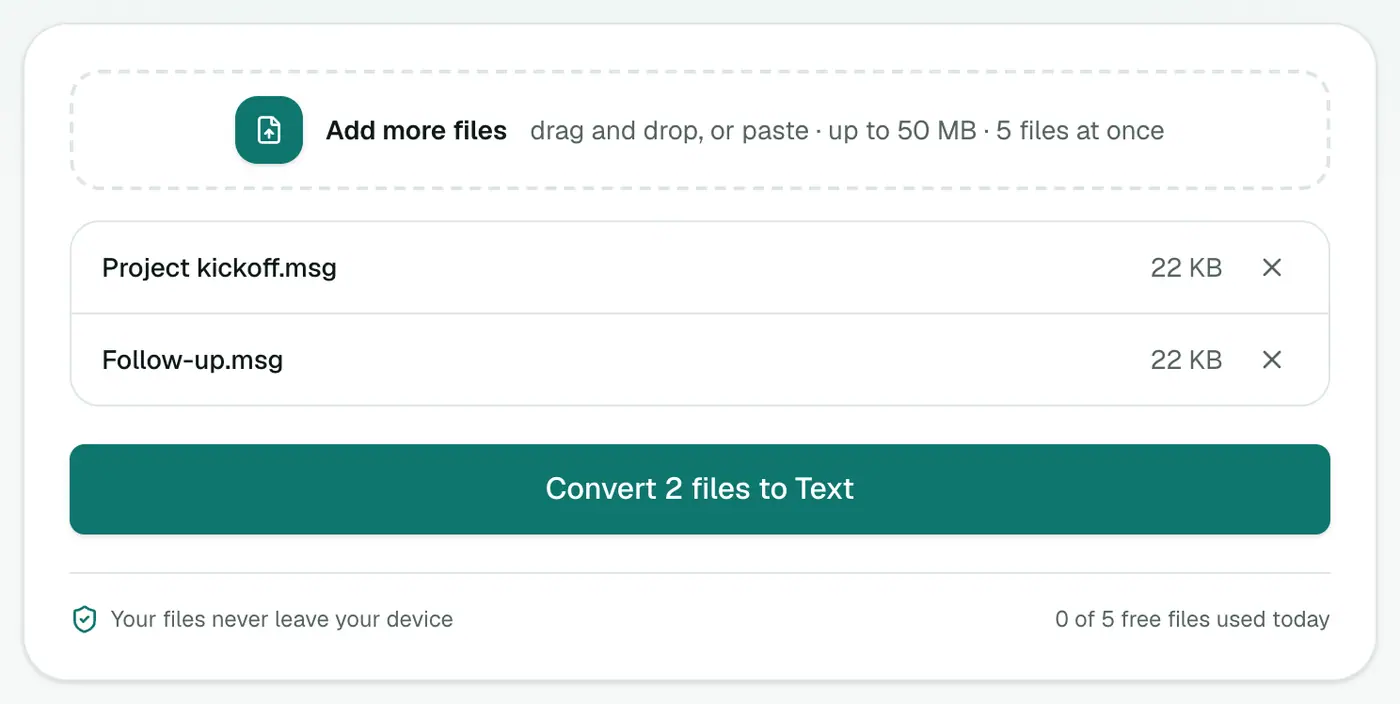
2. Add your MSG files
Drop them in. Select many at once with Ctrl+A / Cmd+A in the file picker.
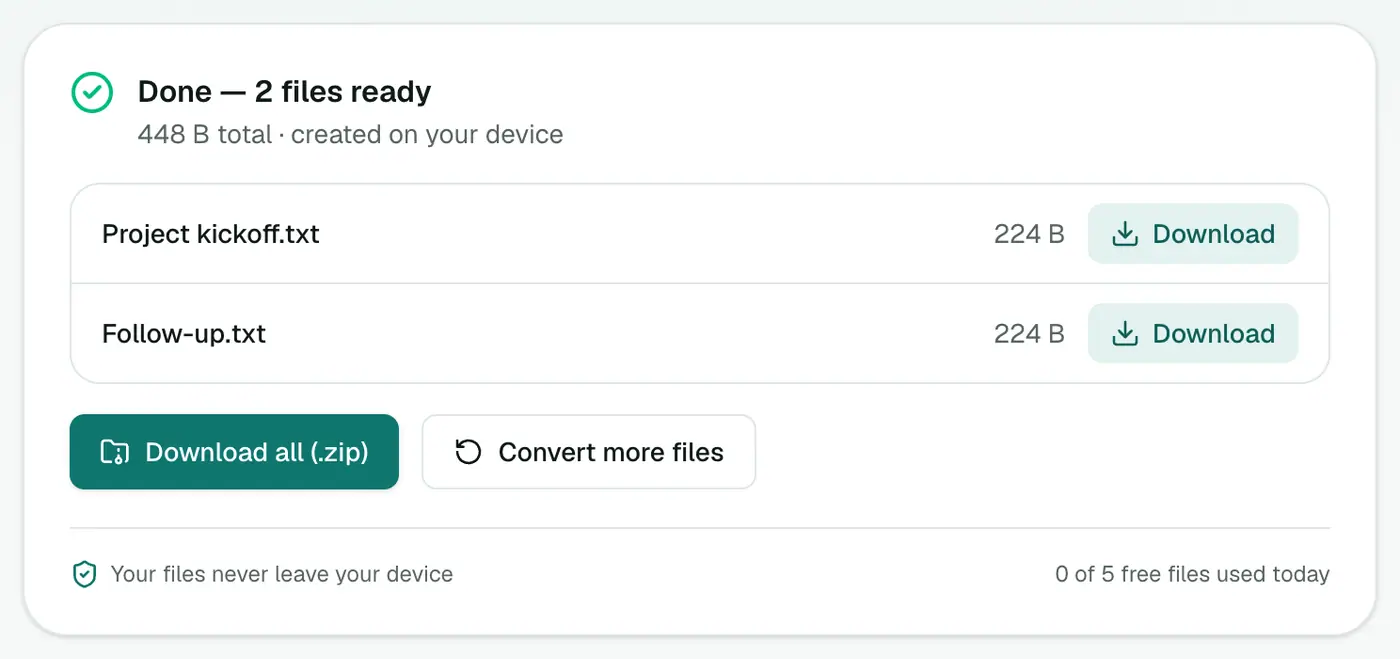
3. Convert and download
Click Convert to Text. Download files one by one, or all together as a ZIP.
What to do with the text
- Search a whole folder with your operating system's search or a tool like
grep. - Summarise a long thread with an AI tool. Check your company's policy first.
- Quote exact wording in a report or ticket.
- Index emails in a document management system that can't read MSG.
Searching many text files at once
- Windows: in the folder, search box → type the word. Or
findstr /s /i "sign-off" *.txtin Command Prompt. - Mac: Finder search with Contents selected, or
grep -il "sign-off" *.txtin Terminal. - VS Code: open the folder and use Search (Ctrl+Shift+F / Cmd+Shift+F).
Troubleshooting
"Isn't a readable Outlook MSG file." The file is damaged or not a real MSG. Try opening it in the MSG viewer to check.
Formatting is gone. That's expected with plain text. For the look of the original, use MSG to HTML or MSG to PDF.
Forwarded emails inside an MSG are missing. Emails attached within an MSG aren't extracted. Save them from Outlook separately.
Related
- MSG to CSV for a spreadsheet of many emails.
- MSG to PDF for formal records.
- Text compare to spot differences between two versions of an email.
Summary
The MSG to Text converter frees the content of Outlook emails from Outlook, in batches and in private.
FAQs
What's included?
From, To, Cc, Date, Subject, attachment names and the message body. HTML emails are converted to clean text.
Can I batch convert a folder of MSG files?
Yes. Add them all and download the text files as a ZIP. How many you can add at once depends on your plan.
Does it need Outlook?
No. It runs in your browser.
Do I get one text file per email?
Yes, each MSG becomes a .txt with the same name. For a single list of many emails, use MSG to CSV.
Are my emails uploaded?
No. The text is extracted on your device.
Try the MSG to Text Converter
Free to start, no install, and your files never leave your device.