Email2 min read
How to Move Outlook MSG Emails to Thunderbird or Apple Mail (MSG to MBOX)
Combine many Outlook .msg files into a single MBOX mailbox and import it into Thunderbird or Apple Mail in one step. Attachments kept, nothing uploaded.
By the ZapMorph team
On this page
Just want it done?
Open the MSG to MBOX Converter — it runs in your browser and nothing is uploaded.
Switching from Outlook to Thunderbird or Apple Mail, and all you've got is a folder of .msg files someone dragged out of Outlook? An MBOX file is the bridge: one file, one import.
How it works
Every MSG you add is turned into a standard email and written into a single .mbox file. Mail apps treat an MBOX as a mailbox (a folder of emails), so one import brings in everything.
How to convert MSG to MBOX with ZapMorph
1. Open the converter
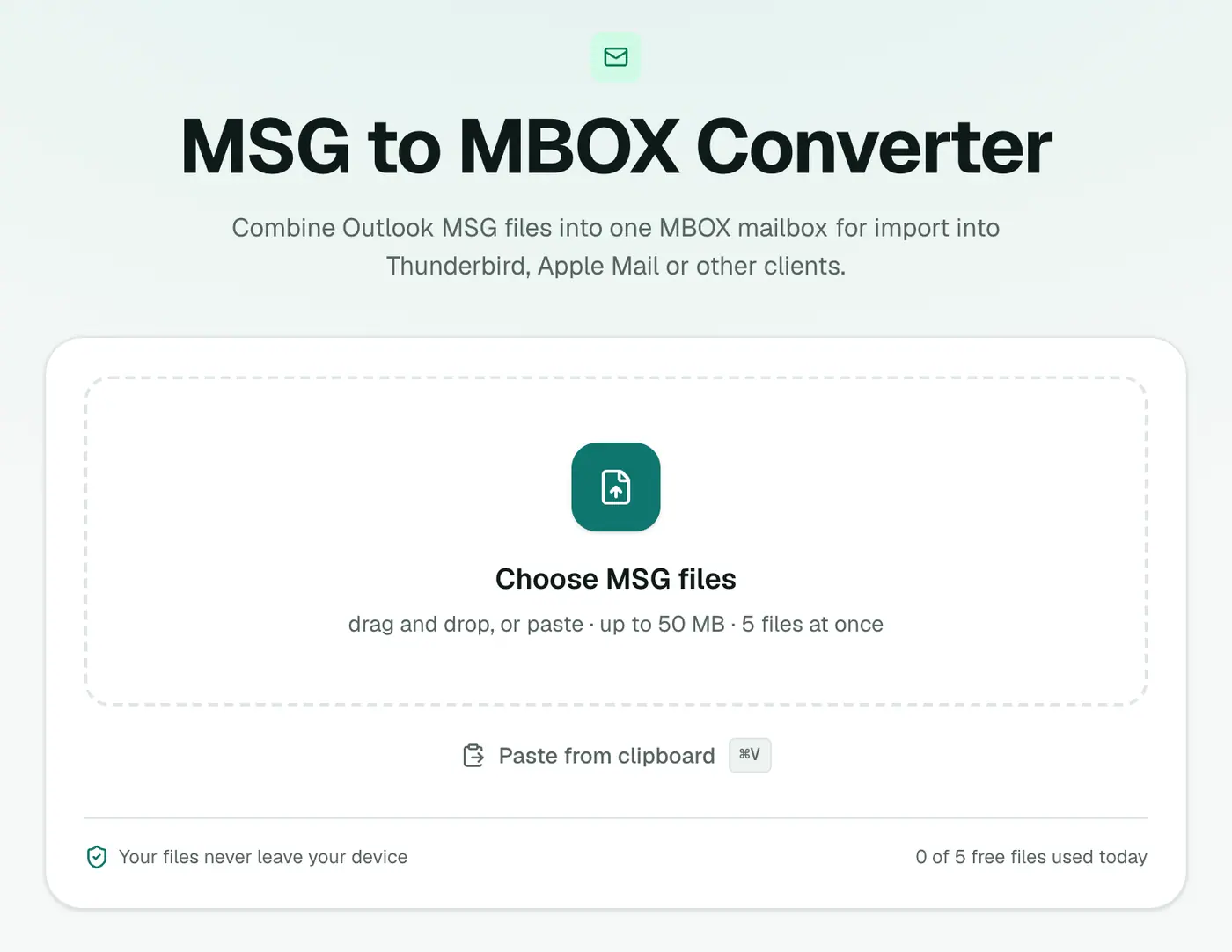
Go to the MSG to MBOX converter.
2. Add your MSG files
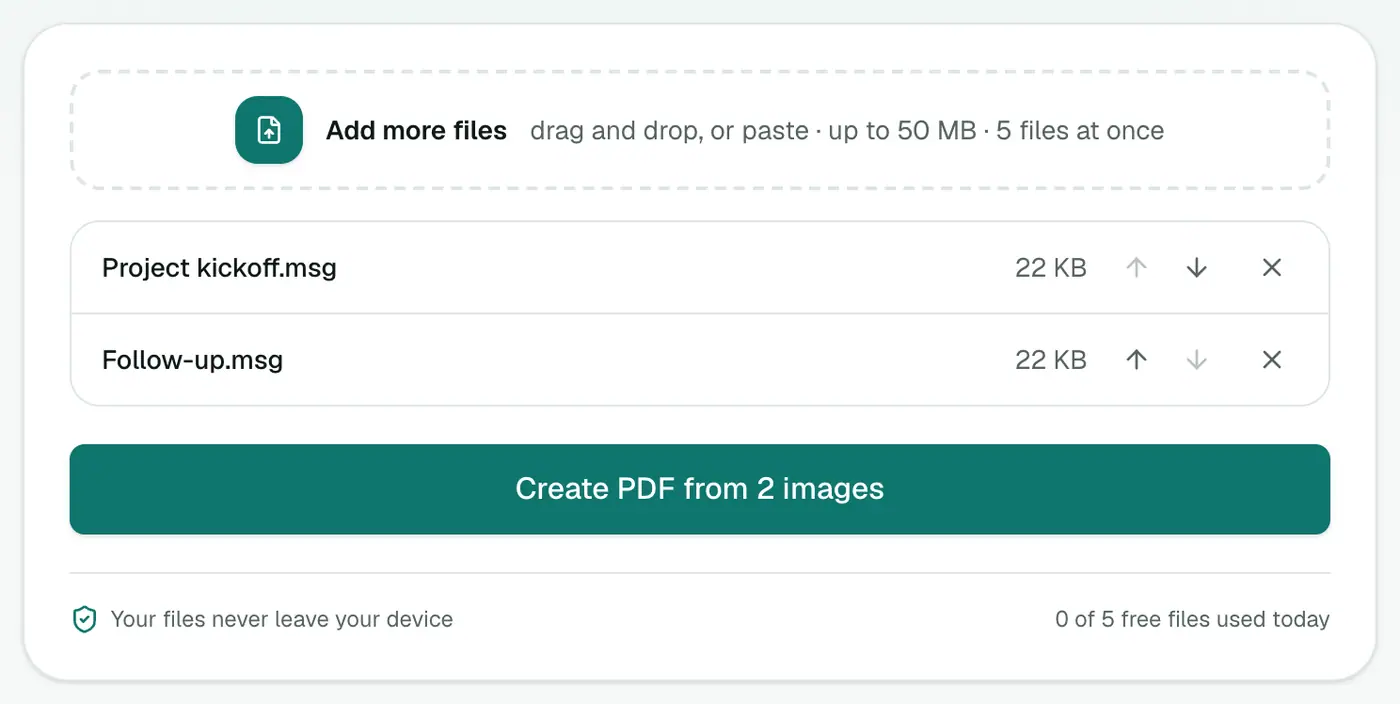
Select all of them. They'll be combined into one mailbox.
3. Convert and download
Click Convert to MBOX.
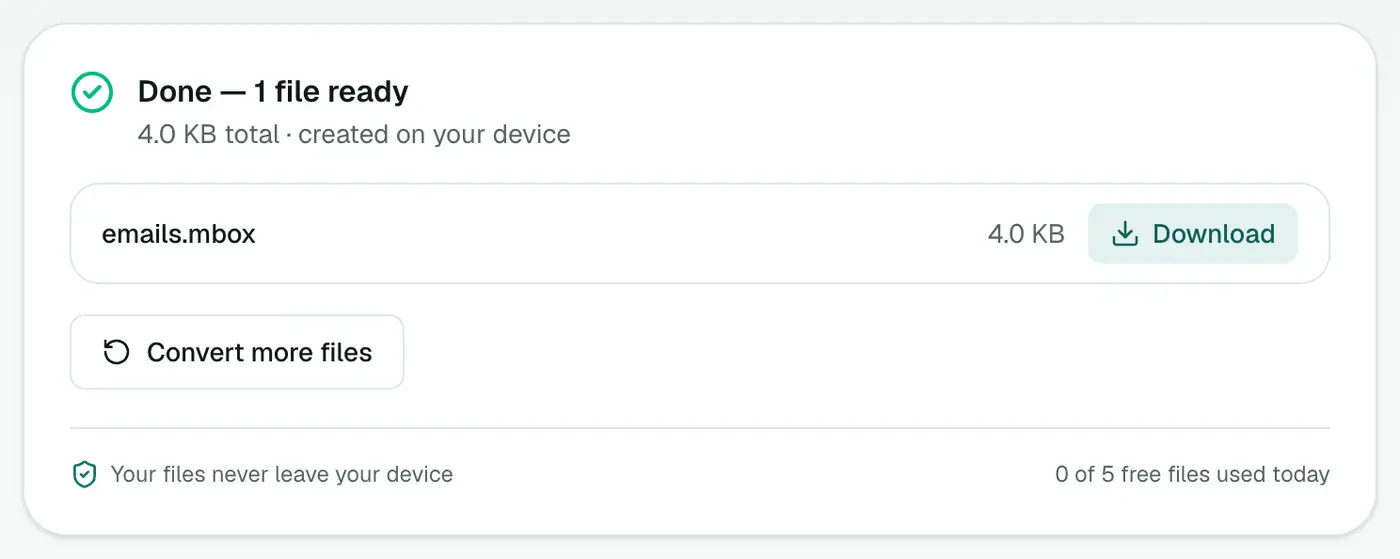
Import steps
Thunderbird: install ImportExportTools NG, right-click a local folder, choose ImportExportTools NG → Import mbox file, and pick the file.
Apple Mail: File → Import Mailboxes → Files in mbox format. The emails appear under "On My Mac" in a new Import folder.
Just want to look? The MBOX viewer opens it in your browser.
Organising a big batch
- Convert per project or person. One MBOX per folder of MSG files gives you neat mailboxes after importing.
- Name the file after the folder it came from, e.g.
client-acme-2024.mbox. Apple Mail and Thunderbird use the file name for the new mailbox. - Check the count. After importing, compare the number of emails with the number of MSG files you added.
Got a PST instead?
If you have the full Outlook data file (.pst), skip the MSG step entirely: PST to MBOX converts the whole archive.
Troubleshooting
"Isn't a readable Outlook MSG file." The error names the damaged file. Remove it, convert the rest, and check the bad one in the MSG viewer.
Apple Mail imports nothing. Choose Files in mbox format, not Apple Mail, in the import window.
Emails attached inside MSGs aren't there. Nested messages aren't extracted. Save them from Outlook as separate MSGs.
Summary
The MSG to MBOX converter turns a pile of Outlook emails into a single mailbox your new mail app can import.
FAQs
Why MBOX instead of EML?
MBOX holds a whole folder of emails in one file, so you import once instead of dragging hundreds of separate files.
How do I import it into Thunderbird?
With the ImportExportTools NG add-on: right-click a folder, then ImportExportTools NG → Import mbox file.
How do I import it into Apple Mail?
File → Import Mailboxes → Files in mbox format.
Are attachments kept?
Yes. Every email keeps its attachments.
Can I get the emails into Gmail?
Add Gmail to Thunderbird or Apple Mail, import the MBOX, then drag the emails into a Gmail label.
Is anything uploaded?
No. The mailbox is built in your browser.
Try the MSG to MBOX Converter
Free to start, no install, and your files never leave your device.