Email2 min read
How to Convert MSG to EML (Open Outlook Emails in Apple Mail)
Convert Outlook .msg files to standard .eml so they open in Apple Mail, Thunderbird and other mail apps, with headers, body and attachments rebuilt.
By the ZapMorph team
On this page
Just want it done?
Open the MSG to EML Converter — it runs in your browser and nothing is uploaded.
MSG is Outlook-only. EML is the universal email format: it opens in Apple Mail, Thunderbird, Outlook, and most other mail clients, and you can forward it or import it like any normal email.
If you're moving off Outlook, or you're a Mac user receiving .msg attachments, converting to EML gets you back to a normal email.
MSG vs EML
| MSG | EML | |
|---|---|---|
| Made by | Outlook for Windows | Standard for all mail apps |
| Apple Mail | ✗ | ✓ |
| Thunderbird | ✗ | ✓ |
| Outlook for Windows | ✓ | ✓ |
| Readable in a text editor | ✗ binary | ✓ text |
How to convert MSG to EML with ZapMorph
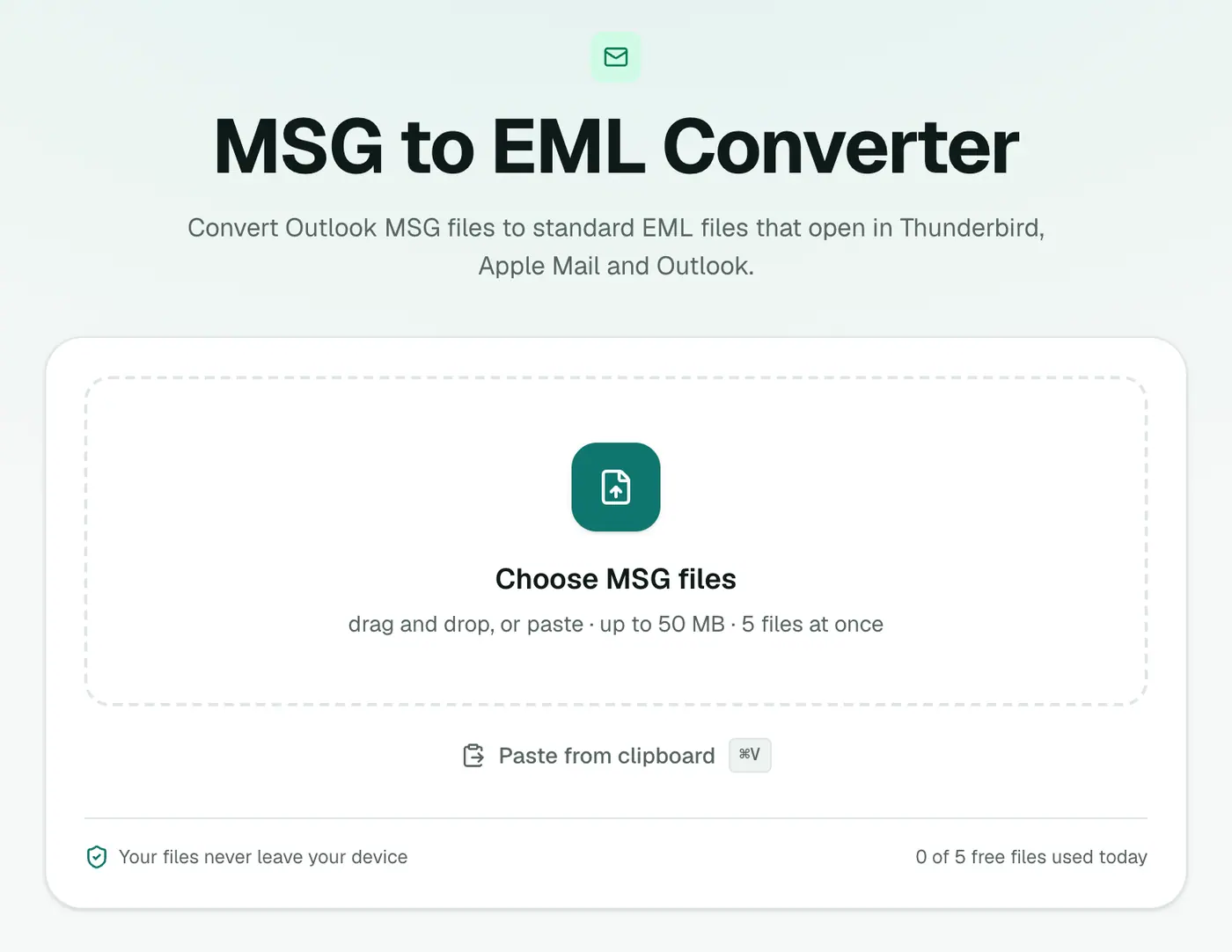
1. Open the converter
Go to the MSG to EML converter.
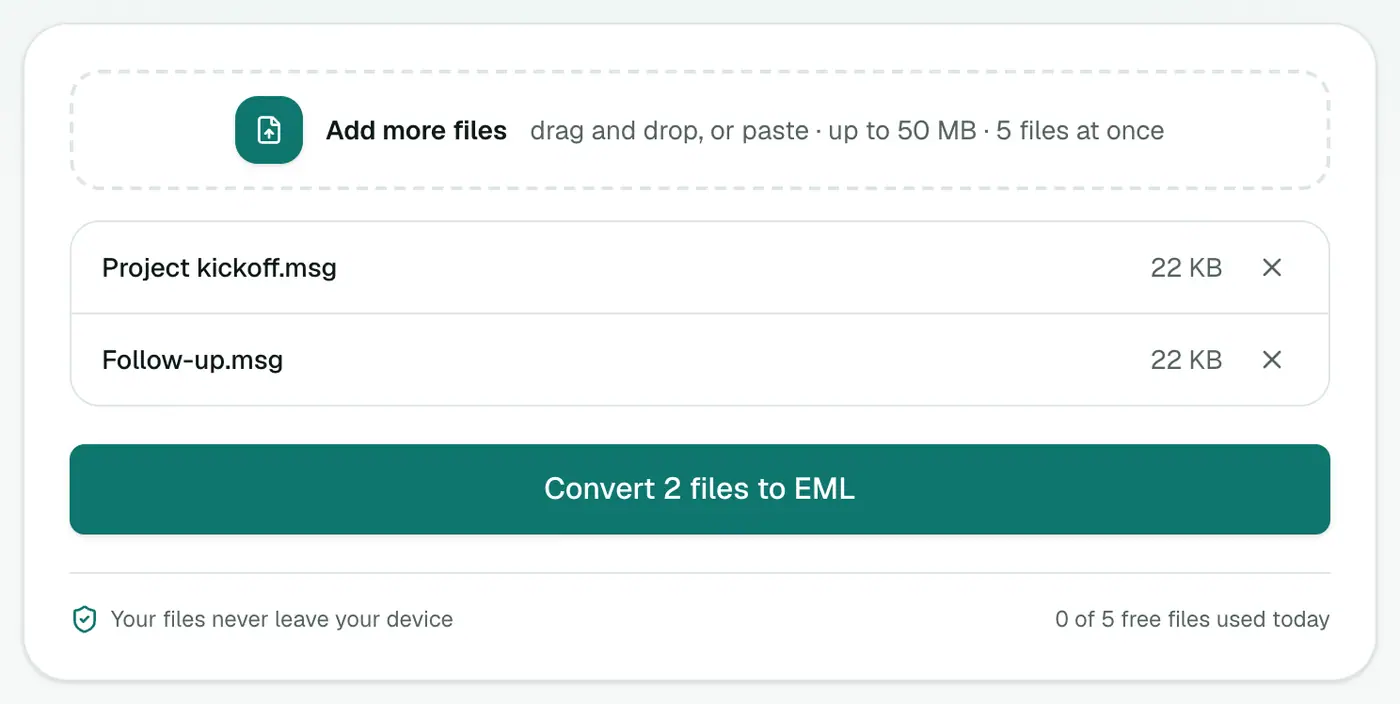
2. Add your MSG files
Drop them in. Add as many as your plan allows in one go.
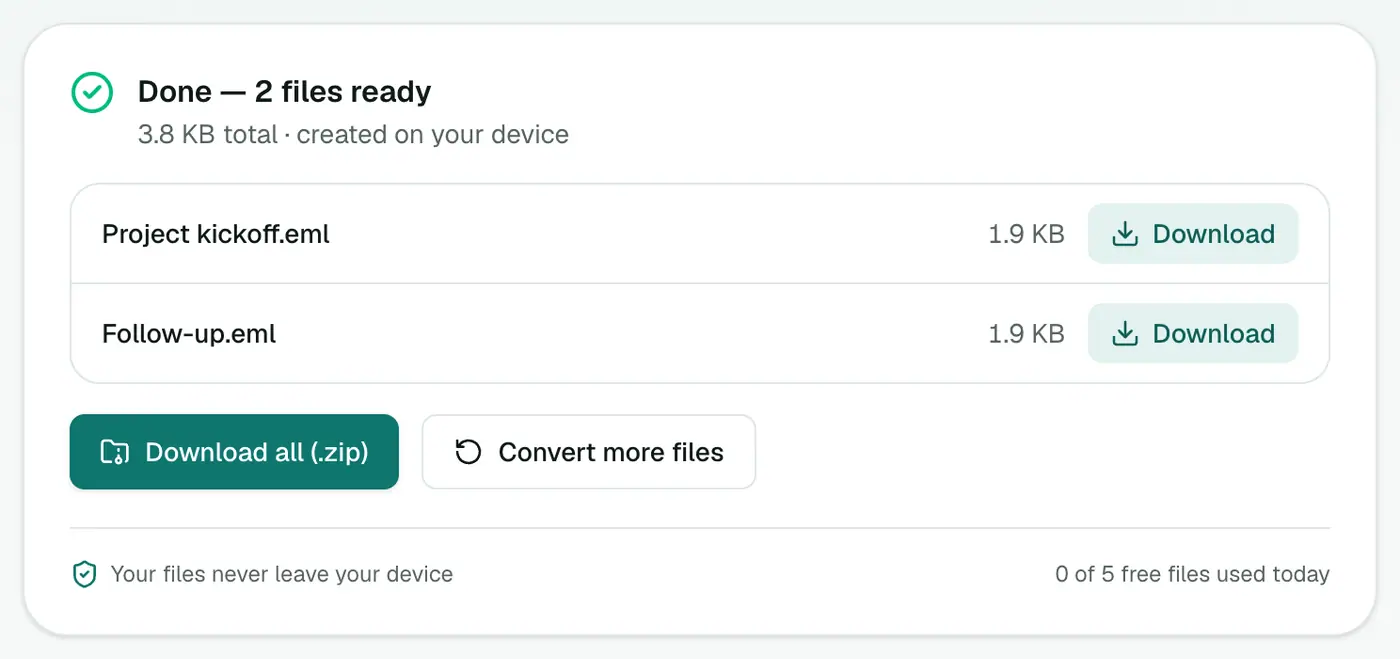
3. Convert and download
Click Convert to EML and double-click a file to open it in your mail app.
Opening the EML
- Mac: double-click and it opens in Apple Mail. To keep it, drag it into a mailbox.
- Windows: double-click to open in Outlook or the Windows Mail app.
- Thunderbird: drag the EML into a folder, or File → Open → Saved Message.
Importing many emails
To get lots of converted emails into Thunderbird or Apple Mail in one go, use MSG to MBOX instead. A single MBOX file imports far more easily than hundreds of EMLs.
Troubleshooting
"Isn't a readable Outlook MSG file." The file is damaged, or isn't a real Outlook MSG.
The EML opens as text. Your computer doesn't associate .eml with a mail app. Right-click → Open with → your mail app, and set it as the default.
An email attached inside the MSG is missing. Nested emails aren't carried over. Save them separately from Outlook.
The formatting is plain. Emails stored only in Outlook's rich-text format convert to plain text.
Summary
The MSG to EML converter turns Outlook emails into standard ones, attachments and all, so they open in any mail app.
FAQs
Are attachments kept?
Yes. Headers, the HTML and text body and all attachments are rebuilt into a standard MIME message.
Will the EML open in Outlook too?
Yes. EML is a standard format that Outlook, Apple Mail, Thunderbird and most mail apps can open.
Can I convert a batch?
Yes. Each MSG becomes its own EML file.
Can I reply to or forward the converted email?
Yes. Open the EML in your mail app and reply or forward as usual.
Is the original date kept?
Yes. The EML keeps the email's original sent date, sender and recipients.
Are the files uploaded?
No. The conversion happens in your browser.
Try the MSG to EML Converter
Free to start, no install, and your files never leave your device.