Email2 min read
How to Convert Outlook MSG Files to PDF (No Outlook Needed)
Turn Outlook .msg emails into PDFs with a clear header of sender, recipients, date and subject. Works on Mac, Windows and Chromebook without Outlook. Private.
By the ZapMorph team
On this page
Just want it done?
Open the MSG to PDF Converter — it runs in your browser and nothing is uploaded.
.msg is Outlook's format for a single saved email. You get one when someone drags an email out of Outlook on Windows and attaches it to another email, or saves it to a shared drive. That's common in legal, HR and finance.
On a Mac, a phone or a computer without Outlook, those files are a dead end. Converting them to PDF solves that, and gives you a record anyone can open.
How to convert MSG to PDF with ZapMorph
1. Open the converter
Go to the MSG to PDF converter.
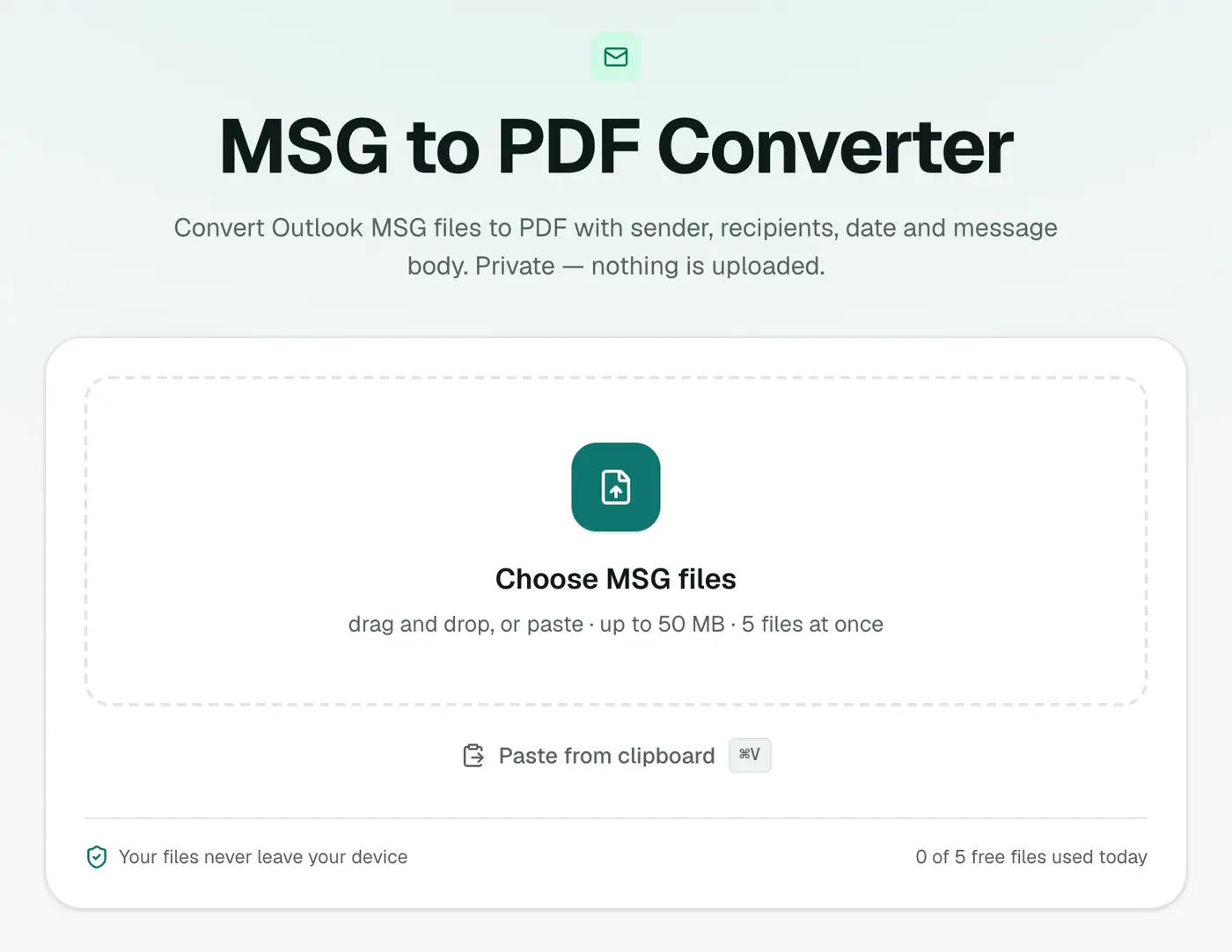
2. Add files and choose the paper size
Drop in .msg files and choose A4 or US Letter.
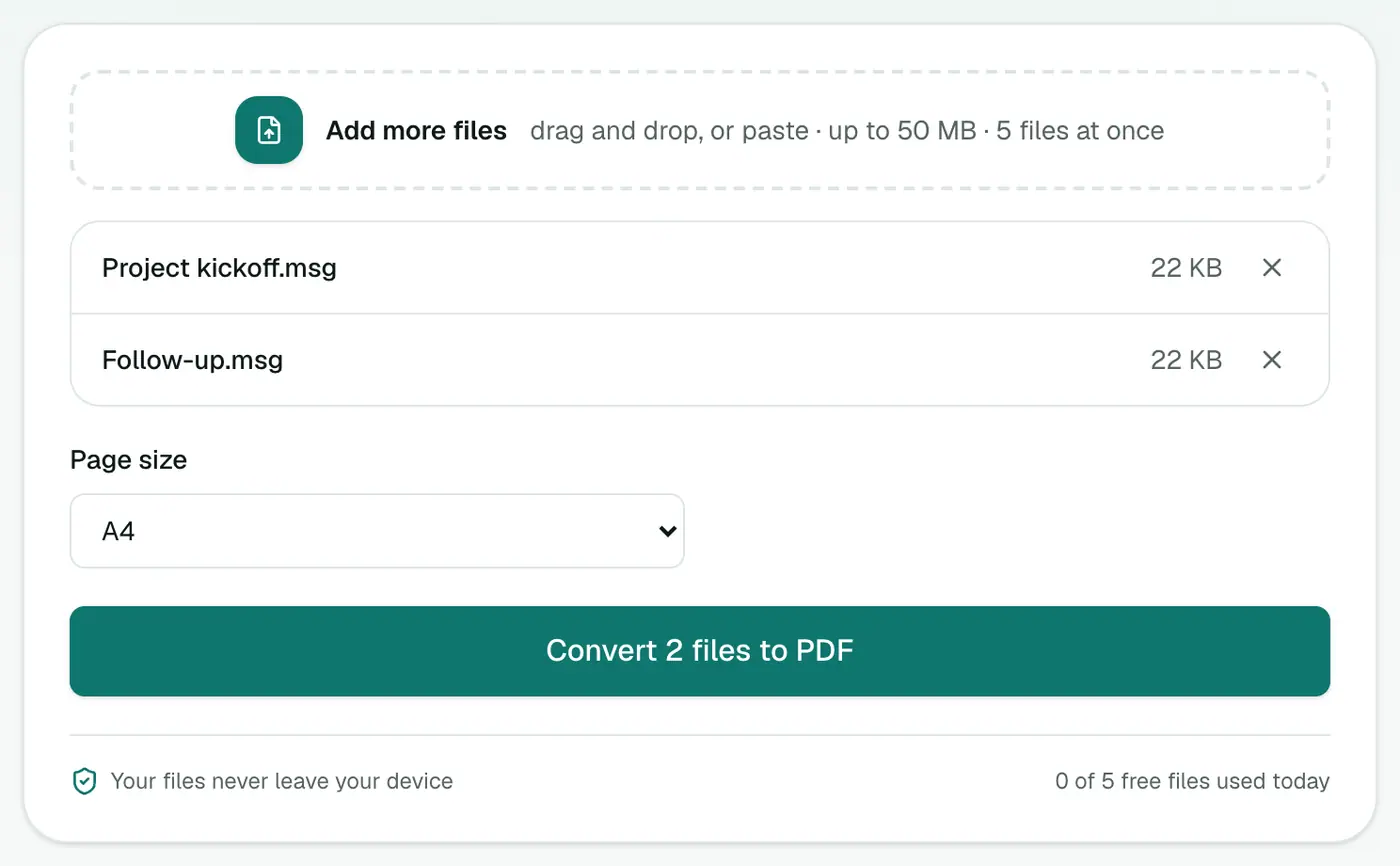
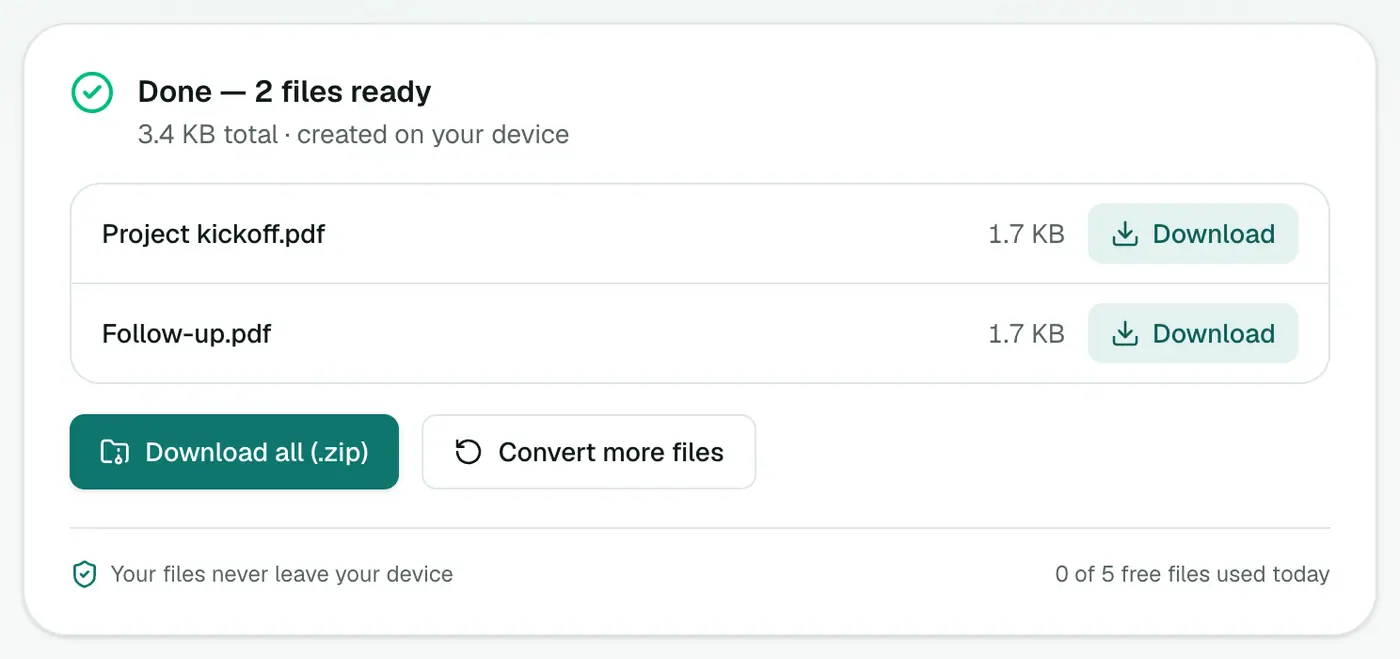
3. Convert and download
Click Convert to PDF.
What the PDF looks like
- Subject as the title.
- From, To, Cc, Date and Attachments (names and sizes).
- A divider, then the message, with paragraphs, headings and lists.
Each PDF is named after its MSG file, so it's easy to match them up.
Saving MSG files from Outlook
If you're the one with Outlook and need PDFs:
- Drag an email from Outlook to your desktop to get a
.msg. - Or select several emails and drag them into a folder, then convert them all here at once.
- Outlook can also print to PDF (File → Print → Microsoft Print to PDF), but only one email at a time.
When PDF is the right choice
- Legal and HR files where the record must not change.
- Expense claims and invoices that came by email.
- Client approvals to attach to a project file.
- Printing for meetings or archives.
Tips
- One document for a whole case? EML Merge accepts MSG files and sorts them by date.
- Just reading? The MSG viewer opens it in your browser.
- Need to open it in Apple Mail? Convert to EML.
- Combine separate PDFs later with Merge PDF.
Troubleshooting
"Isn't a readable Outlook MSG file." The file is damaged or not a real MSG. Ask the sender to re-save it.
A forwarded email inside the MSG is missing. Emails attached within an MSG aren't converted. Save them separately from Outlook.
Plain-looking text. Emails Outlook stored only in rich text (RTF) come through as plain text.
Summary
No Outlook required. The MSG to PDF converter turns Outlook emails into PDFs anyone can read, file or print.
FAQs
Do I need Outlook installed?
No. The MSG file is read in your browser, so it works on a Mac, a Chromebook or a PC without Office.
What's in the PDF?
A header with From, To, Cc, Date and Subject, the message body, and a list of attachment names.
Can I convert several MSG files at once?
Yes. Each becomes its own PDF. To combine them into one PDF in date order, use EML Merge, which accepts MSG files too.
How do I get the attachments out?
Use the Email Attachment Extractor. It saves every attachment from MSG and EML files.
Is the PDF searchable?
Yes. It contains real text, so you can search and copy from it.
Are my emails uploaded?
No. The PDFs are created on your device.
Try the MSG to PDF Converter
Free to start, no install, and your files never leave your device.