Email2 min read
How to Convert Outlook MSG Files to JSON
Parse Outlook .msg emails into structured JSON with headers, recipients, text and HTML bodies, and attachment details. Without Outlook or a parsing library.
By the ZapMorph team
On this page
Just want it done?
Open the MSG to JSON Converter — it runs in your browser and nothing is uploaded.
Unlike EML (plain text), MSG is a binary Microsoft format. Parsing it in a script usually means hunting for a library that may or may not handle Unicode, embedded messages and RTF bodies correctly. For a one-off job or a test fixture, converting to JSON is much quicker.
Output example
{
  "subject": "Sign-off on phase 2",
  "from": [{ "name": "Chris Park", "address": "chris@client.com" }],
  "to": [{ "name": "Project Team", "address": "team@example.com" }],
  "cc": [{ "name": "Dana Wu", "address": "dana@example.com" }],
  "date": "2025-02-03T16:45:00.000Z",
  "text": "Confirming we're happy to sign off phase 2 as scoped…",
  "html": "<html>…</html>",
  "attachments": [
    { "name": "phase2-scope.docx", "type": "application/vnd.openxmlformats-officedocument.wordprocessingml.document", "size": 114688 }
  ]
}
textis always filled in. When the email only has HTML, it's converted to clean text.htmlisnullwhen the email has no HTML version.- Addresses are SMTP addresses where Outlook stored them, rather than internal Exchange identifiers.
How to convert MSG to JSON with ZapMorph
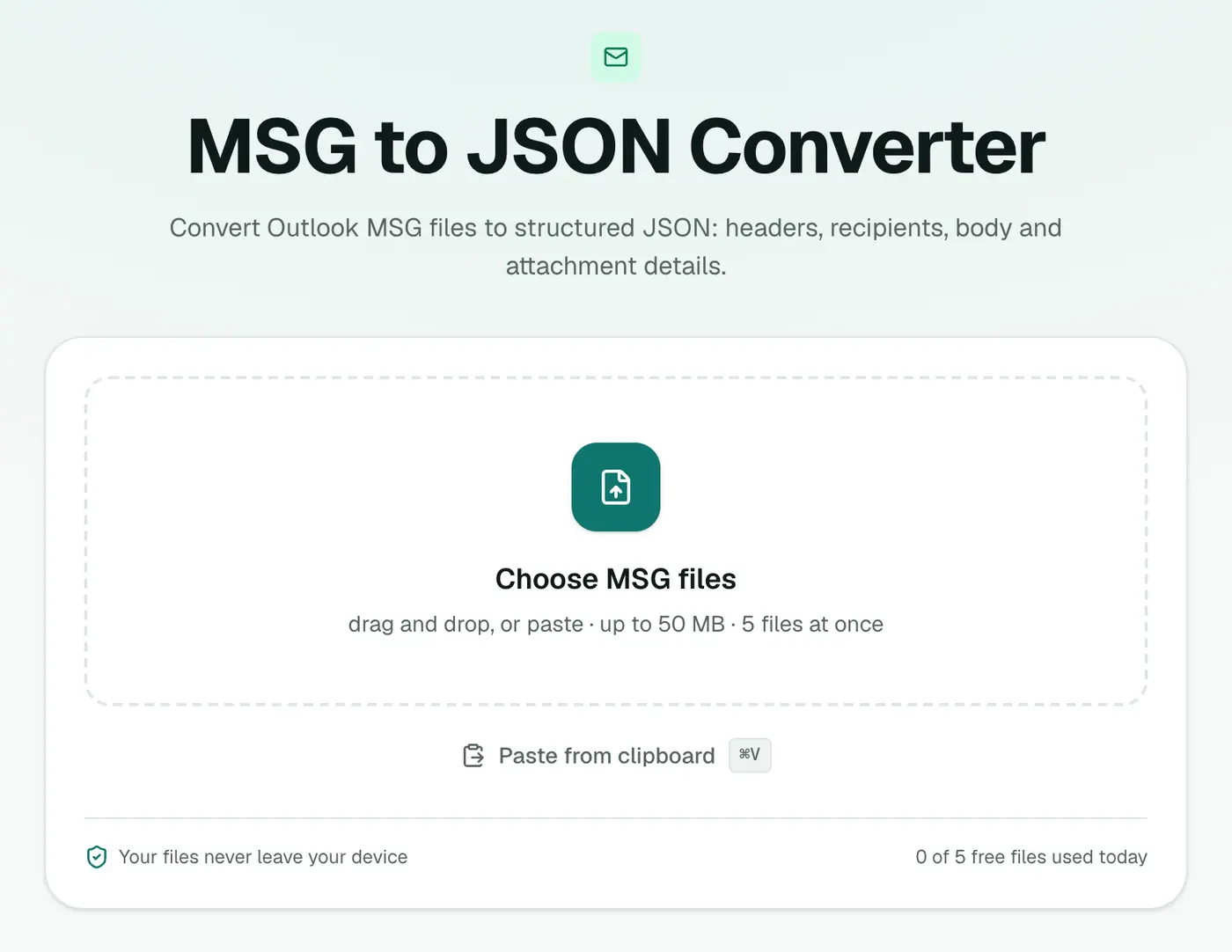
1. Open the converter
Go to the MSG to JSON converter.
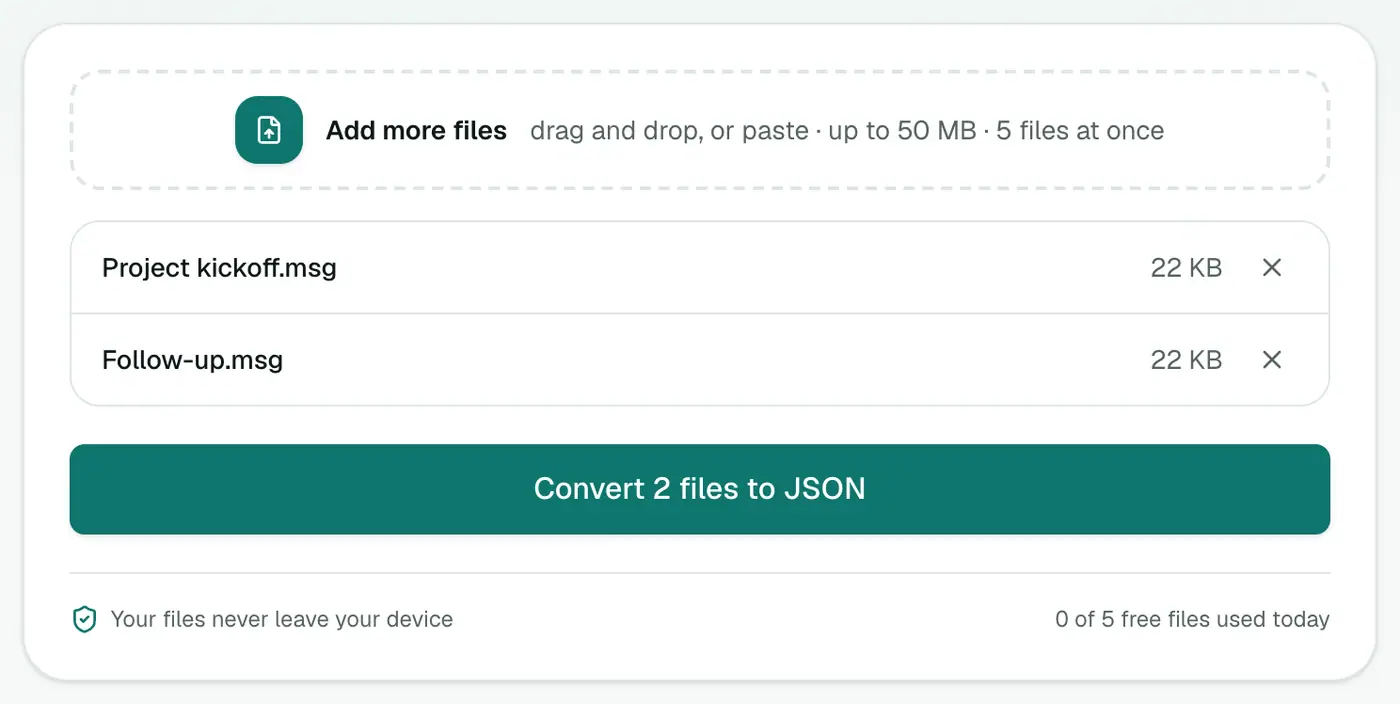
2. Add your MSG files
Drop them in. You can add several at once.
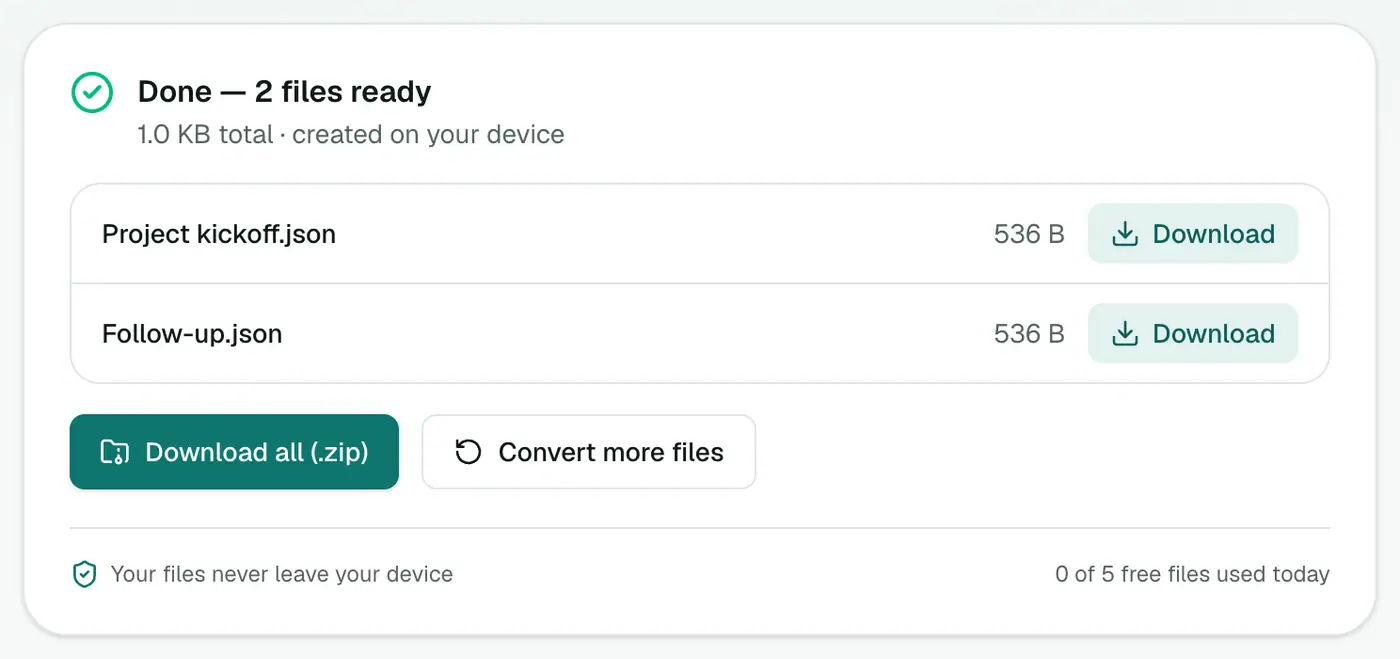
3. Convert and download
Click Convert to JSON.
Use cases
- Test fixtures: realistic email data for unit tests of a mail-processing app.
- Ticket and CRM imports: map
from,subjectandtextonto records. - Compliance review: load a folder of MSG evidence into a script and filter by sender or date.
- AI pipelines: feed
textinto classification or summarisation.
Combining many files
Each MSG becomes its own JSON file. To merge them into one array:
jq -s '.' *.json > all-emails.json
Or in Python:
import json, glob
emails = [json.load(open(f, encoding="utf-8")) for f in glob.glob("*.json")]
Tips
- Browse the output in the JSON viewer.
- A whole Outlook archive? PST to JSON handles
.pstfiles. - Want a spreadsheet? MSG to CSV.
- Need attachment files? The Email Attachment Extractor saves them all.
Troubleshooting
"Isn't a readable Outlook MSG file." The file is damaged or not a genuine Outlook MSG.
An attached email is missing from attachments. Emails nested inside an MSG are skipped. Save them separately from Outlook.
Summary
Skip the parsing library. The MSG to JSON converter turns Outlook emails into clean, structured data in seconds.
FAQs
What fields does the JSON have?
subject, from, to, cc, date, text, html and attachments (name, type and size).
Why is parsing MSG hard?
MSG is a binary Compound File format from Microsoft, not plain text like EML. You normally need a special library to read it.
Are attachment contents included?
No, only their details. Use the Email Attachment Extractor for the files.
Do I get one JSON file per MSG?
Yes. Each MSG becomes a JSON object in its own file with the same name.
What date format is used?
ISO 8601 in UTC, such as 2025-02-03T16:45:00.000Z.
Is anything uploaded?
No. The MSG files are parsed in your browser.
Try the MSG to JSON Converter
Free to start, no install, and your files never leave your device.