Email2 min read
How to Export Outlook MSG Emails to Excel (CSV)
Combine Outlook .msg files into one CSV: date, from, to, cc, subject, attachment names and body. Sort and filter in Excel or Sheets. No Outlook needed.
By the ZapMorph team
On this page
Just want it done?
Open the MSG to CSV Converter — it runs in your browser and nothing is uploaded.
Auditors, project managers and paralegals often end up with a folder of .msg files and a question: what's in here, who sent what, and when? A spreadsheet answers that in minutes.
What you get
| Date | From | To | Cc | Subject | Attachments | Body |
|---|---|---|---|---|---|---|
| 2025-02-03 16:45 | Chris Park <chris@…> | Project Team <team@…> | Dana Wu <dana@…> | Sign-off on phase 2 | phase2-scope.docx | Confirming we're… |
- Dates are
YYYY-MM-DD HH:MM, so sorting works. - Attachments are listed by name, separated by semicolons.
- Bodies are plain text, trimmed to 32,000 characters if needed (Excel's cell limit).
How to convert MSG to CSV with ZapMorph
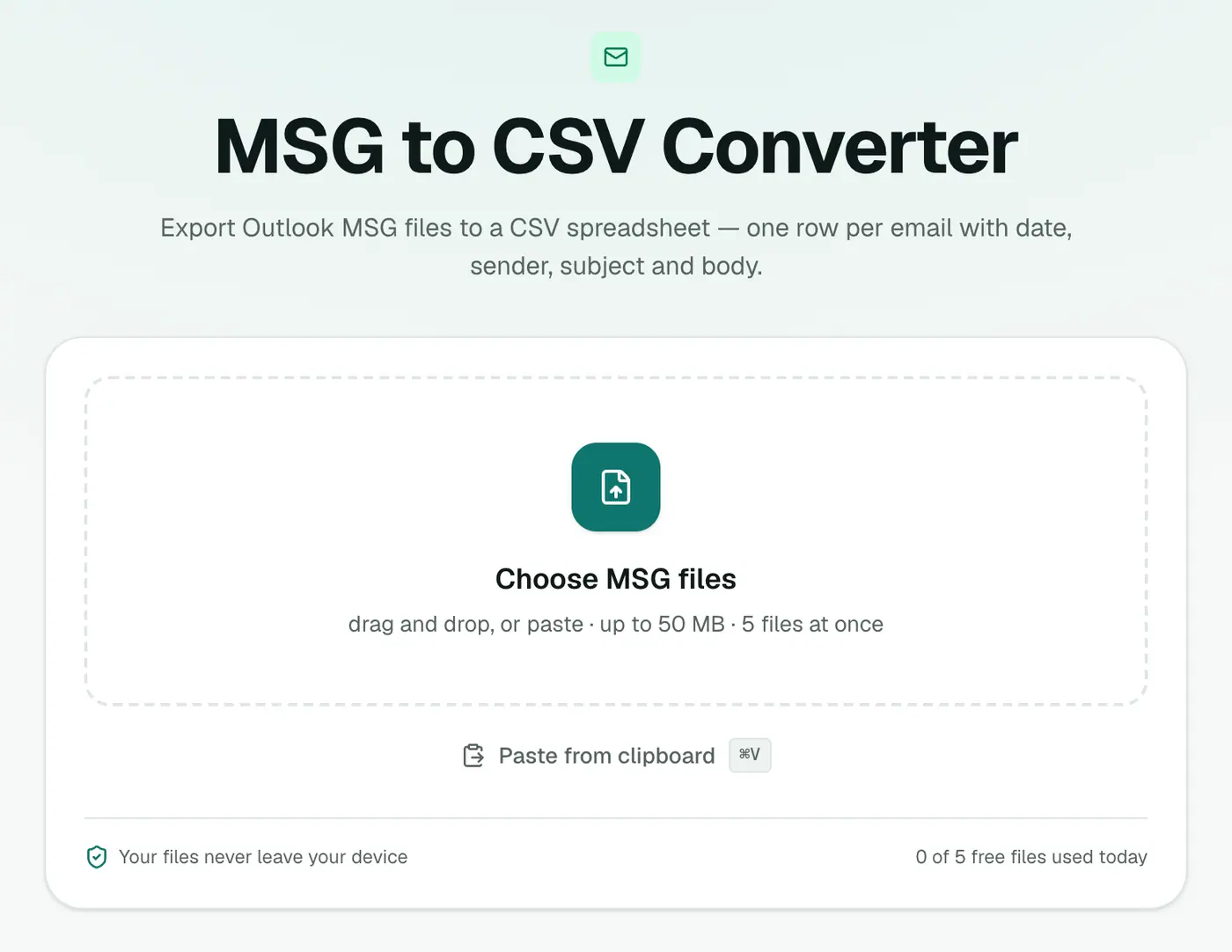
1. Open the converter
Go to the MSG to CSV converter.
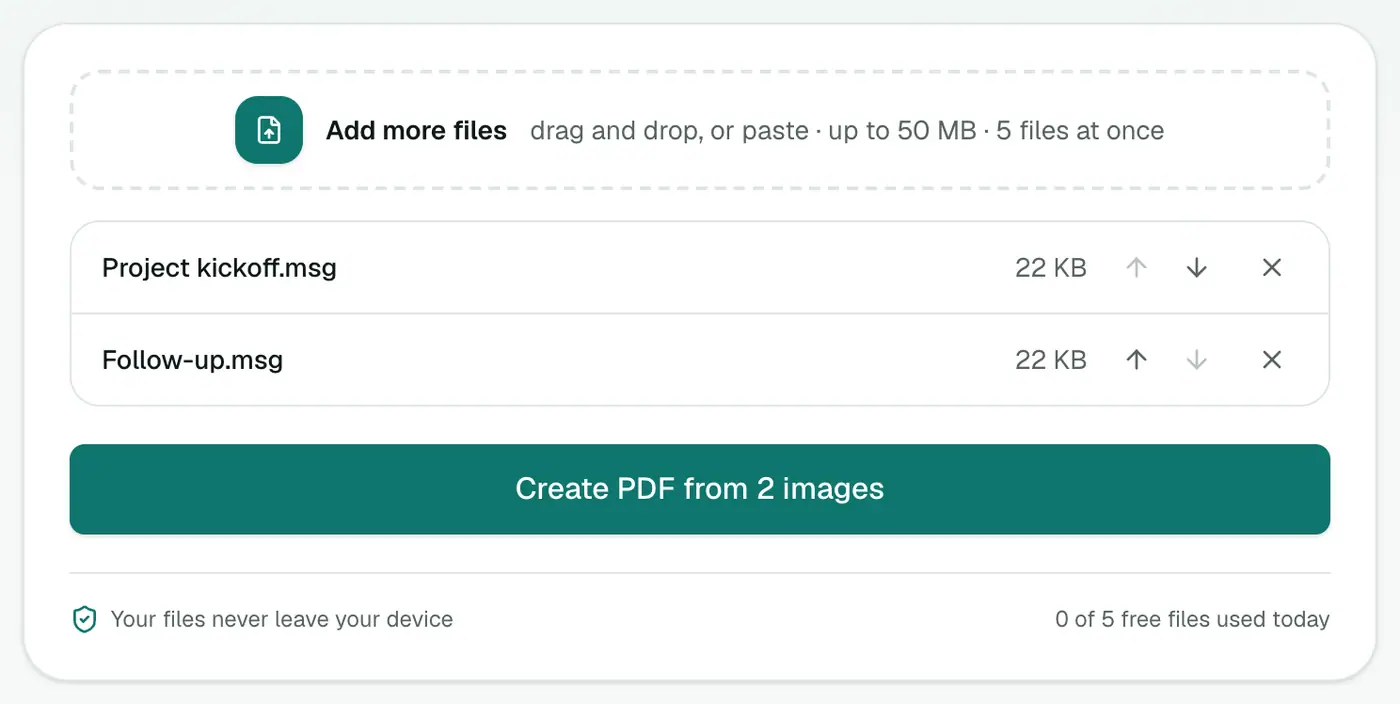
2. Add your MSG files
Select all of them. They're combined into one spreadsheet.
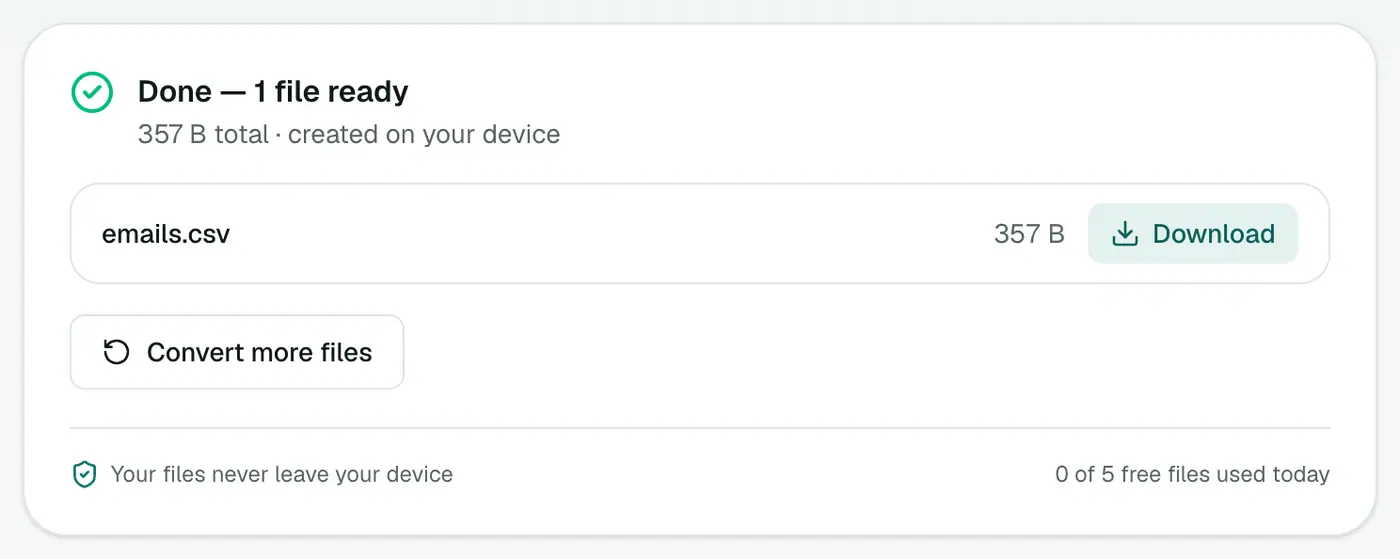
3. Convert and download
Click Convert to CSV and open it in Excel or Google Sheets.
Handy things to do next
- Sort by date to build a timeline.
- Filter by sender to isolate one person's messages.
- Add a column for your notes or tags during a review.
- Count emails per person with a PivotTable (From in Rows, Count of Subject in Values).
- Find keyword mentions:
=COUNTIF(G:G,"*penalty*")counts bodies containing a word.
A review workflow that works
- Convert the whole folder to CSV.
- Add columns Relevant? and Notes.
- Filter and tag.
- Convert the relevant MSGs to PDF with MSG to PDF, or merge them into one date-ordered PDF with EML Merge.
Troubleshooting
"Isn't a readable Outlook MSG file." The error names the file. It's probably damaged or not a real MSG. Remove it and convert the rest.
Garbled characters in old Excel. Use Data → From Text/CSV and choose UTF-8.
Nested emails missing. Emails attached inside an MSG aren't extracted as separate rows.
Related
- Whole Outlook archive? PST to CSV.
- Printable records? MSG to PDF.
- EML files instead? EML to CSV.
Summary
The MSG to CSV converter turns a folder of Outlook emails into a single spreadsheet for review and reporting.
FAQs
Do many MSG files become one spreadsheet?
Yes. All the files you add are combined into one CSV, one row per email.
What columns are included?
Date, From, To, Cc, Subject, Attachments and Body.
Can I do this from Outlook directly?
Outlook's Import/Export wizard can export a folder to CSV on Windows, but not a set of loose MSG files.
How many MSG files can I add?
It depends on your plan. Larger batches are available on paid plans.
Will names with accents show correctly?
Yes. The CSV is UTF-8 with a marker Excel recognises.
Are the files uploaded?
No. The spreadsheet is built in your browser.
Try the MSG to CSV Converter
Free to start, no install, and your files never leave your device.