Audio & video2 min read
How to Convert MP4 to WebM for Websites
Convert MP4 or MOV videos to open WebM (VP8 + Vorbis) for HTML5 video on websites, with a choice of quality. Private: encoded on your device.
By the ZapMorph team
On this page
Just want it done?
Open the MP4 to WebM Converter — it runs in your browser and nothing is uploaded.
WebM is the open web video format. Some content management systems, open-source projects and web developers prefer to serve WebM, often as one of two sources so each browser picks what it plays best.
When WebM is worth it
- Open-source projects and sites that avoid patented formats.
- Background and hero videos on websites, as a second source.
- Platforms that ask for WebM, such as some CMSs, game engines and Discord stickers or emoji tools.
- Self-hosted video where you want an open format.
How to convert MP4 to WebM with ZapMorph
1. Open the converter
Go to the MP4 to WebM converter.
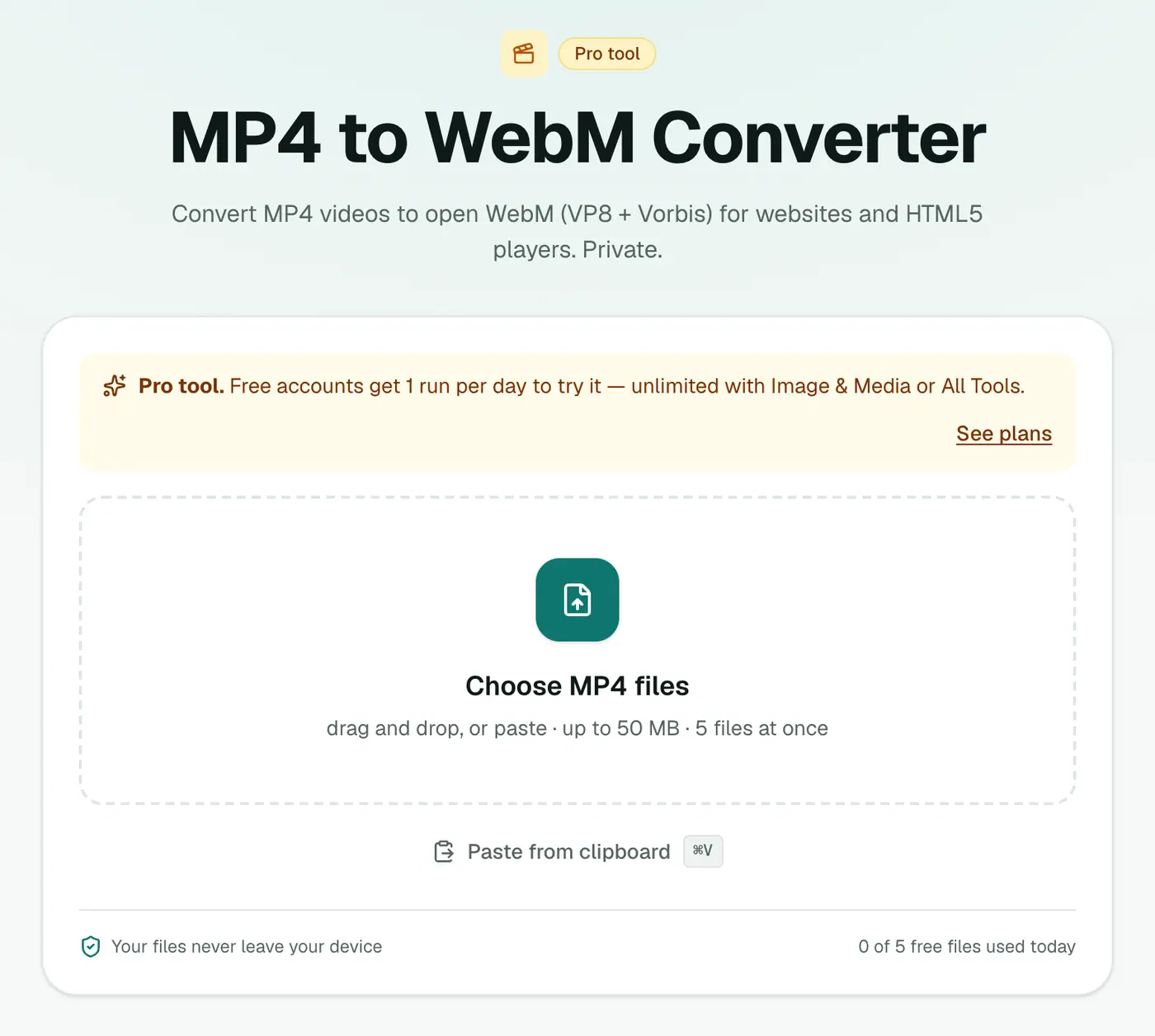
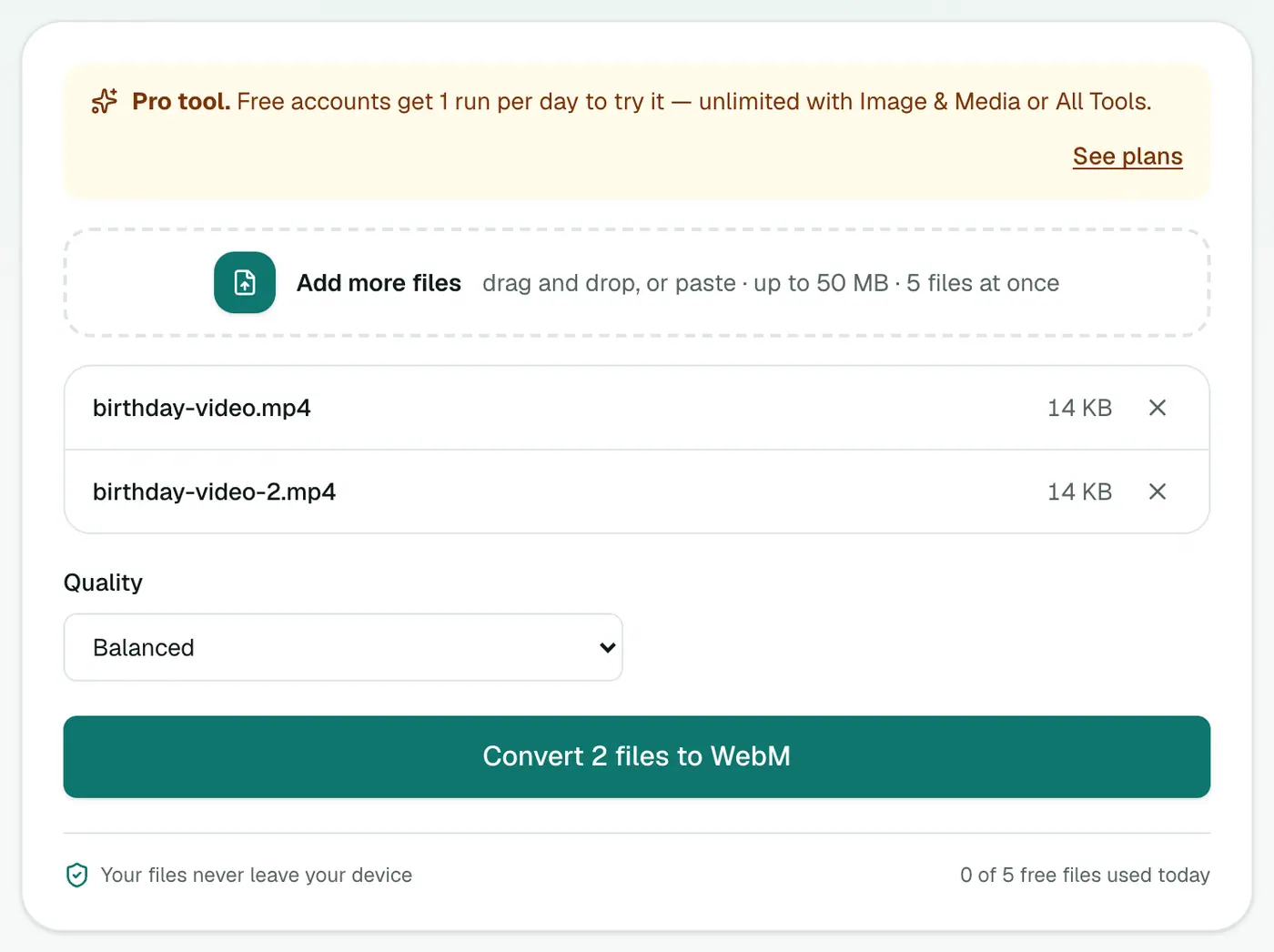
2. Add videos and choose the quality
Drop in .mp4, .m4v or .mov files and pick High (larger file), Balanced or Small file.
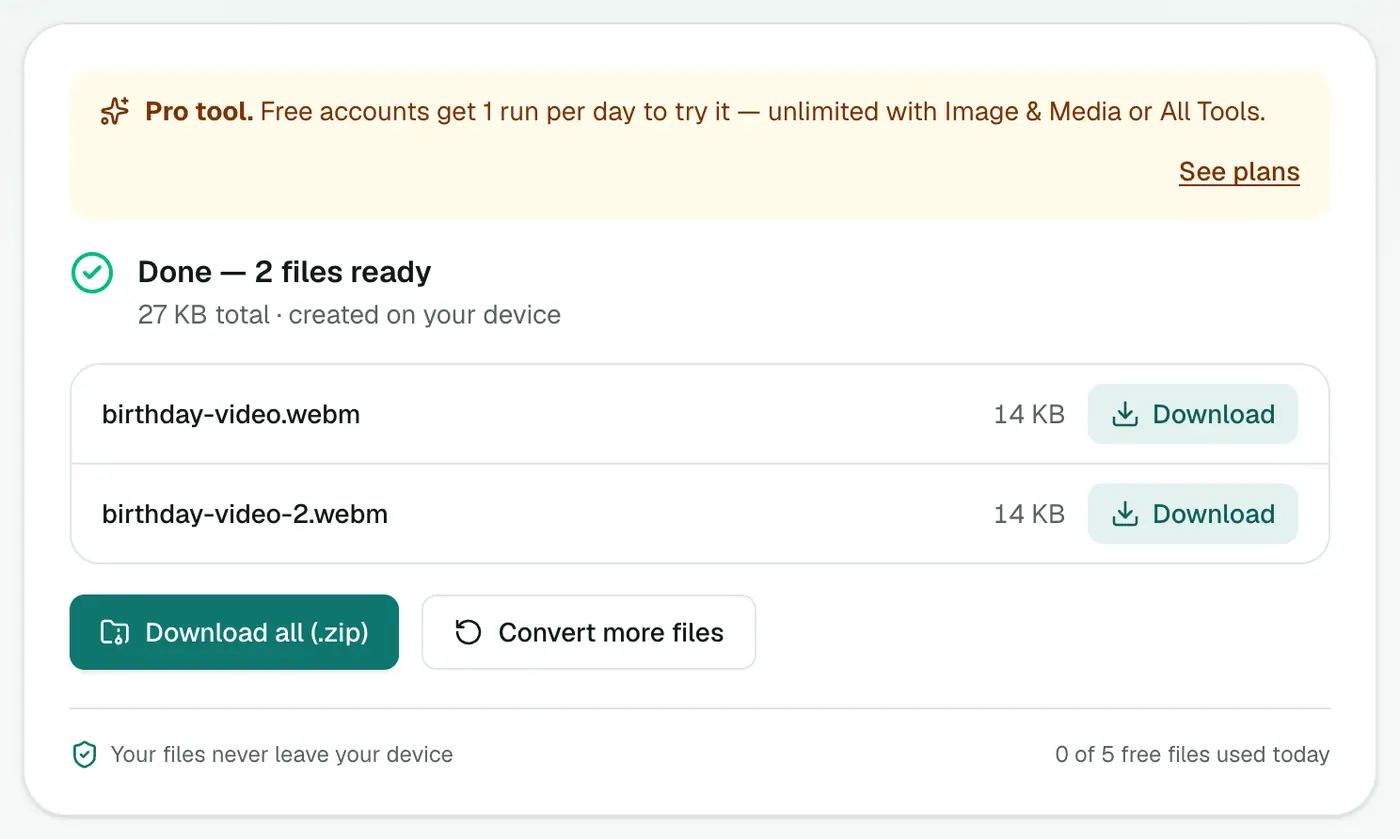
3. Convert and download
Click Convert to WebM.
Using both formats on a page
<video controls>
  <source src="intro.webm" type="video/webm">
  <source src="intro.mp4" type="video/mp4">
</video>
The browser plays the first source it supports.
Background video recipe
For a silent, looping hero video:
<video autoplay loop muted playsinline poster="intro.jpg">
  <source src="intro.webm" type="video/webm">
  <source src="intro.mp4" type="video/mp4">
</video>
- Keep it short: 5–15 seconds loops well.
- Choose Small file: background videos don't need high detail.
- Add a poster image so something shows while the video loads.
WebM vs MP4
| MP4 (H.264) | WebM (VP8) | |
|---|---|---|
| Plays in modern browsers | ✓ | ✓ |
| iPhone and Safari | ✓ | Newer versions only |
| Royalty-free | Licensed | ✓ |
| Video editors | ✓ | Limited |
Troubleshooting
The WebM is bigger than the MP4. Try Small file. VP8 is an older codec than H.264 in some respects, so at equal quality files can be similar or slightly larger.
It's taking a long time. Encoding runs on your device. For long videos, trim them first, or convert on a faster computer.
Summary
For open, web-friendly video, the MP4 to WebM converter makes WebM copies of your MP4s in your browser.
FAQs
Do I need WebM if I already have MP4?
Not usually. Every modern browser plays MP4. WebM is useful as an open, royalty-free alternative or a second source in a <video> element.
Which quality should I use?
Balanced for most web videos. Small file for background loops.
Is it free?
Yes, once a day: one file up to 25 MB with no account. A free account gets one Pro tool run a day, and paid plans are unlimited.
Which codecs are used?
VP8 video and Vorbis audio, the most widely supported WebM combination.
Why does it take a while?
Video is encoded on your own device rather than a server, so long or high-resolution videos take longer. Keep the tab open until it finishes.
Can I convert MOV files too?
Yes. MP4, M4V and MOV files are accepted.
Try the MP4 to WebM Converter
Free to start, no install, and your files never leave your device.