Audio & video2 min read
How to Convert MP3 to OGG for Games and Open-Source Apps
Convert MP3 files to OGG Vorbis for game engines like Godot and Unity, Linux apps and anything that prefers open audio formats. Batch, private, in your browser.
By the ZapMorph team
On this page
Just want it done?
Open the MP3 to OGG Converter — it runs in your browser and nothing is uploaded.
The most common reason to want OGG is a game. Godot recommends OGG Vorbis for music, Unity handles it well, and plenty of mod tools, Linux apps and open-source projects expect it. If your soundtrack or sound effects are MP3s, here's how to switch.
How to convert MP3 to OGG with ZapMorph
1. Open the converter
Go to the MP3 to OGG converter.
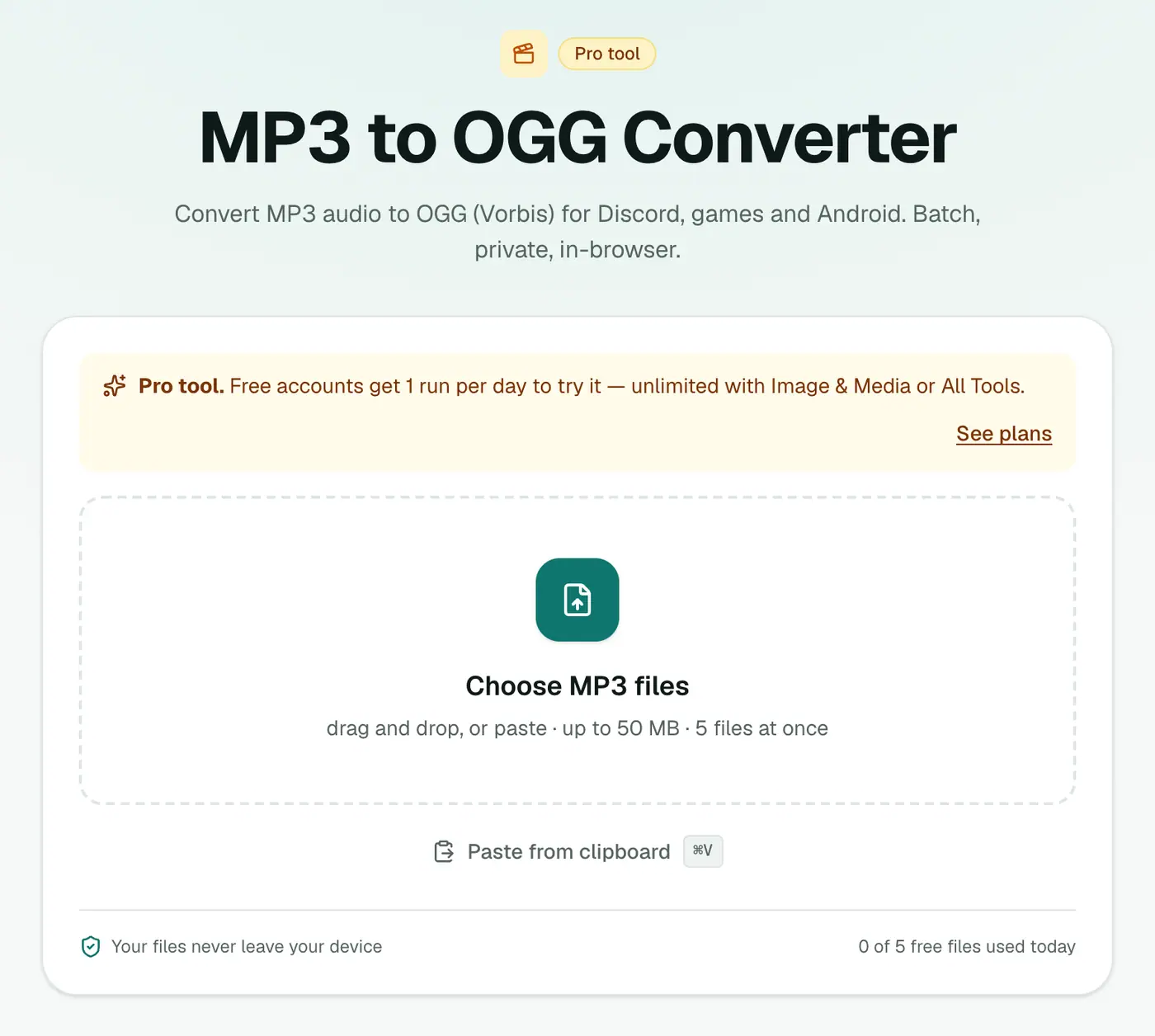
2. Add your MP3s and pick the quality
Drop in your .mp3 files and choose 96 kbps (voice), 160 kbps (recommended) or 256 kbps (best).
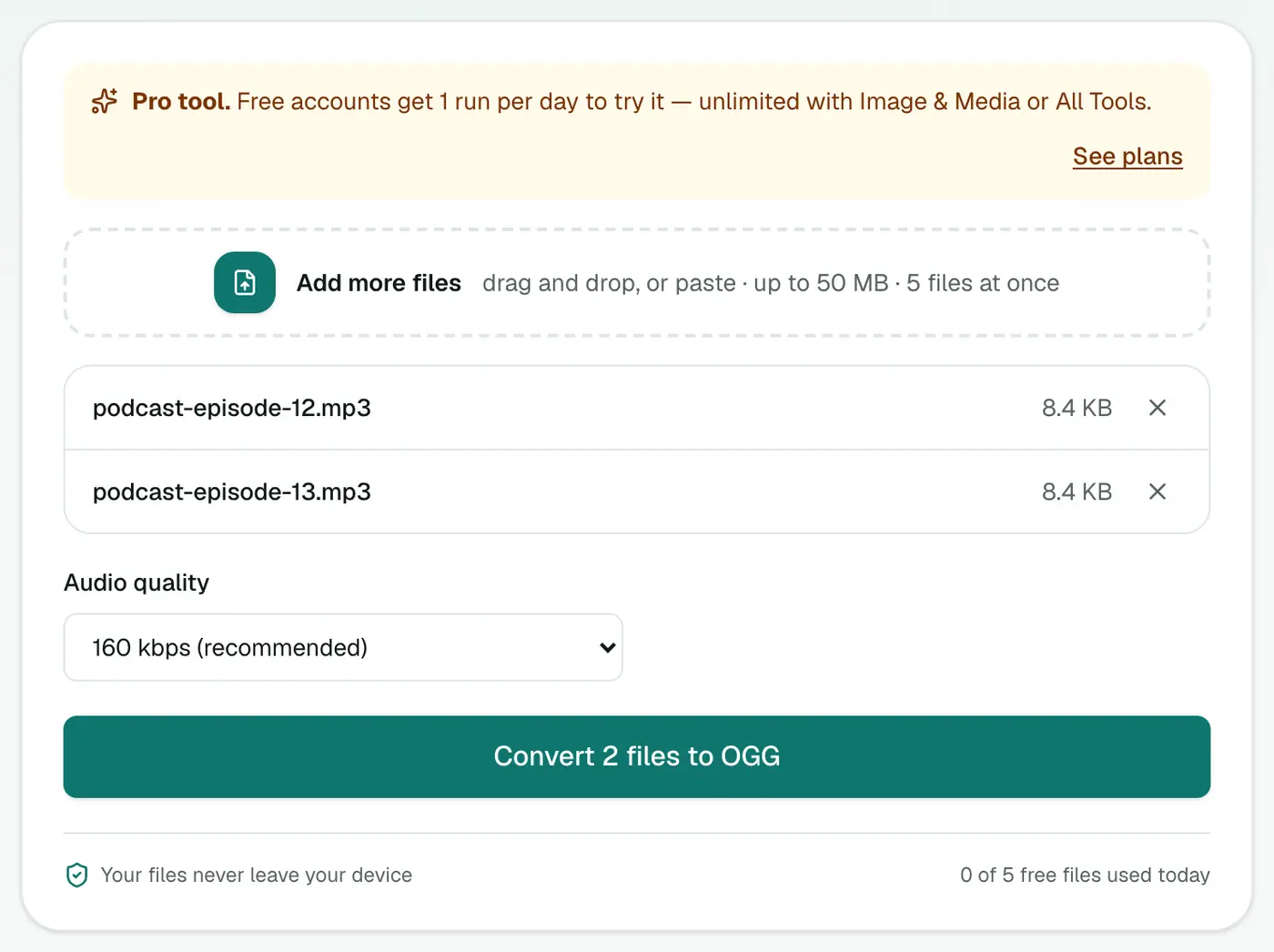
3. Convert and download
Click Convert to OGG.
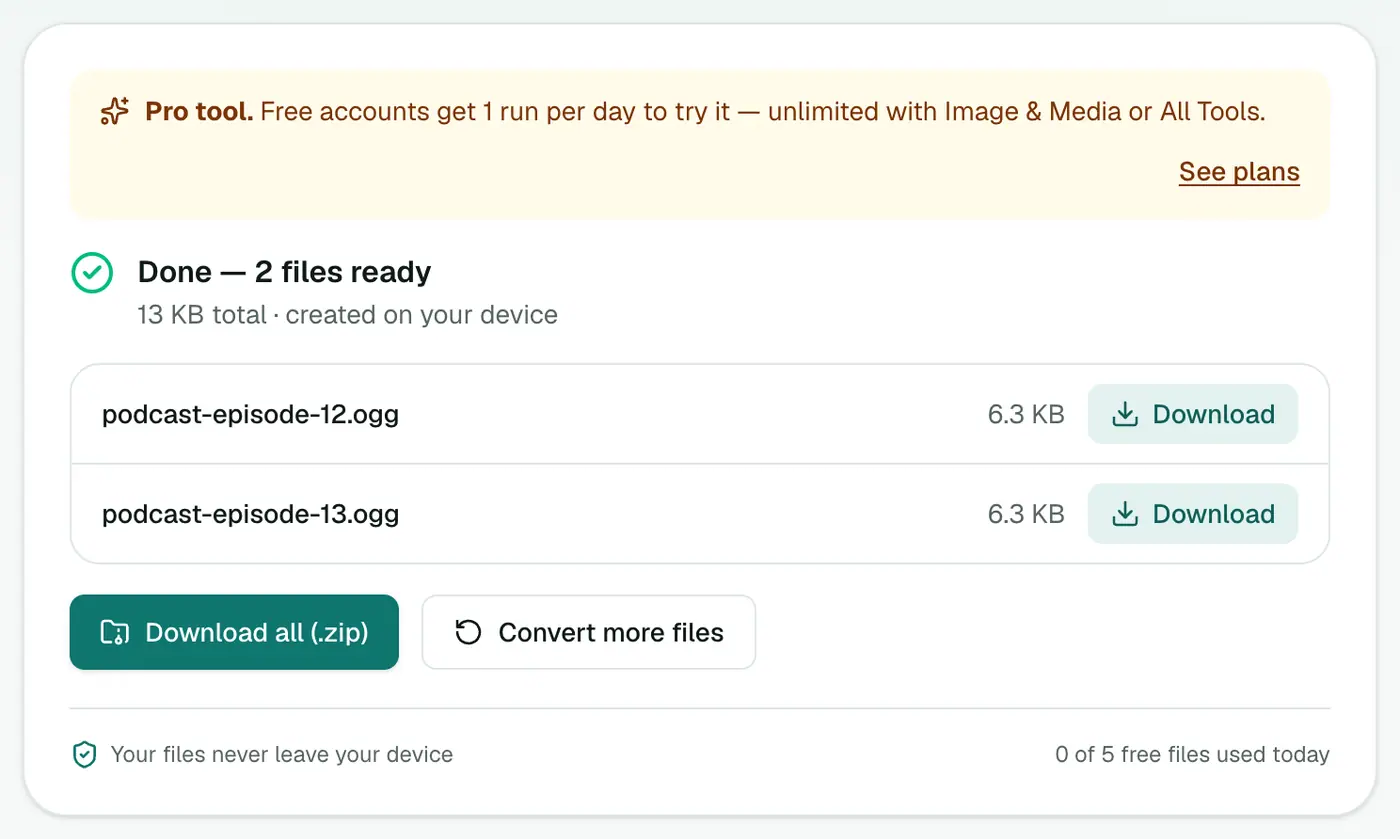
Tips for game audio
- Start from WAV if you can. If the composer gave you WAVs, use WAV to OGG to avoid double compression.
- Short sound effects (clicks, hits) are often better left as WAV in engines. OGG shines for music and long ambience.
- Batch it: convert the whole soundtrack folder at once and download the ZIP.
- Match the quality to the source. Converting a 128 kbps MP3 to 256 kbps OGG only makes the file bigger.
Why OGG beats MP3 for games
| MP3 | OGG Vorbis | |
|---|---|---|
| Licence fees | None now (patents expired) | None, ever |
| Seamless looping | Gaps from encoder padding | Clean loops |
| Godot import | ✓ | ✓ recommended for music |
| Quality at the same size | Good | Slightly better |
| Plays everywhere | ✓ | Most places, not older Safari |
Other uses
- Linux desktop apps and system sounds.
- Minecraft and other game mods that only accept OGG.
- Open-source projects that avoid proprietary formats.
- Discord bots and streaming tools that prefer OGG.
Troubleshooting
The OGG is bigger than the MP3. You picked a higher quality than the MP3 had. Use 160 or 96 kbps.
My engine says the format is unsupported. Check it expects Vorbis rather than Opus. These files are Vorbis, which nearly every engine reads.
Summary
The MP3 to OGG converter gets your audio into the format game engines and open-source tools prefer.
FAQs
Why do game developers use OGG?
OGG Vorbis is royalty-free, compresses well and loops cleanly, so engines like Godot recommend it for music and longer sounds.
Which quality should I pick?
160 kbps (recommended) for music. 96 kbps for voice lines and ambient sounds where size matters.
Will quality drop?
Slightly. Converting between lossy formats always loses a little. Convert from WAV or FLAC originals if you have them.
Is it free?
Yes, once a day: one file up to 25 MB with no account. A free account gets one Pro tool run a day, and paid plans are unlimited.
Why does my MP3 loop have a gap but the OGG doesn't?
MP3 encoders add a few milliseconds of padding at the start and end, which causes a gap when looping. OGG Vorbis doesn't have that problem, which is one reason engines prefer it for music loops.
Are my files uploaded?
No. The conversion runs in your browser.
Try the MP3 to OGG Converter
Free to start, no install, and your files never leave your device.