Audio & video2 min read
How to Convert MP3 to M4A (AAC) for iPhone and Apple Music
Convert MP3 files to M4A (AAC), Apple's preferred audio format, for iPhone ringtones, the Music app, GarageBand and iMovie. Batch, private, in your browser.
By the ZapMorph team
On this page
Just want it done?
Open the MP3 to M4A Converter — it runs in your browser and nothing is uploaded.
Apple's world runs on AAC audio in M4A files. MP3 works on iPhones, but some Apple workflows go smoother with M4A, and custom ringtones in particular start life as an M4A.
How to convert MP3 to M4A with ZapMorph
1. Open the converter
Go to the MP3 to M4A converter.
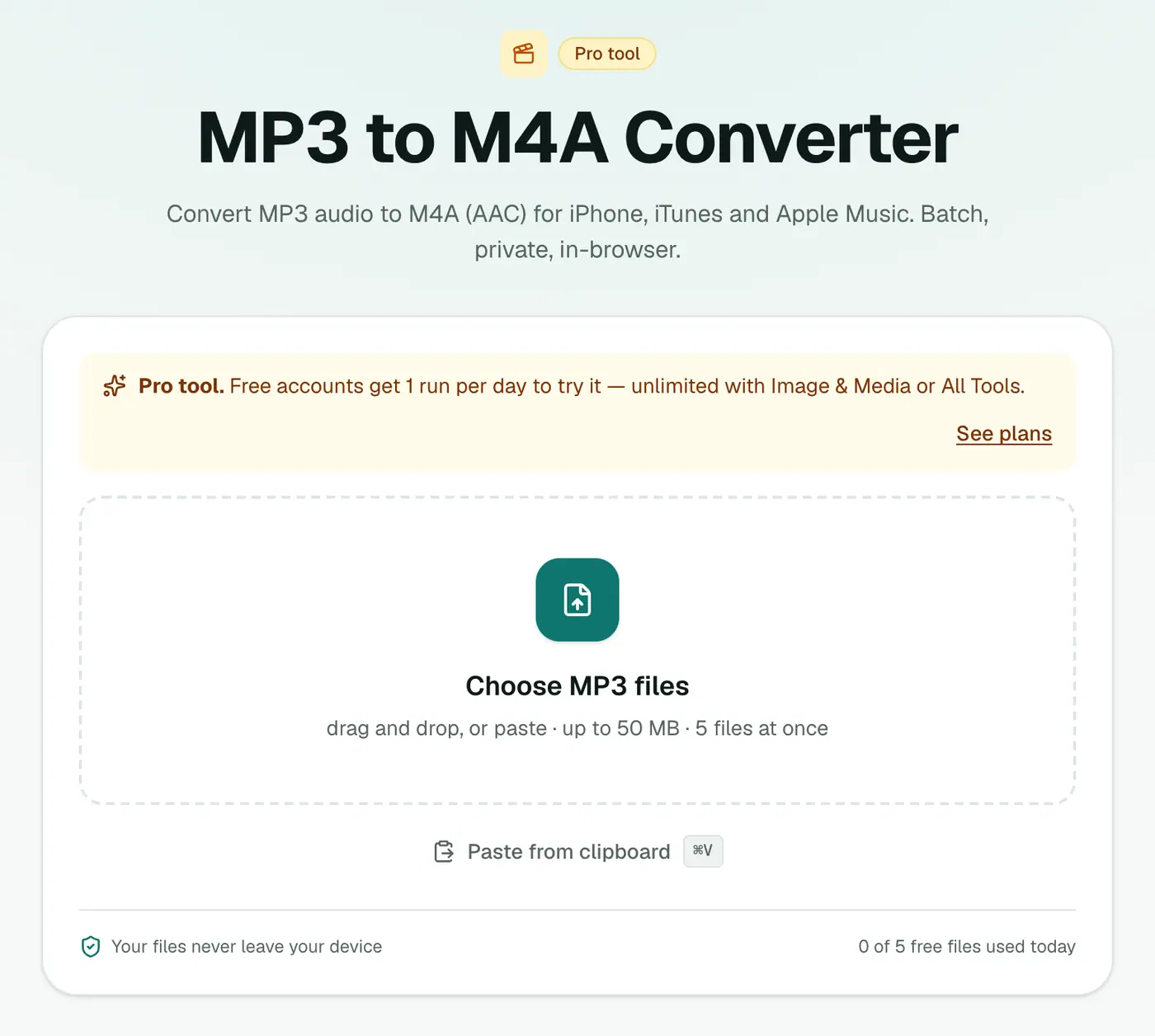
2. Add your MP3s
Drop in your .mp3 files and choose a quality. 160 kbps (recommended) suits most music.
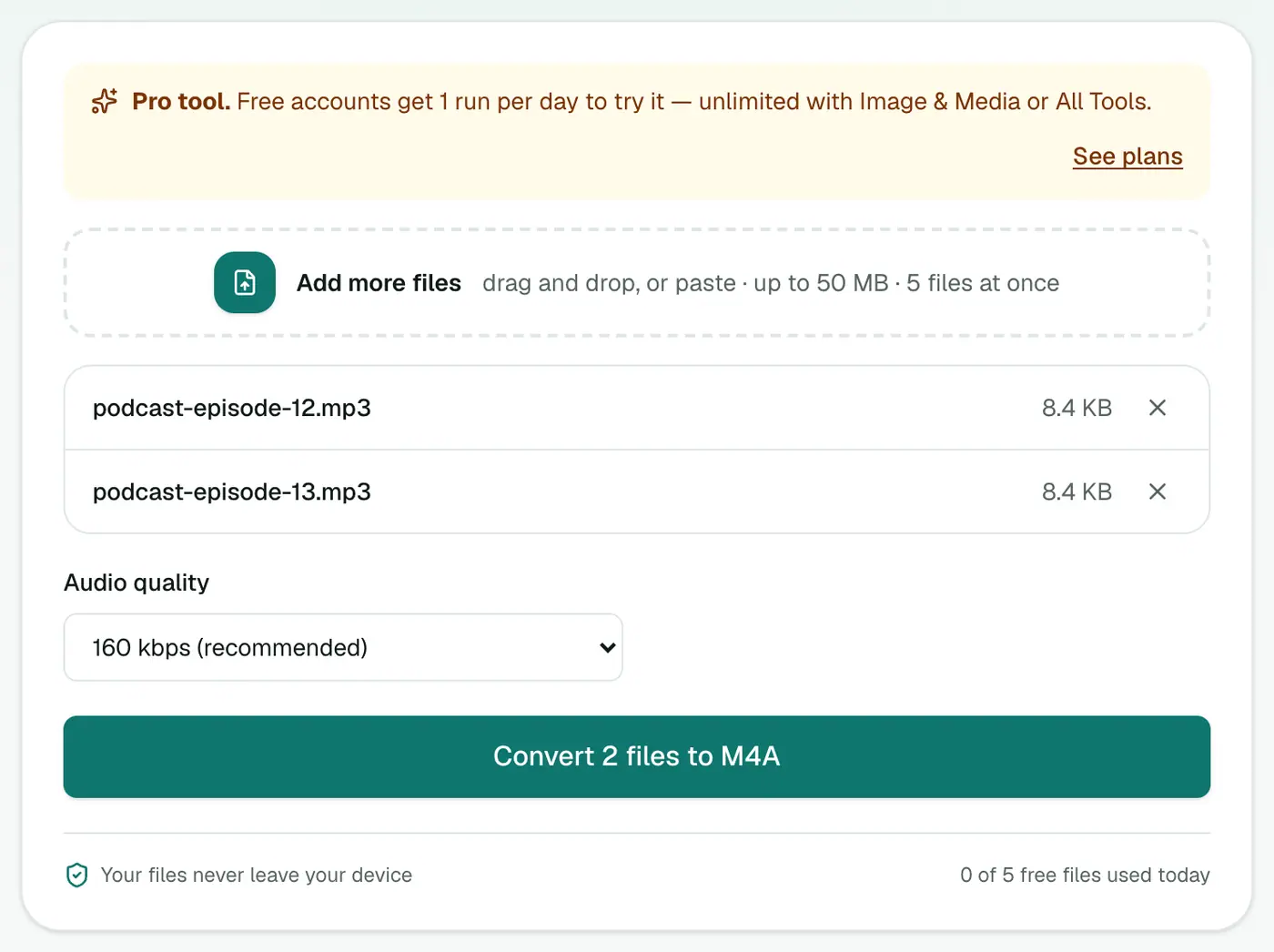
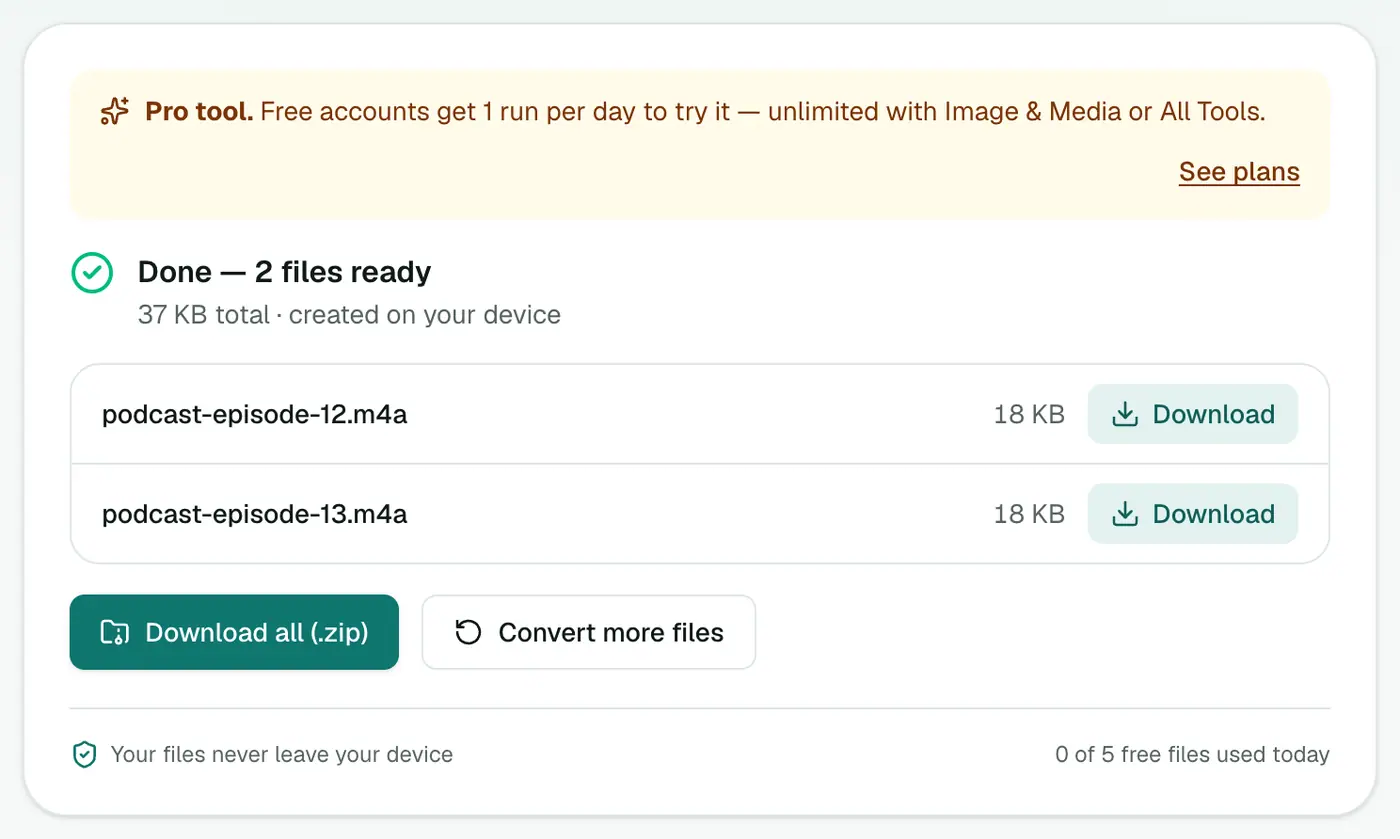
3. Convert and download
Click Convert to M4A.
Making an iPhone ringtone
- Trim your song to the bit you want (40 seconds max; 30 for text tones) in GarageBand or any audio editor.
- Convert to M4A here.
- Rename the file from
.m4ato.m4r. - Connect your iPhone to a Mac and drag the
.m4ronto the iPhone in Finder (on Windows, use iTunes). - On the iPhone: Settings → Sounds & Haptics → Ringtone.
No computer? GarageBand on iPhone can export a ringtone directly: open the song in GarageBand, then Share → Ringtone.
MP3 vs M4A
| MP3 | M4A (AAC) | |
|---|---|---|
| Quality at the same bitrate | Good | Slightly better |
| iPhone, Mac, Apple Music | ✓ | ✓ |
| Android, Windows | ✓ | ✓ |
| Very old players, some cars | ✓ | Sometimes |
| Ringtones (as .m4r) | ✗ | ✓ |
| GarageBand / iMovie | ✓ | ✓ native |
Tips
- Don't go up in quality. Converting a 128 kbps MP3 to 256 kbps M4A just makes a bigger file.
- One conversion is fine. Each lossy-to-lossy step adds a little loss, but a single MP3 → M4A step is barely noticeable.
- Have the original WAV or CD? Convert from that instead with WAV to M4A.
Summary
The MP3 to M4A converter gets your audio into Apple's native format for the Music app, GarageBand and ringtones.
FAQs
Do I need M4A for my iPhone?
iPhones play MP3 fine. M4A is handy for GarageBand, iMovie, and as a step towards making custom ringtones (which use the .m4r extension).
How do I make a ringtone?
Trim the clip to 40 seconds or less, convert to M4A, rename it from .m4a to .m4r, then add it to your iPhone through Finder (Mac) or iTunes (Windows).
Which quality?
160 kbps (recommended) is a good match for most MP3s. Going higher than the original MP3's quality doesn't help.
Is it free?
Yes, once a day: one file up to 25 MB with no account. A free account gets one Pro tool run a day, and paid plans are unlimited.
Will the M4A be smaller than the MP3?
At 160 kbps it's usually similar or slightly smaller than a 192 kbps MP3, with comparable quality.
Are my files uploaded?
No. They're converted in your browser.
Try the MP3 to M4A Converter
Free to start, no install, and your files never leave your device.