Audio & video2 min read
How to Convert MKV to MP4 for TVs, Phones and Editors
MKV files often won't play on TVs, iPhones or in editors. Convert them to MP4 in your browser, instantly and losslessly when the video is already H.264.
By the ZapMorph team
On this page
Just want it done?
Open the MKV to MP4 Converter — it runs in your browser and nothing is uploaded.
MKV is a great container, which is why OBS uses it by default (an MKV survives a crash mid-recording; an MP4 might not). But iPhones, many smart TVs, PowerPoint and some video editors don't play it.
Fast mode vs full conversion
The converter checks what's inside the MKV first:
| Inside the MKV | What happens | Speed | Quality |
|---|---|---|---|
| H.264 video + AAC or MP3 audio | Repackaged into MP4 | Seconds | Identical |
| HEVC, VP9, AV1 or other video | Re-encoded to H.264 | Minutes | Very close, depends on setting |
| Opus, FLAC or other audio | Converted to AAC | Included above | Very close |
OBS recordings with default settings are usually H.264 + AAC, so they take the fast path.
How to convert MKV to MP4 with ZapMorph
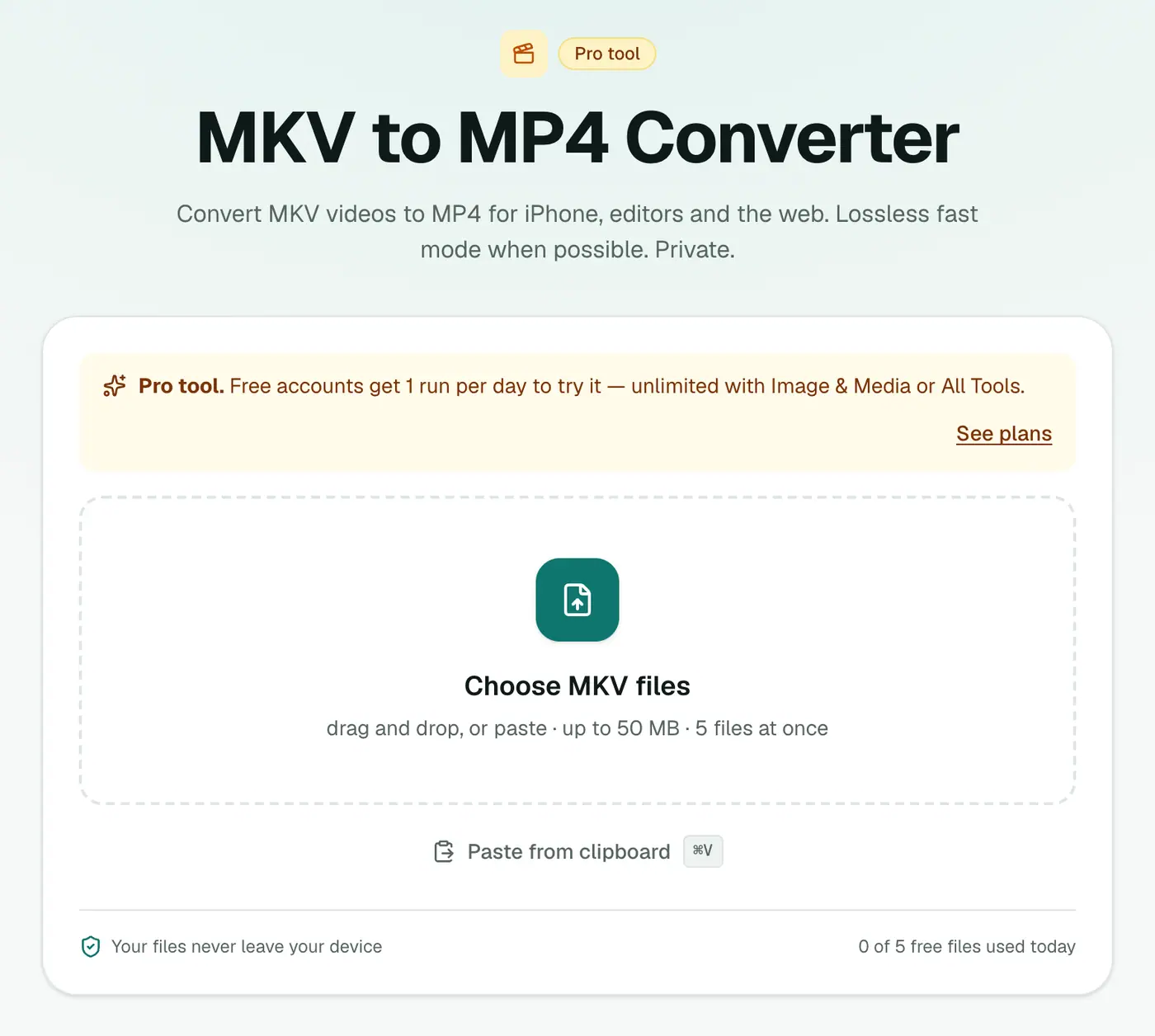
1. Open the converter
Go to the MKV to MP4 converter.
2. Add videos and choose the quality
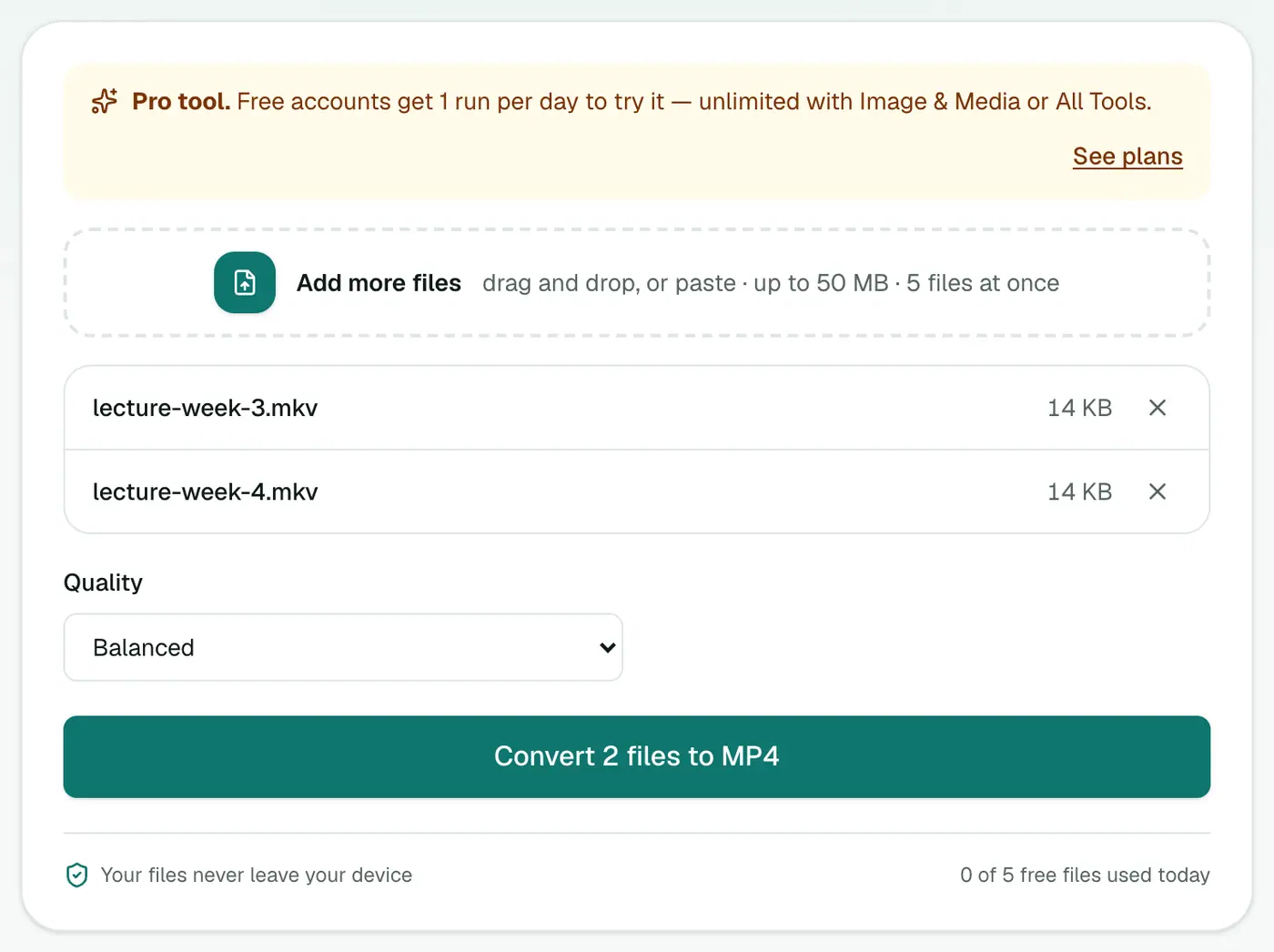
Drop in your .mkv files and pick High, Balanced or Small file. The setting only matters if the video needs re-encoding.
3. Convert and download
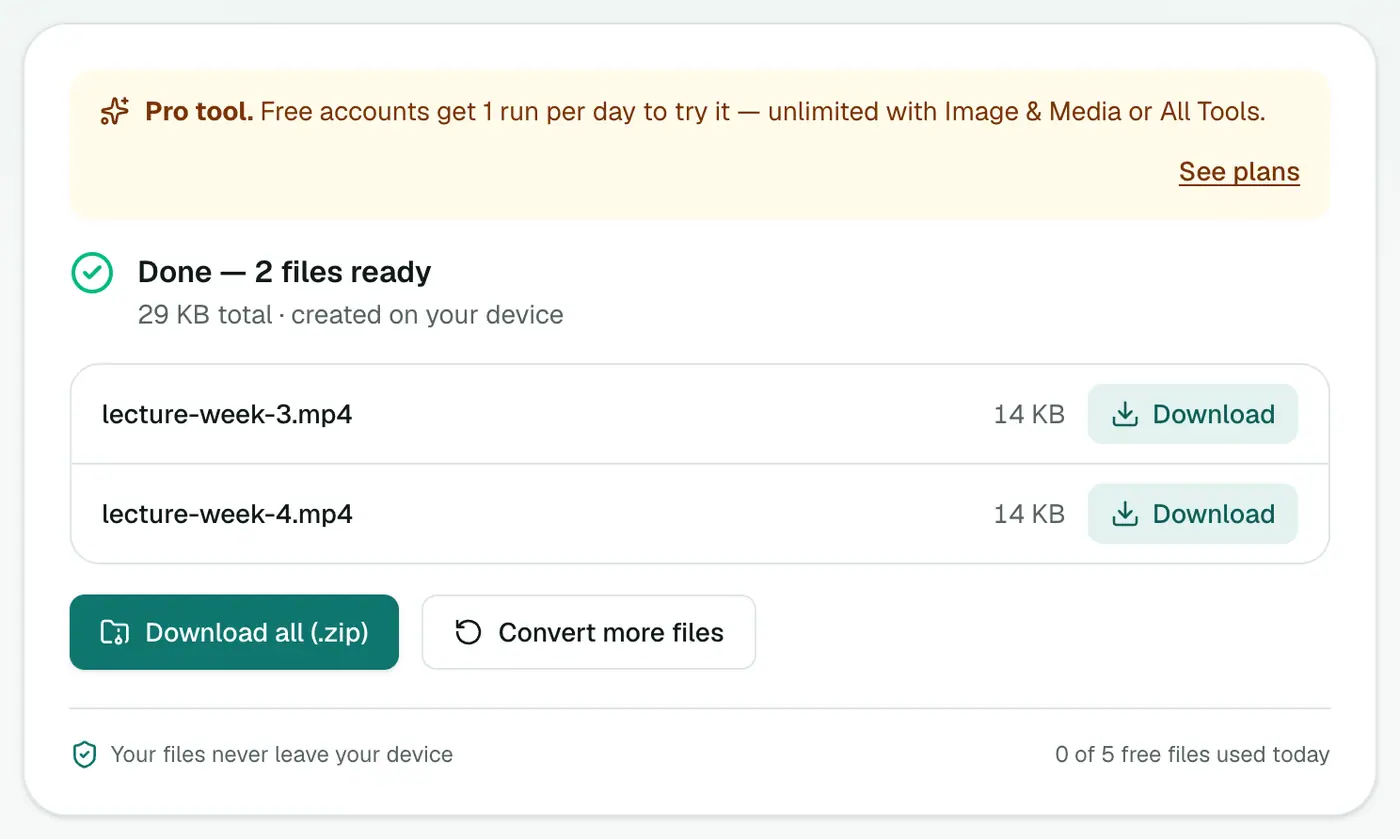
Click Convert to MP4.
OBS users: you might not need this
OBS has a built-in remux: File → Remux Recordings. It repackages MKV as MP4 instantly without re-encoding. Use it when you have OBS to hand. The converter is useful on another computer or for MKVs from elsewhere.
Tips
- Large files take time to convert in a browser. Be patient on long recordings.
- Lecture recordings? Grab the audio with the video converter set to MP3, or captions with the subtitle generator.
- Need the subtitles? Extract them with a desktop tool such as MKVToolNix before converting, or generate new ones afterwards.
Troubleshooting
Wrong audio language. Only the first audio track is kept. If that's not the one you want, remux with MKVToolNix to change the order first.
HEVC (H.265) files are slow. They need full re-encoding on your device. Shorter clips or the Small file setting finish faster.
Summary
The MKV to MP4 converter makes MKV videos playable on TVs, phones and in editors, privately in your browser.
FAQs
What is MKV?
Matroska, a flexible container that can hold several audio tracks and subtitles. It's popular with OBS recordings and archived video, but not every device supports it.
Are subtitles and extra audio tracks kept?
No. The main video and the first audio track are converted to MP4. Additional audio tracks and embedded subtitles are left out.
Which quality should I use?
Balanced for most content. High if you'll edit it.
Is it free?
Yes, once a day: one file up to 25 MB with no account. A free account gets one Pro tool run a day, and paid plans are unlimited.
Why was my conversion instant?
If the MKV already contains H.264 video with AAC or MP3 audio, it's repackaged into MP4 without re-encoding: fast and with no quality loss.
Is my video uploaded?
No. It's converted in your browser.
Try the MKV to MP4 Converter
Free to start, no install, and your files never leave your device.