Email2 min read
How to Convert an MBOX Mailbox to Plain Text
Extract every email in an MBOX file (Gmail Takeout, Thunderbird, Apple Mail) as plain text with headers. Great for searching, archiving and analysis. Private.
By the ZapMorph team
On this page
Just want it done?
Open the MBOX to Text Converter — it runs in your browser and nothing is uploaded.
An MBOX file is technically text already, but it's full of encoded headers, MIME boundaries and base64 attachments. The readable part is buried. Converting to plain text pulls out just what a human wants: who, when, subject, and the message.
Before and after
Inside the MBOX:
From MAILER-DAEMON Mon Mar 18 09:12:00 2024
Subject: =?UTF-8?B?WW91ciByZWNlaXB0ICMxMDQy?=
Content-Type: multipart/alternative; boundary="000000000000a1b2c3"
--000000000000a1b2c3
Content-Transfer-Encoding: quoted-printable
Amount paid: =2449.00…
After converting:
From: Stripe <receipts@stripe.com>
To: you@gmail.com
Date: Monday, March 18, 2024 at 9:12 AM
Subject: Your receipt #1042

Amount paid: $49.00…
How to convert MBOX to text with ZapMorph
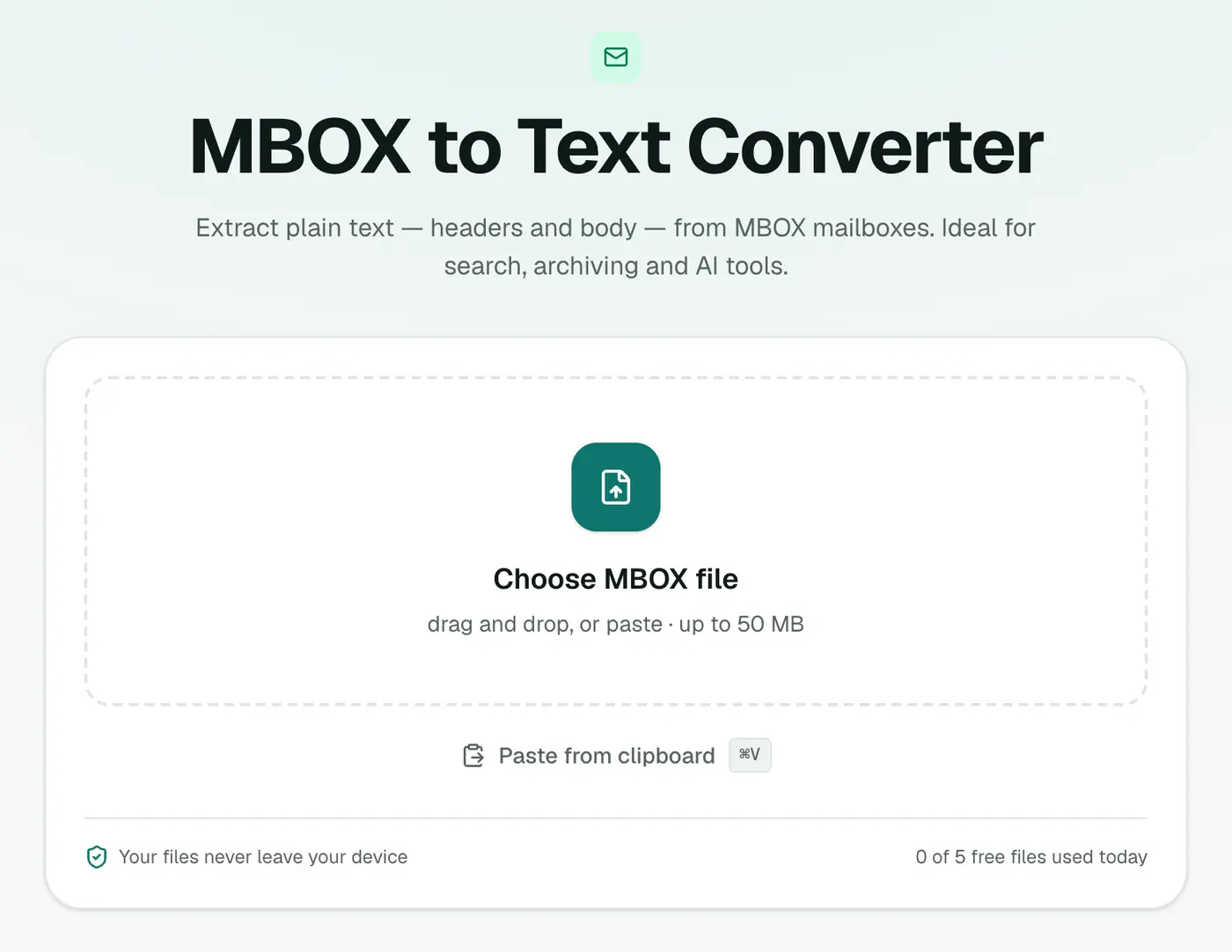
1. Open the converter
Go to the MBOX to Text converter.
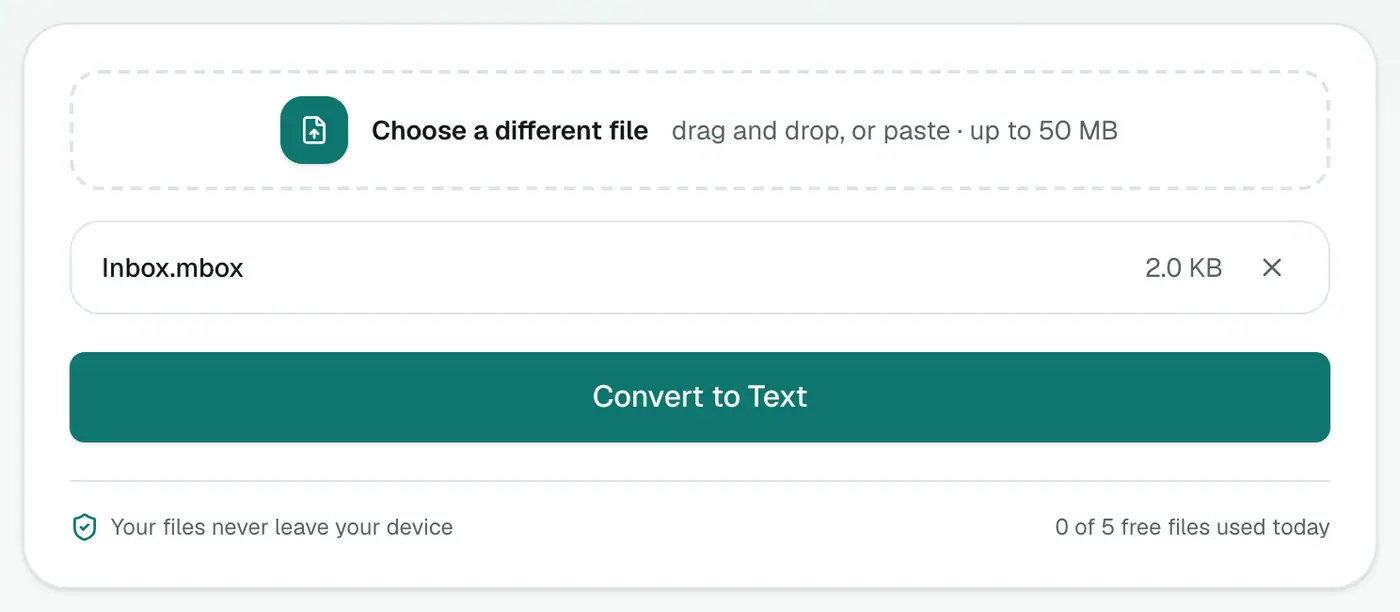
2. Add your mailbox
Drop in the .mbox file.
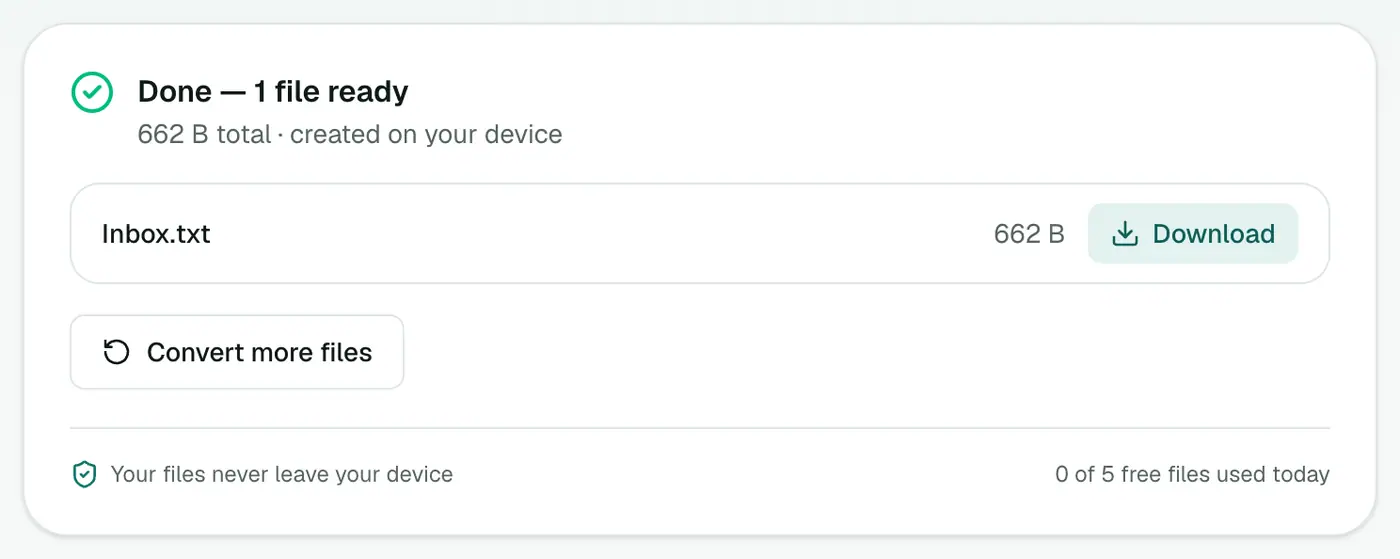
3. Convert and download
Click Convert to Text.
Uses
- Grep your history: find every message that mentions an order number.
- Long-term archive: plain text will open in any app, forever.
- Analysis: feed it to a script or a local AI model.
- Smaller backups: without attachments, a 5 GB mailbox can shrink to a few hundred MB of text.
Searching it
grep -i -n "order 4471" mailbox.txtfinds every mention with line numbers.grep -i -B6 -A15 "refund" mailbox.txtshows the header and some of the body around each match.- VS Code and Sublime Text handle large files well and support regex search.
Related
- MBOX to CSV for a spreadsheet.
- MBOX to JSON for structured data.
- MBOX viewer to read emails with formatting.
Summary
The MBOX to Text converter strips away the encoding and leaves you with clean, searchable email text.
FAQs
How are messages separated?
All messages go into one text file, each with its headers, separated by a line of = characters.
Are HTML emails readable?
Yes. HTML-only emails are converted to clean text.
Why would I want plain text?
It's the most searchable, smallest and longest-lasting format. Any tool can read it.
Are attachments included?
Their names and sizes are listed under each email. The files themselves, and their base64 encoding, are left out, which makes the text file far smaller than the MBOX.
Is my mailbox uploaded?
No. It's converted in your browser.
Try the MBOX to Text Converter
Free to start, no install, and your files never leave your device.