Email2 min read
How to Convert an MBOX Mailbox (Gmail Takeout) to PDF
Turn a whole MBOX mailbox from Gmail Takeout, Thunderbird or Apple Mail into one PDF, each email on a new page with a clear header. Private, no upload.
By the ZapMorph team
On this page
Just want it done?
Open the MBOX to PDF Converter — it runs in your browser and nothing is uploaded.
MBOX is the "whole mailbox in one file" format. You get it from Gmail Takeout, Thunderbird and Apple Mail exports. It's great for backups and terrible for handing to anyone. Converting to PDF gives you a single, readable document, which is useful for legal holds, handing correspondence to an accountant, or simply having a printable archive.
Step 1: Get an MBOX file
From Gmail:
- Go to takeout.google.com.
- Click Deselect all, then tick Mail.
- Click All Mail data included and choose just the labels you need. This keeps the file small.
- Next step → Create export. Google emails you a download link.
From Thunderbird: use the ImportExportTools NG add-on: right-click a folder, then Export folder.
From Apple Mail: select a mailbox, then Mailbox → Export Mailbox.
Tip for Gmail: create a label for exactly the emails you need (search, select all, apply the label), then export only that label. You get a small, focused MBOX.
Step 2: Convert it with ZapMorph
1. Open the converter
Go to the MBOX to PDF converter.
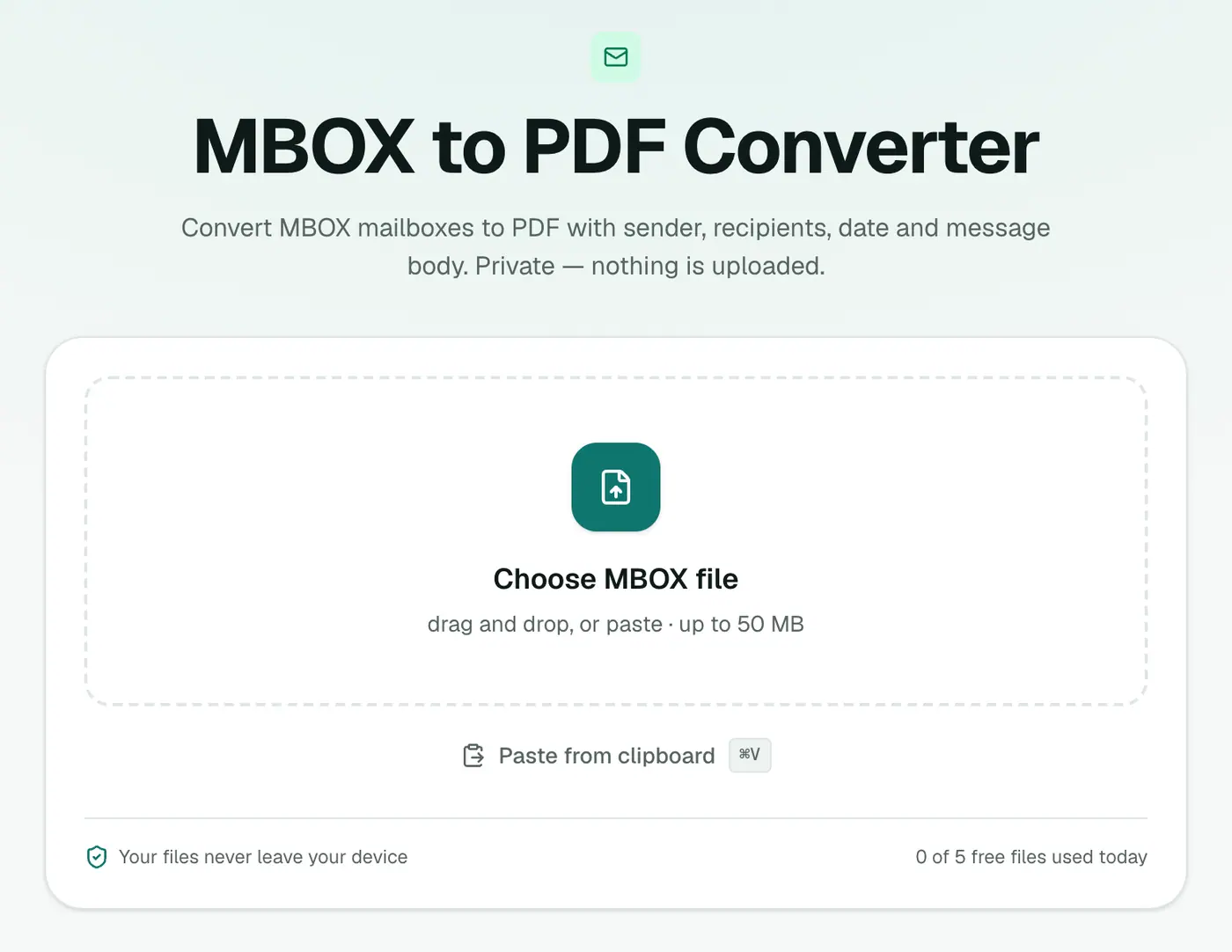
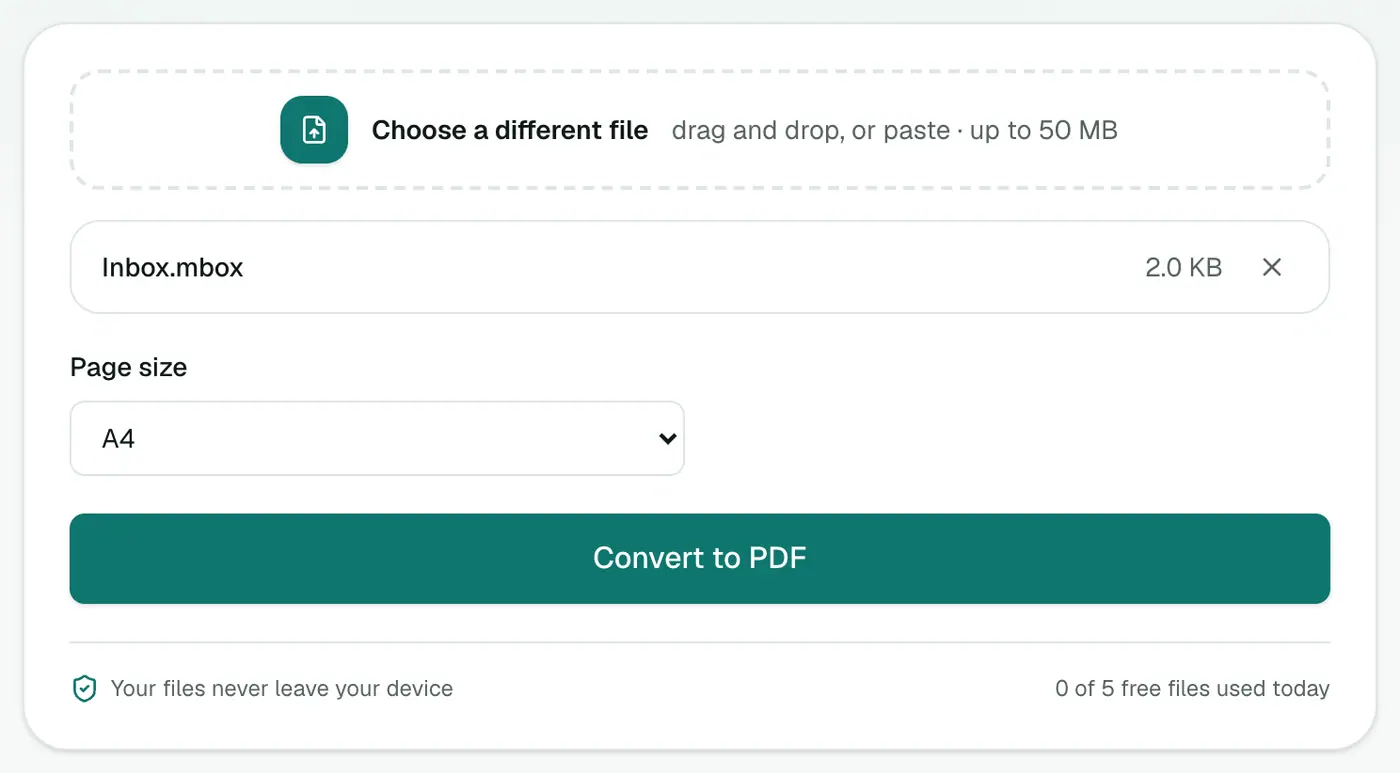
2. Add the mailbox and pick a paper size
Drop it in and choose A4 or US Letter.
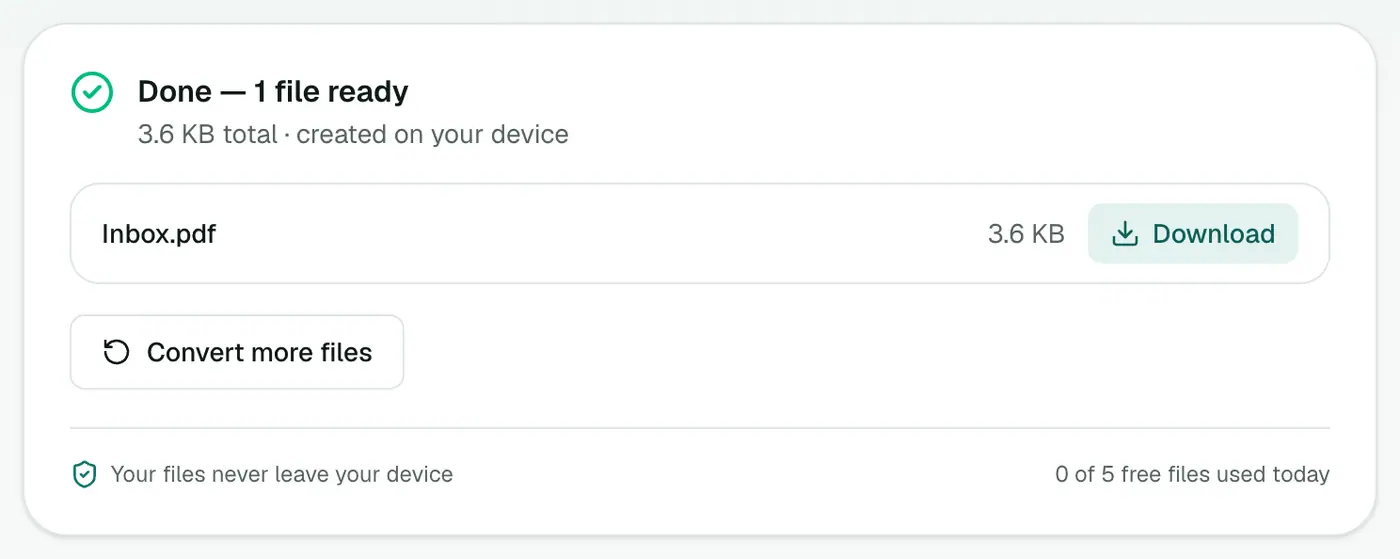
3. Convert and download
Click Convert to PDF. Every message ends up in one PDF, each on a new page.
Finishing touches
- Page numbers for legal bundles: Add Page Numbers.
- Only some pages needed: Extract PDF Pages.
- Hide personal details: Redact PDF.
- Too big for email: Compress PDF.
Tips
- Check what's inside first with the MBOX viewer, which lists every message with sender, subject and date.
- Huge mailbox? Export just the relevant Gmail label, or split the conversation by converting to EML first.
- Want a spreadsheet instead? MBOX to CSV.
Troubleshooting
"Has no messages in it." The file isn't an MBOX. For a Takeout ZIP, unzip it first. For Apple Mail, use the mbox file inside the exported folder.
Some pages say "(This message has no text.)" The email held only an image or attachment.
Summary
The MBOX to PDF converter turns an entire mailbox into one readable PDF, privately in your browser.
FAQs
Do I get one PDF or one per email?
One PDF. Every message in the mailbox goes into it, each starting on a new page with its own header.
How do I get an MBOX from Gmail?
Use Google Takeout (takeout.google.com): deselect everything, select Mail, optionally pick specific labels, and export. The download contains .mbox files.
My Takeout MBOX is several gigabytes. Will it work?
Very large files depend on your plan's file size limit and your device's memory. Exporting only the labels you need from Takeout keeps the file manageable.
Are attachments included?
Attachment names are listed under each message. The files themselves aren't embedded.
Is the PDF searchable?
Yes. It's made of real text, so Ctrl+F works and you can copy from it.
Is the mailbox uploaded?
No. The PDF is created in your browser.
Try the MBOX to PDF Converter
Free to start, no install, and your files never leave your device.