Email2 min read
How to Convert MBOX to JSON for Email Analysis
Turn an MBOX mailbox into a JSON array, one object per email with headers, recipients, bodies and attachment details. Ready for Python, pandas or Node.
By the ZapMorph team
On this page
Just want it done?
Open the MBOX to JSON Converter — it runs in your browser and nothing is uploaded.
Want to know who you email most, when you're busiest, or how many newsletters you never read? Your Gmail Takeout has the answers, but MBOX is awkward to parse. JSON drops straight into pandas, a notebook or a quick Node script.
Output shape
[
  {
    "subject": "Your receipt #1042",
    "from": [{ "name": "Stripe", "address": "receipts@stripe.com" }],
    "to": [{ "name": "", "address": "you@gmail.com" }],
    "cc": [],
    "date": "2024-03-18T09:12:00.000Z",
    "text": "Amount paid: $49.00…",
    "html": "<table>…</table>",
    "attachments": [{ "name": "receipt.pdf", "type": "application/pdf", "size": 30720 }]
  }
]
How to convert MBOX to JSON with ZapMorph
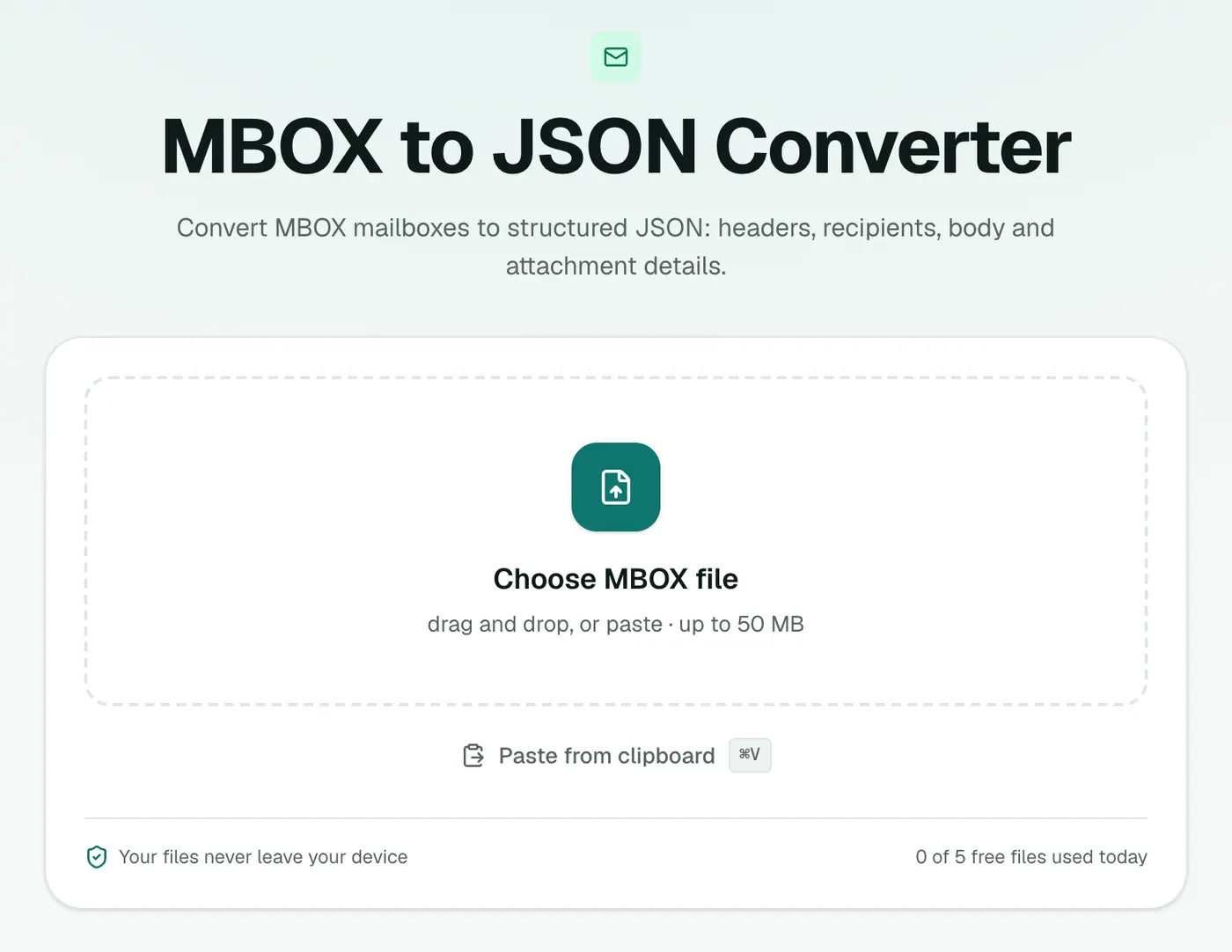
1. Open the converter
Go to the MBOX to JSON converter.
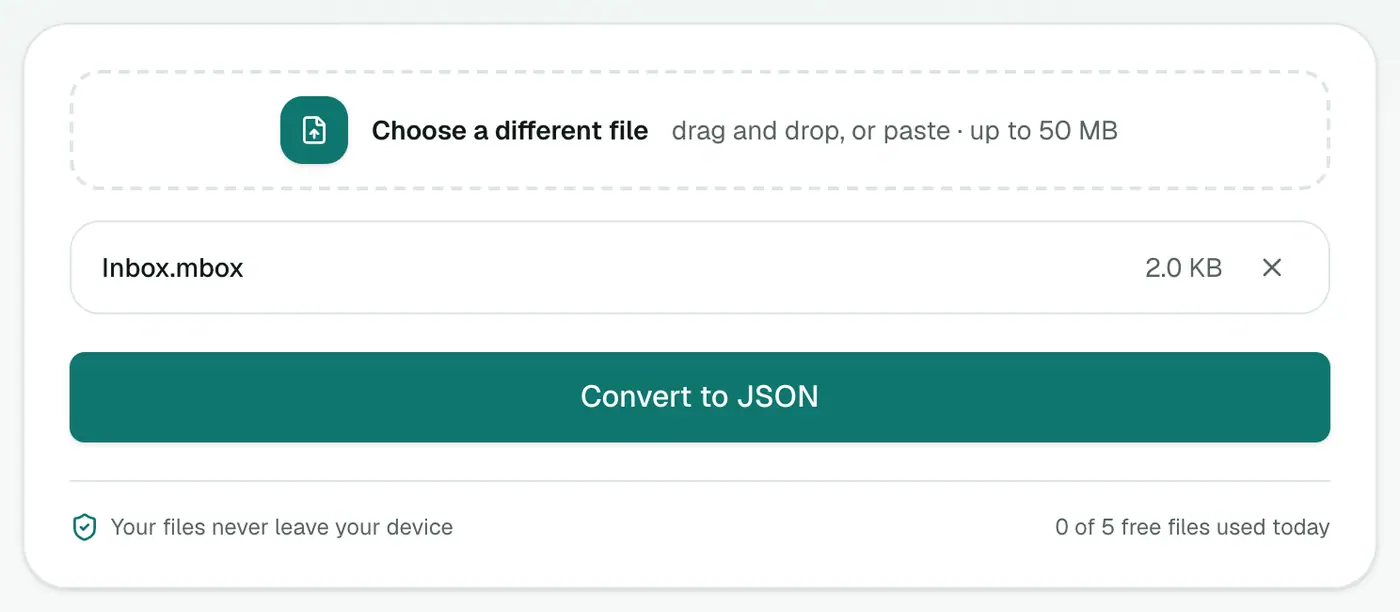
2. Add your mailbox
Drop in the .mbox file.
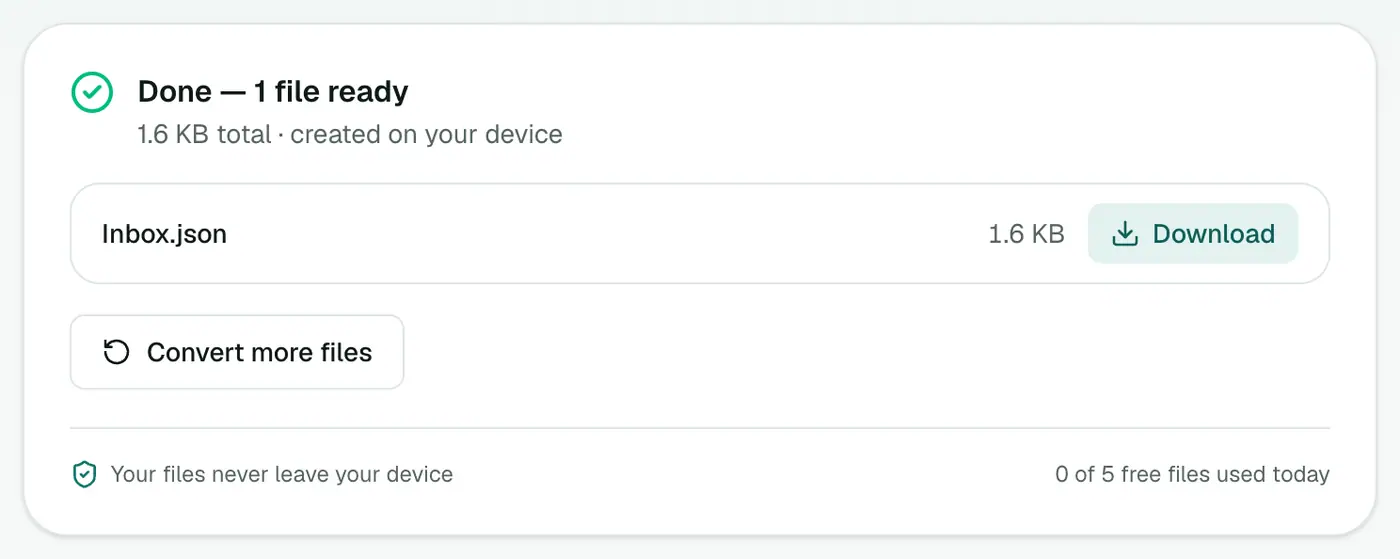
3. Convert and download
Click Convert to JSON.
A quick analysis in Python
import json, collections
emails = json.load(open("Inbox.json"))
senders = collections.Counter(e["from"][0]["address"] for e in emails if e["from"])
print(senders.most_common(10))
That's your top ten senders in four lines.
More questions your email can answer
When are you busiest? (pandas)
import pandas as pd
df = pd.read_json("Inbox.json")
df["date"] = pd.to_datetime(df["date"])
print(df["date"].dt.day_name().value_counts())   # emails per weekday
print(df["date"].dt.hour.value_counts().sort_index())  # emails per hour (UTC)
How many newsletters?
news = [e for e in emails if "unsubscribe" in (e["text"] or "").lower()]
print(len(news), "emails mention unsubscribe")
Biggest attachments:
files = [(a["size"], a["name"], e["subject"]) for e in emails for a in e["attachments"]]
for size, name, subject in sorted(files, reverse=True)[:10]:
    print(f"{size/1e6:.1f} MB  {name}  ({subject})")
Tips
- Huge Takeout? Use a streaming parser like
ijsonso you don't load gigabytes into memory. - Local AI: feed the
textfield into a local model or a vector database to search your mail by meaning. - Privacy: your mailbox never leaves your device during conversion. Keep the JSON somewhere safe too.
Related
- MBOX to CSV if you'd rather use a spreadsheet.
- JSON viewer to explore the output.
- MBOX counter for quick stats without code.
Summary
The MBOX to JSON converter turns a mailbox into structured data that's ready for analysis.
FAQs
What's the shape of the output?
An array of messages, each with subject, from, to, cc, date, text, html and attachments (name, type, size).
Can I load it in Python or JavaScript?
Yes. It's standard JSON: json.load in Python or JSON.parse in JavaScript.
Does it work with Gmail Takeout?
Yes. Takeout exports mail as MBOX.
What format are dates in?
ISO 8601 in UTC, such as 2024-03-18T09:12:00.000Z.
Are attachment files included?
No, only their name, type and size, which keeps the JSON a manageable size.
Is my mailbox uploaded?
No. It's parsed in your browser.
Try the MBOX to JSON Converter
Free to start, no install, and your files never leave your device.