Email2 min read
How to Read an MBOX File in Your Browser (MBOX to HTML)
Turn an MBOX mailbox from Gmail Takeout, Thunderbird or Apple Mail into one HTML file that opens in any browser, with formatting and inline images kept.
By the ZapMorph team
On this page
Just want it done?
Open the MBOX to HTML Converter — it runs in your browser and nothing is uploaded.
Your Gmail Takeout finished, and you've got a file called All mail Including Spam and Trash.mbox. Now what? You don't want to set up Thunderbird just to read it.
Converting it to HTML gives you one file you can open in any browser, scroll through and search with Ctrl+F.
How to convert MBOX to HTML with ZapMorph
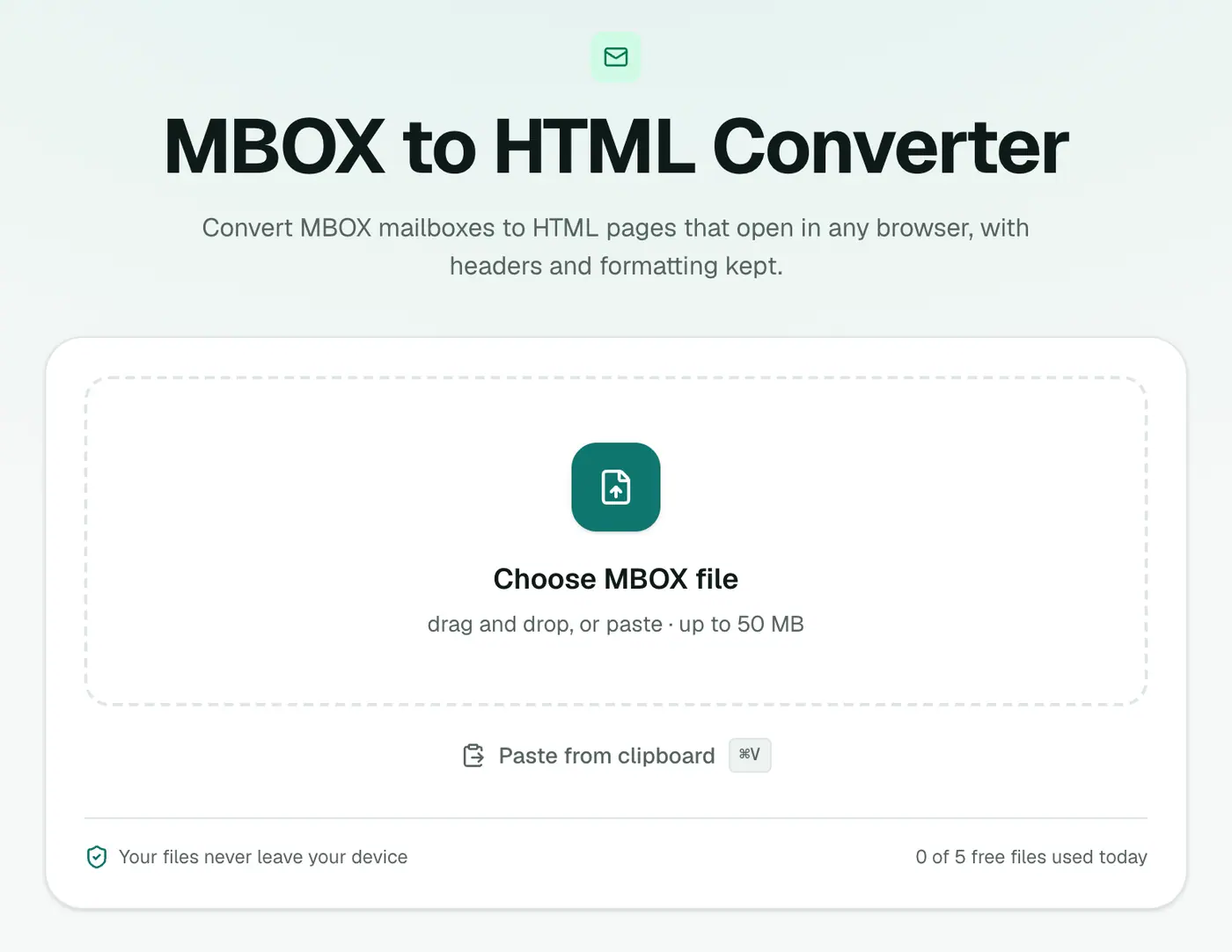
1. Open the converter
Go to the MBOX to HTML converter.
2. Add your mailbox
Drop in the .mbox file.
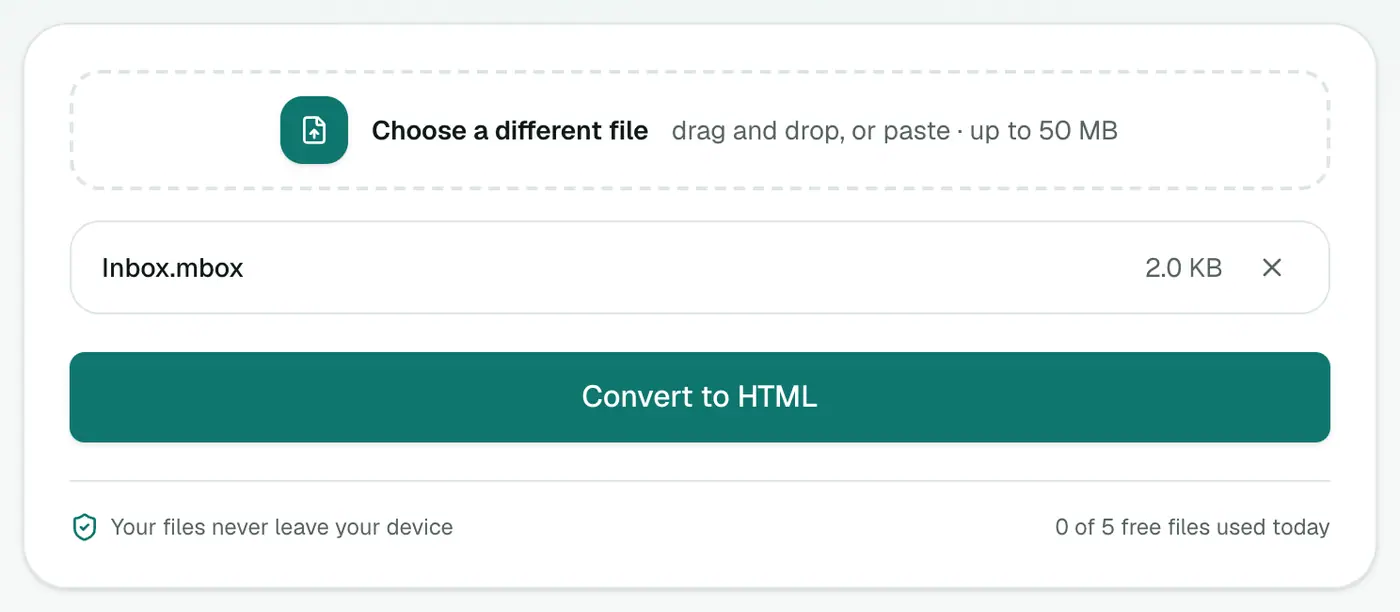
3. Convert and download
Click Convert to HTML and open the file in your browser.
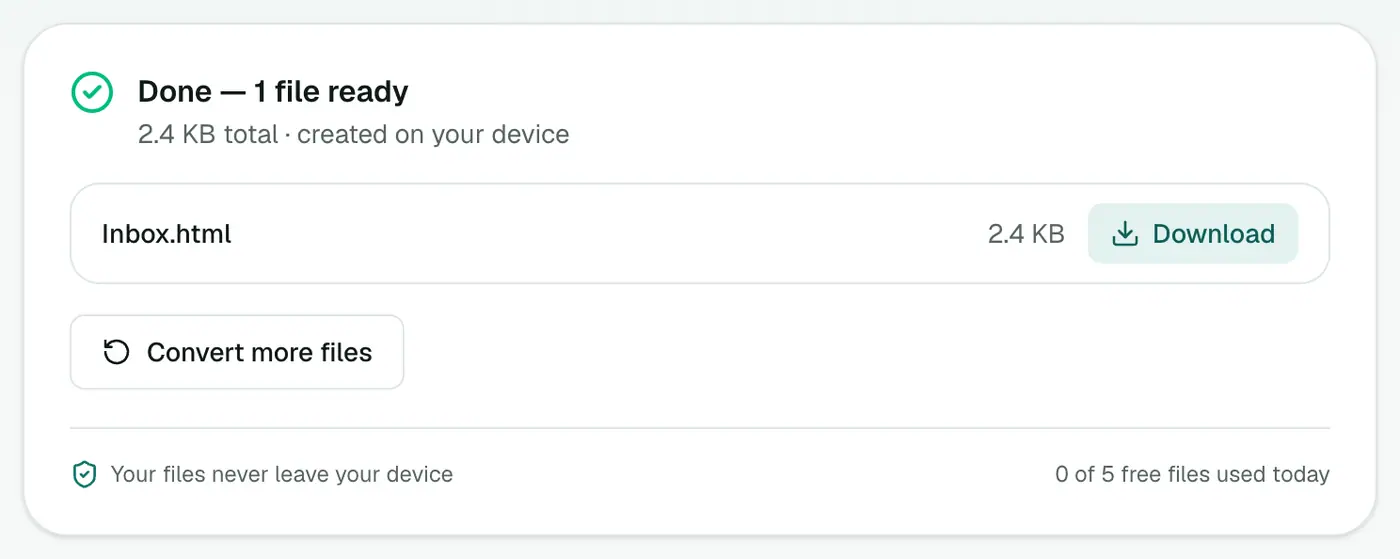
Each email appears with its subject, a header table (From, To, Cc, Date, Attachments) and the body as it was sent.
Which option suits you?
- Browse and search interactively: the MBOX viewer.
- A single file to keep or share: HTML (this).
- A printable record: MBOX to PDF.
- A list in Excel: MBOX to CSV.
Tip for big mailboxes
A mailbox with tens of thousands of emails makes a very long HTML page. Export specific labels from Google Takeout to keep things manageable:
- At takeout.google.com, Deselect all and tick Mail.
- Click All Mail data included, untick Include all messages in Mail, and choose labels.
- Create the export. You'll get one MBOX per label, each a sensible size.
Making a family or personal archive
HTML is a nice format for keeping a parent's or grandparent's emails: it opens on any device, needs no account, and looks like the original messages. Store it in a shared drive folder and anyone in the family can read it.
Troubleshooting
The page loads slowly. It's a big mailbox. Use the MBOX viewer to browse, or split it by label.
"Has no messages in it." It's not an MBOX file. For Apple Mail exports, use the mbox file inside the exported folder.
Summary
The MBOX to HTML converter turns a mailbox export into a single page your browser can open, no mail app required.
FAQs
What does the HTML file contain?
Every message in the mailbox, one after another, each with a header block and its original formatting.
Is there a quicker way to just browse?
Yes. The MBOX viewer lists the messages and lets you click to read each one, without converting.
Can I share the HTML file?
Yes. It's a single file that opens in any browser, with no mail app needed.
Do images show?
Images embedded in emails are built into the file. Images linked from websites load only when you're online.
Is it safe to open old emails this way?
Scripts, forms and frames are stripped from every message during conversion.
Is the mailbox uploaded?
No. It's converted in your browser.
Try the MBOX to HTML Converter
Free to start, no install, and your files never leave your device.