Email2 min read
How to Convert MBOX to EMLX for Apple Mail
Split an MBOX mailbox from Thunderbird or Gmail Takeout into Apple Mail's native .emlx message files, one per email. Private, in your browser.
By the ZapMorph team
On this page
Just want it done?
Open the MBOX to EMLX Converter — it runs in your browser and nothing is uploaded.
Apple Mail stores every message as its own .emlx file. Most of the time you'd import an MBOX through Apple Mail's menu, but some workflows (forensic tools, archive software, rebuilding a mailbox by hand) specifically want EMLX files.
What an EMLX file contains
- A first line with the message length in bytes.
- The complete email in standard format.
- A short property list Apple Mail uses for flags.
That's why every app that understands EML can also read the middle of an EMLX, and why Apple Mail understands both.
How to convert MBOX to EMLX with ZapMorph
1. Open the converter
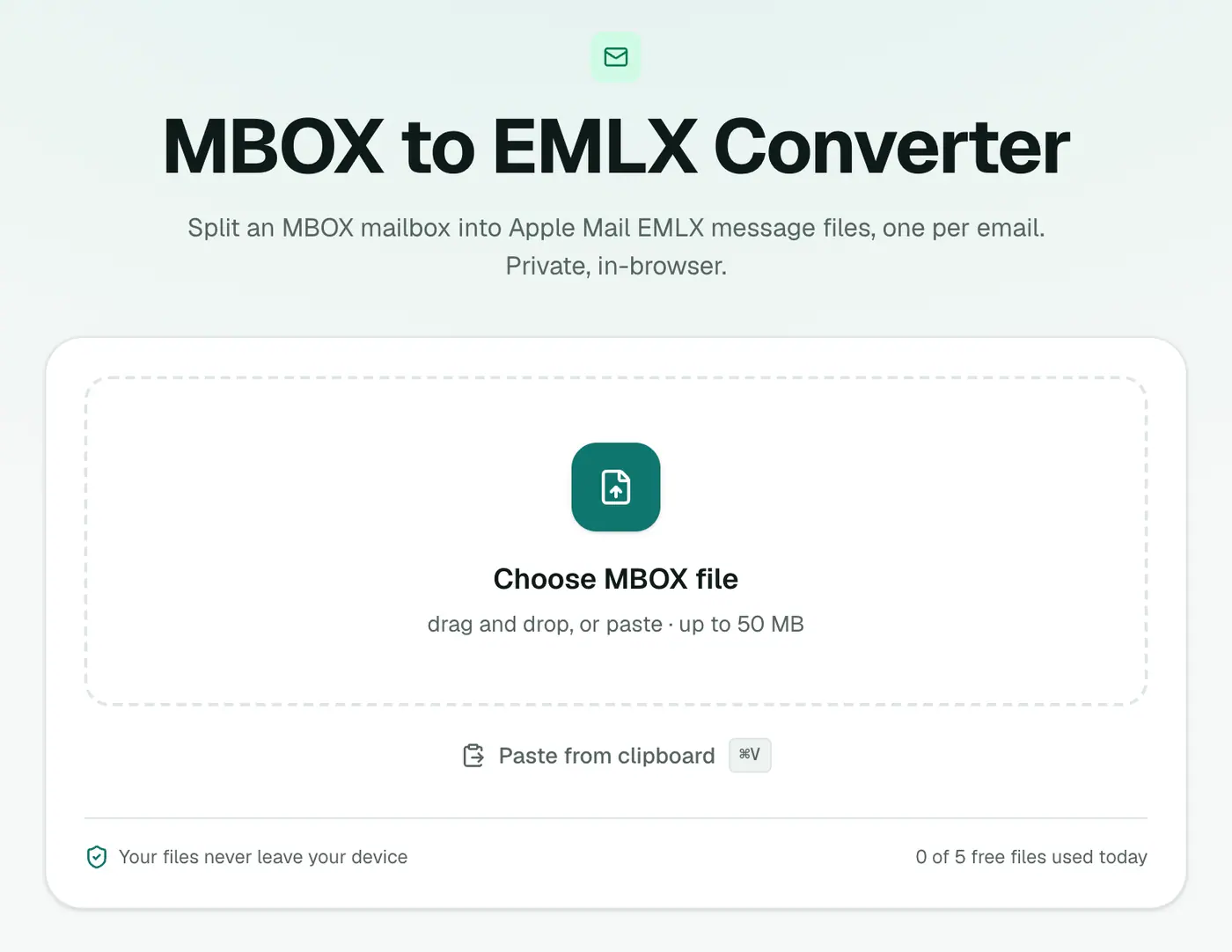
Go to the MBOX to EMLX converter.
2. Add your mailbox
Drop in the .mbox file.
3. Convert and download
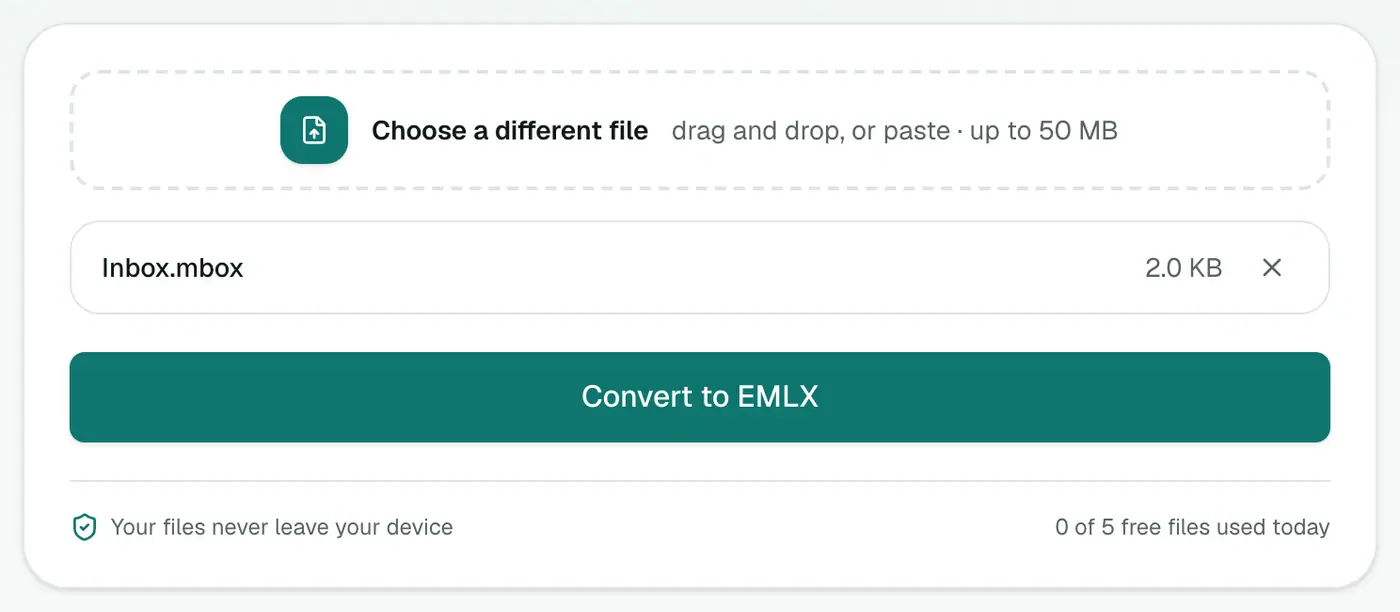
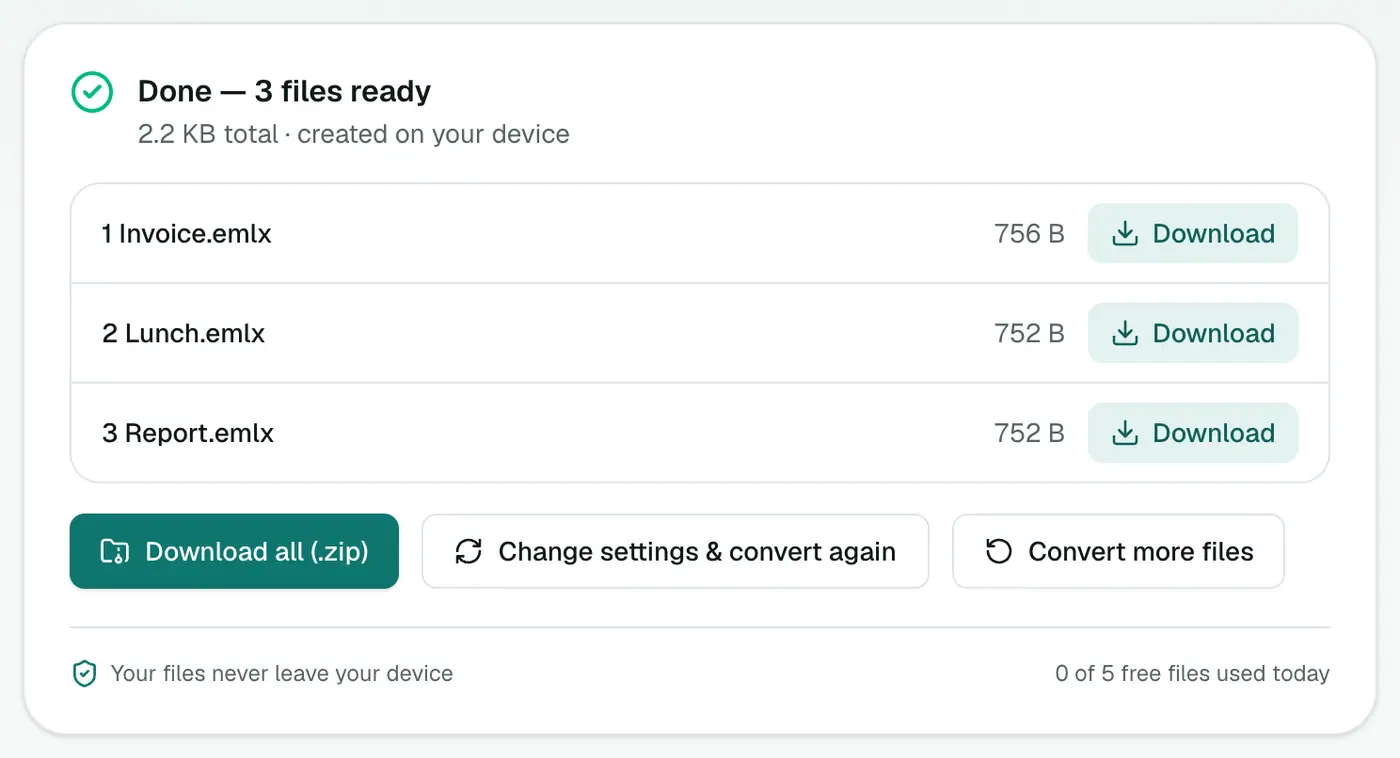
Click Convert to EMLX and download the ZIP of message files.
The usual route: importing MBOX
If you simply want the emails in Apple Mail: File → Import Mailboxes → Files in mbox format. It's the simplest path, and Apple Mail creates the EMLX files itself.
When EMLX files are the better choice
- Forensic or e-discovery tools that index Apple Mail data in its native format.
- Archive software that expects
~/Library/Mail-style files. - Testing a mail-processing script against real EMLX input.
- Rebuilding a damaged Apple Mail library message by message.
Getting an MBOX to start with
- Gmail: Google Takeout → Mail → Create export.
- Thunderbird: ImportExportTools NG → Export folder.
- Outlook: convert a PST with PST to MBOX first.
Going the other way
Got .emlx files from a Mac backup that you want in another app? EMLX to EML strips the Apple wrapper.
Summary
For workflows that need Apple Mail's native format, the MBOX to EMLX converter splits a mailbox into EMLX files in one go.
FAQs
What is EMLX?
Apple Mail's own format for a single message, stored inside ~/Library/Mail. It's a standard email with a small Apple-specific wrapper.
Can't Apple Mail import MBOX directly?
Yes, via File → Import Mailboxes. EMLX files are useful when you need individual Apple Mail messages, for example to drop into an existing mailbox structure or a tool that expects EMLX.
How do I download all the files?
Use Download all for a ZIP.
Are attachments kept?
Yes. Each EMLX contains the full email, attachments included.
Will the emails show as read or unread?
The EMLX files carry no read, flagged or replied status, so Apple Mail treats them as unread.
Is the mailbox uploaded?
No. The files are created in your browser.
Try the MBOX to EMLX Converter
Free to start, no install, and your files never leave your device.