PDF2 min read
How to Convert Markdown to PDF (READMEs, Notes and AI Output)
Turn Markdown files into clean, printable PDFs with proper headings, lists, tables and code blocks. Great for Obsidian notes, READMEs and ChatGPT answers.
By the ZapMorph team
On this page
Just want it done?
Open the Markdown to PDF Converter — it runs in your browser and nothing is uploaded.
Markdown is lovely to write and awkward to share with people who don't know what it is. Send someone a .md file and they'll see asterisks and hash signs. Send them a PDF and they see a properly formatted document.
Who this is for
- Developers sharing a README or design doc with non-technical colleagues.
- Obsidian, Logseq or Bear users printing or sharing notes.
- Students writing in Markdown and submitting PDFs.
- Anyone using AI tools. ChatGPT, Claude and Gemini answers are Markdown, so headings and tables come out nicely.
How to convert Markdown to PDF with ZapMorph
1. Open Markdown to PDF
Go to the Markdown to PDF converter.
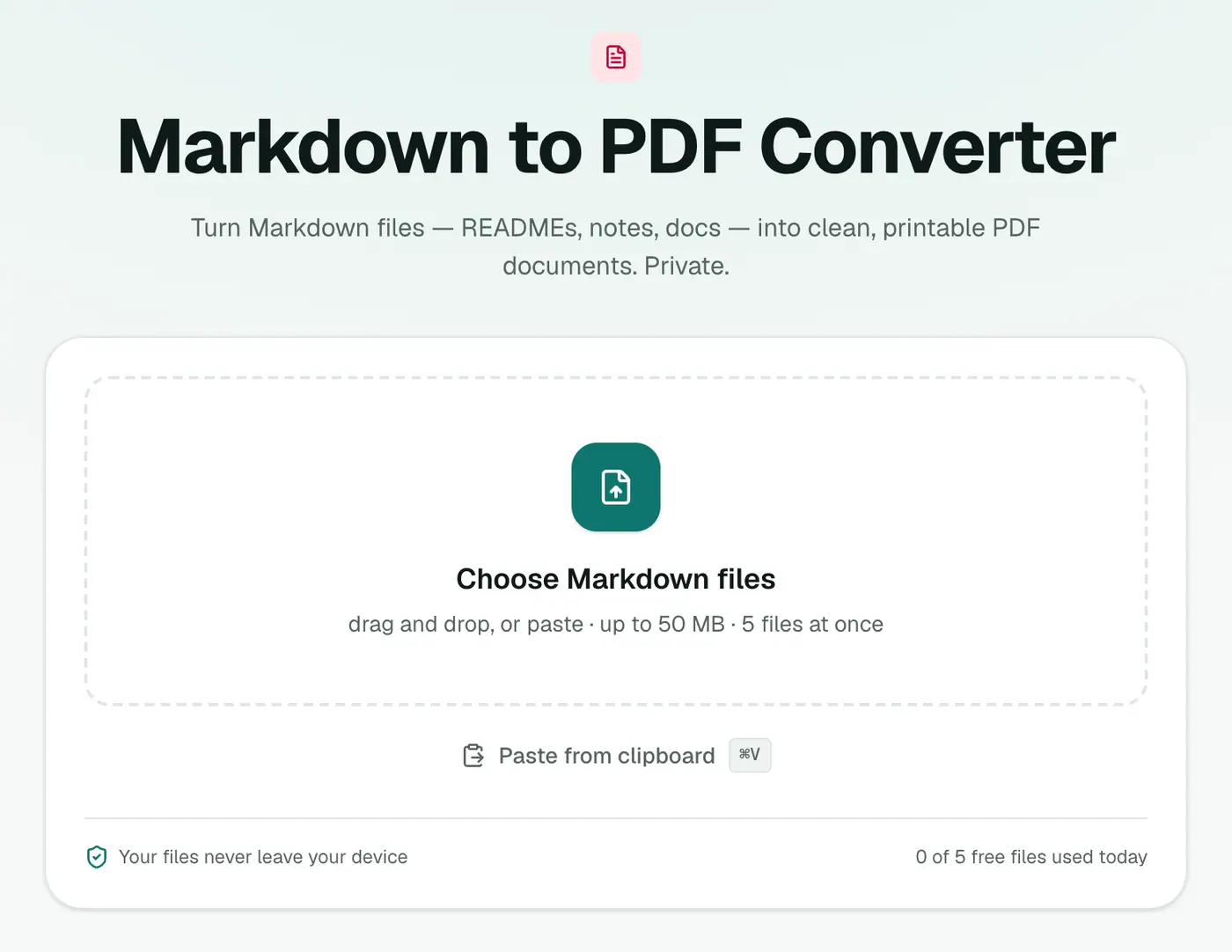
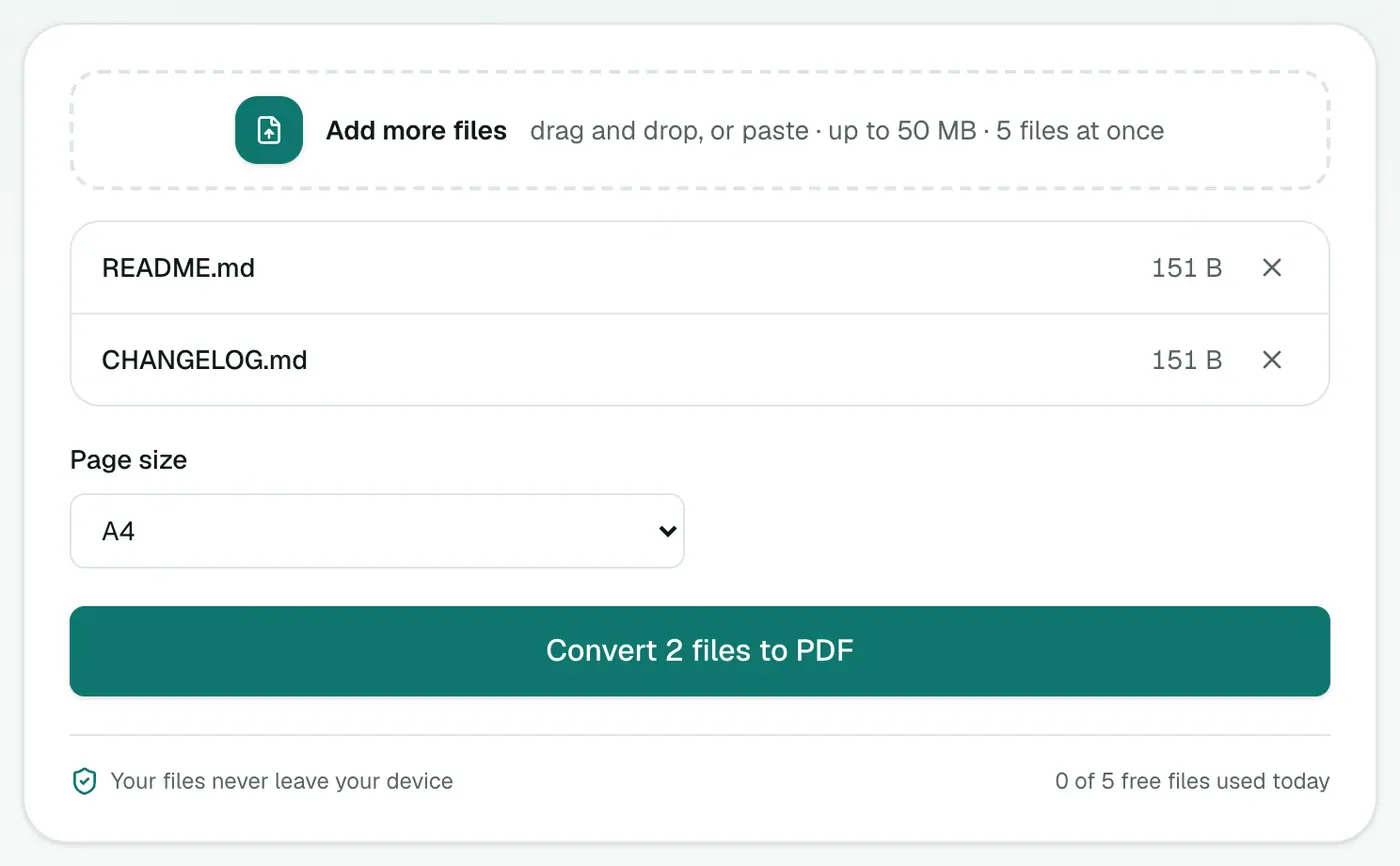
2. Add your .md files and pick the paper size
Drop in your files and choose A4 or US Letter.
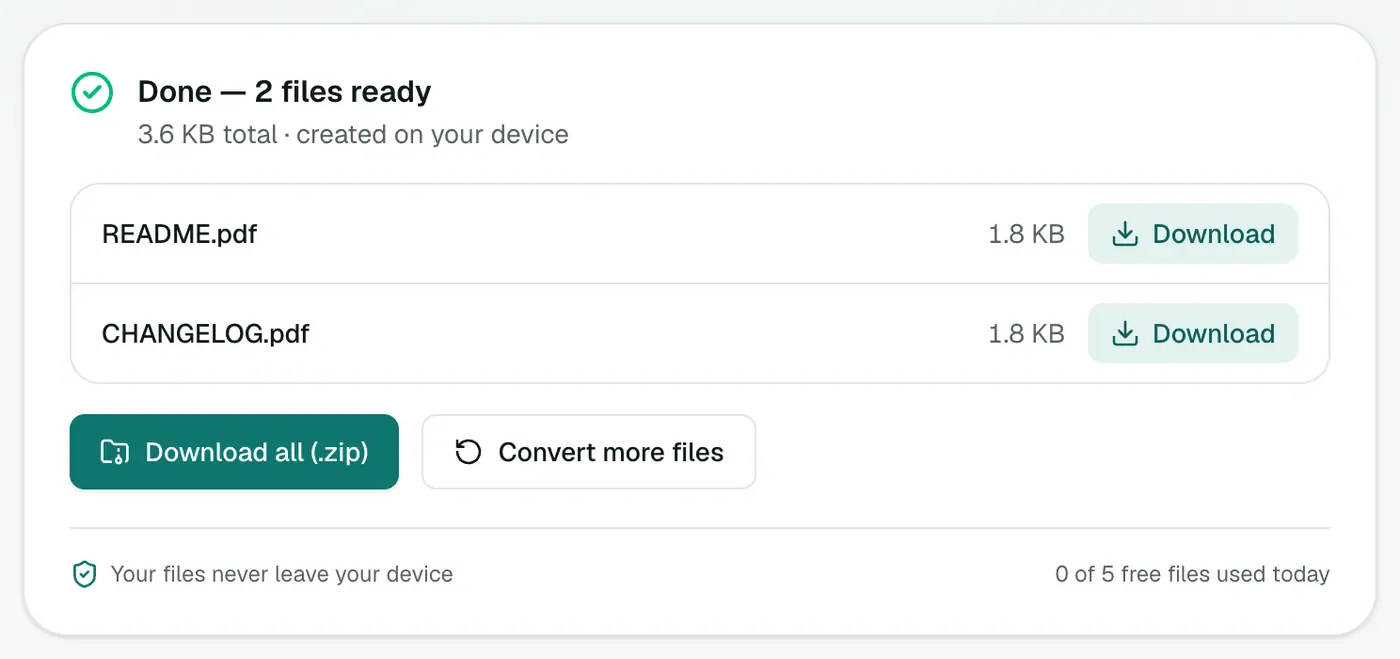
3. Convert and download
Click Convert to PDF. Headings, lists, tables, quotes and code blocks are typeset properly.
Preview first
Want to see how it renders before converting? Open or paste it in the Markdown viewer. It shows the formatted result live as you type.
Tips
- Need an editable document? Markdown to Word gives you a DOCX.
- Publishing on the web? Markdown to HTML.
- Tables need the standard pipe format (
| a | b |with a| --- |line under the header). - Long code lines wrap to fit the page.
Other ways
- VS Code: extensions like "Markdown PDF" export directly.
- Pandoc:
pandoc notes.md -o notes.pdfis powerful, but needs LaTeX installed for PDF output. - Obsidian: has a built-in Export to PDF command.
What's typeset
| Markdown | In the PDF |
|---|---|
# headings | Sized headings |
| Lists and task lists | Bulleted and numbered lists |
| Tables | Ruled tables |
| Code blocks | Monospaced blocks |
**bold**, *italic* | Bold and italic |
> quote | Indented quotes |
Common uses
- AI answers turned into a shareable document.
- Obsidian or Notion notes for people without the app.
- READMEs as printable documentation.
Tips
- Preview first in the Markdown viewer.
- Need to edit further? Markdown to Word gives an editable file.
Summary
For a clean, shareable document from any Markdown file, including AI answers, the Markdown to PDF converter does it in a couple of clicks.
FAQs
Which Markdown features are supported?
Headings, paragraphs, bold and italic, lists, quotes, tables and code blocks.
Can I convert notes from Obsidian or Notion?
Yes. Obsidian notes are Markdown files already. From Notion, export a page as Markdown first. Wiki-style links and embeds specific to those apps won't render.
How do I turn a ChatGPT answer into a PDF?
Copy the answer (it's Markdown), paste it into a text file saved as .md, or into the Markdown viewer, then convert.
Are images included?
The converter focuses on text content. Images referenced from other files or the web aren't embedded.
Is my text uploaded?
No. The PDF is created in your browser.
Can I choose A4 or Letter?
Yes. Pick the page size before converting.
Try the Markdown to PDF Converter
Free to start, no install, and your files never leave your device.