Audio & video2 min read
How to Convert M4A to FLAC (Including Apple Lossless)
Convert M4A files, including Apple Lossless (ALAC) rips, to FLAC for players, NAS servers and apps that prefer FLAC. Batch, private, in your browser.
By the ZapMorph team
On this page
Just want it done?
Open the M4A to FLAC Converter — it runs in your browser and nothing is uploaded.
The .m4a extension hides two very different things: AAC (lossy, small) and Apple Lossless / ALAC (lossless, big). If you ripped CDs in iTunes with "Apple Lossless" selected, you've got perfect copies, just in a format that some Android players, NAS servers, car systems and Linux apps don't love.
FLAC is the lossless format everyone else uses.
How to convert M4A to FLAC with ZapMorph
1. Open the converter
Go to the M4A to FLAC converter.
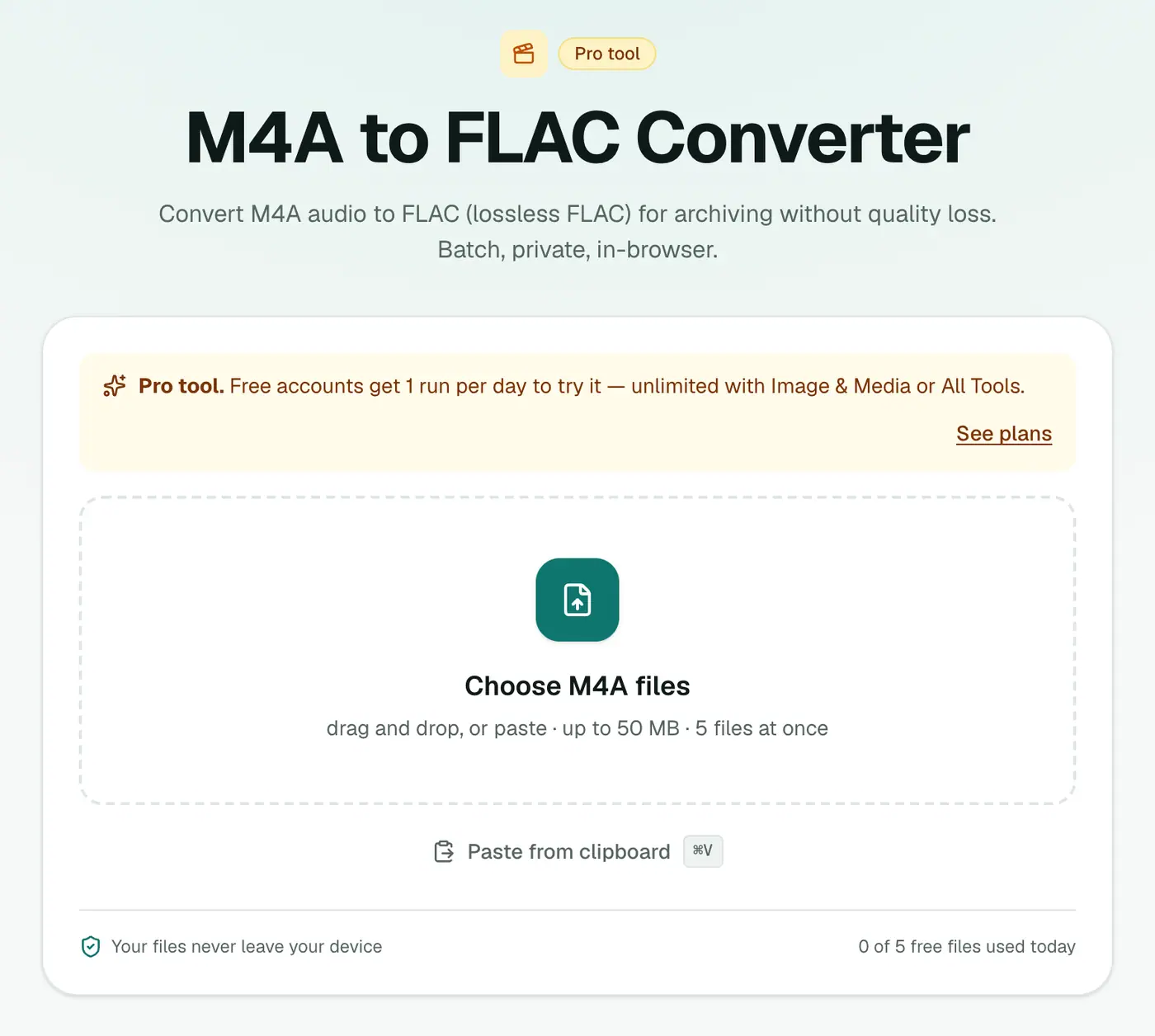
2. Add your files
Drop in your .m4a files. A whole album at once is fine.
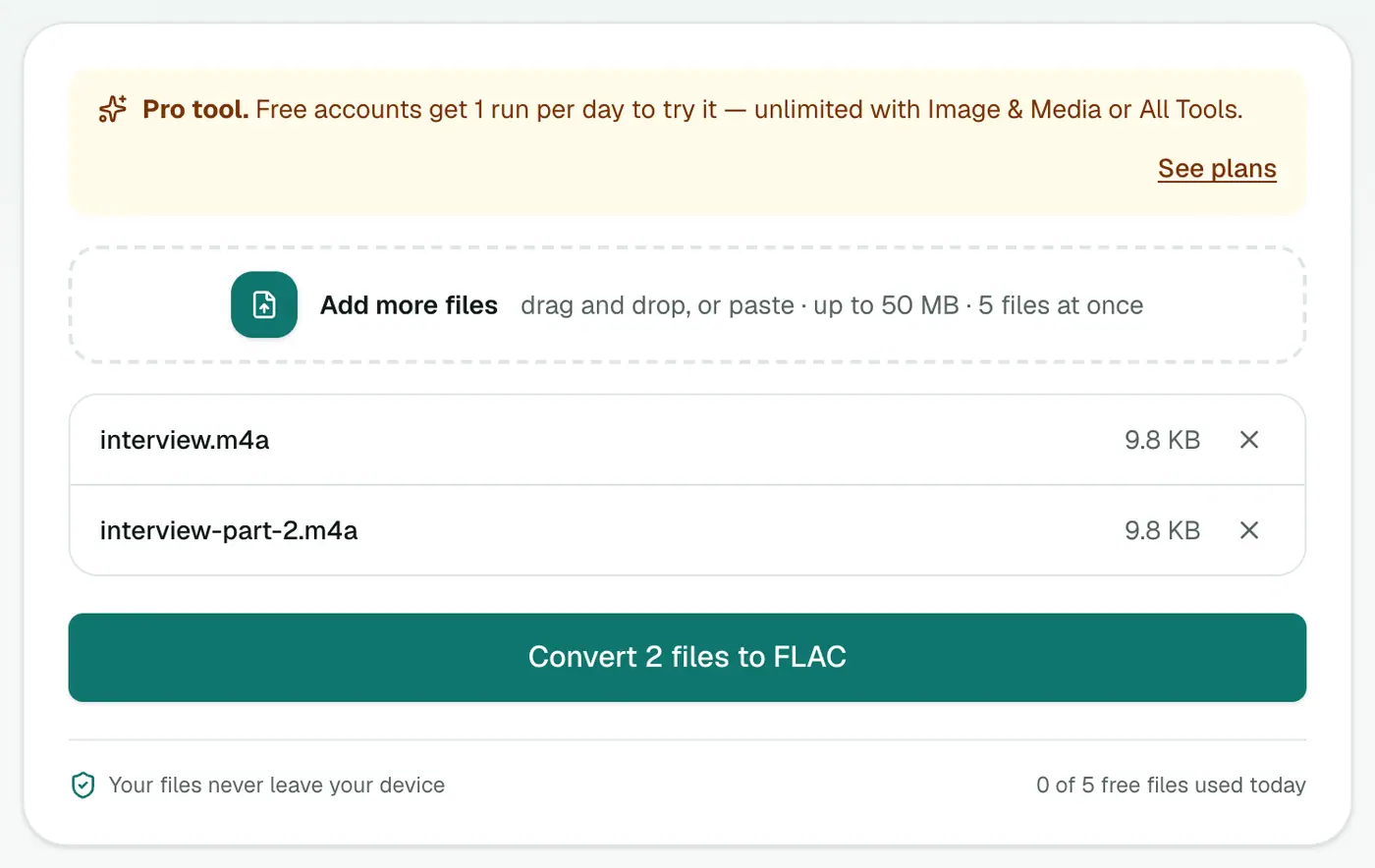
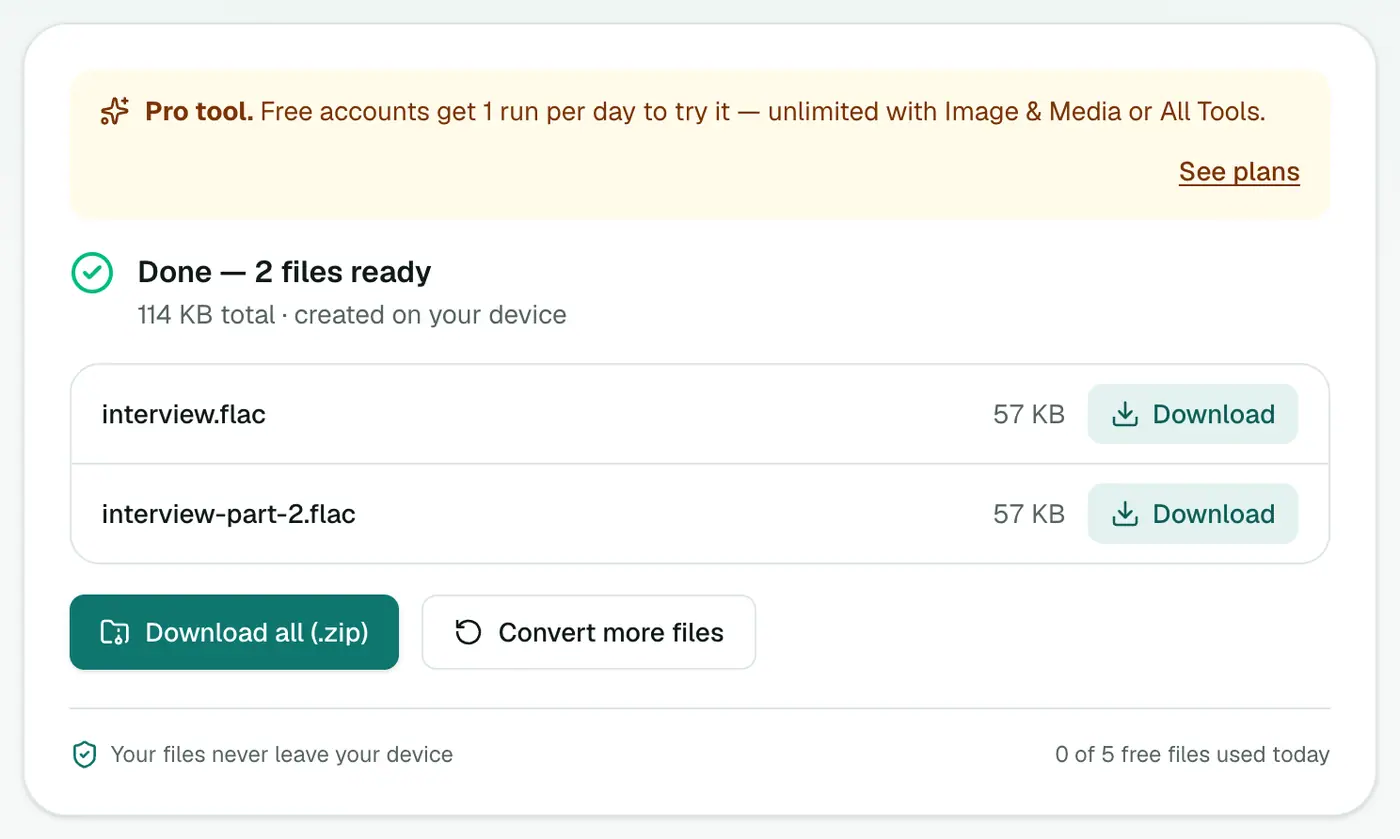
3. Convert and download
Click Convert to FLAC.
Is it worth it?
- ALAC → FLAC: yes, if your players or server prefer FLAC. It's lossless.
- AAC → FLAC: only if something requires FLAC. It won't sound better.
ALAC vs FLAC support
| Player or system | ALAC (M4A) | FLAC |
|---|---|---|
| Apple Music, iPhone, iPod | ✓ | Files app only |
| Android | Varies | ✓ |
| Plex, Jellyfin, NAS media servers | ✓ mostly | ✓ |
| Sonos | ✓ | ✓ |
| Car stereos with USB | Rarely | Often |
| Linux players | Varies | ✓ |
Moving an Apple Lossless library
- In Finder, open Music → Media → Music (or iTunes Media) to find your files.
- Convert album folders a batch at a time.
- Copy the FLACs to your NAS, phone or player.
- Keep the originals if you still use Apple Music. Apple's apps prefer ALAC.
Troubleshooting
Huge files from small M4As. Those M4As were AAC. The FLAC is a lossless copy of lossy audio, so it's bigger without sounding better. Use the originals instead.
Protected .m4p files. Old iTunes Store purchases with DRM can't be converted.
Summary
For Apple Lossless libraries moving to non-Apple players, the M4A to FLAC converter is a lossless switch.
FAQs
My M4A files are Apple Lossless. Is this conversion lossless?
Yes. ALAC and FLAC are both lossless, so converting between them keeps every sample.
What if my M4A is AAC (lossy)?
Then the FLAC is a lossless copy of the AAC audio. It won't sound better, just take more space.
How can I tell ALAC from AAC?
In Apple Music, check the song's info. Kind says 'Apple Lossless audio file' or 'AAC audio file'. Lossless files are also much larger.
Is it free?
Yes, once a day: one file up to 25 MB with no account. A free account gets one Pro tool run a day, and paid plans are unlimited.
Will the FLAC be smaller than the ALAC?
Usually about the same size, sometimes slightly smaller. Both are lossless compression.
Is album art kept?
No. Embedded artwork isn't carried over. Players like Plex, Jellyfin, foobar2000 and MusicBee can fetch it again.
Try the M4A to FLAC Converter
Free to start, no install, and your files never leave your device.