Data & docs2 min read
How to Convert JSON to XML (With Attributes)
Turn JSON into well-formed, indented XML for legacy systems, SOAP services and feeds. Keys prefixed with @_ become XML attributes.
By the ZapMorph team
Just want it done?
Open the JSON to XML Converter — it runs in your browser and nothing is uploaded.
Modern apps speak JSON. Plenty of the systems they need to talk to (banks, logistics providers, SOAP services, old CMSs) want XML. This converter bridges the two, including the attribute vs element distinction JSON doesn't have.
Example
{
  "order": {
    "@_id": "1042",
    "customer": "Ana Silva",
    "item": [
      { "@_sku": "MUG-01", "qty": 2 },
      { "@_sku": "TEE-M", "qty": 1 }
    ]
  }
}
becomes:
<order id="1042">
  <customer>Ana Silva</customer>
  <item sku="MUG-01">
    <qty>2</qty>
  </item>
  <item sku="TEE-M">
    <qty>1</qty>
  </item>
</order>
The @_ prefix is the same convention our XML to JSON converter uses, so you can round-trip data.
How to convert JSON to XML with ZapMorph
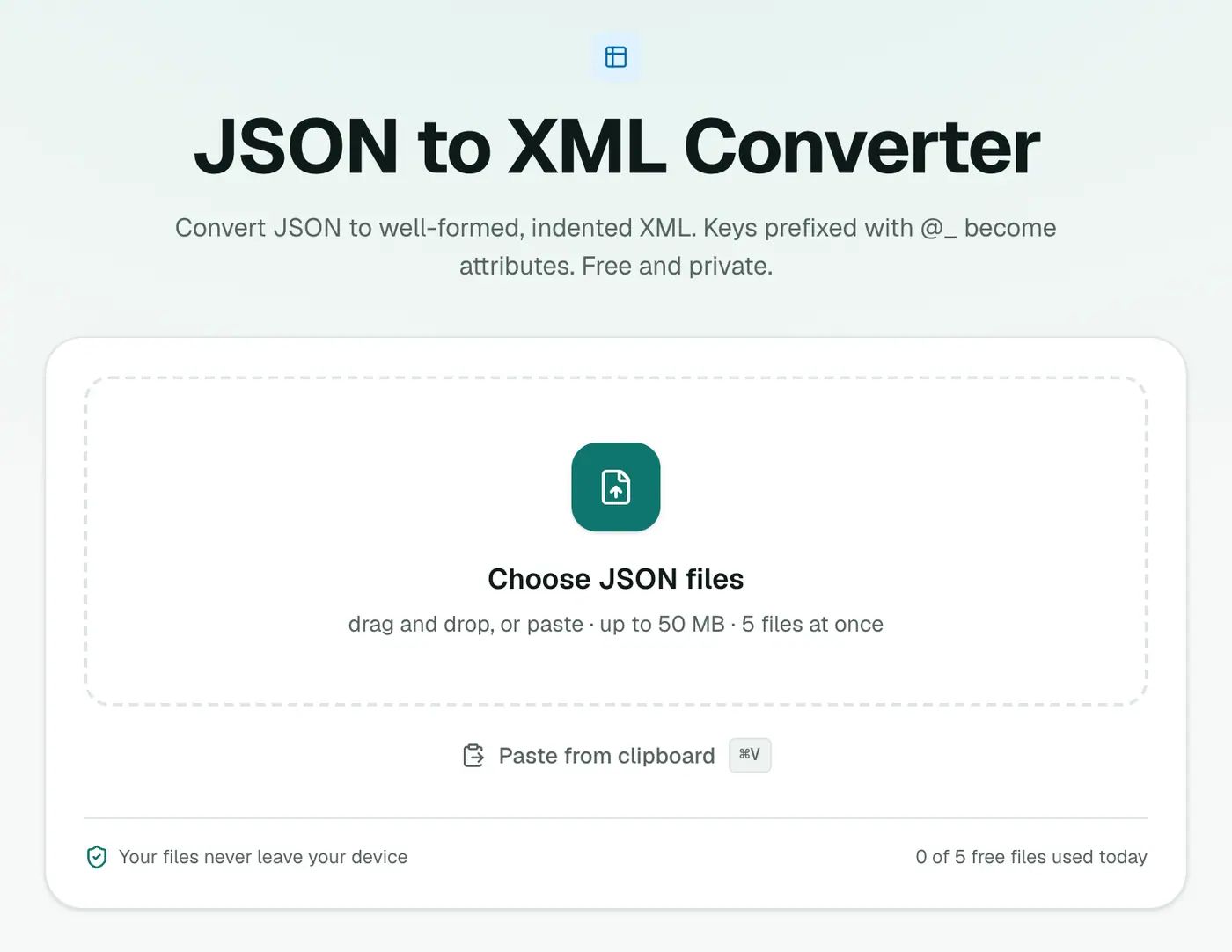
1. Open the converter
Go to the JSON to XML converter.
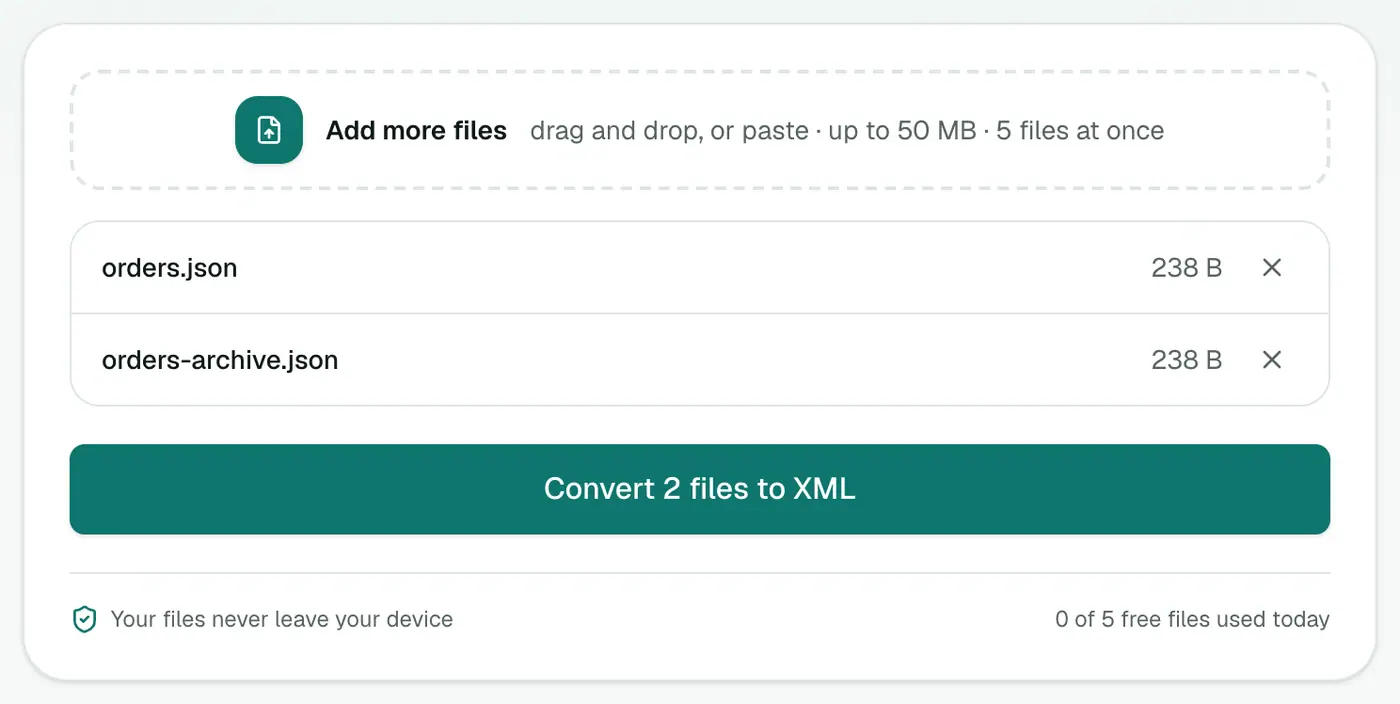
2. Add your JSON
Drop in .json files or paste JSON text.
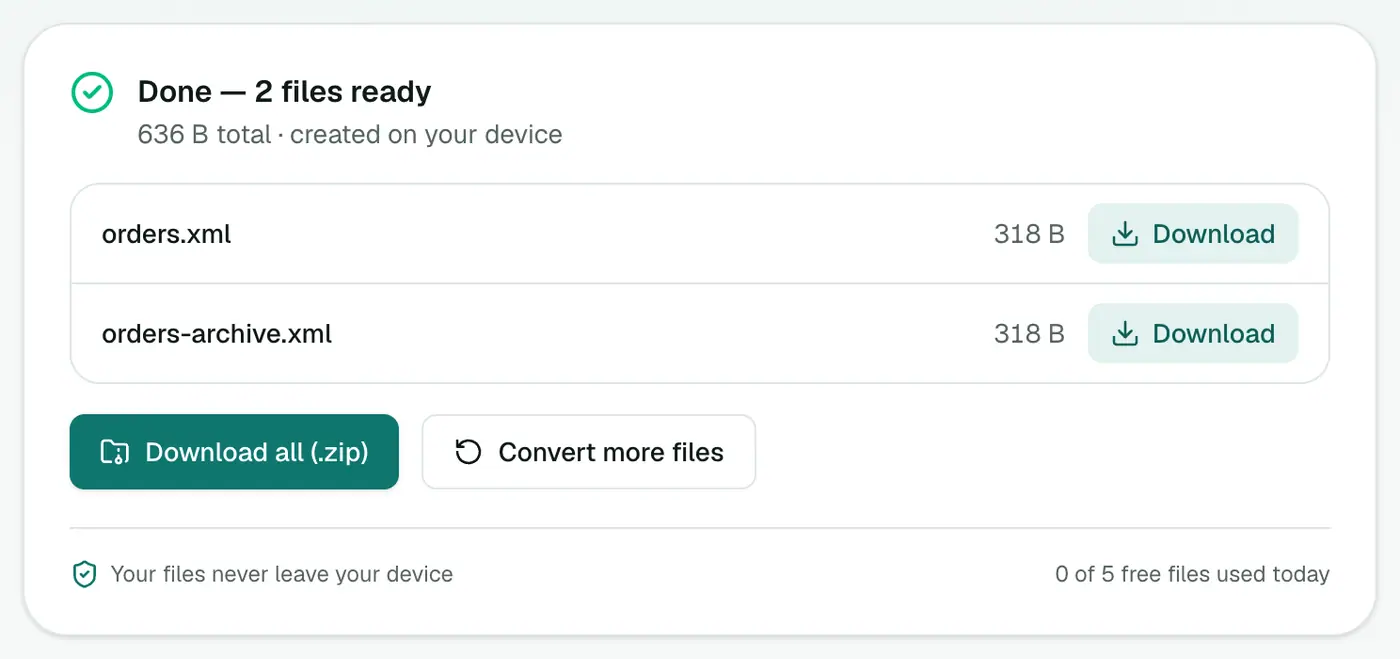
3. Convert and download
Click Convert to XML.
Tips
- One root element: XML needs exactly one top-level element. If your JSON is an array or has several top-level keys, it's wrapped in a
<root>element for you (arrays become<item>children). Want a nicer name? Wrap it yourself first, like{ "orders": { "order": [...] } }. - Validate the JSON in the JSON formatter if conversion fails.
- Browse the result in the XML viewer.
Example
{ "order": { "id": 7, "items": ["mug", "plate"] } }
<order>
  <id>7</id>
  <items>mug</items>
  <items>plate</items>
</order>
Arrays become repeated elements, which is how most XML systems expect lists.
Uses
- Legacy integrations and SOAP-era systems.
- Feeds that require XML.
- Config files for tools that read XML.
Tips
- Validate the result in the XML viewer.
- Need a specific schema? Use the output as a starting point and rename elements to match.
Summary
With the @_ convention for attributes, the JSON to XML converter produces exactly the XML structure legacy systems expect.
FAQs
How do I create XML attributes?
Prefix the key with @_ in your JSON. { "item": { "@_id": 5, "name": "Mug" } } becomes <item id="5"><name>Mug</name></item>.
What happens to arrays?
Each array element becomes a repeated element with the same name.
What if a key isn't a valid XML name?
It's fixed automatically so the output always parses.
Is my data uploaded?
No. The XML is generated in your browser.
What if a JSON key isn't a valid XML name?
Invalid element names, such as ones starting with a number or containing spaces, are fixed automatically so the XML always parses.
Try the JSON to XML Converter
Free to start, no install, and your files never leave your device.