Data & docs2 min read
How to Convert CSV to Excel Without Losing Leading Zeros
Double-clicking a CSV in Excel can mangle zip codes, phone numbers, dates and accented letters. Convert it to a proper XLSX workbook instead.
By the ZapMorph team
On this page
Just want it done?
Open the CSV to Excel Converter — it runs in your browser and nothing is uploaded.
You double-click a CSV and Excel "helpfully" ruins it:
- Zip codes and phone numbers lose their leading zeros (
02134→2134). - Long IDs turn into scientific notation (
1.23457E+15). - Product codes like
3-5become dates (5-Mar). JosébecomesJosé.
And if you save, those changes are permanent. Converting the CSV to a real Excel workbook avoids the guessing game.
How to convert CSV to Excel with ZapMorph
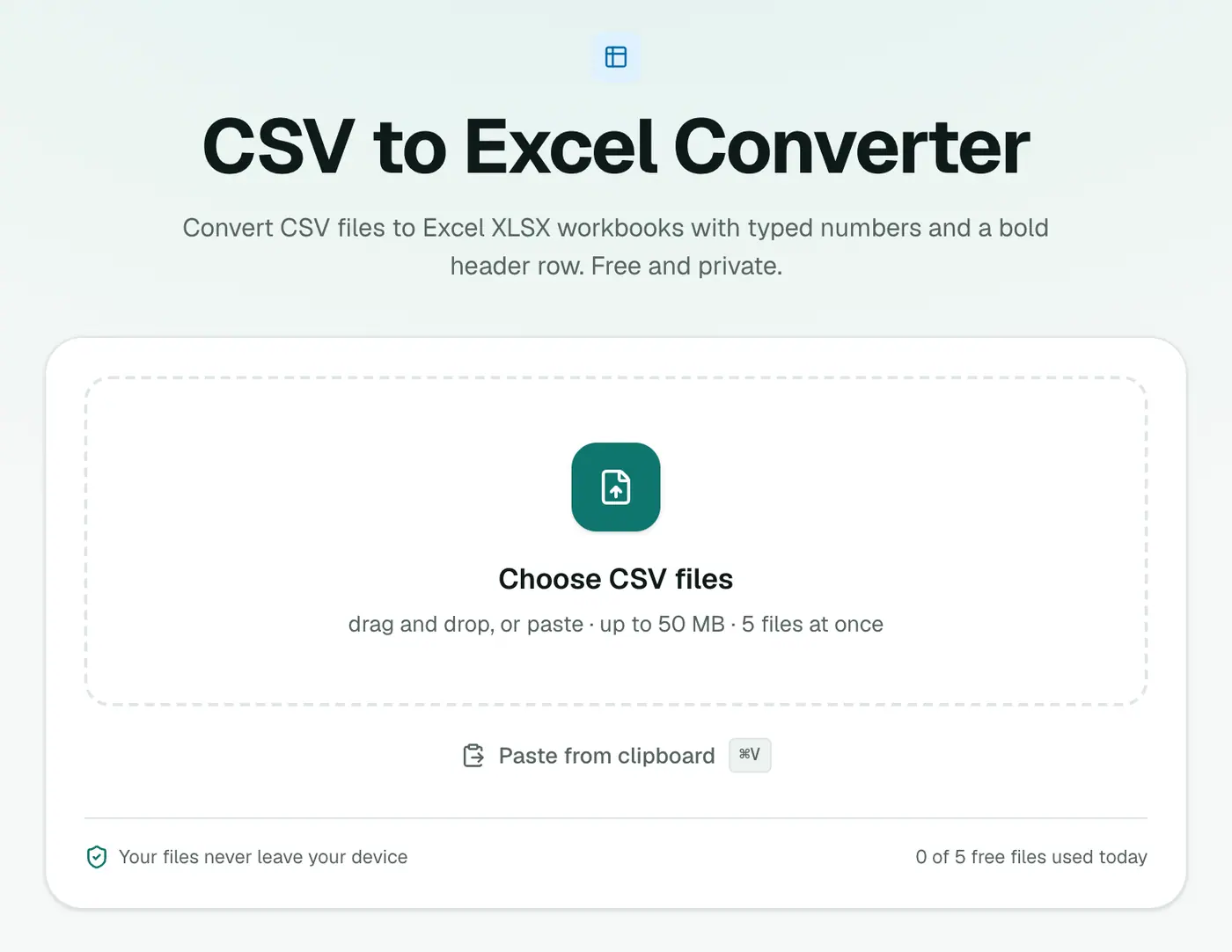
1. Open the converter
Go to the CSV to Excel converter.
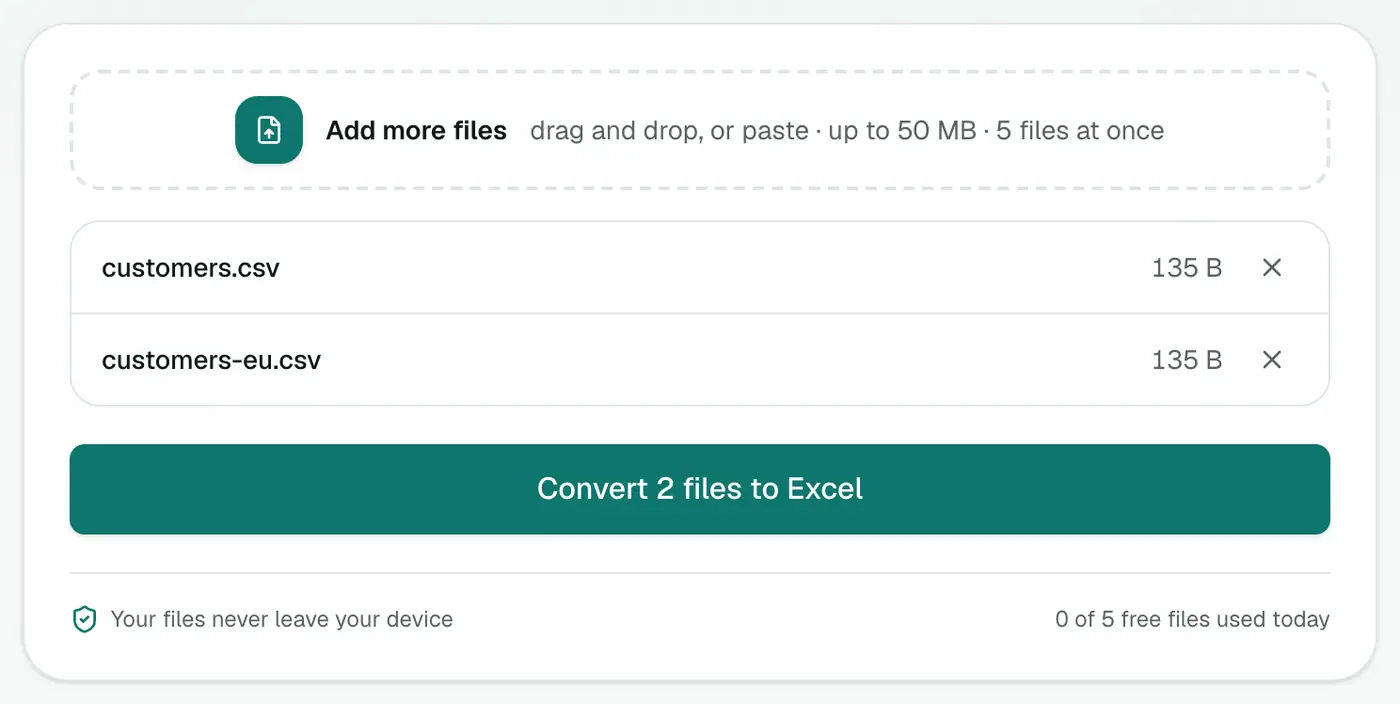
2. Add your CSV files
Drop in .csv or .tsv files, or paste CSV text.
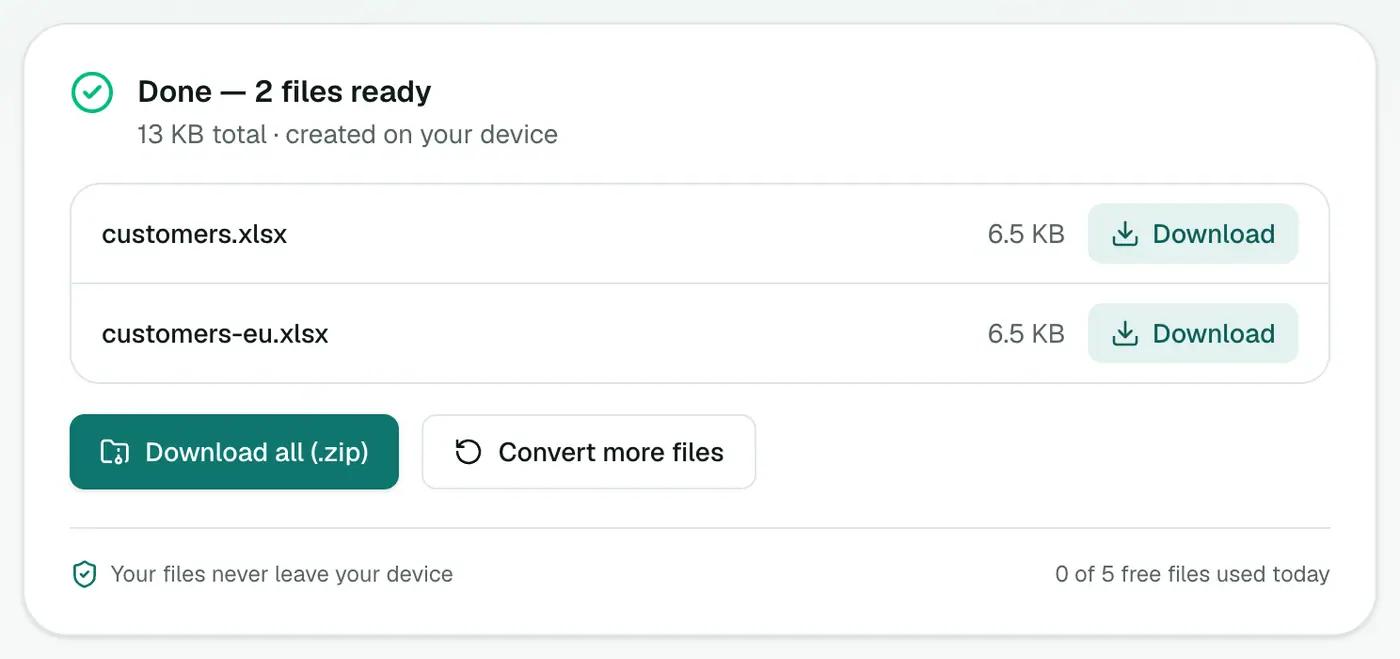
3. Convert and download
Click Convert to Excel and open the .xlsx. You get a bold header row and real numbers.
The manual alternative in Excel
If you'd rather stay in Excel: Data → From Text/CSV, pick the file, set File Origin to 65001: Unicode (UTF-8), click Transform Data, and set sensitive columns (zip codes, IDs) to Text before loading. It works, but it's a lot of clicks every time.
Tips
- Just want to look at it? The CSV viewer opens it as a sortable table without Excel touching anything.
- Sharing with a team that lives in Excel? Sending XLSX instead of CSV saves everyone the same headache.
- Going back to CSV later? Excel to CSV exports each sheet.
Why not just open the CSV in Excel?
| In the CSV | Excel (double-click) | After converting |
|---|---|---|
02134 | 2134 | 02134 |
3-5 | 5 March | 3-5 |
Zoë | Zoë (sometimes) | Zoë |
After converting
- Turn it into a table with Ctrl+T for filters and banded rows.
- Freeze the header row (View → Freeze Panes).
- Share it with colleagues who'd otherwise struggle with CSV quirks.
Related
- Just want to look? CSV viewer.
- Contacts list? CSV to vCard.
Summary
Don't let Excel guess. The CSV to Excel converter gives you a clean workbook with your data as it should be.
FAQs
Why does Excel remove the leading zeros from my CSV?
When Excel opens a CSV directly it guesses each column's type, so 00123 looks like the number 123. Converting to XLSX first avoids that guessing.
What do I get in the XLSX?
A workbook with your data, real numbers typed as numbers, and a bold header row.
Why do accented characters look broken when I open the CSV?
Some versions of Excel assume the wrong text encoding for CSV files. An XLSX file doesn't have that problem.
Can I convert tab-separated files?
Yes, TSV files work too.
Is my data uploaded?
No. The workbook is built in your browser.
Will leading zeros be kept?
Yes. Converting keeps values like 02134 intact, unlike double-clicking the CSV in Excel.
Try the CSV to Excel Converter
Free to start, no install, and your files never leave your device.