Email2 min read
How to Turn Your Calendar Into an Excel Timesheet (ICS to Excel)
Convert a calendar export (.ics) into an Excel sheet of events with real date and time values, so you can sort, filter and total hours. Private, free.
By the ZapMorph team
On this page
Just want it done?
Open the ICS to Excel Converter — it runs in your browser and nothing is uploaded.
If you track your work in your calendar (and many freelancers and consultants do), the calendar is your timesheet. You just need it in Excel.
How to convert ICS to Excel with ZapMorph
1. Export your calendar
- Google Calendar: Settings → Import & export → Export, then unzip.
- Outlook for Windows: File → Save Calendar, choose a date range under More Options.
- Apple Calendar: select the calendar → File → Export → Export.
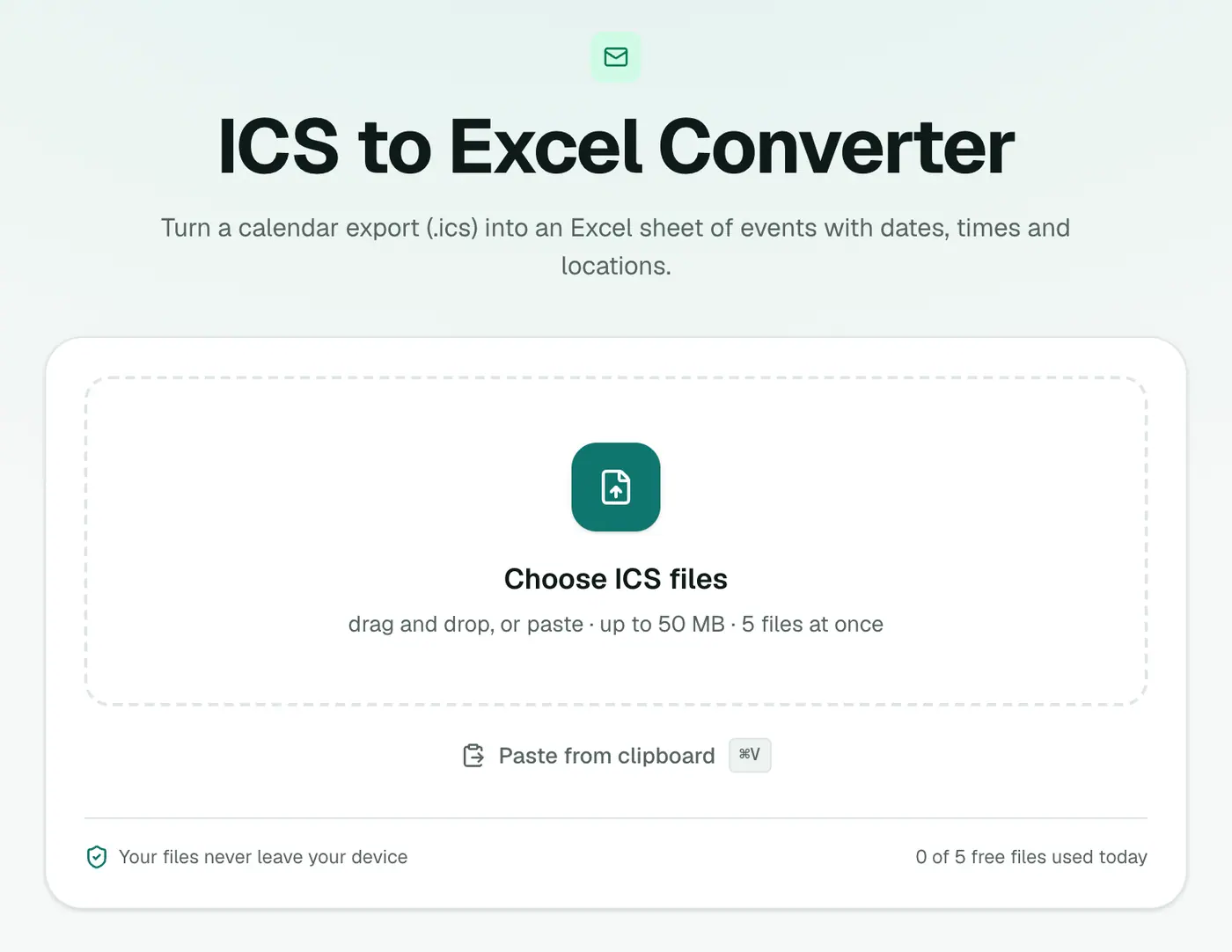
2. Open the converter and add the files
Go to the ICS to Excel converter and drop in one or more .ics files.
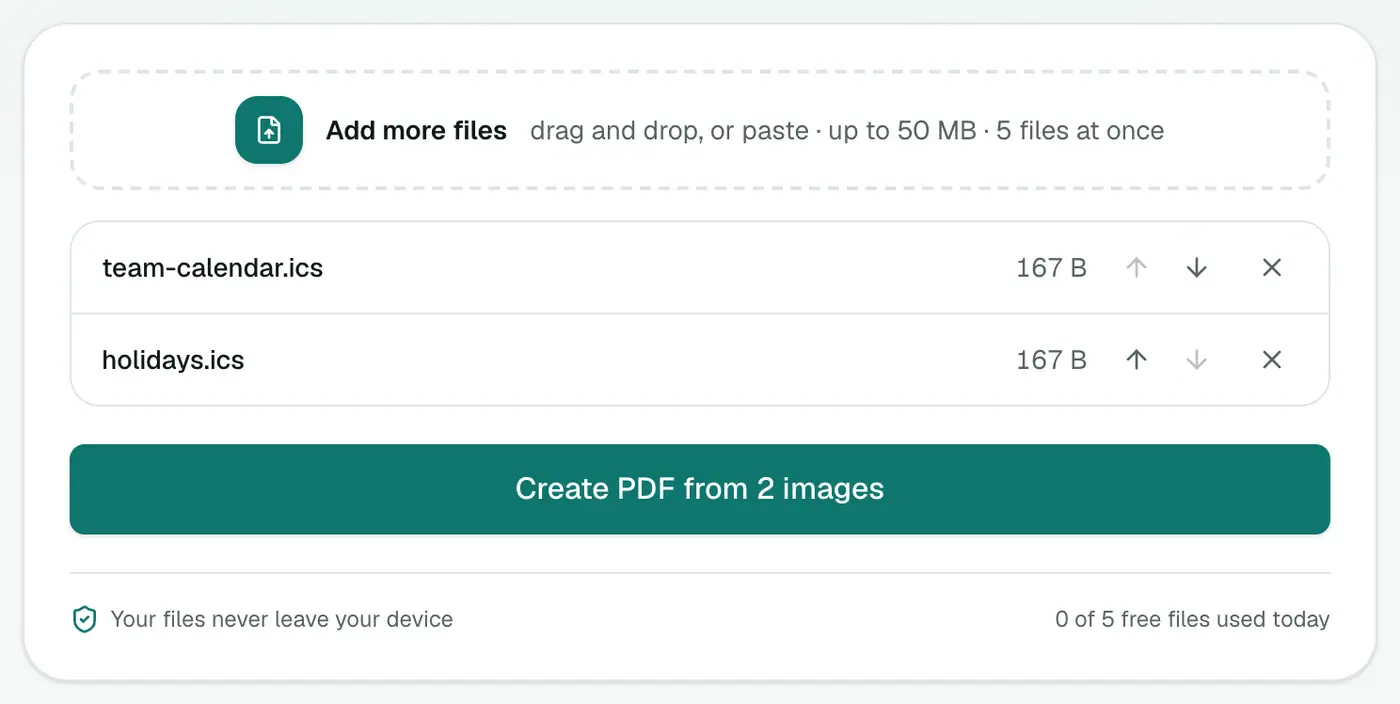
3. Convert and download
Click Convert to Excel.
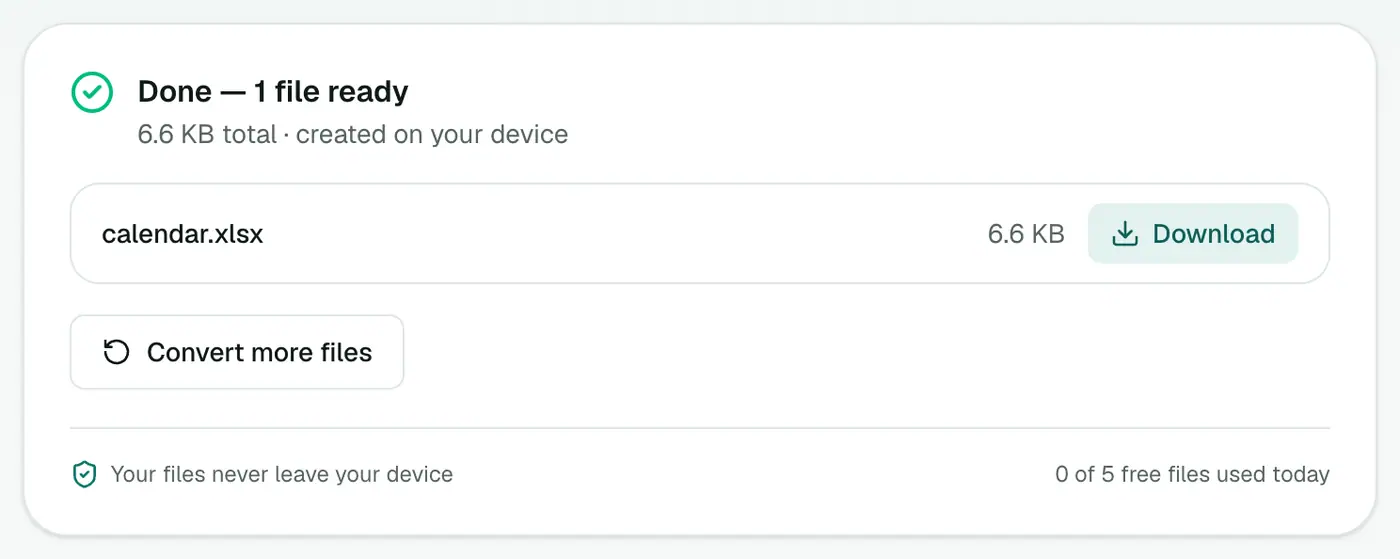
Making a timesheet
- Add a column Hours with
=(C2-B2)*24(Start is column B, End is column C). - Filter Subject by client name. Consistent event titles like "Acme – design review" make this easy.
- Insert a PivotTable with Subject or client as rows and the sum of Hours as values.
- Group dates by week or month.
Handy formulas
| Goal | Formula |
|---|---|
| Hours for an event | =(C2-B2)*24 |
| Client name before " – " | =TRIM(LEFT(A2,FIND("–",A2&"–")-1)) |
| Week number | =ISOWEEKNUM(B2) |
| Billable amount at £60/h | =(C2-B2)*24*60 |
| Only this month | Filter Start with Date Filters → This Month |
Tips for calendar-based time tracking
- Name events consistently: "Client – task" makes filtering and pivoting reliable.
- Use a separate calendar for billable work and export only that one.
- Skip all-day events (the All Day column says Yes). They're usually holidays or reminders, not work.
- Round up with
=CEILING((C2-B2)*24,0.25)to bill in 15-minute blocks.
Related
- Plain list instead? ICS to CSV.
- Check events first in the ICS viewer.
- Old Outlook calendar in a PST? PST to ICS first.
Summary
The ICS to Excel converter turns calendar events into real Excel dates, ready for timesheets, invoices and reports.
FAQs
Are times real Excel dates?
Yes. Start and end are written as Excel date-time values, so formulas like =End-Start work.
How do I total hours?
Add a column with =(End-Start)*24 for hours, then sum it or use a pivot table by client or week.
Can I use several calendars?
Yes. Add multiple ICS files and they're combined.
Which columns are included?
Subject, Start, End, All Day, Location, Description, Organizer, Attendees (a count), Status and Recurrence.
What about recurring events?
A repeating series appears as one row with its rule in the Recurrence column, not as separate occurrences. For timesheets, export a fixed date range from Outlook, or account for the series manually.
Is my calendar uploaded?
No. The spreadsheet is built in your browser.
Try the ICS to Excel Converter
Free to start, no install, and your files never leave your device.