Email2 min read
How to Export a Calendar (ICS) to CSV
Turn a calendar export from Google, Outlook or Apple Calendar into a CSV event list with title, start, end, location, organiser and description. Private, free.
By the ZapMorph team
On this page
Just want it done?
Open the ICS to CSV Converter — it runs in your browser and nothing is uploaded.
Freelancers billing hours, managers counting meetings, anyone archiving a year of appointments: a calendar is much more useful as a list.
What the CSV looks like
| Subject | Start | End | All Day | Location | Organizer | Attendees | Recurrence |
|---|---|---|---|---|---|---|---|
| Acme – design review | 2026-03-04 10:00 | 2026-03-04 11:30 | No | Zoom | ana@acme.com | 4 | |
| Team stand-up | 2026-01-05 09:00 | 2026-01-05 09:15 | No | 6 | FREQ=WEEKLY;BYDAY=MO |
(The Description and Status columns are there too.)
Exporting your calendar
- Google Calendar: Settings → Import & export → Export. Unzip to find the
.icsfiles. - Outlook for Windows: open the calendar, then File → Save Calendar to save an
.ics(choose the date range under More Options). - Apple Calendar: select the calendar, then File → Export → Export.
- Outlook.com: Settings → Calendar → Shared calendars → Publish a calendar, then download the ICS link.
How to convert ICS to CSV with ZapMorph
1. Open the converter
Go to the ICS to CSV converter.
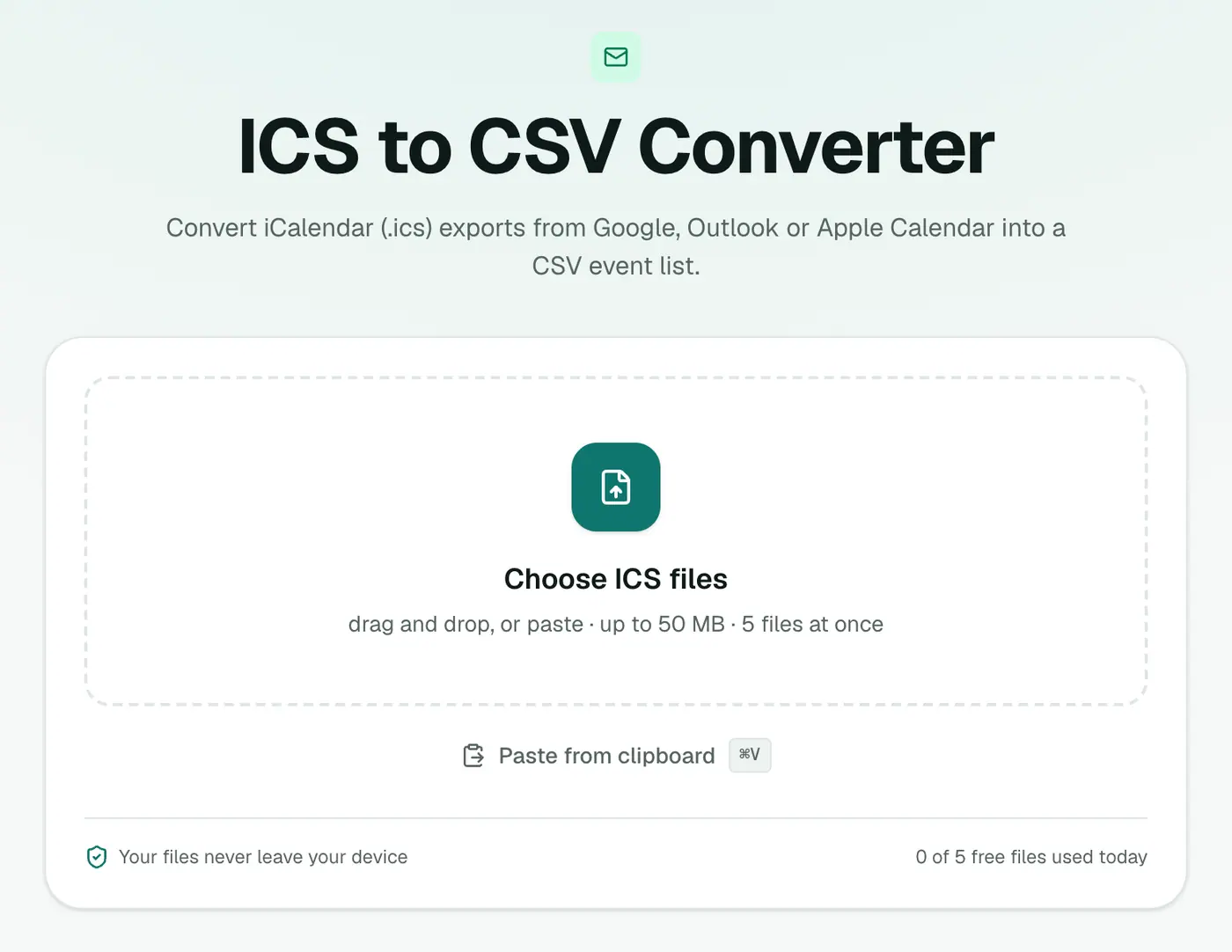
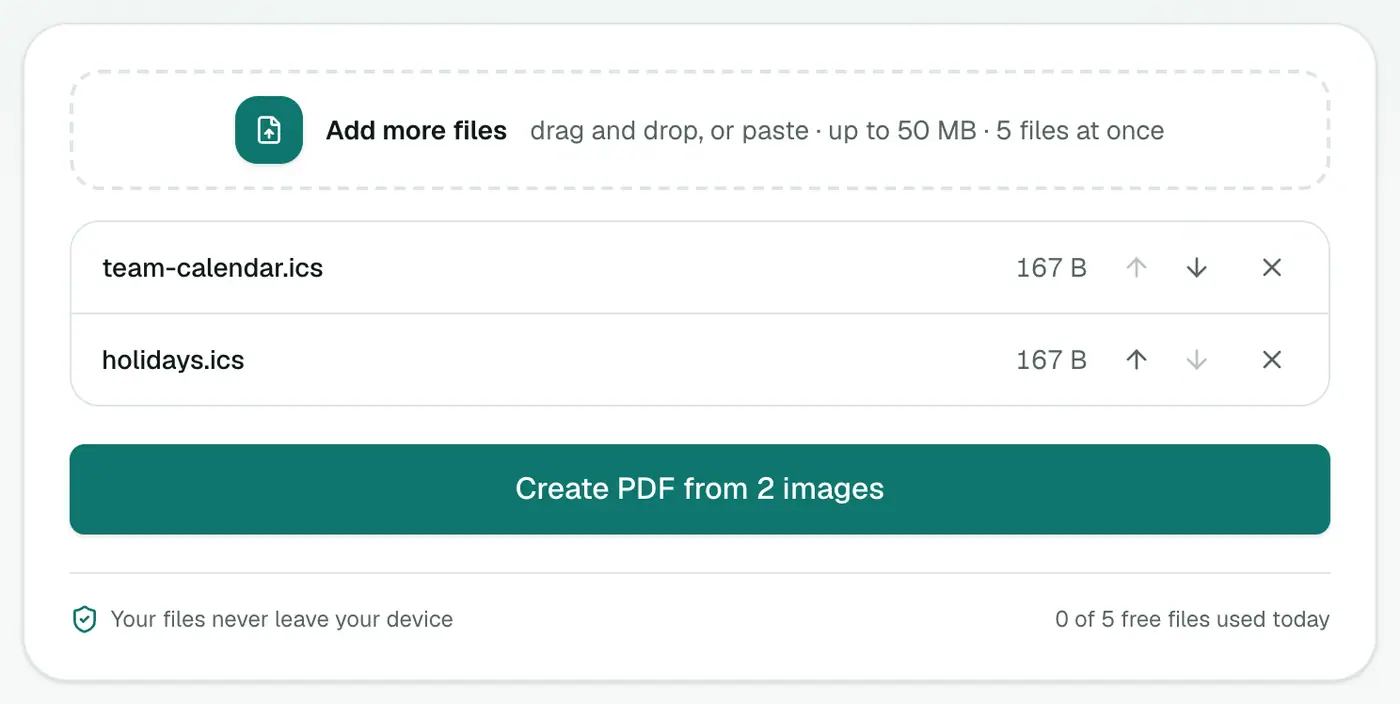
2. Add your ICS files
Drop in one or more .ics files. Several calendars are combined into one list.
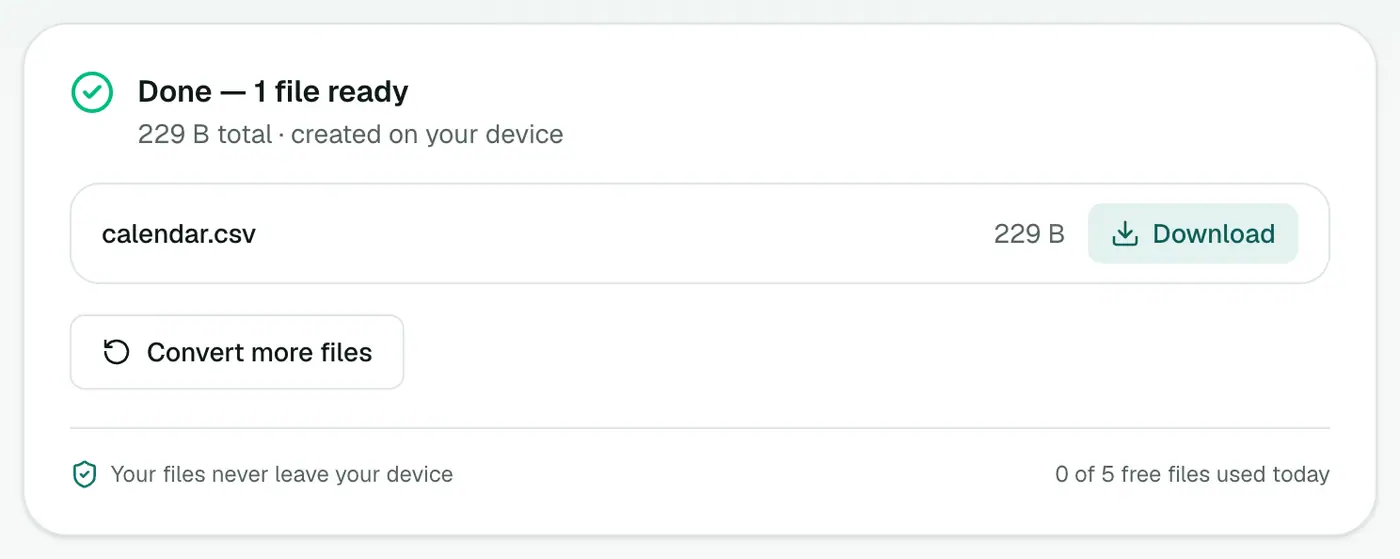
3. Convert and download
Click Convert to CSV.
Useful things to do with it
- Count meetings per month: PivotTable with Start grouped by month.
- Find your busiest weekday: add
=TEXT(B2,"dddd")and pivot on it. - List everyone you meet with: filter or pivot on Organizer.
- Archive a year: keep the CSV as a simple, searchable record.
Tips
- Want durations calculated? ICS to Excel writes real Excel dates, so you can subtract start from end.
- Just looking? The ICS viewer lists events by date.
- Recurring events: each series is one row, with its rule in the Recurrence column. Multiply by the number of occurrences, or export a time-limited range from Outlook, which writes separate events.
Troubleshooting
Characters look wrong in Excel. Open via Data → From Text/CSV and choose UTF-8.
"No calendar events were found." The file may hold only tasks or be empty. Check that it starts with BEGIN:VCALENDAR.
Summary
The ICS to CSV converter turns calendar exports into a list you can filter, count and report on.
FAQs
How do I export my Google Calendar as ICS?
Google Calendar → Settings → Import & export → Export. You'll get a ZIP containing an .ics file per calendar.
What columns are included?
Subject, Start, End, All Day, Location, Description, Organizer, Attendees (a count), Status and Recurrence.
Can I combine several calendars?
Yes. Add multiple ICS files and they're combined into one CSV.
How are recurring events handled?
A repeating event appears once, with its repeat rule in the Recurrence column. Individual occurrences aren't listed, so totals of a weekly meeting need adjusting.
What date format is used?
YYYY-MM-DD HH:MM in your local time, or just YYYY-MM-DD for all-day events.
Is my calendar uploaded?
No. The CSV is created in your browser.
Try the ICS to CSV Converter
Free to start, no install, and your files never leave your device.