Data & docs2 min read
How to Convert an HTML Page to an Editable Word Document
Bring a saved web page, CMS export or HTML report into Word for editing. Headings, lists, tables and emphasis are kept; scripts and styling are dropped.
By the ZapMorph team
On this page
Just want it done?
Open the HTML to Word Converter — it runs in your browser and nothing is uploaded.
A policy page that needs a rewrite. A blog post going into a printed report. An HTML export from a CMS or HR system that legal wants to mark up with Track Changes. In all of these you need the content in Word, without the website attached.
How to convert HTML to Word with ZapMorph
1. Open the converter
Go to the HTML to Word converter.
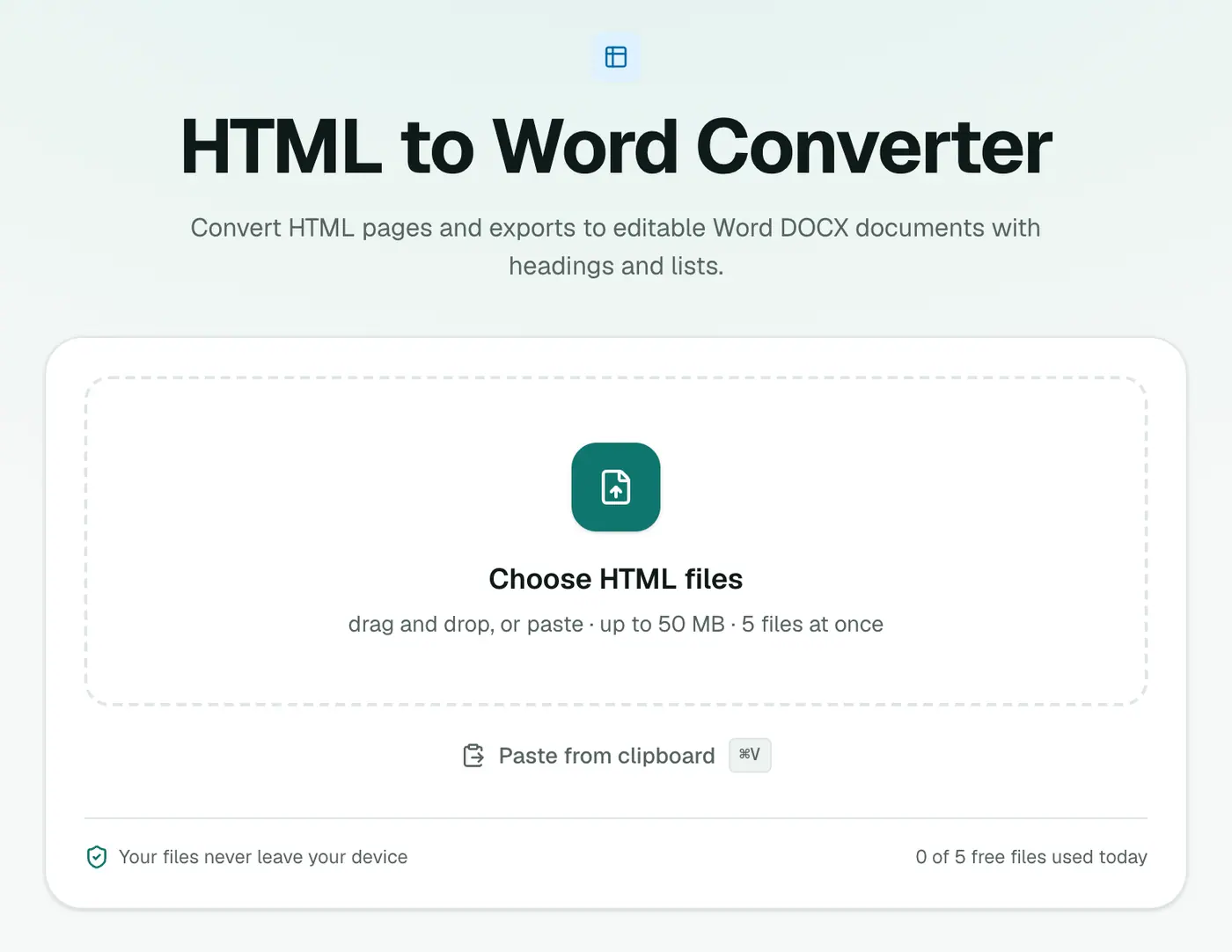
2. Add your HTML files
Drop in .html or .htm files. To get a web page as a file, open it in your browser and press Ctrl+S (Cmd+S).
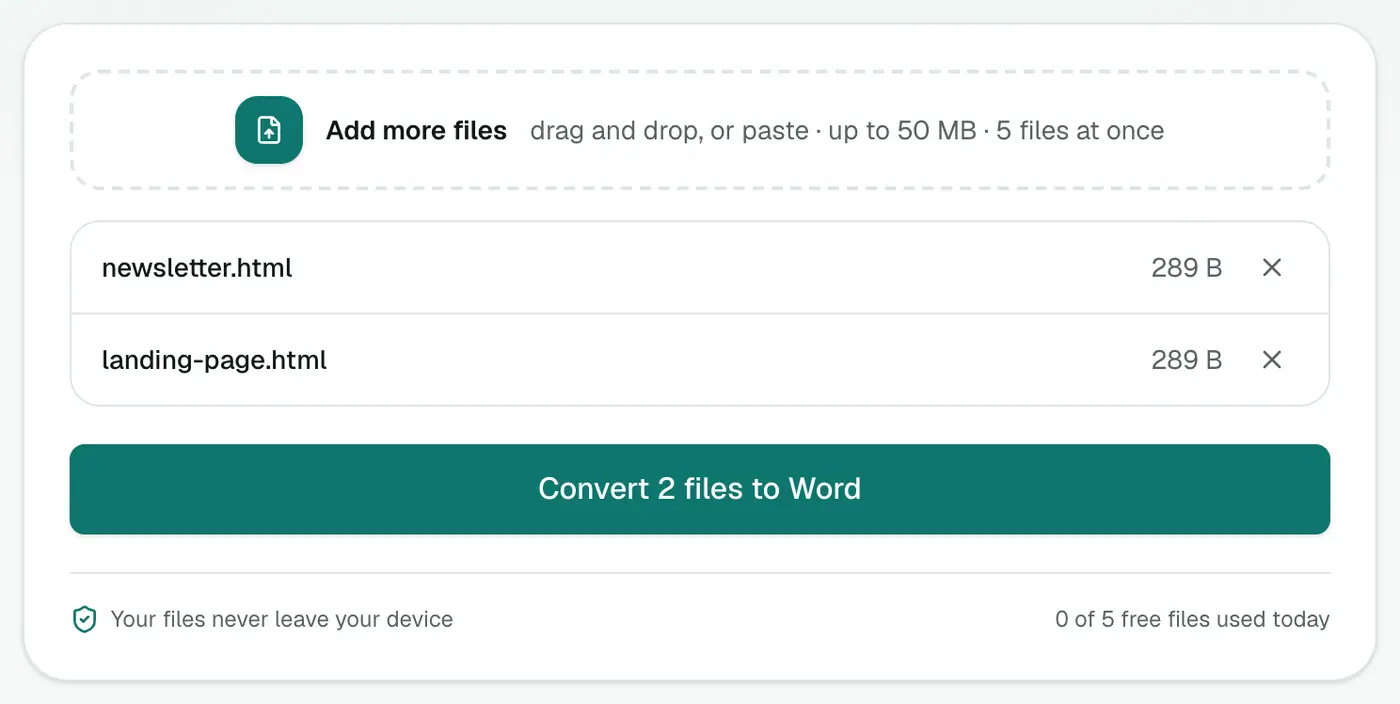
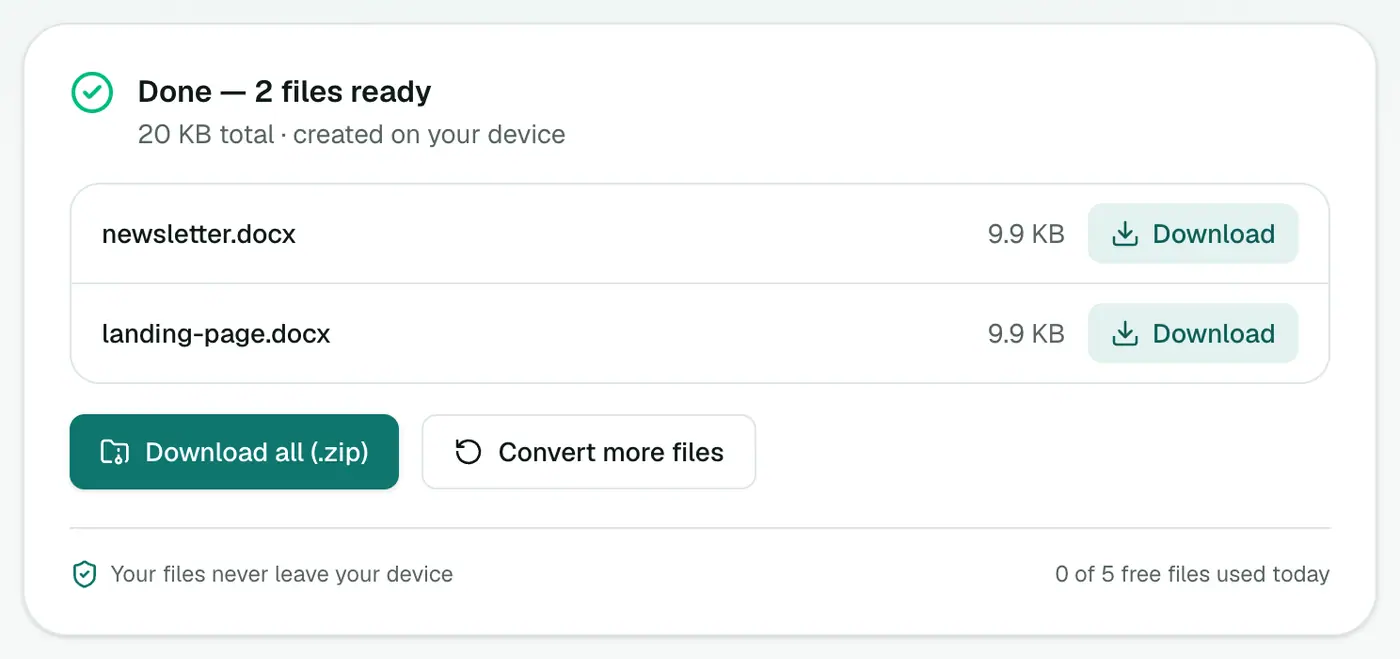
3. Convert and download
Click Convert to Word.
Tips
- Trim the page first if you only want the article. Menus and footers come along otherwise.
- Check tables with merged cells. They may need small fixes.
- Want a PDF instead? HTML to PDF.
- Going into a wiki or GitHub? HTML to Markdown.
What carries over
| HTML | In Word |
|---|---|
<h1>–<h6> | Heading styles (navigation pane works) |
<p> | Normal paragraphs |
<ul>, <ol> | Bulleted and numbered lists |
<table> | Word tables |
<strong>, <em> | Bold and italic |
| CSS, scripts | Dropped |
Getting the HTML
- Any web page: File → Save Page As → Web Page, HTML only in your browser.
- CMS exports: many CMSs export posts as HTML.
- Email newsletters: save the HTML version from your email platform.
When to choose something else
- Need the page to look exactly the same? HTML to PDF.
- Moving content into Notion or Obsidian? HTML to Markdown.
Summary
The HTML to Word converter gives you clean, editable structure from any HTML file, ready for review and rewriting.
FAQs
Does the Word document look like the web page?
It keeps the structure (headings, paragraphs, lists, tables and bold or italic text) but not the website's design. That makes it easy to edit and restyle.
Can I open HTML directly in Word?
Word can open some HTML files, but often brings across messy formatting. A clean conversion is easier to work with.
Are images included?
The converter focuses on text content. Images from the web aren't embedded.
Are images included?
Scripts and styling are dropped. Check the result for images; for a picture-perfect copy of a page, HTML to PDF is better.
Is the HTML uploaded?
No. It's converted in your browser.
Try the HTML to Word Converter
Free to start, no install, and your files never leave your device.